Why Does One Company Block Your Email But Nobody Else?

The short answer
When mail reaches everyone except one company, the block is almost always that company's own policy, not a problem with your domain. Their security gateway, an admin blocklist, an aggressive spam threshold, or a colleague's junk report is stopping you. The fix is to read the bounce code, confirm your authentication passes, and ask their IT admin to allowlist you.
Why does one company block your emails when nobody else does? Usually a local policy: a gateway rule, tenant blocklist or a junk report. Here is the fix.
On this page
- 01The short answer: it is their policy, not the internet
- 02The reasons one domain blocks you
- 03Before you start: prove it is really them
- 04Read the bounce: what the reply code means
- 05Blocked, bounced, or silently dropped?
- 06How to get allowlisted at one company
- 07Platform differences: where the block lives
- 08What to do when it still does not work
- 09A faster way: let an agent watch for it
If your email reaches everyone but one company, and you are asking why one company blocks your emails when nobody else does, the answer is almost always more local than it feels. A block that hits every recipient points at your domain or sending IP. A block that hits exactly one domain points at that domain's own rules.
That distinction is the whole diagnosis. Nothing about your account changed between the message that landed at ten other companies and the one that bounced at this company. What is different is the wall this particular company built in front of its own mailboxes. This guide shows how to confirm that, read what the bounce is telling you, and get a human on the other side to let you through.
The short answer: it is their policy, not the internet#
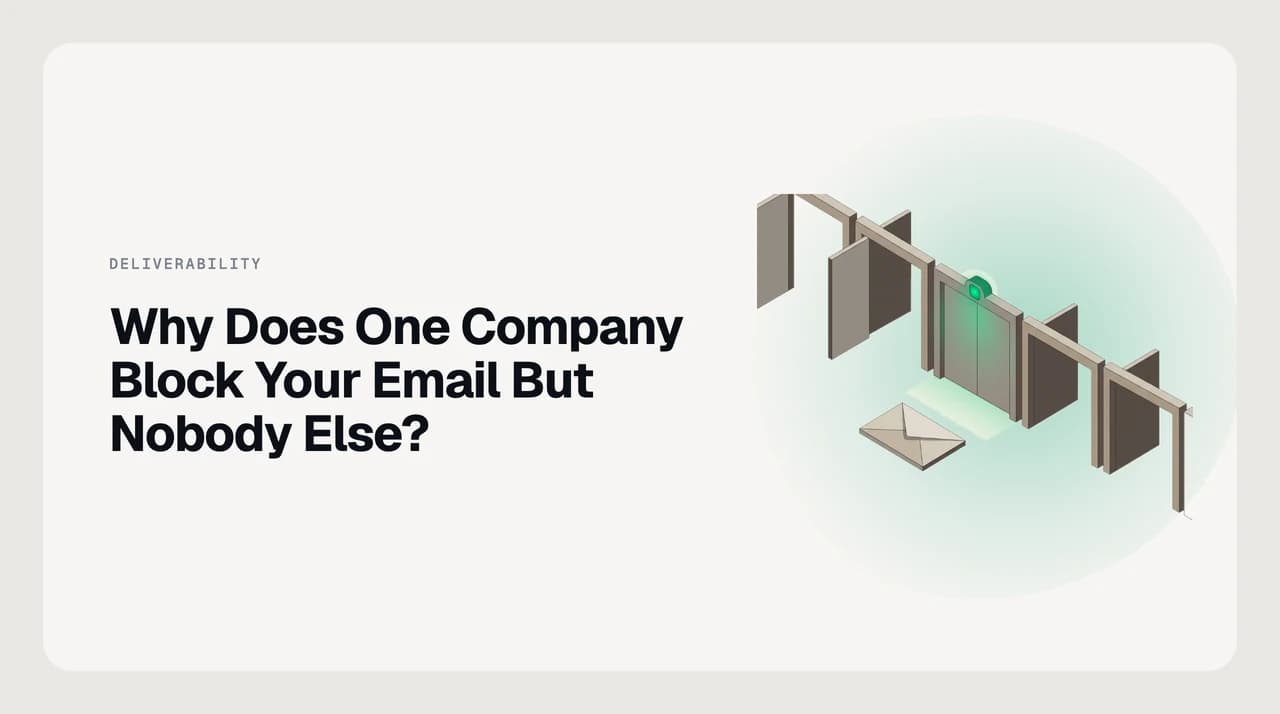
Email is not delivered by one central system. Each receiving organization runs its own filters, and each sets its own rules for what to accept, quarantine, or reject. So a message can pass every other server on earth and still be refused by one company that decided, for its own reasons, not to take it.
Those reasons are usually one of four things: a security gateway rule, an admin blocklist, your own authentication failing a strict receiver, or a single colleague marking you as junk. None of them mean your domain is broadly blacklisted. They mean one organization applied a local policy, and a local policy is lifted by the people who set it.
The fastest fix is usually a human, not a setting
The reasons one domain blocks you#
Work down this table from your symptom. The right-hand column matters most: it tells you who actually has the power to lift the block, which is rarely you alone.
| What is blocking you | How it looks | Who can lift it |
|---|---|---|
| A secure email gateway rule | Hard bounce or silence at one domain while every other domain delivers | That company's email or IT admin |
| A tenant or admin blocklist | Bounce citing policy, for example 550 5.7.1 at Microsoft 365 | The recipient's mail administrator |
| Failed SPF, DKIM or DMARC at a strict receiver | Some receivers reject or quarantine you while lax ones accept | You — this one is on your own domain to fix |
| A colleague marked you as junk | Your mail lands in one person's Junk folder, with no bounce | The recipient, or their admin if it spread org-wide |
| An aggressive bulk or rate threshold | The first messages arrive, then rejections start | The recipient's admin — or slow your sending |
Before you start: prove it is really them#
Two quick tests separate a local block from a problem on your side. Do both before you contact anyone, because the answer decides who you talk to. This is a five-minute step that saves an hour of chasing the wrong fix.
- Send a test to a second address at the same company. If that one also fails, the block is org-wide, not aimed at one person's mailbox.
- Send a test to an address on a completely different domain — a personal account works. If it arrives, your sending is healthy and the problem is specific to the blocking company.
- Note whether you got a bounce at all. A bounce means the message was refused in transit. No bounce, but no reply, often means it was accepted and filed to Junk.
- Record the exact time and the recipient. You will need both if you have to ask their admin to find the message in their logs.
Read the bounce: what the reply code means#
If you got a bounce, it carries a reply code that tells you why. Under the SMTP standard (RFC 5321), a server that declines to accept mail for policy reasons should return a 550 reply, and a 4xx code signals a temporary failure the sending server should retry. The three-digit code, and any extended code beside it, is the single most useful clue you have.
These are examples, and the exact codes vary by receiver. Microsoft 365, for instance, returns its own extended codes such as 550 5.7.1 for a message rejected as unauthorized and 550 5.7.23 when your SPF record is missing or fails. Match your bounce to the closest row and act on the right-hand column.
| Reply code | What it means | What to do |
|---|---|---|
| 550 (5.7.1) | Rejected for policy — you are blocked or treated as unauthorized | Ask their admin to allowlist you; a 5xx stays until they act |
| 550 5.7.23 | Your SPF record is missing or fails at the receiver | Fix your own SPF record, then resend |
| 554 | Transaction failed — often a reputation or content block | Check blocklists and message content, then contact their admin |
| 421 | Service temporarily unavailable — a soft, temporary failure | Wait and let your server retry; do not resend by hand |
| No bounce at all | Accepted, then filed to Junk or silently dropped | Ask your contact to check Junk and their blocked-senders list |
Blocked, bounced, or silently dropped?#
The three failure modes look different and need different fixes. A hard 5xx bounce is an open refusal — the receiver told you no, and you know exactly where you stand. A 4xx is a maybe-later; the message is queued on your side and retried automatically, so patience often clears it.
The hardest case is no bounce and no reply. The receiver accepted the message, then its filter routed it to Junk or discarded it quietly. There is nothing in your outbox to react to, which is why the tests above matter: without them, a silent drop looks identical to a recipient who simply did not answer.

How to get allowlisted at one company#
Once you know the block is local, this is the order of operations. The manual steps still work, and following them in this sequence stops you fixing the wrong thing.
- 1
Confirm the block is local
Use the two tests above. If only the one domain fails and everything else delivers, you are dealing with that company's policy, and the rest of these steps apply. If everything fails, stop here and work on your own domain and IP reputation instead.
- 2
Read the bounce for the code and any contact
Open the full bounce message. Note the reply code, whether it is a hard 5xx or a temporary 4xx, and any postmaster URL or address it names. A 4xx will often clear on its own; a 5xx will not until someone acts.
- 3
Check your own SPF, DKIM and DMARC
A strict receiver may reject a message that fails authentication alignment while a lax receiver waves it through — which produces exactly this one-domain symptom. Run your records through a checker and fix any failure before you ask anyone to allowlist you.
- 4
Check your domain and IP reputation
Look up whether your sending domain or IP appears on a public blocklist. One company's gateway may subscribe to a list that others ignore. If you are on a shared sending IP, a neighbour's behaviour can be the reason you specifically are caught here.
- 5
Find the right human
Your contact at the company is the fastest route: ask them to check Junk, remove you from their blocked senders, and, if it is org-wide, raise it with their IT or email admin. The bounce may also name a postmaster address you can write to directly.
- 6
Send a clear allowlist request
Give the admin everything they need in one message: your sending domain, your sending IP from the bounce headers, the exact error returned, and a sample. Ask them, in plain terms, to add your domain to their allow list.
Platform differences: where the block lives#
Where you send the request depends on how the recipient runs their mail. The control that blocked you sits in a different place on each platform, and naming it correctly makes an admin far more likely to act quickly. Verify the current terms on each vendor's own page, as product names and controls change.
| Recipient platform | Where the block usually lives | Who to ask |
|---|---|---|
| Microsoft 365 / Exchange Online | Tenant Allow/Block List, anti-spam policy, or spoof intelligence | The tenant's Exchange or security admin |
| Google Workspace | Admin blocklist and spam settings, or a user's own Gmail filters | The domain's Google Workspace admin |
| Third-party gateway (Proofpoint, Mimecast, Barracuda) | The gateway's reputation and blocklist rules, applied before the mailbox | The IT or security team that runs the gateway |
| Small business on shared hosting | A server spam score, a host-level blocklist, or an RBL subscription | The host's support, or the domain owner |
What to do when it still does not work#
Sometimes the request stalls or the block persists. When that happens, widen the approach rather than repeating the same email. A block that survives one polite request usually needs a person, not another attempt.
- Escalate through a relationship. If you have an account manager, sponsor, or any warm contact inside the company, ask them to walk your request to IT.
- Reach a human on another channel. A short phone call or message often gets a mail admin to check a log faster than an email that may itself be blocked.
- Rule out a shared-IP neighbour. If you send through a shared provider, someone else on your IP may have earned the reputation you are being judged by.
- Consider a cold or new domain. A recently registered sending domain has no track record, and some gateways treat that as a risk on its own.
- Ask for a mail-flow rule. An admin can add a transport or mail-flow rule that trusts your specific domain, which is often cleaner than a broad allow entry.
Resending the same message can make it worse
A faster way: let an agent watch for it#
None of this changes where the block lives. It is on the other company's server, and nothing you install on your side can force their gateway to accept you — only their admin can. What eats your time is the watching: catching the bounce, reading the code, spotting which domain failed, and drafting the request to the right person.
That continuous version of the steps above is the part a client-side agent can carry. AI Emaily surfaces bounce and non-delivery messages across your connected Gmail, Outlook and IMAP accounts, pulls out the reply code and the failing recipient domain, and drafts the allowlist request in your own voice — from your Personal Context, for you to approve before it sends. It will not lift the remote policy, but it stops the same block slipping past you unnoticed. We build AI Emaily, and it comes with a 7-day free trial on the Pro and Autopilot plans.
Frequently asked
See it in AI Emaily
Keep reading
Sources

Written by
Nafiul HasanNafiul Hasan is an entrepreneur and AI automation system builder with 10+ years of experience turning messy, manual workflows into reliable automated systems. He designs and ships AI enterprise solutions end-to-end — the agent logic, the data plumbing, and the product people actually use — and founded AI Emaily to give busy professionals their attention back. He writes here from the builder's seat: what works, what breaks, and how to put AI to work without giving up control.