Blog

Get your inbox back.

In-depth guides on email writing, Gmail and Outlook, AI email management, inbox zero, security, and focus — from the team building AI Emaily, the AI email client that doesn’t just draft, it acts.
35topics15industries

Browse by topic

All articles →
92
Email writing & templatesCopy-paste templates and how-to-write guides for every email.
134
Gmail how-tosMaster Gmail — and let AI Emaily do it across every account.
133
Outlook how-tosGet more from Outlook, or run it through one AI inbox.
80
AI email prompts & use-casesPrompts and playbooks for writing email with AI.
59
AI email managementTriage, automate, and manage your inbox with AI.
27
Inbox zero & productivitySystems to clear the inbox and keep it clear.
25
Email security & privacyPhishing, spam, encryption, and private AI email.
23
Email by roleInbox playbooks for founders, sales, recruiters, and more.
19
Autonomous email & agentsThe shift from drafting to an agent that acts.
31
Email automation & workflowsRules, sequences, and workflows that run themselves.
43
Email etiquette & communicationTone, subject lines, sign-offs, and clear writing.
14
Providers & migrationSwitch, unify, and migrate across every email provider.
114
Email glossary & conceptsPlain-English answers to how email actually works.
14
Voice, drafting & personalizationWrite in your voice, at scale, in any language.
60
Productivity & deep workProtect focus and make email a smaller part of your day.
93
Best email tools by roleBuyer roundups for the job you actually do.
90
Best email software by industryWhat to run your inbox on, vertical by vertical.
90
Best email clients by platformBy operating system, device, provider and constraint.
93
Best tools by email jobTriage, shared inboxes, search, unsubscribe — by the job to be done.
155
AlternativesLeaving a tool? Here's what's actually comparable.
147
Head-to-head comparisonsNeutral comparisons, including where we lose.
61
AI Emaily vsHow we compare, with the trade-offs on the record.
119
Pricing and reviewsWhat things cost, and whether they're worth it.
92
Switching and migrationMove providers or clients without losing mail.
101
Buyer guidesEvaluate, security-review and roll out an email tool.
91
Apple Mail & iCloudMail on macOS, iPhone and iPad — and iCloud Mail itself.
64
Mobile emailAndroid, mobile apps, and getting real work done on a phone.
90
Other providersProton, Fastmail, Zoho, Yahoo, hosting webmail and self-hosted.
30
Troubleshooting & errorsBounce codes, sync failures, and mail that won't arrive.
91
Deliverability & authenticationSPF, DKIM, DMARC, and reaching the inbox.
25
Stopping unwanted emailBlock, filter, unsubscribe — what each one actually does.
25
Unwanted email by appThe controls Gmail, Outlook, Apple Mail and Yahoo really give you.
15
Unsubscribing & opting outWhen unsubscribe works, when it doesn't, and what to do instead.
15
Unsolicited & sales emailSorting first contact you want from pitches you don't.
19
Spam blockers & cleanup toolsWhich are worth it, which are free, and who pays for the free ones.

Latest

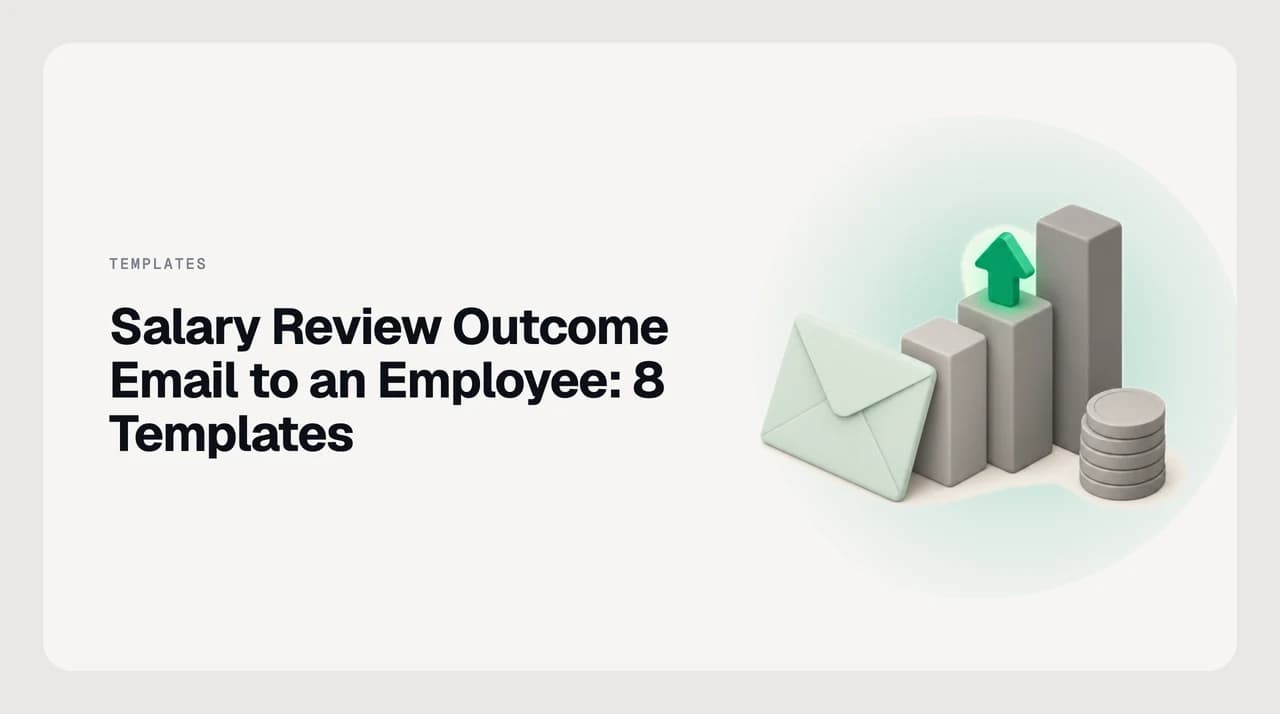
A mint envelope leaning against three columns of rising height like a pay band, with a coin stack and a green upward arrow on the middle column
Email writing & templates

Salary Review Outcome Email to an Employee: 8 Templates

Eight copy-paste templates for a salary review outcome email to an employee: raise, small raise, no raise, off-cycle, promotion and pay band.

Nafiul HasanNafiul Hasan
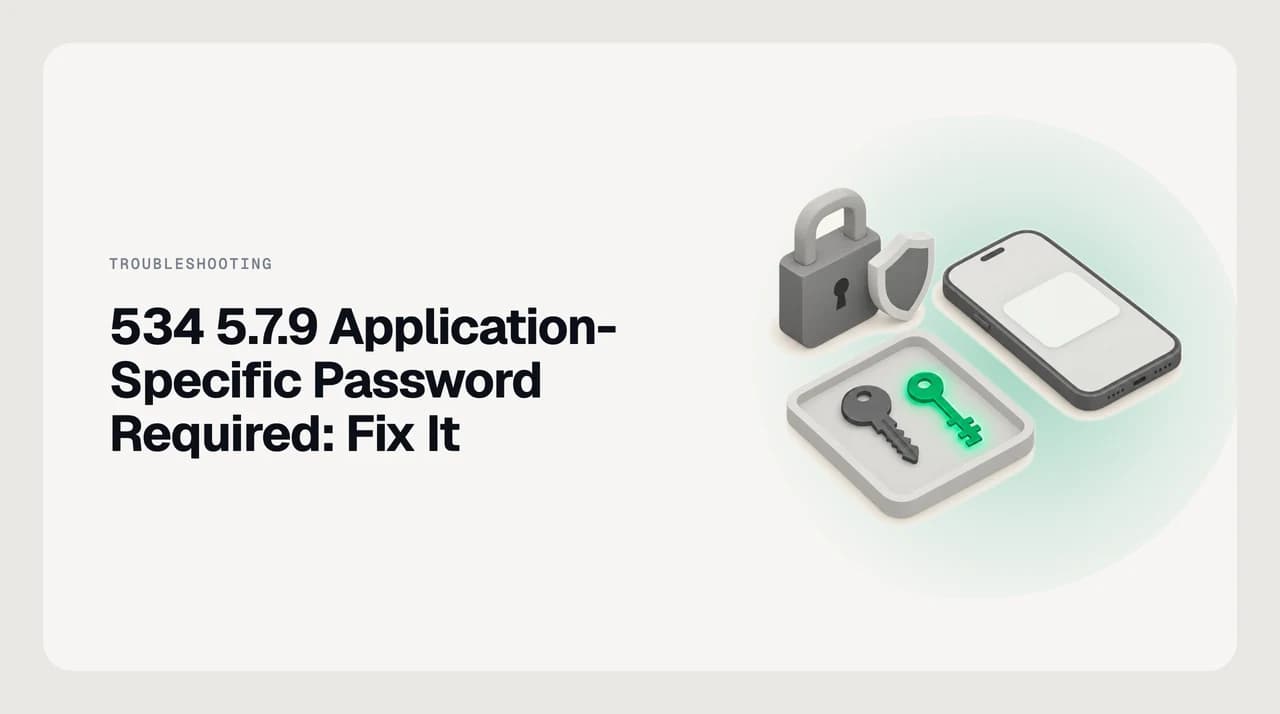
A padlock and two-step shield beside a phone showing a sign-in prompt, and a tray holding a regular key next to a green app-specific key: the normal password no longer works over SMTP
Troubleshooting & errors

534 5.7.9 Application-Specific Password Required: Fix It

Gmail's 534 5.7.9 application specific password required means 2-Step Verification blocks your normal password over SMTP. Use an app password or OAuth.

Nafiul HasanNafiul Hasan
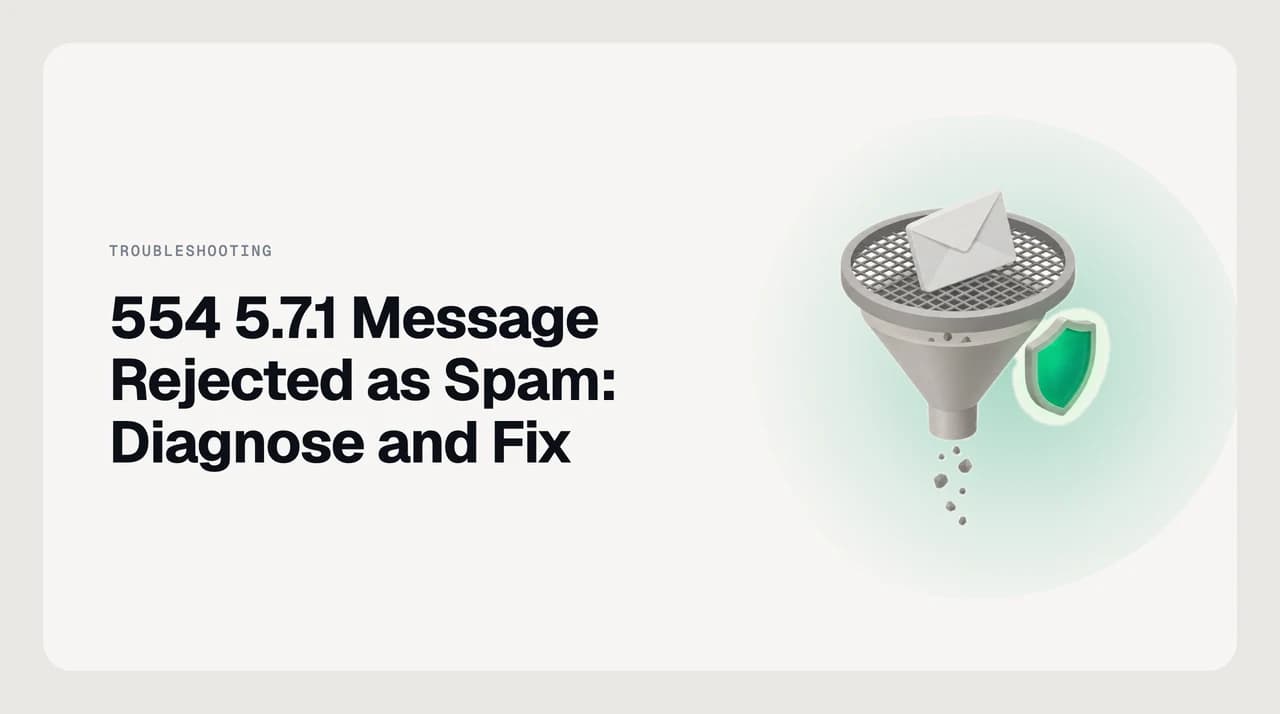
An envelope caught on the mesh of a filter funnel while small particles fall through, beside a green shield: a message the recipient's spam filter refused
Troubleshooting & errors

554 5.7.1 Message Rejected as Spam: Diagnose and Fix

554 5.7.1 message rejected means the recipient's filter refused your mail as spam. Here is how to tell blocklist, authentication and content causes apart.

Nafiul HasanNafiul Hasan
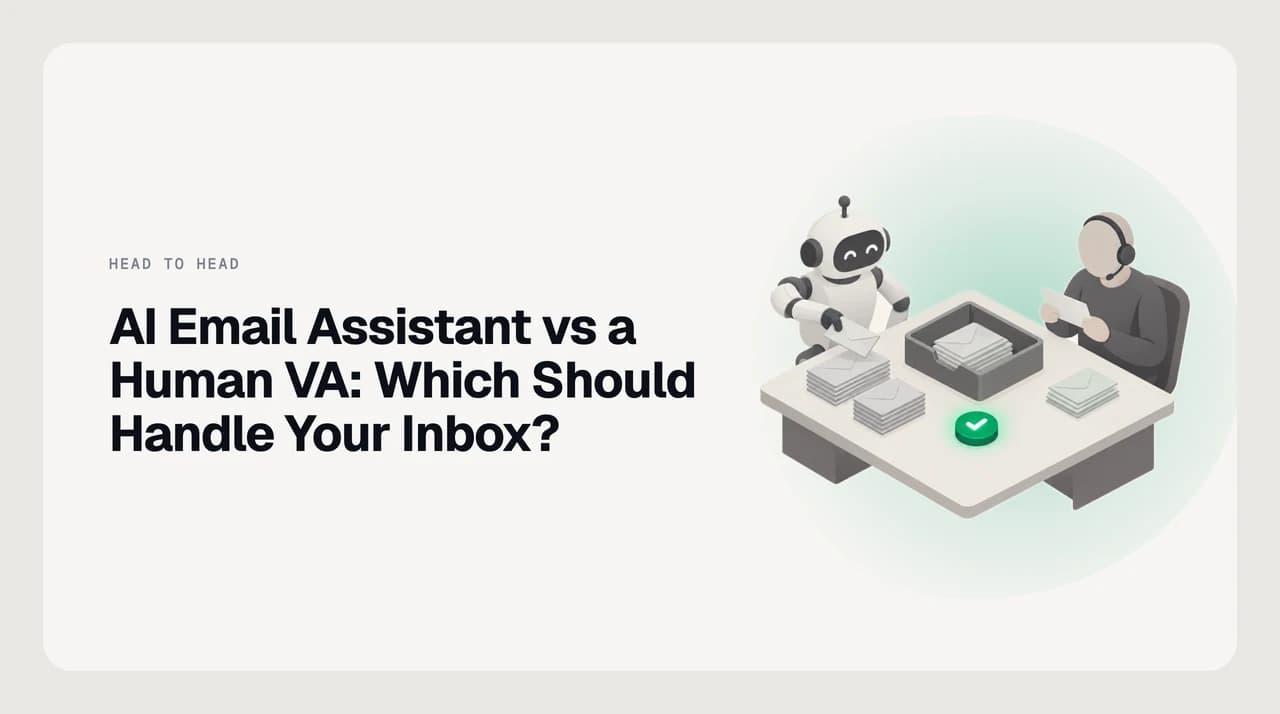
A shared desk with an inbox tray in the middle: a small robot sorts envelopes into stacks on one side, a person with a headset reads one letter carefully on the other, and a green approval button sits between them
Head-to-head comparisons

AI Email Assistant vs a Human VA: Which Should Handle Your Inbox?

AI email assistant vs virtual assistant: where software wins, where a human VA still wins, how each is priced, and how to delegate inbox access safely.

Nafiul HasanNafiul Hasan
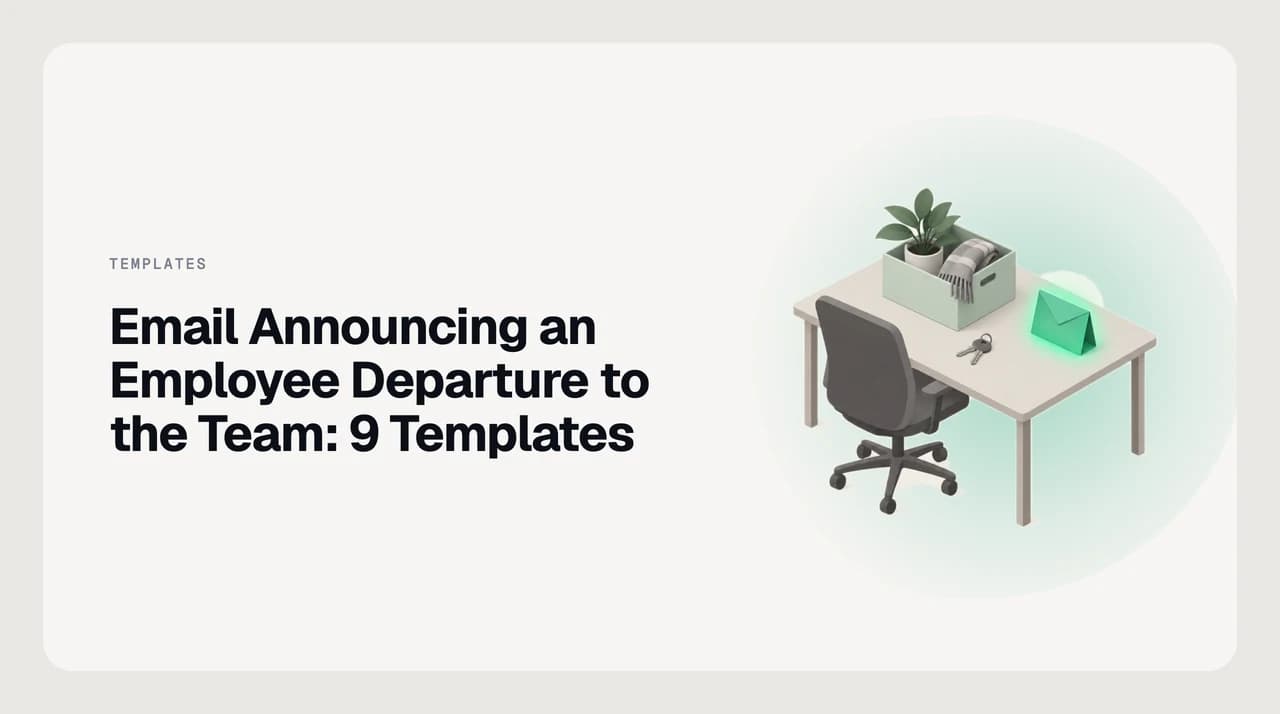
An emptied office desk with a packed mint box holding a plant and a scarf, a set of keys left on the desk and a green farewell envelope standing upright
Email writing & templates

Email Announcing an Employee Departure to the Team: 9 Templates

Nine copy-paste templates for an email announcing employee departure to team: resignation, retirement, transfer, involuntary exit, sudden exit and clients.

Nafiul HasanNafiul Hasan
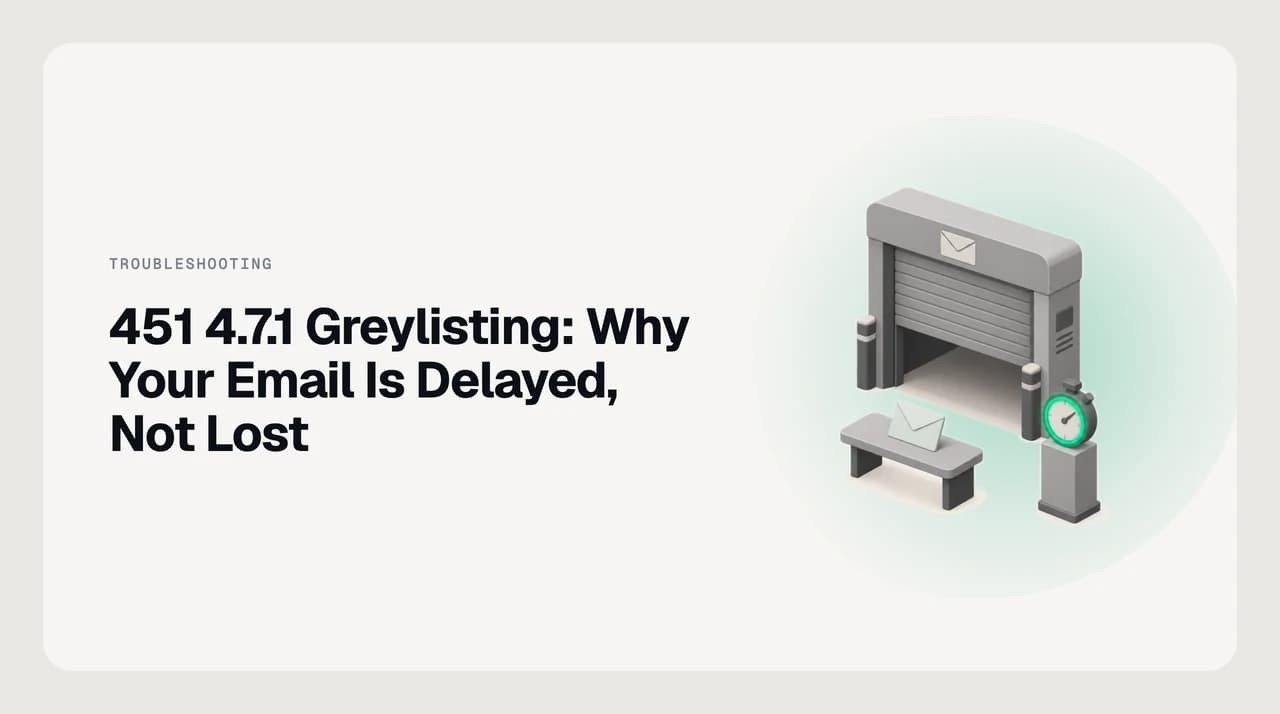
A mail server gate with its shutter half closed, an envelope waiting on a bench in front of it and a stopwatch with a green dial: a greylisting delay, not a rejection
Troubleshooting & errors

451 4.7.1 Greylisting: Why Your Email Is Delayed, Not Lost

451 4.7.1 greylisting is a temporary deferral, not a bounce. How long the delay lasts, and how to tell it from a block that will never clear.

Nafiul HasanNafiul Hasan
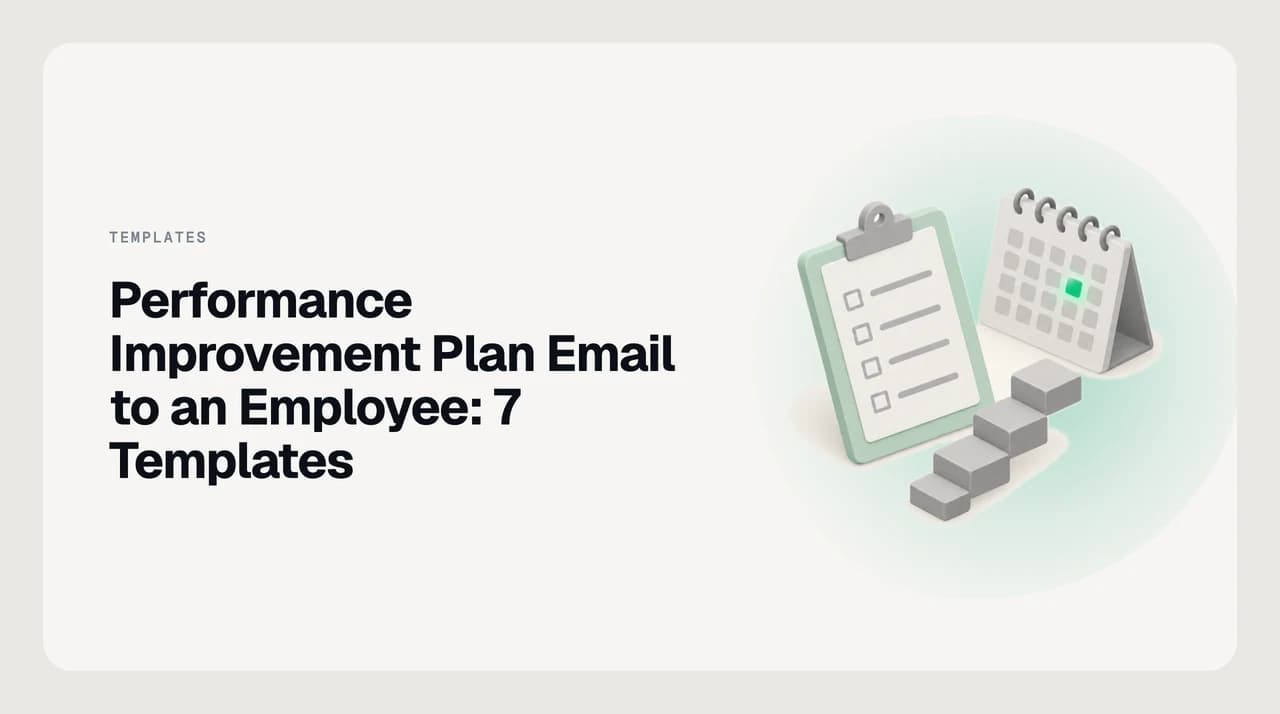
A mint clipboard with a checklist, a small staircase of blocks and a desk calendar with one green day marked: a performance plan with dated steps toward a goal
Email writing & templates

Performance Improvement Plan Email to an Employee: 7 Templates

Seven copy-paste templates for a performance improvement plan email to employee: concern note, meeting invite, plan, mid-point review and both outcomes.

Nafiul HasanNafiul Hasan
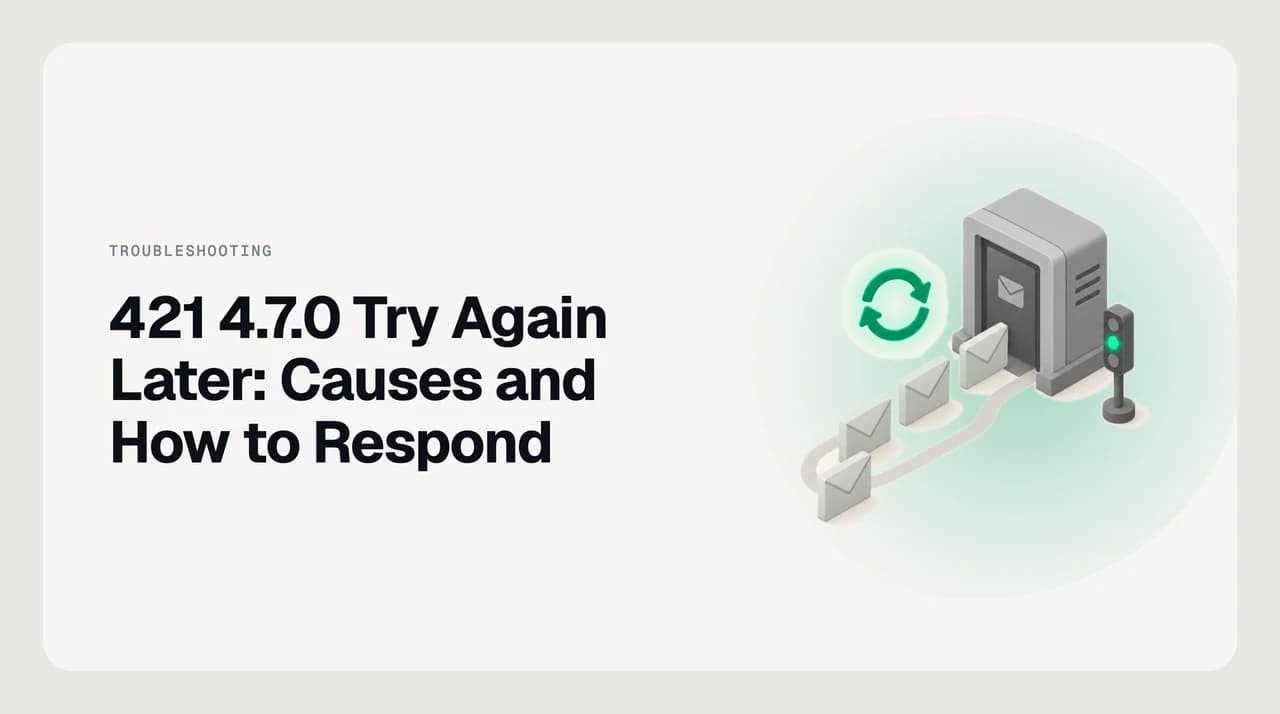
A mail server doorway with a signal light, a queue of envelopes waiting on a curved path and a green retry arrow above them: the receiver has deferred the mail and the sender will try again later
Troubleshooting & errors

421 4.7.0 Try Again Later: Causes and How to Respond

421 4.7.0 try again later is a temporary SMTP deferral that closes the connection. Learn what triggers it, when to wait, and when to act on reputation.

Nafiul HasanNafiul Hasan
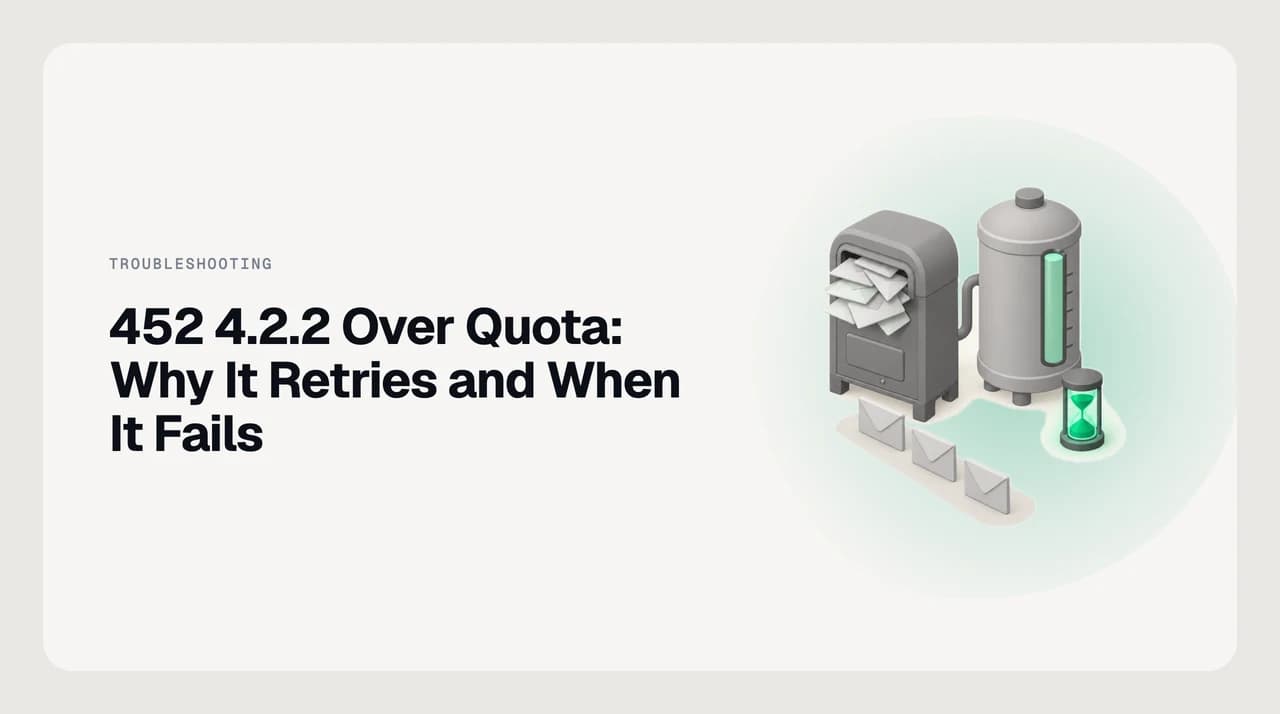
An overstuffed postbox beside a storage tank filled to the top, with three envelopes queued in front and a green hourglass: the mailbox is full, so delivery waits and retries
Troubleshooting & errors

452 4.2.2 Over Quota: Why It Retries and When It Fails

452 4.2.2 over quota means the recipient's mailbox is full right now. Your server keeps retrying and only bounces when the queue lifetime runs out.

Nafiul HasanNafiul Hasan
Ready when you are

Stop managing email. Let it manage itself.

Start your 7-day free trial. Cancel anytime.

  • 7-day free trial
  • Cancel anytime
  • Every provider