AI Email Assistant vs a Human VA: Which Should Handle Your Inbox?

The short answer
Use an AI email assistant for volume: sorting, summaries, first drafts and follow-up reminders, around the clock, at a flat monthly cost. Hire a human virtual assistant when your inbox is mostly judgement: relationships, negotiation, sensitive threads and work that leaves email. Many busy professionals do best with both, letting software handle volume and the VA handle exceptions.
AI email assistant vs virtual assistant: where software wins, where a human VA still wins, how each is priced, and how to delegate inbox access safely.
On this page
- 01The verdict up front
- 02AI email assistant vs virtual assistant at a glance
- 03How to read the table
- 04Where an AI email assistant wins
- 05Software also scales down and starts fast
- 06Where a human virtual assistant wins
- 07What a human can do that AI cannot (yet)
- 08Can a virtual assistant access your inbox safely?
- 09How executives delegate email securely to software
- 10Cost of a VA compared to AI email tools
- 11Comparing cost fairly
- 12Who each is genuinely for
- 13A third option, honestly
The ai email assistant vs virtual assistant question is really a question about what fills your inbox. If it is mostly volume (newsletters, scheduling, status updates, the same five questions every week), software handles it faster and cheaper than any person. If it is mostly judgement (a client who is about to leave, a board member who needs careful handling, a negotiation), a good human assistant is still better, and it is not close.
This page compares the two on the things that decide the hire: judgement on sensitive threads, cost shape, access control, availability, onboarding effort, and what each one does badly. We build AI Emaily, an AI email client, so we have a stake in the answer. That is why the verdict below gives the human side its real wins rather than pretending software does everything.
The verdict up front#
Pick an AI email assistant if your problem is the amount of email. It reads every message the moment it lands, sorts it, summarises long threads and drafts replies for you to approve. It does not get tired, take holidays or need a week of handover notes, and its cost does not rise with hours worked.
Pick a human virtual assistant if your problem is the stakes of email. A VA can call the person back, notice that a polite message is actually a complaint, chase a supplier by phone, and remember that you never say yes to Friday meetings with that one investor. Those are judgement and relationship jobs, and in late 2026 software still does them worse than a competent person.
For most executives and founders the honest answer is both, in layers. Software clears the volume so the VA spends paid hours on the 10 to 20 percent of threads that actually need a human. That is cheaper than asking a VA to read every newsletter, and safer than asking software to handle your most delicate relationships.
A quick test before you decide
AI email assistant vs virtual assistant at a glance#
| Dimension | AI email assistant | Human virtual assistant |
|---|---|---|
| Best at | Volume: sorting, summaries, first drafts, reminders | Judgement: tact, relationships, ambiguity, off-email tasks |
| Availability | Works whenever mail arrives, including nights and weekends | Working hours, time zone and holidays apply |
| Speed on routine mail | Seconds per message | Minutes per message, batched into work sessions |
| Reading tone and subtext | Improving, but misses unstated context | Strong, especially once they know your contacts |
| Work outside email | Limited to what the tool connects to | Phone calls, bookings, documents, chasing people |
| Cost shape | Flat monthly subscription, sometimes usage-metered | Hourly, retainer blocks or salary; scales with hours |
| Onboarding | Hours: connect a mailbox, set rules and context | Weeks: learn your contacts, voice and preferences |
| Access model | OAuth connection; scoped by the tool's permissions | Mail delegation or shared credentials; scoped by you |
| Main failure mode | Confident but wrong drafts on unusual threads | Turnover, gaps in coverage, inconsistent quality |
| Audit trail | Usually logged per action, depending on the tool | Only what the mail system records about the delegate |
How to read the table#
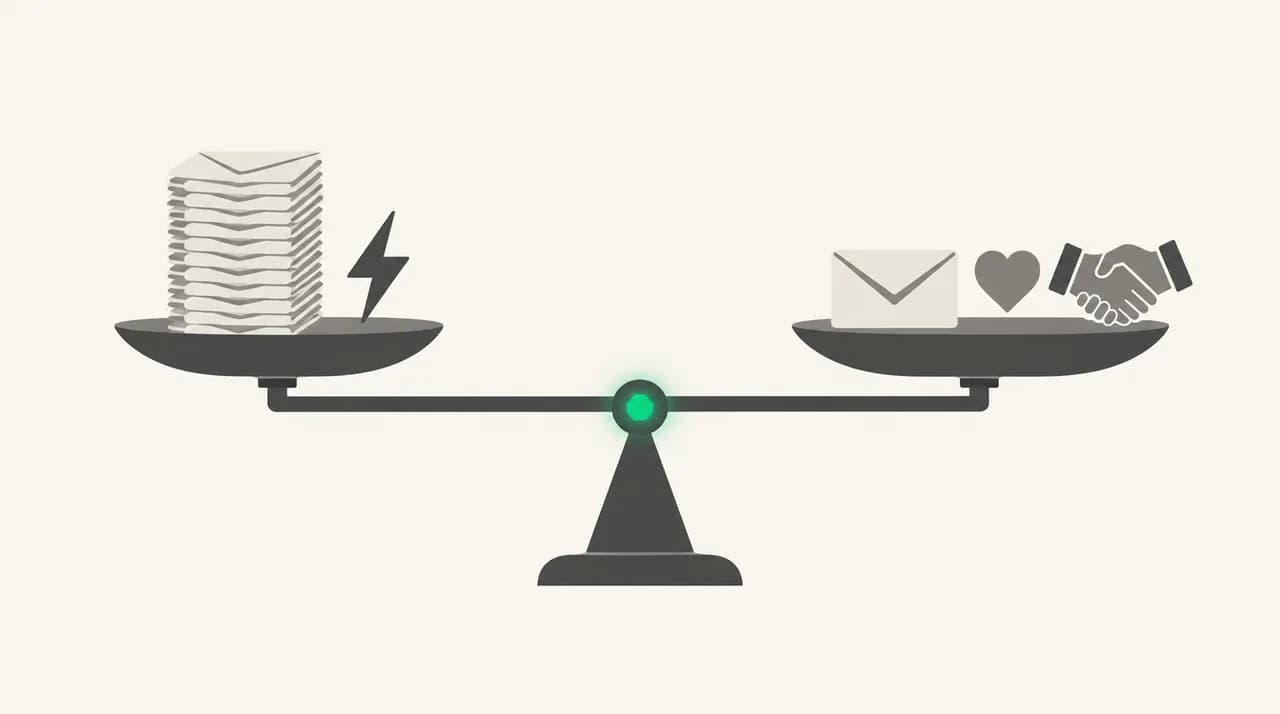
Notice that neither column wins outright. Software wins on availability, speed and cost shape. The person wins on tone, subtext and anything that leaves the inbox. The rows that should drive your choice are the ones that match where your time actually goes.
The access-model and audit-trail rows deserve extra attention, because they are where most delegation goes wrong. Both options need real access to your mail, and both can be set up badly. We cover how to do each one safely further down.
Where an AI email assistant wins#
Software's biggest advantage is that it never batches. A VA working a four-hour block checks your inbox a few times a day. An AI assistant processes each message as it arrives, so the urgent client email at 11pm is flagged before you wake up, not at 10am when the VA logs on.
The second advantage is cost that does not track hours. A VA who reads 200 emails a day is paid to read 200 emails a day, including the 150 that were newsletters and receipts. An AI assistant charges the same whether it sorts 50 messages or 500, or meters by usage at a rate far below human reading time.
- Triage at scale: every message sorted into priority, waiting, newsletters and noise without anyone reading it first.
- Thread summaries: a 40-message thread reduced to the decision, the open question and who owes what.
- First drafts: a reply ready for you to edit or approve, written in the style you set.
- Follow-up tracking: a reminder when someone has not replied, without anyone keeping a spreadsheet.
- Consistency: the same rule applied the same way on day 300 as on day one, with no turnover.
- No handover: no notes to write when someone is sick, leaves or changes time zone.
Software also scales down and starts fast#
Hiring a good VA takes interviews, a trial period and weeks of correction before they know who matters. An AI assistant is useful within an hour of connecting a mailbox. If it turns out to be the wrong fit, you disconnect it and nothing awkward happens.
It also scales down in a way people cannot. Plenty of professionals have about five hours a week of inbox work. That is too little to keep a good assistant engaged and too much to ignore. Software fits that gap without a minimum commitment of someone else's time.
Where a human virtual assistant wins#
A good VA still wins on judgement, and this is the dimension we concede outright. A person who has worked with you for six months knows that a short email from your biggest client means trouble, that your co-founder's sister should always get a reply, and that a particular vendor's 'quick question' is never quick. No AI email assistant we know of, including ours, reliably picks up that kind of unwritten context.
Relationships are the second win. People can tell when they are talking to a person who knows them. A VA can apologise properly, push back without sounding scripted, and build their own rapport with the assistants of the people you deal with. In executive work that network of assistant-to-assistant relationships gets a lot done.
- Reading between the lines: noticing that an 'all fine' email is actually upset.
- Ambiguous requests: making a reasonable call where there is no rule to follow.
- Work that leaves email: phone calls, travel bookings, expense reports, chasing paperwork.
- Sensitive threads: HR issues, legal matters, personal health or family messages.
- Accountability: a named person who can explain why they did something and do it differently next time.
- Calendar diplomacy: moving a meeting with a senior person without causing offence.
What a human can do that AI cannot (yet)#
The honest line in late 2026 is that AI drafts well when the right answer is already in the thread or in context you have written down. It drafts badly when the right answer depends on history you never wrote down, on reading a mood, or on picking up the phone. A VA can learn those things on the job. Software only knows what you tell it.
Humans also fail differently. A tired VA makes a typo or misses a message. An AI assistant can produce a fluent, confident reply that is wrong in a way that sounds right. That is why approval-before-send matters so much on the software side, and why sensitive categories should go to a person.
Don't let either one send on sensitive threads unsupervised
Can a virtual assistant access your inbox safely?#
Yes, if you use the mail system's own delegation instead of sharing your password. Sharing a password gives the assistant everything: your account settings, your recovery options and every other service signed in with that account. Delegation gives them the mailbox and nothing else.
In Gmail, a delegate can read, send and delete mail for you, and messages they send show their own address alongside yours. Google's help page says a delegate cannot chat or change your password, and that features such as Google Account settings and Gemini in Gmail are not available to delegates (as of October 2026). Personal Gmail accounts allow up to 10 delegates; work and school accounts allow far more, and a Workspace admin can turn delegation on or off.
In Outlook, delegate access is only available on work or school accounts in Microsoft 365 or Exchange Online. You choose a permission level per folder: Reviewer can read, Author can read and create items, and Editor can also change and delete items you created. Microsoft notes that 'send as' permission can only be granted by your organisation's admin.
- 1
Use delegation, never your password
Grant access through Gmail's 'Grant access to your account' setting or Outlook's delegate permissions, so the assistant signs in as themselves.
- 2
Grant the lowest level that works
In Outlook, start a new VA on Reviewer or Author rather than Editor. Raise it once you trust their judgement.
- 3
Keep sensitive mail out of reach
Route legal, HR or personal mail to a separate folder or address that is not delegated.
- 4
Review delegates quarterly
Remove anyone who no longer works with you. Google's help page notes that a delegate keeps access even after the owner's password expires, until you remove them.
How executives delegate email securely to software#
AI email assistants usually connect through OAuth, the same 'Sign in with Google or Microsoft' screen you use for other apps. That means no shared password, and you can revoke access from your Google or Microsoft account settings at any time. Before connecting, read which permissions the tool asks for, and whether it says it trains models on your mail.
The questions that matter for software are a little different from the ones for a person. Can it send without you? Can you undo a send? Is there a log of every action it took and why? Can you restrict it to certain senders? If a vendor cannot answer those on its own website, treat that as an answer.
Cost of a VA compared to AI email tools#
We are not going to print prices here, for either side. VA rates vary enormously by country, experience, agency versus freelancer, and whether you need someone in your time zone. AI tool prices change often enough that any figure on this page would be out of date within months. Check the current number on each provider's own page before you decide.
What we can describe reliably is the shape of each cost, and the shape matters more than the headline number.
| Cost model | How it works | What to watch for |
|---|---|---|
| Freelance VA, hourly | Pay per hour worked, often tracked with time-logging software | Inbox reading time is billable; volume work gets expensive |
| VA agency retainer | A block of hours per month, often with a backup assistant | Unused hours may not roll over; who covers sickness |
| Full-time or part-time hire | Salary plus employer costs, benefits and equipment | Recruiting time and notice periods if it does not work out |
| AI assistant, flat subscription | A fixed monthly or annual fee per user | Feature limits by tier; what the cheapest tier excludes |
| AI assistant, usage-metered | A monthly allowance of actions or credits, with top-ups | Heavy months cost more; check what one unit actually covers |
Comparing cost fairly#
The fair comparison is not 'VA hourly rate versus AI monthly fee'. It is the cost of the work each one would actually do. Count how many hours a week your inbox takes, then split those hours into volume and judgement. Software replaces most of the volume hours. A person is still needed for the judgement hours.
Run that sum and the layered setup often wins on cost as well as quality. You pay a flat software fee for the volume, and the VA's billable time shrinks to the threads that need them. Many VAs welcome this, because reading newsletters is not why anyone takes the job.
Who each is genuinely for#
Most readers will see themselves in one of these rows. If you land clearly in the human column, stop reading here and go hire a good assistant. Software will not fix a judgement problem.
| Your situation | Best fit | Why |
|---|---|---|
| Solo founder, high volume, mostly routine mail | AI email assistant | Volume is the problem; cost needs to stay flat |
| Executive with a board, investors and press contacts | Human VA plus AI for volume | High-stakes relationships need a person; volume still needs clearing |
| Consultant juggling several client mailboxes | AI email assistant | Many accounts, repeated questions, needs per-client context |
| Someone whose inbox drives calls, travel and paperwork | Human VA | The work leaves email, where software cannot follow |
| Team lead in a regulated industry | Human VA, or AI in approval-only mode | Compliance needs a reviewer and a clear record |
| Five hours a week of inbox work | AI email assistant | Too little for a good VA to stay engaged |
| Inbox full of sensitive personal or HR matters | Human VA | Tact and discretion matter more than speed |
A third option, honestly#
There is a middle path between 'software does it' and 'a person does it': software that drafts and a human who approves. That human can be you, or it can be your VA. This is the setup we built AI Emaily around, and we build it, so read this section with that in mind.
In AI Emaily you can assign any thread to a teammate or to the AI agent from the same menu, with a one-line handoff note like 'chase the signed contract, do not mention pricing'. When you assign to the agent you pick its authority. Copilot drafts a reply that waits in a queue until someone approves it. Autopilot can send on its own, but only to senders you have allow-listed, with a cancellable undo countdown, a pause switch for all autonomous sends and an audit log of every action. Manual keeps the agent hands-off.
That makes a layered setup practical. The agent drafts the routine replies and your VA, as a team member on the mailbox, approves or rewrites them instead of writing from scratch. The agent matches your voice from your sent mail and writes from the context folders and per-client profiles you set up, leaving a placeholder rather than inventing a missing fact. It works across Gmail, Outlook and IMAP accounts.
What it does not do is replace the judgement section above. It will not call anyone, book your travel or notice that a client sounds upset unless the words say so. If those are your problems, hire the person first. AI Emaily has a 7-day free trial on the Pro and Autopilot plans, with no permanent free plan, and the current prices are on our pricing page.
Frequently asked
See it in AI Emaily
Keep reading
Sources

Written by
Nafiul HasanNafiul Hasan is an entrepreneur and AI automation system builder with 10+ years of experience turning messy, manual workflows into reliable automated systems. He designs and ships AI enterprise solutions end-to-end — the agent logic, the data plumbing, and the product people actually use — and founded AI Emaily to give busy professionals their attention back. He writes here from the builder's seat: what works, what breaks, and how to put AI to work without giving up control.