Email Announcing an Employee Departure to the Team: 9 Templates

The short answer
To announce an employee departure, tell the team who is leaving, their last day, who covers each piece of their work, and how to say goodbye. Keep it short, send it after the person knows, and state only facts. If you cannot explain the reason, say so and do not speculate.
Nine copy-paste templates for an email announcing employee departure to team: resignation, retirement, transfer, involuntary exit, sudden exit and clients.
On this page
- 01When should you send an announcement that someone is leaving?
- 02What does a good departure announcement contain?
- 03What are the nine templates, and which one fits?
- 04Template 1: Voluntary resignation
- 05Template 2: Resignation with a farewell event
- 06Template 3: Retirement
- 07Template 4: Internal transfer
- 08Template 5: A leader or manager is leaving
- 09Template 6: How do you announce a departure to clients?
- 10Template 7: What should a last-day reminder say?
- 11Who covers the work, and how do you say so?
- 12What is the hard version of this announcement?
- 13Template 8: An involuntary exit
- 14Template 9: A departure you cannot explain
- 15Should you say why an employee left?
- 16Where does AI Emaily fit?
- 17What if nobody replies to the announcement?
An email announcing an employee departure to the team has one job: stop people guessing. Silence after someone leaves fills up with rumours within a day, and the rumours are usually worse than the truth.
Below are nine copy-paste templates written from the manager's seat, covering resignation, retirement, internal transfer, a leader leaving, a client-facing notice, a last-day reminder, and the two hard cases: an involuntary exit and a departure you cannot explain. Each one has bracketed placeholders like [NAME] and [LAST DAY] so you can fill it in and send it.
When should you send an announcement that someone is leaving?#
Send it once three things are true: the person knows you are announcing it, you know who covers their work, and any client or partner who will be affected has either heard already or is about to hear from you directly. Sending before those are settled creates a second round of emails to fix the first.
For a voluntary resignation, that usually means agreeing the wording with the employee first. Many people want to tell their closest colleagues themselves, so give them a day to do it before the team-wide note goes out.
For an involuntary exit, send it after the conversation with the person has happened and their access has been handled. Never let the team find out from an out-of-office reply or a bounced message.
- Resignation: after the employee agrees the wording, ideally the same day or the next working day.
- Retirement: as soon as the date is firm, and again a week before the last day.
- Internal transfer: when the new role is confirmed, with the start date of the handover.
- Involuntary exit: after the person has been told, and the same day if possible.
- Sudden departure: as soon as people will notice, even if you can say very little.
What does a good departure announcement contain?#
Five things, in this order: who, when, what happens to their work, how to say goodbye, and who to ask. Everything else is optional. If the email answers those five, the reader can act on it without replying.
Keep it to about 100 to 150 words. A longer note starts to read like a eulogy or an explanation, and neither is what the team needs. The plain-language guidance published through Digital.gov (formerly PlainLanguage.gov) makes the same point for any workplace writing: lead with what the reader needs, use short sentences, and name who does what.
| Element | Why it matters | Example wording |
|---|---|---|
| Who and when | Stops people asking whether it is true and when it takes effect | [NAME] will leave on [LAST DAY]. |
| Coverage | The part readers care about most: who do I go to now | [COLLEAGUE] takes over [WORK AREA] from [DATE]. |
| Reason (only if the person agrees) | Prevents speculation, but is never required | [NAME] is moving to [NEW ROLE / COMPANY]. |
| Thanks, specific and brief | Gives the note warmth without padding | [NAME] built our [PROJECT / PROCESS]. |
| Farewell details | Gives people a way to send their own goodbye | Drinks are on [DATE] at [PLACE]; cards are at [LINK]. |
What are the nine templates, and which one fits?#
Pick the row that matches your situation, then jump to that template. The first seven cover the ordinary cases. The last two, templates 8 and 9, are the difficult ones and have their own section further down.
| # | Template | Use it when | Tone |
|---|---|---|---|
| 1 | Voluntary resignation | Someone is leaving for another job or personal reasons | Warm, brief |
| 2 | Resignation with farewell event | You want people to say goodbye in person or online | Warm, practical |
| 3 | Retirement | A long-serving colleague is retiring on a set date | Celebratory |
| 4 | Internal transfer | The person stays in the company but moves teams | Upbeat, clear on handover |
| 5 | Leader or manager leaving | A person others report to is leaving | Calm, structured |
| 6 | Client-facing announcement | Customers or partners dealt with this person | Reassuring, specific |
| 7 | Last-day reminder | You sent the first note and the last day is near | Short |
| 8 | Involuntary exit | The company ended the employment | Neutral, factual |
| 9 | Sudden departure you cannot explain | Someone is gone and you cannot give a reason | Honest, coverage-first |
Template 1: Voluntary resignation#
Use this when the person is leaving by choice and is happy for the team to know. Add the new role only if they have said you can.
Template 2: Resignation with a farewell event#
Use this when you want the announcement to double as the invitation. It works well for remote teams, where goodbyes otherwise never happen.
Template 3: Retirement#
Retirement is the one departure where a few more words of thanks are welcome. Keep the practical details just as clear, because a retiring person often holds knowledge nobody else has.
Template 4: Internal transfer#
An internal move is not a goodbye, and the email should not read like one. The risk is the opposite: people assume the person is still available for old questions.
Template 5: A leader or manager is leaving#
When a manager leaves, the team's first questions are about reporting lines and priorities, not goodbyes. Answer those before you say anything else.
Template 6: How do you announce a departure to clients?#
A customer-facing notice is shorter than the internal one and leads with continuity. The client wants to know three things: who they call now, whether service changes, and when. Do not mention the reason unless the departing person has asked you to.
Send this one from the person's manager or the named successor, not from the person leaving. Check that the successor has the account notes before the email goes out.
Template 7: What should a last-day reminder say?#
A second note near the last day catches the people who missed the first. Keep it to four lines: it is a nudge, not another announcement.
Who covers the work, and how do you say so?#
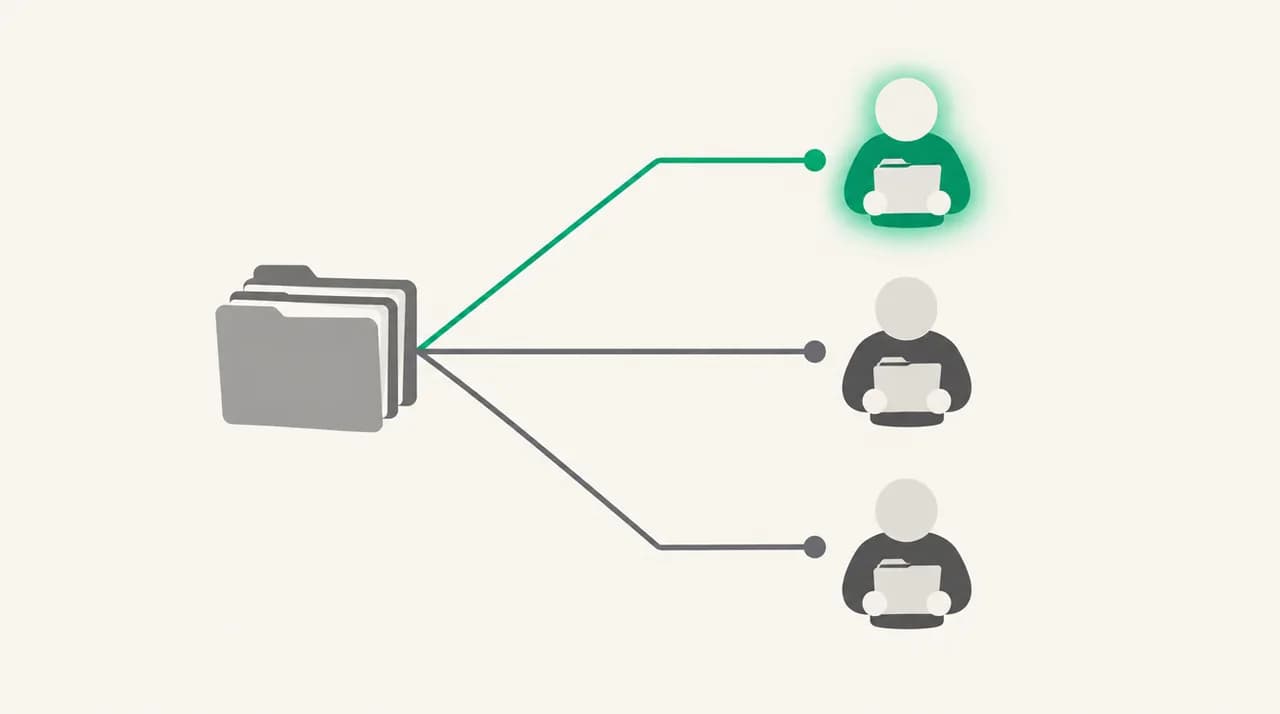
The coverage line is the most useful sentence in the whole email, and the one managers most often leave vague. Write it as a short list of work areas, each with one named owner and a start date.
Avoid shared ownership wording like 'the team will pick this up'. A task owned by everyone is owned by no one, and the first client who chases it will land in your inbox.
| Vague wording | Specific wording |
|---|---|
| The team will cover [NAME]'s work. | [COLLEAGUE A] takes the [CLIENT] account; [COLLEAGUE B] takes weekly reporting. |
| Ask around if you need something. | Questions about [WORK AREA] go to [COLLEAGUE] from [DATE]. |
| We are working out a plan. | I will confirm the plan for [WORK AREA] by [DATE]. Until then, send urgent items to me. |
| [NAME] left some notes. | Handover notes are in [LOCATION]; [COLLEAGUE] has read them. |
What is the hard version of this announcement?#
Two situations make the standard template wrong: someone was let go, and someone is simply gone and you cannot say why. In both, the instinct is to write more. The better instinct is to write less and be exact about what you do know.
The principle is the same in both. State the departure date, state coverage clearly, and refuse to speculate. Say nothing you could not repeat in front of the person.
Check wording with HR or legal first
Template 8: An involuntary exit#
Do not use the word 'fired' and do not give a reason. 'No longer with the company' is true, neutral and enough. The team does not need the story, and the person leaving is entitled to a dignified exit.
Be ready for the follow-up question, 'was it for cause?' Decide in advance on a single answer: 'I am not able to discuss individual circumstances.' Use it every time.
Template 9: A departure you cannot explain#
Sometimes you genuinely cannot say why. The person left suddenly, the matter is confidential, or the facts are still being established. Admit that plainly and move straight to coverage.
Do not hint, do not say 'it is complicated', and do not confirm or deny what people have heard. Each of those is a statement, and statements get repeated.
Should you say why an employee left?#
Only if the employee agrees, and only if the reason is neutral and positive: a new role, a move, retirement. If there is any doubt, leave it out. Leaving a reason out is not secrecy; it is respect for the person's privacy.
The announcement that works is the one that answers 'what does this mean for me?' rather than 'what happened?'. A reader who knows who covers their work will rarely press for the reason.
Read it as a person who was not in the room
Where does AI Emaily fit?#
The announcement is one email. The work that follows is a week of replies: a client asking who their contact is now, a colleague asking whether a report is still coming, someone asking for the leaving drinks details. That repeat traffic is where a drafting tool earns its place.
We build AI Emaily, so weigh this accordingly. You can store the coverage list and farewell details in the Personal Context you control, and AI Emaily drafts each reply from it. You approve every reply before it sends. It will not decide what to say about why someone left, and it should not: that stays with you, HR and legal. There is a 7-day free trial, and you can see plans at aiemaily.com/pricing or start from aiemaily.com.
What if nobody replies to the announcement?#
Silence is normal. An announcement is information, not a request, so most people read it and move on. That is a good outcome: it means nobody was confused.
Silence is only a problem if someone who needs to act has not acted. Check for those people a few days later rather than assuming they read it.
- Client owners: ask a named person to confirm each affected client has been contacted.
- Anyone who owes the person a handover item: follow up directly with the replacement.
- Shared channels and mailing lists: pin the coverage list and update any out-of-office or auto-reply.
- Distribution lists and calendars: remove the person from recurring meetings and invitations.
- People who did not open it: send template 7 as a second, shorter nudge.
Frequently asked
See it in AI Emaily
Keep reading
Sources

Written by
Nafiul HasanNafiul Hasan is an entrepreneur and AI automation system builder with 10+ years of experience turning messy, manual workflows into reliable automated systems. He designs and ships AI enterprise solutions end-to-end — the agent logic, the data plumbing, and the product people actually use — and founded AI Emaily to give busy professionals their attention back. He writes here from the builder's seat: what works, what breaks, and how to put AI to work without giving up control.