Mailstrom vs Unroll.Me for Inbox Cleanup: Bulk Actions or Digests?

The short answer
For cleaning up an inbox, Mailstrom is the more useful tool. It groups old mail into bundles and deletes, archives or blocks thousands of messages at once. Unroll.Me only manages subscriptions: it moves newsletters into a folder or a daily digest and never deletes your backlog. Clear the backlog with Mailstrom, then decide whether you want a digest.
Mailstrom vs Unroll Me for inbox cleanup: Mailstrom bulk-deletes the backlog, Unroll.Me rolls new newsletters into a digest. Which to use, and in what order.
On this page
- 01Which one should you pick?
- 02How do Mailstrom and Unroll.Me compare side by side?
- 03Where does Mailstrom win?
- 04Which tool actually frees up mailbox storage?
- 05Does Unroll.Me delete old email?
- 06Where does Unroll.Me win?
- 07What does each vendor do with your mail?
- 08How are Mailstrom and Unroll.Me priced?
- 09Who is each tool genuinely for?
- 10Is there a third option for keeping it clean?
Mailstrom vs Unroll.Me for inbox cleanup looks like a close call until you read what each one actually does to your mailbox. Mailstrom is a bulk-action tool. It sorts the mail you already have into bundles of related messages, such as by sender, subject or mailing list, then deletes, archives or moves whole bundles in one click.
Unroll.Me is a subscription manager. It finds newsletters and gives you three choices per sender: Keep, Block, or Rollup into a daily digest. Its own help centre says you cannot delete emails from the Rollup and that blocked mail is moved to a folder, not removed. So one tool clears out old mail and the other cuts down on new mail. This post compares both from their own documentation, as of October 2026, and explains which to run first.
Which one should you pick?#
If your inbox is full of old mail, or your mailbox is near its storage limit, pick Mailstrom. It is the only one of the two that touches the backlog. Its Delete, Archive, Move and Block actions work on bundles of hundreds or thousands of messages, and it can also unsubscribe you from mailing lists.
If your inbox is already under control and the problem is the steady drip of newsletters you half-want, Unroll.Me's Rollup is the better fit for that one job. It turns twenty separate promo emails into one digest at a time you choose. Mailstrom has nothing quite like that. Its Chill and Expire features are close, but neither one combines messages into a single summary email.
Unroll.Me is free because its owner, NielsenIQ, uses the commercial email it reads for market research. That trade is spelled out on Unroll.Me's own pages, and for many readers it settles the question. Mailstrom is a paid subscription with a no-card trial, and its homepage says it does not use or share your data.
The short order of operations
How do Mailstrom and Unroll.Me compare side by side?#
Every row below comes from the vendor's own site or help centre, checked in October 2026. Both products change, so confirm anything that decides your purchase on the vendor's page.
| Dimension | Mailstrom | Unroll.Me |
|---|---|---|
| What it is | Web-based bulk-action tool for your mailbox | Subscription manager with a daily digest |
| Acts on old mail | Yes: delete, archive or move whole bundles | No: Block and Rollup apply to future mail from a sender |
| Frees storage | Yes, once deleted mail leaves your Trash | No: mail is moved to Unroll.Me folders, not deleted |
| Grouping | Bundles of related mail, such as by sender, subject or mailing list | One list of detected subscriptions |
| Unsubscribe | Sends an unsubscribe request or opens the web unsubscribe page | Block moves future mail to Unroll.Me/Unsubscribed |
| Digest | Daily or weekly report on your inbox, no newsletter digest | Rollup: one daily digest at a time you choose |
| Ongoing rules | Block, recurring Move, Chill and Expire (subscribers only) | Block and Rollup rules per sender |
| Undo | Undo from the task list; deletes go to Trash | Change a sender from Blocked or Rollup back to Keep |
| Providers | Any IMAP account: Gmail, Outlook, Yahoo, AOL, iCloud and more | Gmail, Google Apps, iCloud, Yahoo, AOL, Outlook.com; not Outlook 365 |
| Connection | OAuth2 for Gmail, Outlook and Yahoo; IMAP password elsewhere | 2-Step Verification plus an app password for Google and iCloud |
| Data use | Stores subject lines and metadata; says it does not use or share your data | Commercial email used for NielsenIQ measurement; opt-out available |
| Packaging | Paid tiers by account count and inbox size; no-card trial | Free to users; funded by data products |
Where does Mailstrom win?#
Mailstrom wins on the job most people mean by cleanup: getting rid of mail you already have. Mailstrom bundles explained in one line: it groups related mail, for example by sender, subject or mailing list, then lets you act on the whole group. A sender who has emailed you 4,000 times becomes one row with one Delete button.
That changes how long a cleanup takes. Gmail search can do something similar, but you have to know what to search for. Mailstrom puts the groups in front of you, so you find the senders you had forgotten about.
- Bulk actions on existing mail. Delete, Archive and Move work on bundles of any size. Unroll.Me has no equivalent.
- A real unsubscribe. From the Mailing Lists tab, Mailstrom sends the list owner an unsubscribe request, or opens the web unsubscribe page if there is no address.
- Forward rules. Block filters future mail by sender, list or subject. A saved Move rule files future mail into a folder. Both are for subscribers only.
- Chill and Expire. Chill hides a bundle until a date you pick. Expire clears mail from a sender after a set time.
- Wider provider support. Anything that speaks IMAP works, including Exchange if IMAP is turned on. You can connect up to 20 accounts on the top tier.
Which tool actually frees up mailbox storage?#
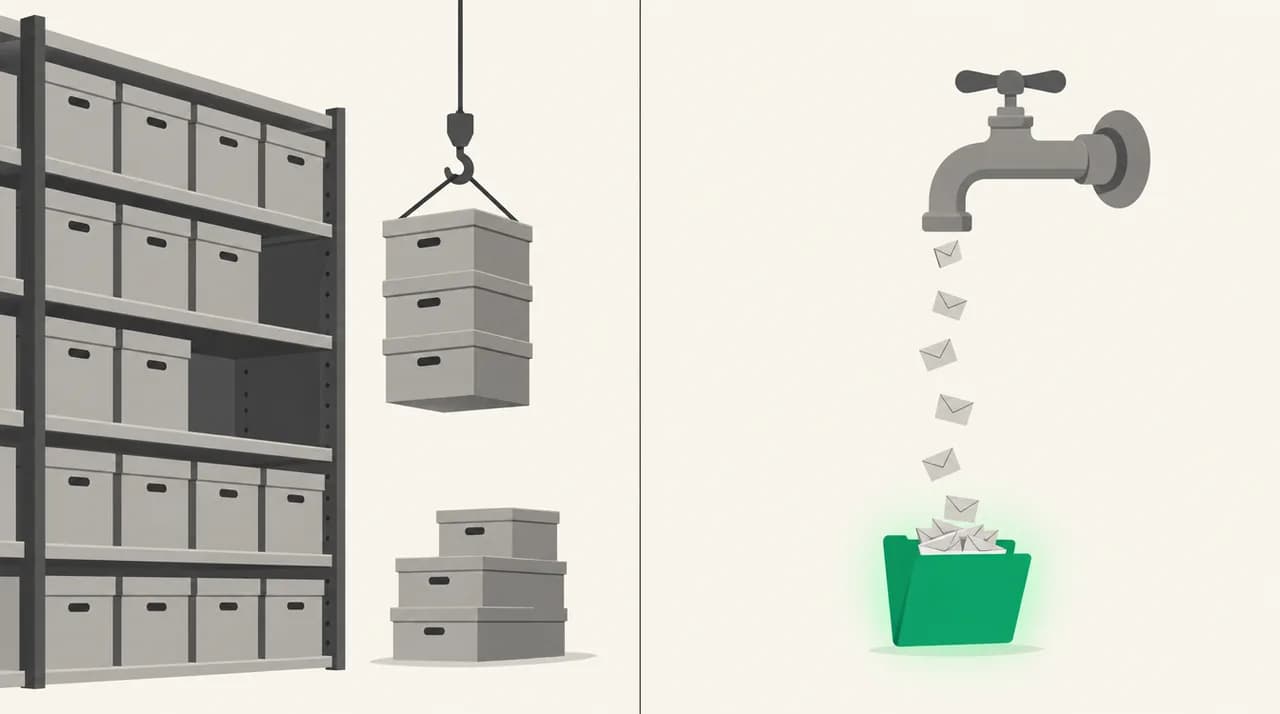
Only Mailstrom, and only after one extra step. Mailstrom's Delete moves messages to your provider's Trash. Its own FAQ notes that Gmail empties Trash after a number of days, while some other providers never empty it. Until the Trash is emptied, you have not freed any space.
Archive frees no space at all. Mailstrom's FAQ says that in Gmail, archived messages still sit in All Mail. Expire works the same way: expired mail goes to a [Mailstrom]/Expired folder. Both clean up the inbox view without shrinking the mailbox.
There is one limit worth checking during the trial. Mailstrom's FAQ says organising messages in folders other than the inbox is not yet supported. If most of your storage sits in old archive folders rather than the inbox, check what Mailstrom can reach before you pay.
Delete is not the end of the job
Does Unroll.Me delete old email?#
No. Unroll.Me's help centre is direct about this. Rollup emails are kept in an Unroll.Me folder in your mailbox. Blocked senders' future mail goes to an Unroll.Me/Unsubscribed folder. You cannot delete specific emails inside the Rollup, only from that folder in your own email app.
Its account-deletion article confirms it. After you delete your Unroll.Me account, all previously rolled-up and blocked emails stay in those folders. Removing the folder label does not delete the messages either. So Unroll.Me moves mail around, but it never reduces how much you store.
Its Block also is not an unsubscribe in the usual sense. Unroll.Me's own article describes Block as moving all future emails from that sender to the Unsubscribed folder. The sender keeps mailing you, and the mail keeps filling your storage, just out of sight.
Where does Unroll.Me win?#
Unroll.Me wins on one thing Mailstrom does not try to do: the digest. Rollup gathers the newsletters you want to keep and sends them as one email a day, at a time you choose. If a sender in your Rollup did not mail you that day, it simply is not in the digest.
Rollup vs bulk delete is really a question about how you read. If you like skimming deals, news and blog updates once a day, Rollup takes that whole category out of your working inbox without making you unsubscribe from things you enjoy. Bulk delete cannot help with mail you actually want, just not right now.
- Free to use. Unroll.Me does not charge users. Its help centre says NielsenIQ funds it by measuring e-commerce from commercial emails.
- Mobile apps. There are native iOS and Android apps, with bulk Keep, Block and Rollup across many subscriptions at once.
- Simple model. Three buttons per sender. There are no bundles to learn and no rules to set up.
- Easy to reverse. A Blocked or Rolled Up sender can be moved back to Keep from the Subscriptions tab.
What does each vendor do with your mail?#
This is the axis that decides it for many readers, so here is what each vendor says on its own pages. Unroll.Me's Your Data page says it is owned by NielsenIQ. It says it uses your commercial emails to improve advertising products, measurement products and datasets, and shares information about those emails, plus some demographic details, with clients including e-commerce businesses and data brokers.
Unroll.Me also says it ignores personal email, strips identifying details, and never sells your personal information to target you directly. There is a Measurement Panel opt-out in Settings. Its help article says opting out stops new collection, while data already collected stays in its system in anonymised form.
Mailstrom's FAQ says it stores subject lines and metadata on its servers, and has access to message contents, which it uses when you display an email and may use in other ways its Privacy Policy allows. Its homepage says it does not use or share your data. It connects to Gmail, Outlook and Yahoo through OAuth2, so it never holds those passwords.
Connection requirements differ
How are Mailstrom and Unroll.Me priced?#
The two pricing models are very different, and that is part of the comparison. We do not print prices here. Check each vendor's page for the current numbers before you decide.
Mailstrom sells paid plans, monthly or annual, in three tiers. As of October 2026, the tiers differ by how many email accounts you can connect, how large an inbox they cover, and how many smart filters you get. The trial needs no card. It takes a one-time snapshot of your latest 5,000 inbox messages and lets you act on 25 percent of them. Ongoing loading, Block, Chill, Expire and saved rules are for subscribers only.
Unroll.Me costs nothing to use. The cost is the data arrangement described above. Mailstrom provider support and pricing are both published on mailstrom.co. Unroll.Me's provider list and cost explanation sit in its help centre rather than on a pricing page.
Who is each tool genuinely for?#
The best combination of tools for a messy inbox is usually one tool, not two. Mailstrom already covers unsubscribe and block, so most people can clear the backlog and stop there. Add Unroll.Me only if you want the digest and accept its data terms.
If you do run both, do it in order. Clean up in Mailstrom first, then add Rollup for the newsletters you kept. Running two tools that both move incoming mail by sender at the same time makes it hard to tell which rule moved what.
| Your situation | Better fit | Why |
|---|---|---|
| Mailbox near its storage limit | Mailstrom | Only tool of the two that deletes existing mail |
| Tens of thousands of old messages | Mailstrom | Bundles turn thousands of messages into a few rows |
| Want to read newsletters once a day | Unroll.Me | Rollup is a real digest; Mailstrom has none |
| Microsoft 365 work mailbox | Mailstrom | Unroll.Me does not support Outlook 365 |
| Will not share commercial email data | Mailstrom | Unroll.Me is funded by data use, opt-out aside |
| No budget, light clutter, phone-first | Unroll.Me | Free, with native mobile apps |
Is there a third option for keeping it clean?#
Both tools solve a one-time problem well and stop short of the ongoing one. Once the backlog is gone, new mail keeps arriving. Mailstrom's rules and Unroll.Me's Rollup both match on sender, so a cold pitch from a new address, or a vendor writing from a new domain, gets straight through.
That gap is what AI Emaily is for. We build AI Emaily, so weigh this paragraph with that in mind. It is an email client for Gmail, Outlook and IMAP accounts that sorts new mail as it arrives. Spam and phishing checks, a cold-email filter and labels you control decide what reaches the inbox, so you are not adding a sender rule every time something new shows up.
Here is the concession, plainly. AI Emaily is not a bulk-cleanup tool, and for clearing 50,000 old messages, Mailstrom's bundles are the better instrument. Use Mailstrom for the purge. Look at AI Emaily at aiemaily.com if you want what comes after it handled. It has a 7-day free trial on Pro and Autopilot, card required, and plans are listed at aiemaily.com/pricing.
Frequently asked
See it in AI Emaily
Keep reading
Sources
- Mailstrom — official site
- Mailstrom — FAQ
- Mailstrom — pricing
- Unroll.Me — official site
- Unroll.Me — Your data
- Unroll.Me Support — How does Unroll.Me block my unwanted emails?
- Unroll.Me Support — Can I delete emails in my Rollup?
- Unroll.Me Support — What email providers does Unroll.Me support?
- Unroll.Me Support — Outlook vs. Outlook 365
- Unroll.Me Support — How much does Unroll.Me cost?

Written by
Nafiul HasanNafiul Hasan is an entrepreneur and AI automation system builder with 10+ years of experience turning messy, manual workflows into reliable automated systems. He designs and ships AI enterprise solutions end-to-end — the agent logic, the data plumbing, and the product people actually use — and founded AI Emaily to give busy professionals their attention back. He writes here from the builder's seat: what works, what breaks, and how to put AI to work without giving up control.