Topic
Mobile email
Android, mobile apps, and getting real work done on a phone.
Auto-Sync Is Off: Why No Email Arrives on Android
Auto-sync data off is the top reason Android email stops arriving. Find the toggle, re-enable it, and check battery settings in minutes.
 Nafiul Hasan
Android Work Profile Email: Two Inboxes on One Phone
Android work profile creates a separate, IT-managed inbox. Here is why you have two Gmail apps, why you cannot merge them, and how to fix notification problems.
Nafiul Hasan
Doing Real Inbox Work From a Phone, Not Just Reading
How to actually get email done on your phone — not just read the same messages twice. Templates, dictation, and a triage habit that closes the loop.
Nafiul Hasan
Gmail Not Syncing on Android: 6 Fixes, Fastest First
Gmail not syncing on Android? Check the Sync Gmail toggle, account auto-sync and battery mode first. Six fixes in order, with Samsung and Pixel paths.
Nafiul Hasan
Gmail App Notifications for One Label Only on Android
Gmail app notifications for specific label Android setup: keep alerts on All, untick Inbox notifications, then sync the label and tick Label notifications.
Nafiul Hasan
Outlook App Not Syncing on Android: Fix It in Order
Outlook app not syncing on Android? Fix it in order: check credentials, remove battery optimization, then enable background data. Under 5 minutes.
Nafiul Hasan
Outlook App vs Gmail App on Android: Which to Use (2026)
Outlook or Gmail app on Android? Outlook for several providers and a built-in calendar, Gmail for Gmail search and Google tools. Verdict by user type.
Nafiul Hasan
Samsung Email Not Syncing? Fixes for One UI 4 to 8
Samsung Email not syncing on your Galaxy? Set the app to Unrestricted battery, sync to Push or 15 minutes, allow background data, then re-sign in.
Nafiul Hasan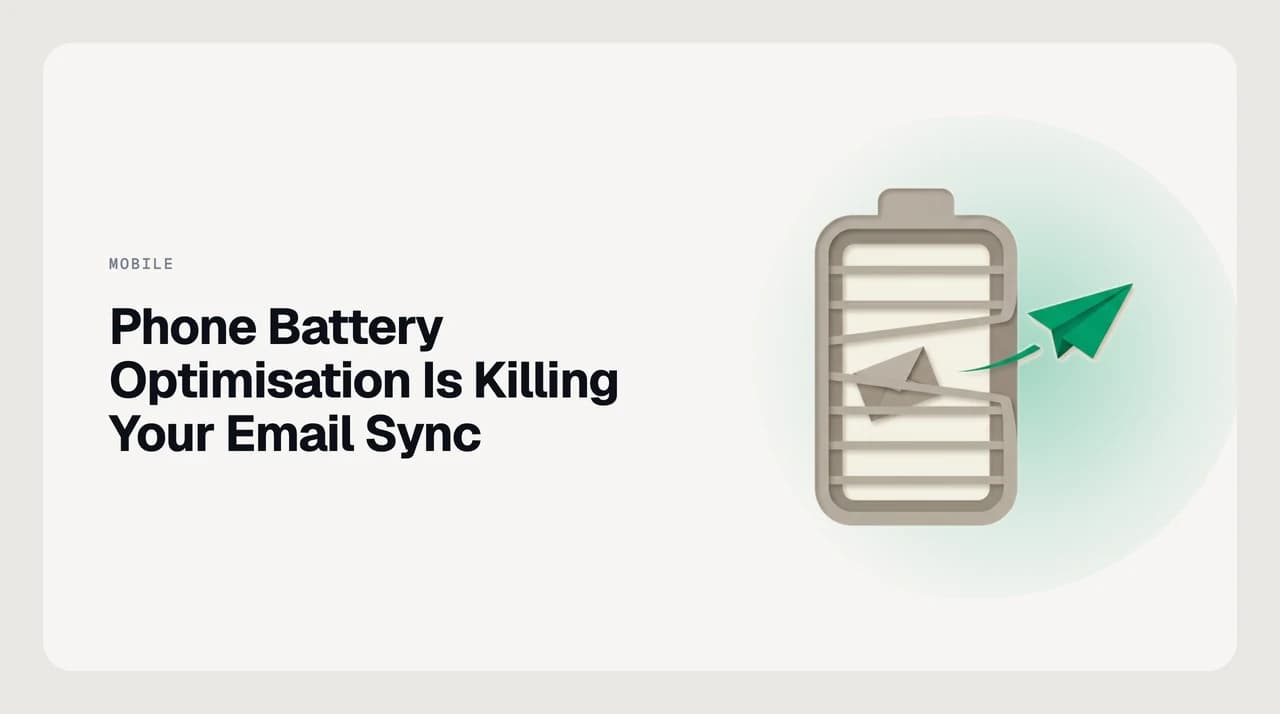
Phone Battery Optimisation Is Killing Your Email Sync
Phone battery optimisation suspends mail apps in the background, causing delayed or missing notifications. Here's how to fix it on any Android or iOS device.
Nafiul Hasan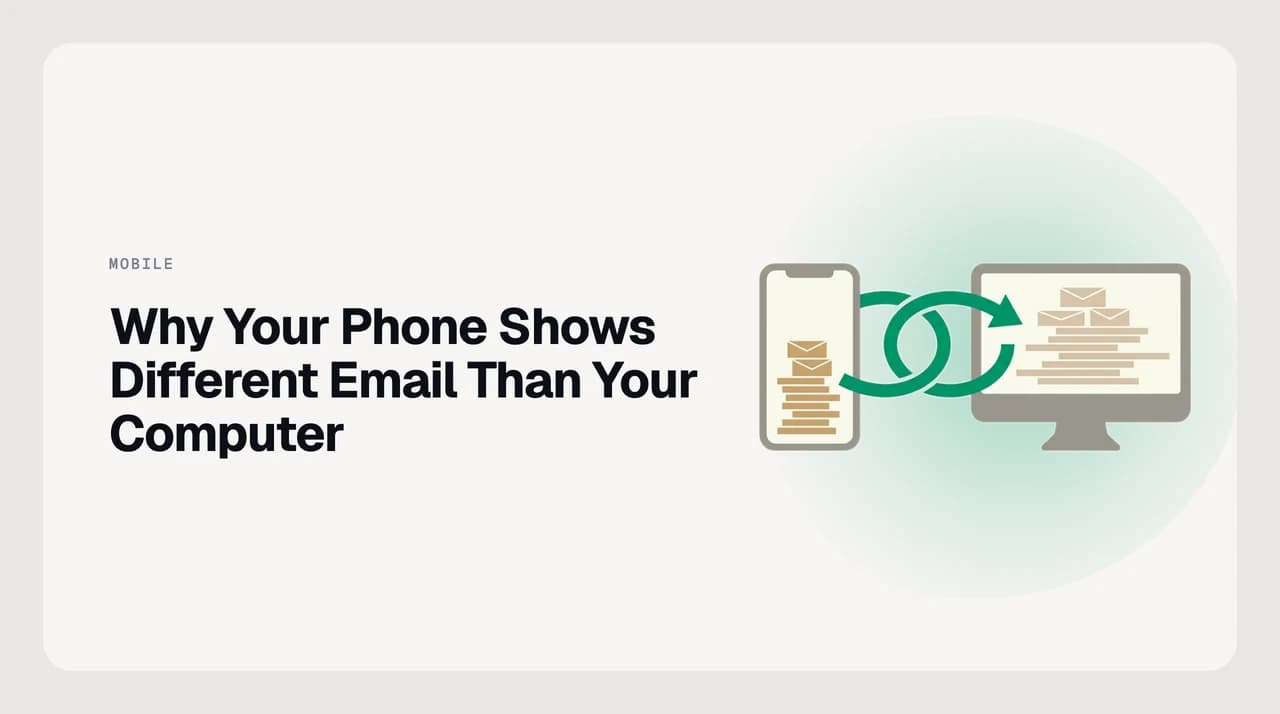
Emails on Phone but Not Computer (or the Reverse): Fixes
Email on your phone but not your computer? Check the account, Junk, offline mode, POP3 and sync windows. Ordered fixes for Outlook, Gmail and iPhone.
Nafiul Hasan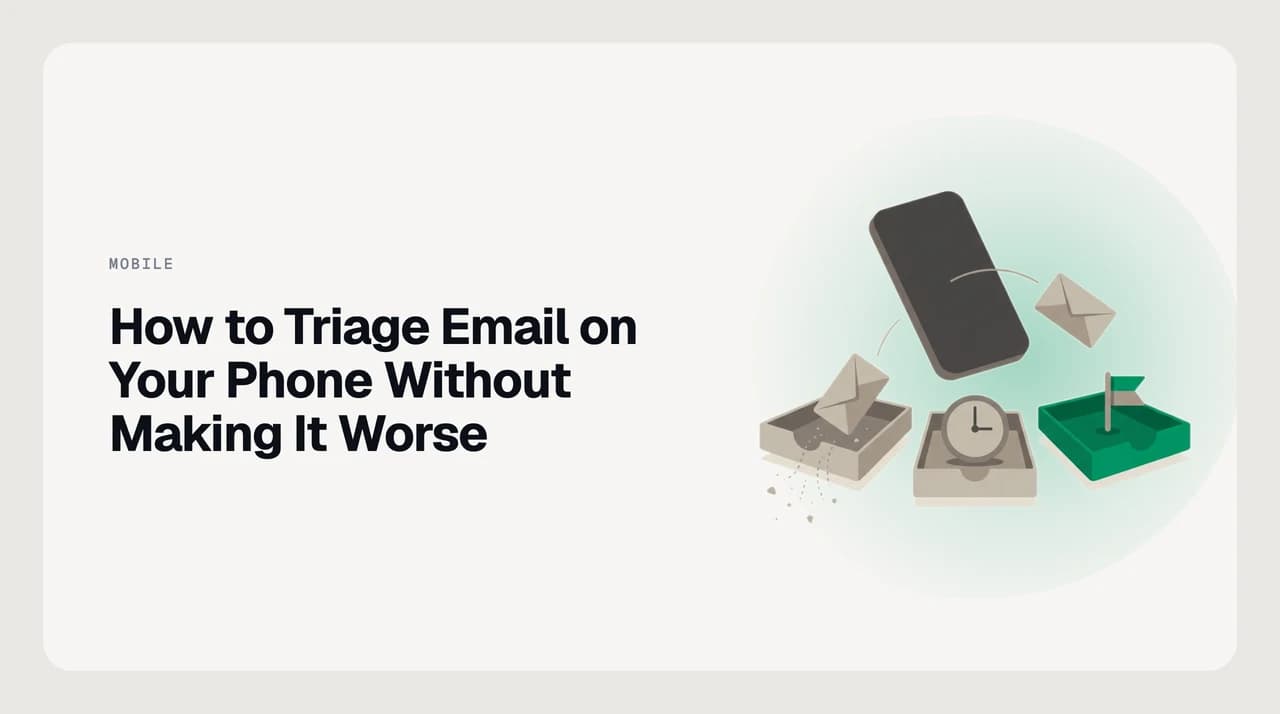
How to Triage Email on Your Phone Without Making It Worse
How to triage email on your phone: a three-bucket system — kill, snooze, flag — so you decide fast without creating double-work at your desk.
Nafiul Hasan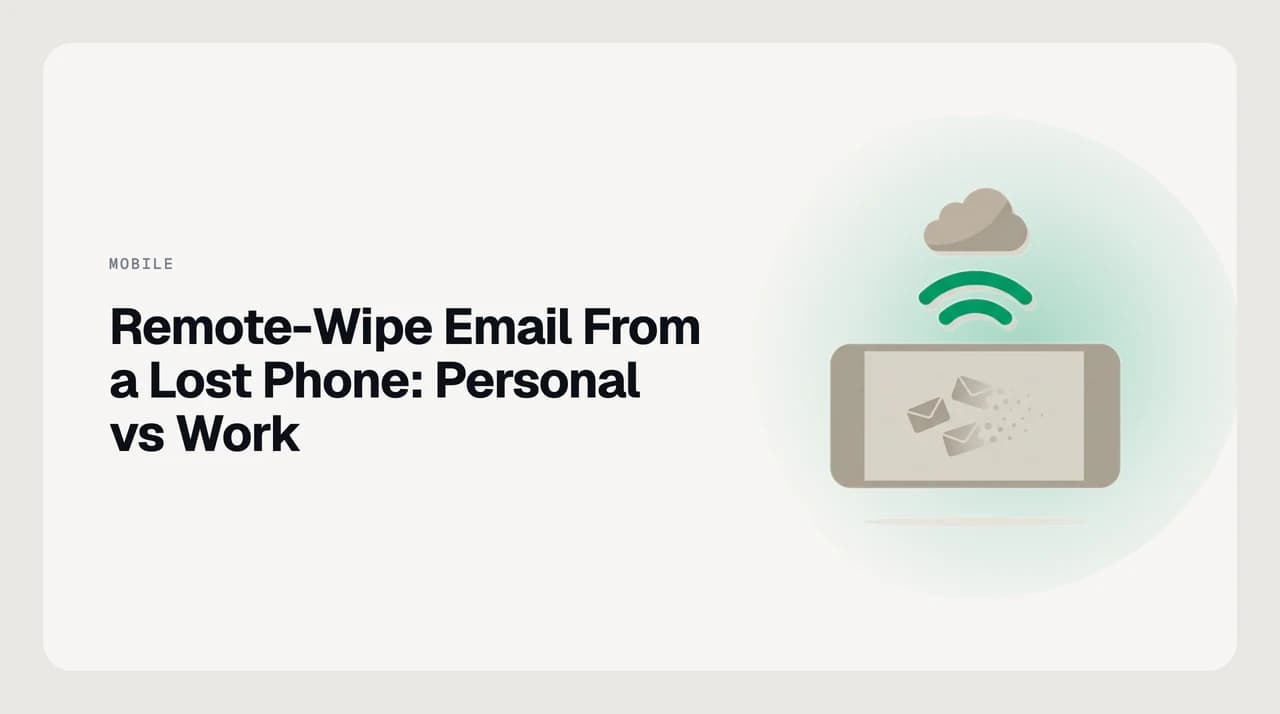
Remote-Wipe Email From a Lost Phone: Personal vs Work
How to remotely wipe email from a lost phone: revoke the mailbox session, wipe only the work profile, or wipe the whole device — and who can trigger each.
Nafiul HasanEverything else in mobile email
- Best Email Client for iPad in 2026: 6 Apps Compared16m
- Best Android Email Clients in 2026: 7 Honest Options18m
- Best Email Client for iPhone in 2026: 7 Apps Tested15m
- How to Set Up Email on Android Without the Gmail App8m
- Change Gmail Swipe Actions on Android (Archive vs Delete)14m
- Switch Between Multiple Accounts in the Gmail Android App16m
- Days of Mail to Sync Meaning: Android Gmail and iPhone Mail8m
- Why Your Gmail Mobile Signature Differs From Desktop13m
- Save Gmail Attachments to Drive From an Android Phone11m
- Mark as Spam vs Block Sender in the Gmail App16m
- Gmail Dark Theme on Android: Turn It On and Fix It12m
- Gmail Notification Channels on Android, Explained11m
- Read and Reply to Gmail Offline on an Android Phone10m
- Turn Off Focused Inbox in Outlook Mobile (Android & iOS)13m
- Outlook Mobile Notifications: Tune Them Without Missing Mail11m
- How to Add a Shared Mailbox in Outlook Mobile (iPhone & Android)8m
- Customize Swipe Options in Outlook Mobile11m
- Add Multiple Email Accounts to Outlook Mobile11m
- Outlook Paste Blocked by Your Admin: Every Intune Message Explained13m
- Does Outlook Mobile Work Offline? What Actually Loads11m
- Samsung Email App Setup: When to Use It and When Not To12m
- Switch From Samsung Email to Gmail or Outlook Safely15m
- How to Change the Default Email App on Android (Pixel, Samsung)9m
- Android Doze Mode and Delayed Email: What's Happening12m
- Silent Email Notifications on Android: Keep the Badge, Lose the Ping12m
- Add an IMAP Email Account on an Android Phone11m
- App Passwords for Email on Android: When You Need One9m
- Why Exchange Email Asks for Device Admin on Android10m
- Push vs Fetch Email on a Phone: Which One to Use19m
- Does Email Sync Drain Your Phone Battery? The Real Answer12m
- Should You Turn Off Email Notifications on Your Phone?13m
- Inbox Zero From Your Phone: Is It Actually Possible?11m
- Lost Your Phone? Secure Your Email in the Right Order9m
- Turn Off Conversation View in the Gmail App9m
- Gmail Widgets on Android: Which One Belongs on Your Screen8m
- Gmail App Using Too Much Storage on Android: Clear It8m
- Gmail 'High Priority Only' Notifications: Worth Using?9m
- Outlook Mobile Calendar and Email in One App: Setup Guide10m
- Outlook Mobile Signature: Add One Per Account (iOS, Android)10m
- Signing Into Outlook Mobile With a Work Account (SSO & MFA)8m
- Xiaomi, OPPO and Vivo: Fix Delayed Email Notifications9m
- Samsung Email: Multiple Accounts and the Combined Inbox8m
- Are Preinstalled Android Email Apps Safe? What to Check9m
- Restrict Background Data for Email on Android (Carefully)10m
- Removing an Email Account From Android: Are Your Emails Deleted?9m
- Use a Second Android User Profile for Work Email8m
- How to Check Email Abroad Without Burning Roaming Data9m
- Read and Draft Email Offline on a Flight: Setup Checklist11m
- One-Handed Email: Clearing Your Inbox With a Thumb8m
- Handling Email Attachments on a Phone Without a Laptop9m
- Using a Tablet as Your Main Email Device: Honest Review13m
- Dictating Email Replies on a Phone: When It Actually Works10m
Email, finally worthy of your attention.
Start your 7-day free trial. Cancel anytime.
- 7-day free trial
- Cancel anytime
- Every provider