Topic
Productivity & deep work
Protect focus and make email a smaller part of your day.
Email and Deep Work: How to Protect Focus in an Always-On Inbox
Email and deep work pull opposite ways. The attention-residue science, how to build focus blocks around the inbox, and the batching defaults that hold.
 Nafiul Hasan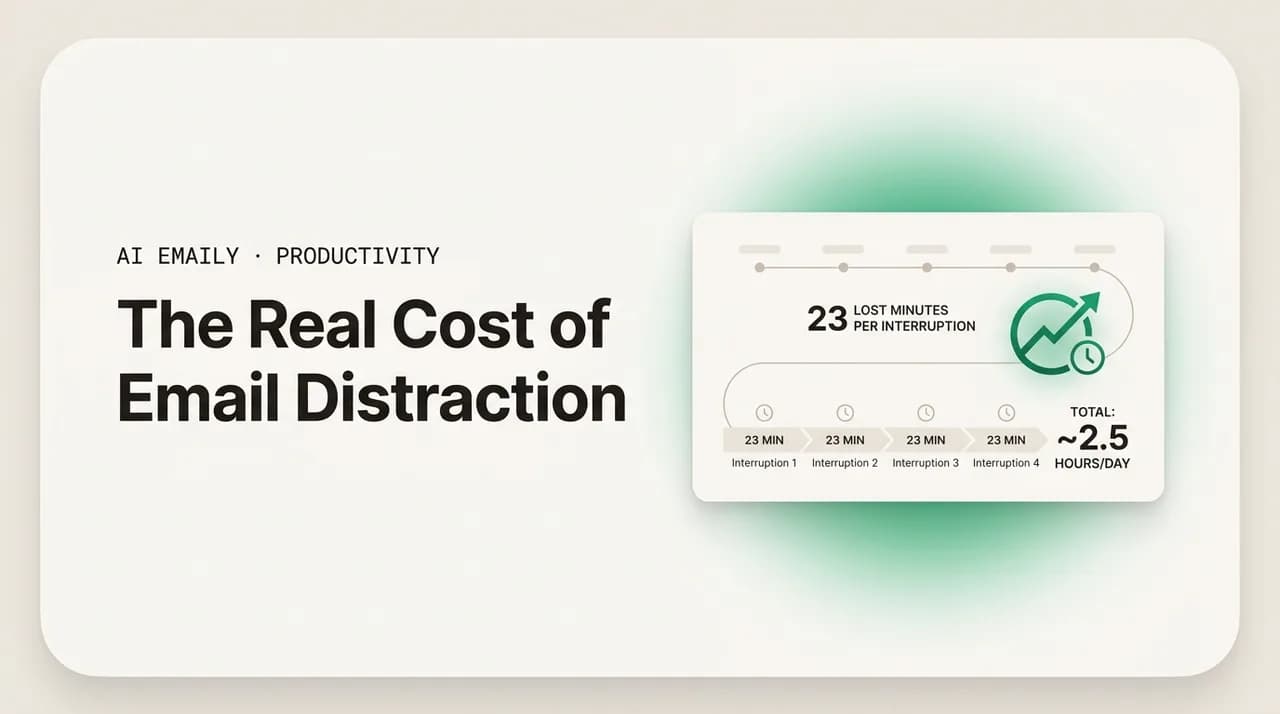
The Real Cost of Email Distraction: What 23 Minutes per Interruption Adds Up To
The cost of email distraction is the refocus time after every interruption, not the minutes spent reading. Here is the real math — and how to cut the bill.
Nafiul Hasan
The Context-Switching Cost of Email: Why Every Inbox Check Tax Your Focus
The context-switching cost of email is the refocus tax on every inbox check — switch cost plus attention residue. What it does to you, and how to cut it.
Nafiul Hasan
Should You Turn Off Email Notifications? The Case for a Silent Inbox
Should you turn off email notifications? Yes — here is the case for a silent inbox, plus step-by-step instructions to disable alerts on Gmail, Outlook, iOS, Android, and desktop, with VIP-only exceptions so you never miss what matters.
Nafiul Hasan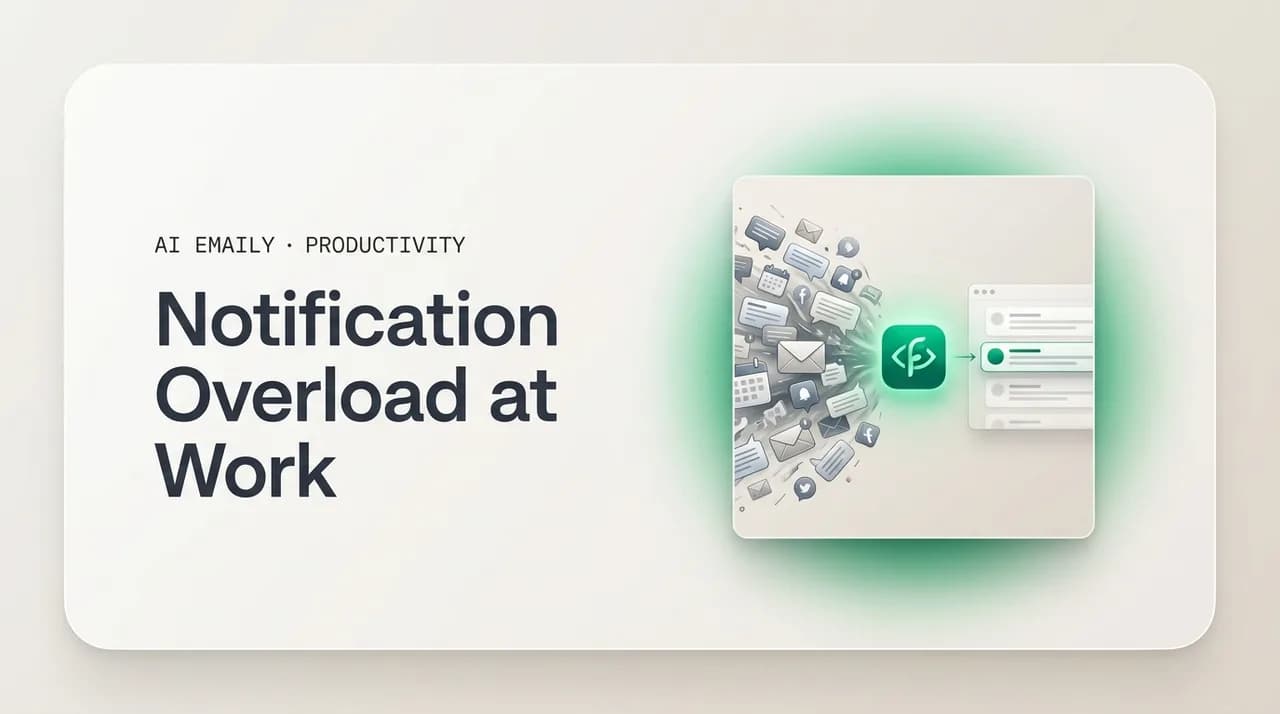
Notification Overload at Work: How to Quiet the Pings and Get Your Focus Back
Notification overload at work — email, Slack, Teams, and phone pings — fragments your focus and raises stress. Here is how to audit your alerts, cut the noise, set team norms, and consolidate the inbox to a single brief.
Nafiul Hasan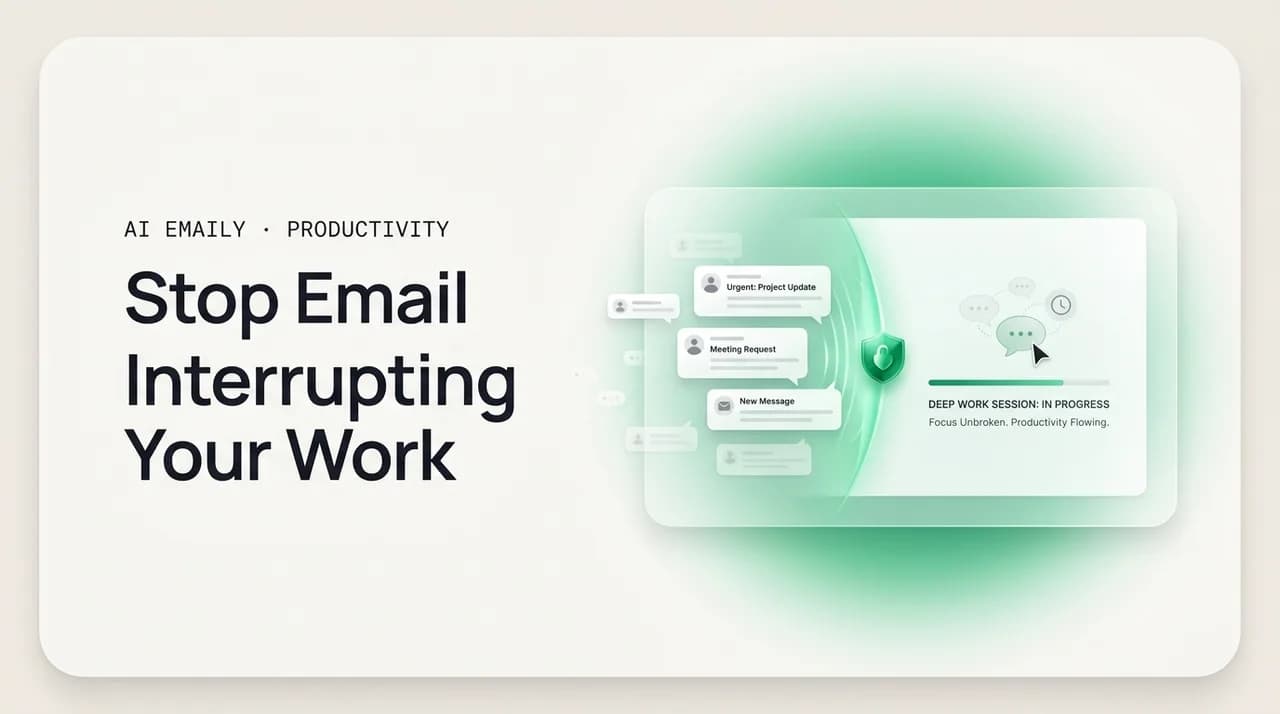
How to Stop Email From Interrupting Your Work (Without Going Dark)
How to stop email from interrupting your work: turn off notifications, set scheduled checking windows, close the tab, and use focus modes — a concrete habit you can hold without going dark or missing anything urgent.
Nafiul Hasan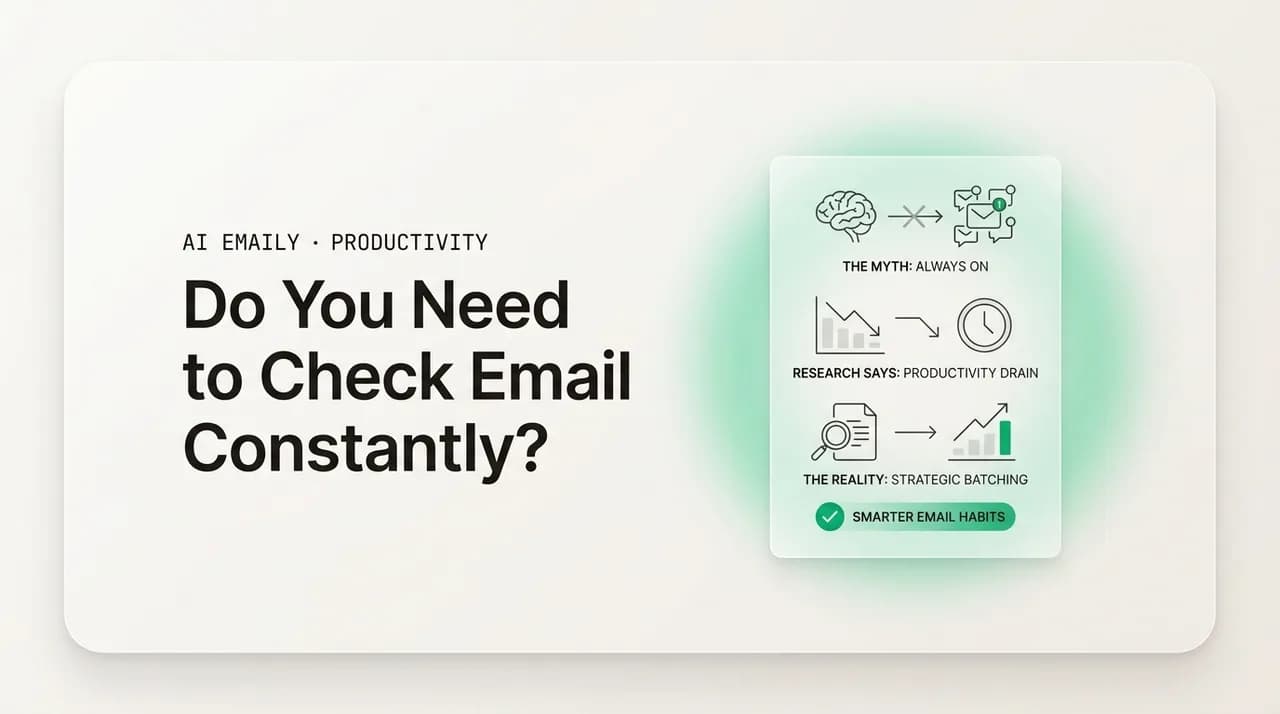
Do You Really Need to Check Email Constantly? What the Research Says
Do you need to check email constantly? Almost never. The research says checking 2–4 times a day handles real urgency, and the constant-checking habit is driven by anxiety, not job requirements. Here is how often to actually check, by role.
Nafiul Hasan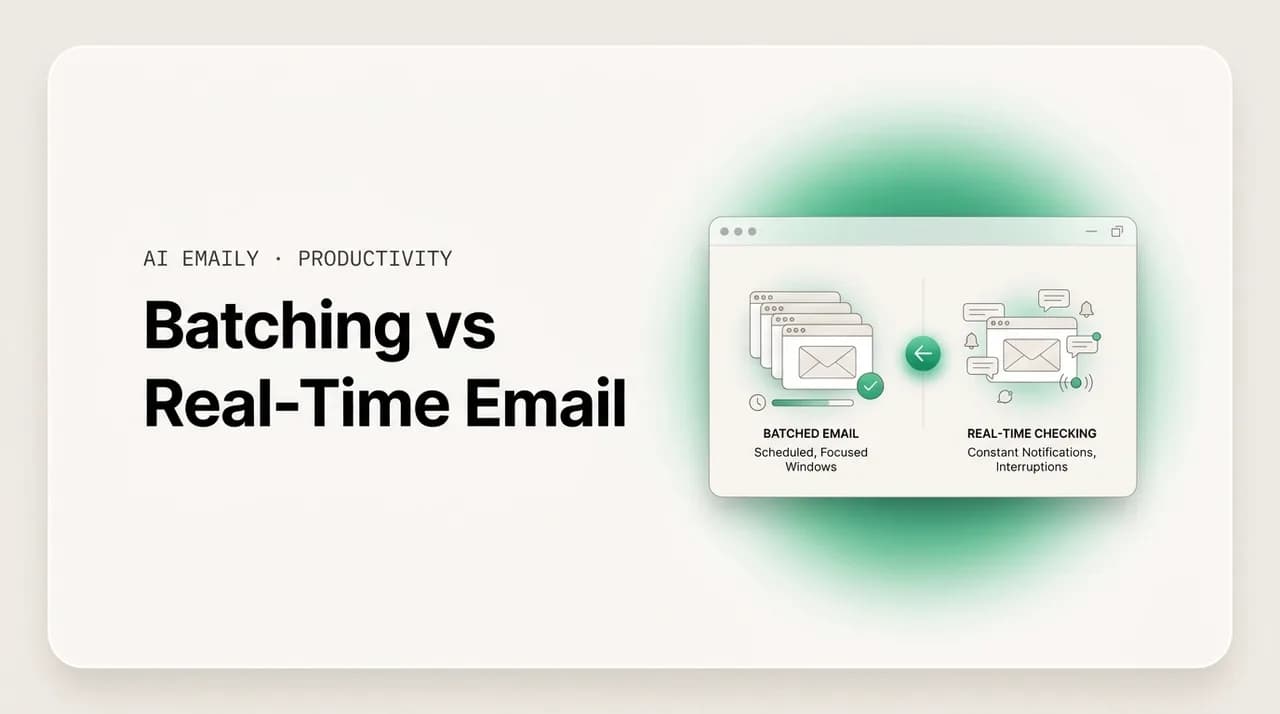
Batching vs Real-Time Email: Which Rhythm Actually Protects Your Day?
Batching vs real-time email, compared: what email batching is, the research that it protects focus and lowers stress, how to set up two or three windows, when real-time is justified, and the objections that stop people — answered.
Nafiul Hasan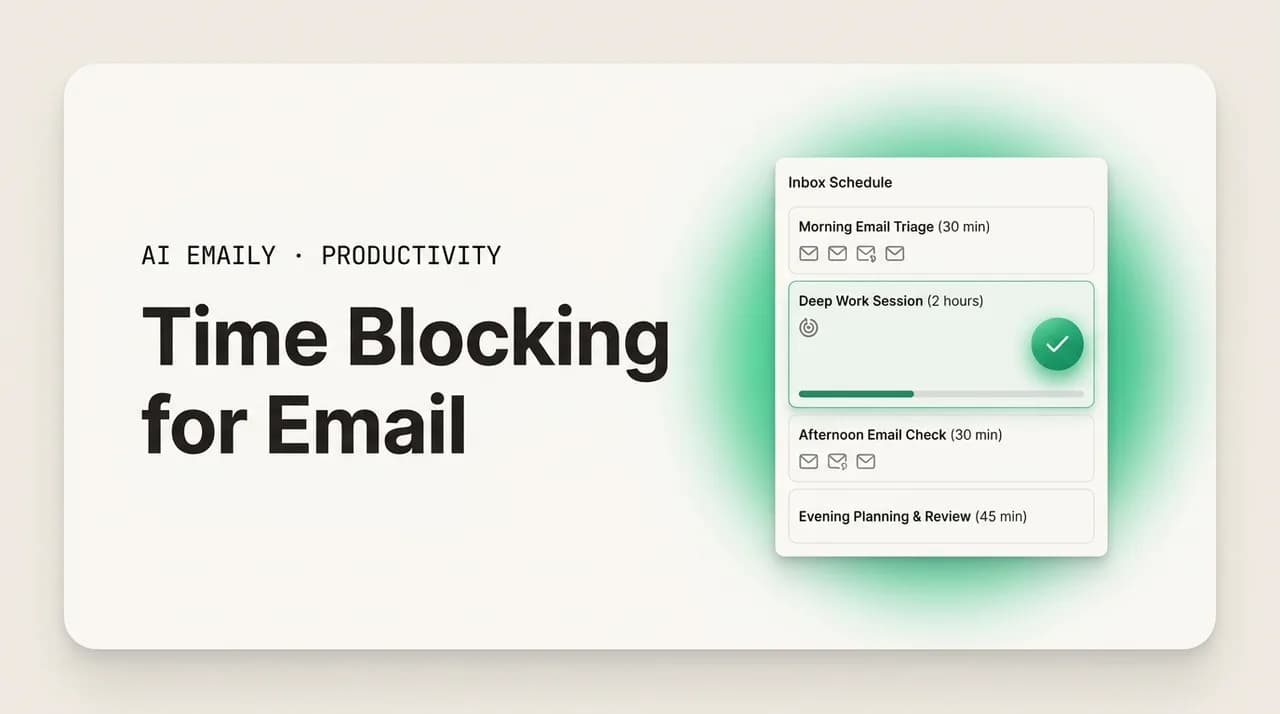
Time Blocking for Email: How to Schedule the Inbox Around Deep Work
Time blocking for email means scheduling fixed inbox windows on your calendar instead of checking all day — how long, how many, where to place them, and how to protect deep work in between.
Nafiul Hasan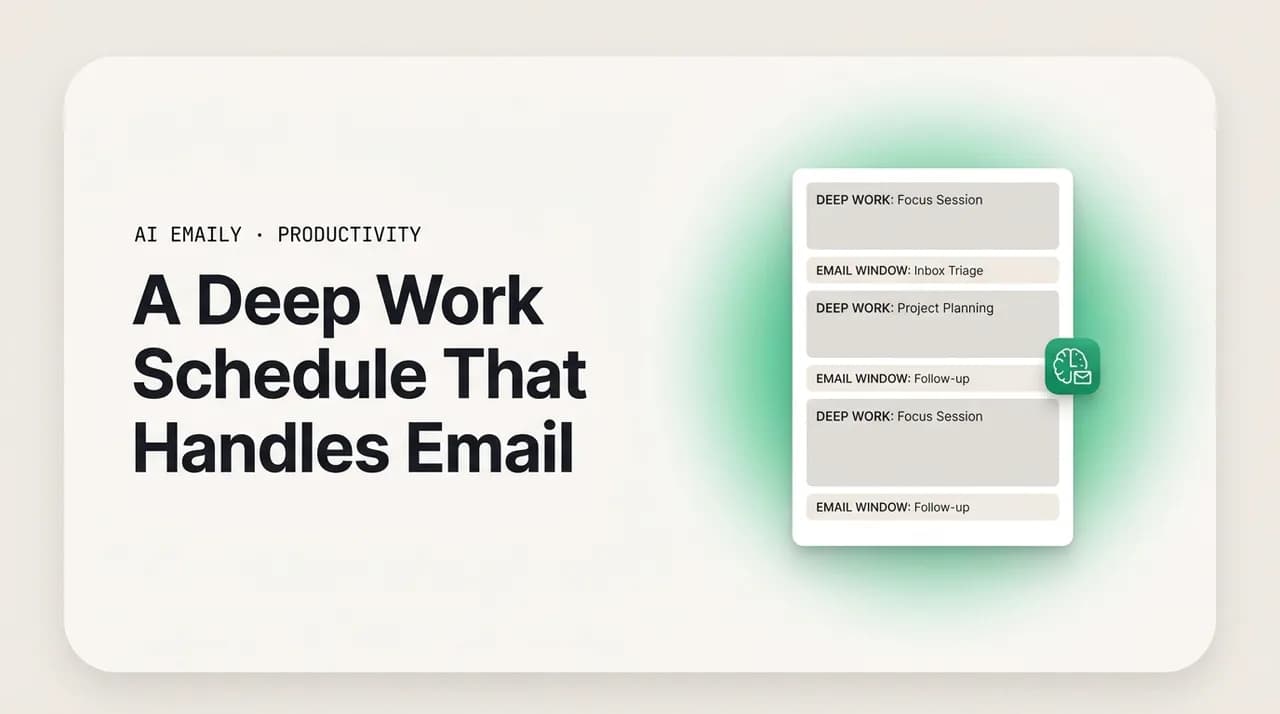
How to Build a Deep Work Schedule That Still Handles Email
A deep work schedule with email is built around one protected morning focus block, with email pushed into one or two named afternoon windows — sample schedules for maker, manager, early-bird, night-owl, 9-to-5, and flexible workdays, plus a worked day.
Nafiul Hasan
Why Your Morning Routine Should Not Start With Email
A morning routine without email protects your sharpest hours for real work. Here is why checking the inbox first thing hijacks your day, what to do instead, how long to wait, and sample routines you can copy.
Nafiul Hasan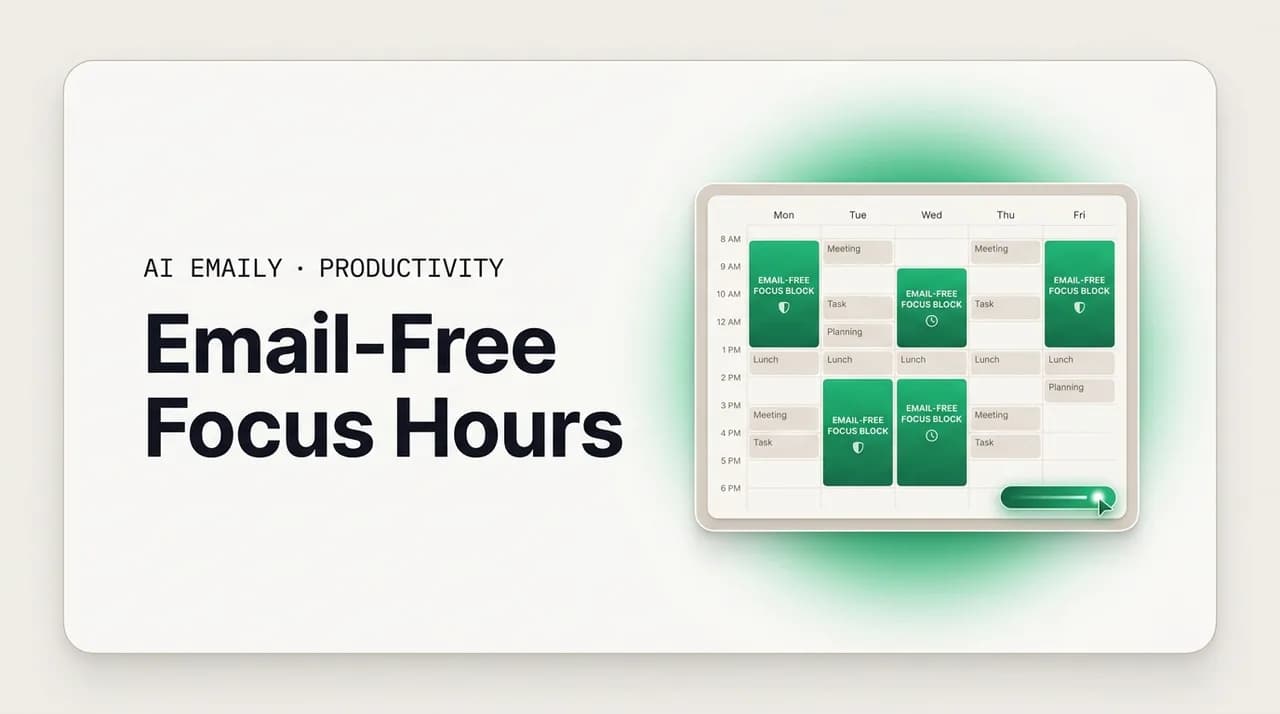
Email-Free Time: How to Carve Out Focus Hours That Actually Hold
Email-free time is a protected no-inbox window you defend on purpose. How long it should run, when to schedule it, what to tell your team, sample blocks.
Nafiul HasanEverything else in productivity & deep work
- Async Communication at Work: How to Stop Living in Real Time29m
- Email vs Slack for Focus: Which One Is Really Wrecking Your Attention?31m
- Get an Email Brief in Slack or Telegram: Stay Informed Without Living in the Inbox29m
- Email Summaries and Digests: Read Less, Miss Nothing, Stay in Flow31m
- Email and Work-Life Balance: How to Log Off Without Falling Behind30m
- Managing Email on Vacation: How to Take Real Time Off (and Come Back Sane)27m
- Email Management for ADHD and Focus: A Low-Friction System for Distractible Brains31m
- Meeting Overload vs Email: Where Your Focus Hours Actually Disappear28m
- GTD for Email: A Folder-by-Folder Setup (Gmail and Outlook)11m
- Reclaim Your Focus With AI Email Triage: Turn 50 Unread Into 5 Decisions27m
- How to Triage 300 Emails a Day Without Missing Anything12m
- How to Set Email Boundaries With Your Boss (Scripts)10m
- Should You Check Work Email on Vacation? An Honest Answer13m
- What Actually Changes When AI Drafts Your Email Replies13m
- How to Manage Email Efficiently: Systems and Software That Work13m
- The Business Case for Email Management Software: ROI Guide13m
- Best Email Client for Productivity and Focus in 202614m
- Managing Email More Effectively: A Practical Guide for 202613m
- The Email Productivity Guide: Tools, Systems and AI for 202619m
- Setting Up a New Email Client: A Step-by-Step Guide11m
- Weekly Inbox Review Checklist: A 30-Minute Friday Reset16m
- The 4 Ds of Email: Do, Defer, Delegate, Delete13m
- Write a Personal Email SLA: Response Times People Trust12m
- The Two-Inbox System: Keep Work and Personal Mail Apart11m
- The First 90 Minutes Rule: No Email Before Real Work12m
- Inbox Handover Checklist: Before You Go on Leave18m
- A Shared Inbox Rota That Doesn't Burn People Out13m
- Why Unanswered Emails Make You Feel Guilty (and the Fix)14m
- Checking Email at Night: What It Does to Your Sleep13m
- How to Stop Thinking About Work Email After Hours12m
- Burnout Warning Signs You Can See in Your Own Inbox14m
- How to Measure Your Own Email Response Time13m
- Audit Where Your Inbox Time Actually Goes in One Week13m
- What Research Actually Says About Email Interruptions14m
- How to Tell If Your Inbox System Is Actually Working14m
- The PARA Method for Email: Does It Work in an Inbox?9m
- Manage Your Inbox Like a Queue: WIP Limits for Email9m
- Build an Escalation Ladder for Your Own Inbox9m
- The Zero-Notification Workday: A Protocol That Survives9m
- No-Email Fridays: Does a Mail-Free Day Actually Work?10m
- Right to Disconnect: After-Hours Email Rules by Country9m
- Digital Minimalism for Your Inbox: A 30-Day Reset9m
- When Your Inbox Is Telling You the Workload Is Too Big9m
- How to Measure How Much Email You Actually Get10m
- Email Statistics, Fact-Checked: Which Numbers Are Real9m
- Is Email Volume Going Up or Down? What the Data Shows9m
- When to Stop Optimizing Your Email Workflow9m
- Setting an Email Response SLA Your Small Team Can Actually Hold10m
Email, finally worthy of your attention.
Start your 7-day free trial. Cancel anytime.
- 7-day free trial
- Cancel anytime
- Every provider