Topic
Troubleshooting & errors
Bounce codes, sync failures, and mail that won't arrive.
550 5.7.57 Client Not Authenticated During MAIL FROM: Fix
Microsoft 365 fires 550 5.7.57 at MAIL FROM when the session never authenticated — usually not a bad password. A client that can't finish STARTTLS never reaches AUTH at all. Three M365 sending paths cover the main scenarios.
 Nafiul Hasan
Attachment Too Large to Send: Limits and What to Do
Attachment too large to send email? Base64 encoding adds 33% overhead, so your true limit is below what your server states. Here is how to fix it.
Nafiul Hasan
Duplicate Emails in Inbox: Why IMAP Doubles Messages
Duplicate emails in an IMAP inbox come from four fixable causes. Here is how to tell which, remove the extra copy safely, and stop it recurring.
Nafiul Hasan
Email App Keeps Asking for Password: Why It Loops
Your email app keeps asking for password because a cached credential has gone stale. Here is how to find and remove it to stop the loop.
Nafiul Hasan
Email Sent but Not Received: How to Prove Where It Went
Email sent but not received? No bounce means the server accepted it, then filtered it. Here is how to trace exactly where it went and fix the cause.
Nafiul Hasan
550 5.7.1 Email Error: What It Means and How to Fix It
Read the sentence after 550 5.7.1 — the code alone proves nothing. Five real causes, each with the exact Gmail or Microsoft bounce text to match and a step-by-step fix.
Nafiul Hasan
550 5.1.1 User Unknown: What It Means and What to Do
Permanent, not temporary — retrying accumulates hard bounces. Four causes: typo, deleted mailbox, renamed address, or removed alias, each with a different fix.
Nafiul Hasan
550 5.4.1 Recipient Address Rejected: Access Denied Fix
550 5.4.1 Recipient address rejected: Access denied means Microsoft 365 can't find the address. What AS(201806281) means, the causes, and who fixes each.
Nafiul Hasan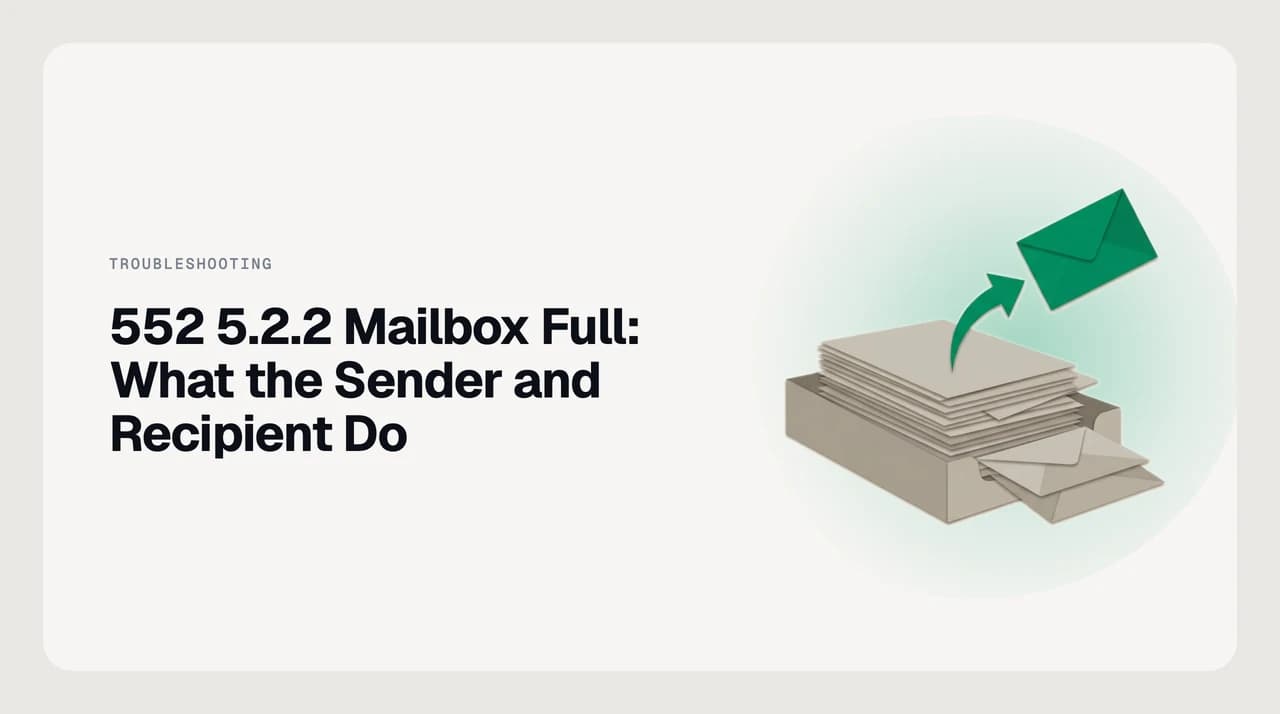
552 5.2.2 Mailbox Full: What the Sender and Recipient Do
552 5.2.2 mailbox full is a permanent bounce — the sending server will not retry. Here is what the sender and recipient each do to fix it.
Nafiul Hasan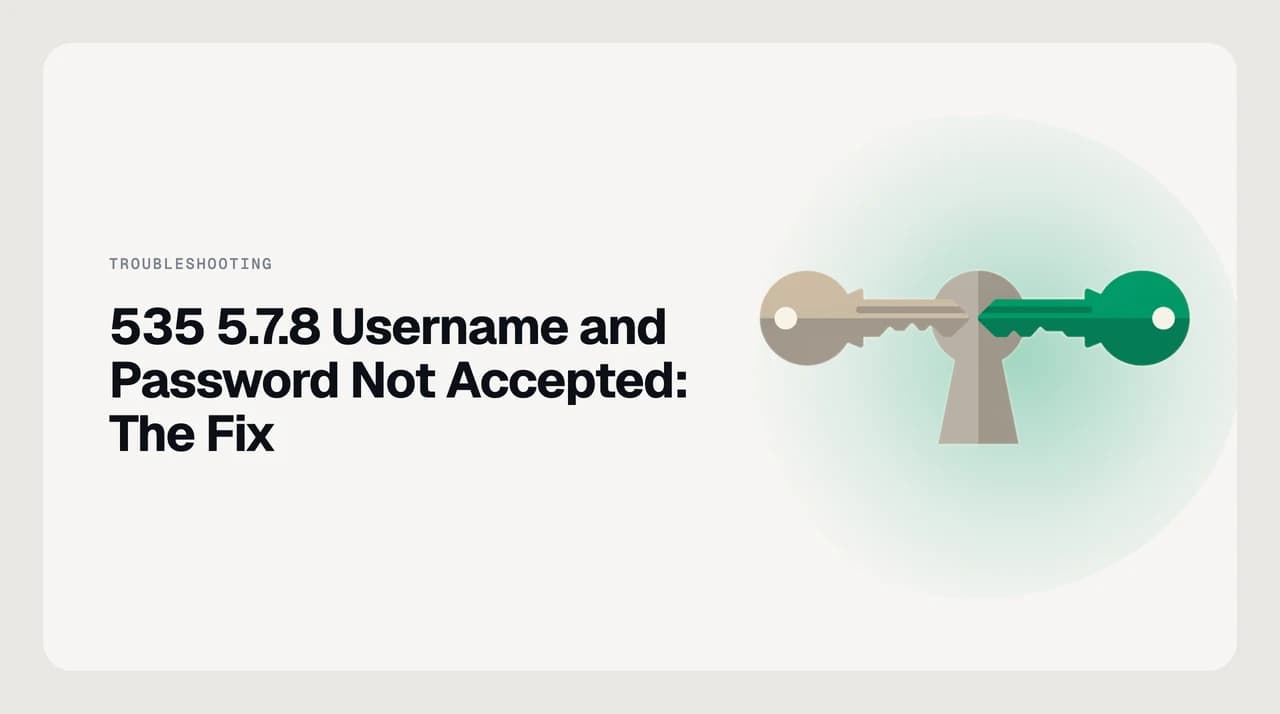
535 5.7.8 Username and Password Not Accepted: The Fix
535 5.7.8 username and password not accepted: use a Gmail app password or OAuth, smtp.gmail.com port 587/465, or enable SMTP AUTH in Microsoft 365.
Nafiul Hasan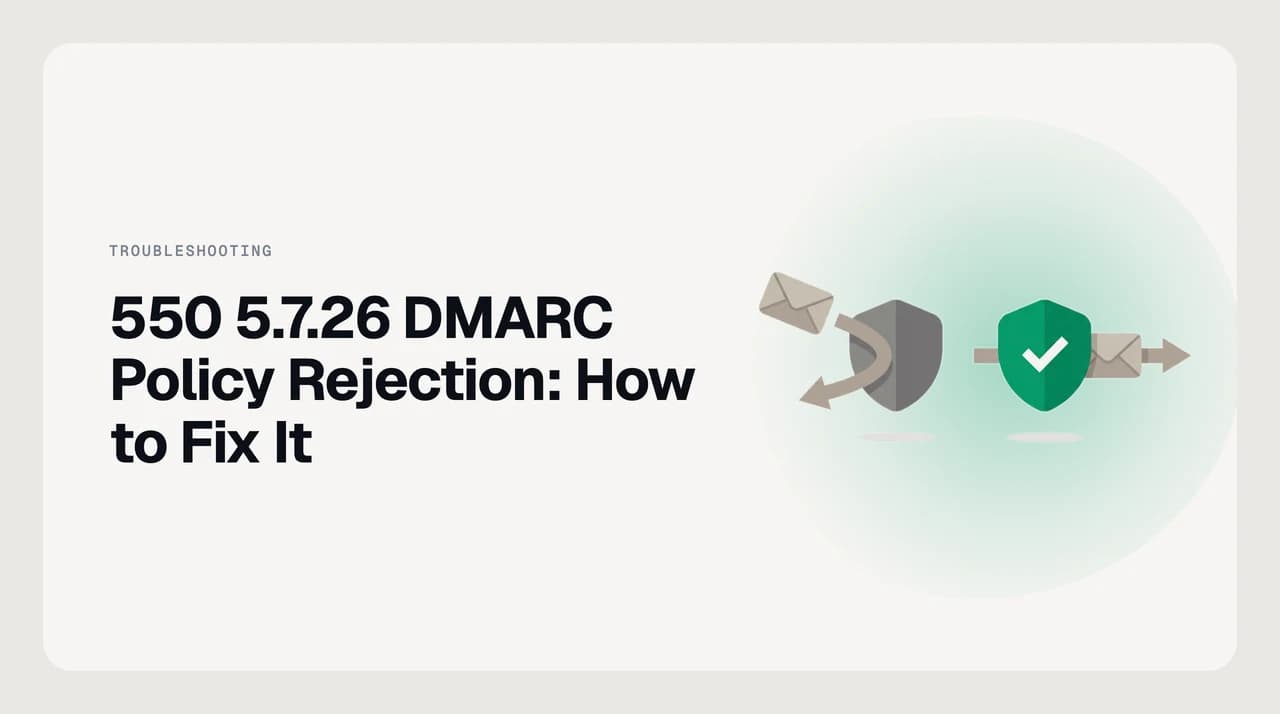
550 5.7.26 DMARC Policy Rejection: How to Fix It
Gmail bounce 550 5.7.26 means your mail failed DMARC alignment. Find the sender that breaks it from the headers, then fix SPF or DKIM per service.
Nafiul Hasan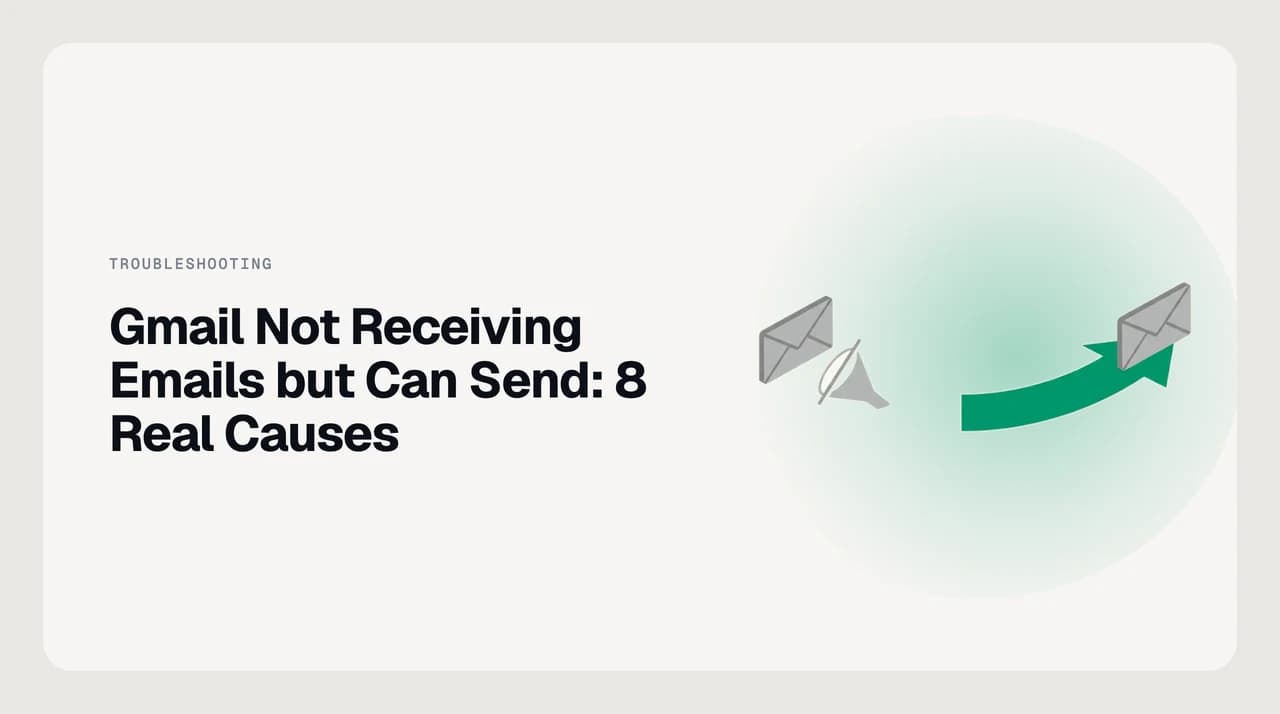
Gmail Not Receiving Emails but Can Send: 8 Real Causes
Gmail not receiving emails but can send? Eight causes — filters, storage, forwarding, POP, blocked senders — and the fix for each.
Nafiul HasanEverything else in troubleshooting & errors
- Outlook Email Stuck in Outbox: Every Fix, in Order22m
- How to Read a Bounce-Back Email and Find the Real Error10m
- IMAP Password Not Working After Enabling 2FA: The Fix12m
- Outlook Error 0x800CCC0E: What It Means and How to Fix12m
- Outlook Error 0x8004010F: Data File Cannot Be Accessed11m
- Why My Emails Go to Spam for Recipients: Diagnose and Fix9m
- Gmail Putting Legitimate Emails in Spam: How to Stop It9m
- Images Not Displaying in Emails: Why Clients Block Them11m
- Locked Out of My Email Account: A Recovery Decision Tree11m
- Gmail Storage Full, Can't Send or Receive: How to Fix It10m
- Recover Permanently Deleted Emails in Gmail: What's Possible13m
- Recover Permanently Deleted Emails in Outlook: Every Route16m
- 550 5.7.1 Unable to Relay: Why It Happens and the Fix9m
- 452 4.2.2 Over Quota: Why It Retries and When It Fails9m
- 421 4.7.0 Try Again Later: Causes and How to Respond9m
- 451 4.7.1 Greylisting: Why Your Email Is Delayed, Not Lost9m
- 554 5.7.1 Message Rejected as Spam: Diagnose and Fix9m
- 534 5.7.9 Application-Specific Password Required: Fix It9m
Email, finally worthy of your attention.
Start your 7-day free trial. Cancel anytime.
- 7-day free trial
- Cancel anytime
- Every provider