Topic
Providers & migration
Switch, unify, and migrate across every email provider.
How to Combine Multiple Email Accounts Into One Inbox
Three ways to combine multiple email accounts: import into Gmail, link them in Outlook, or auto-forward to one address. Plus what a unified inbox does better.
 Nafiul Hasan
Best Email Client for Multiple Accounts in 2026
Best email clients for multiple accounts in 2026: one unified inbox, cross-account search, right send-from. AI Emaily, Outlook, Spark, Mailbird compared.
Nafiul Hasan
How to Use Multiple Email Accounts in One Place
Add every account to one client with a unified inbox — your phone's Mail app, Gmail, Outlook, or a desktop client — and keep each send-from address right.
Nafiul Hasan
How to Manage Multiple Inboxes Without Losing Your Mind
How to manage multiple inboxes without overwhelm: a practical system of batching, triage rules, VIP filtering, and a single daily pass — plus how to set work/personal boundaries and the tooling that pulls every account into one place.
Nafiul Hasan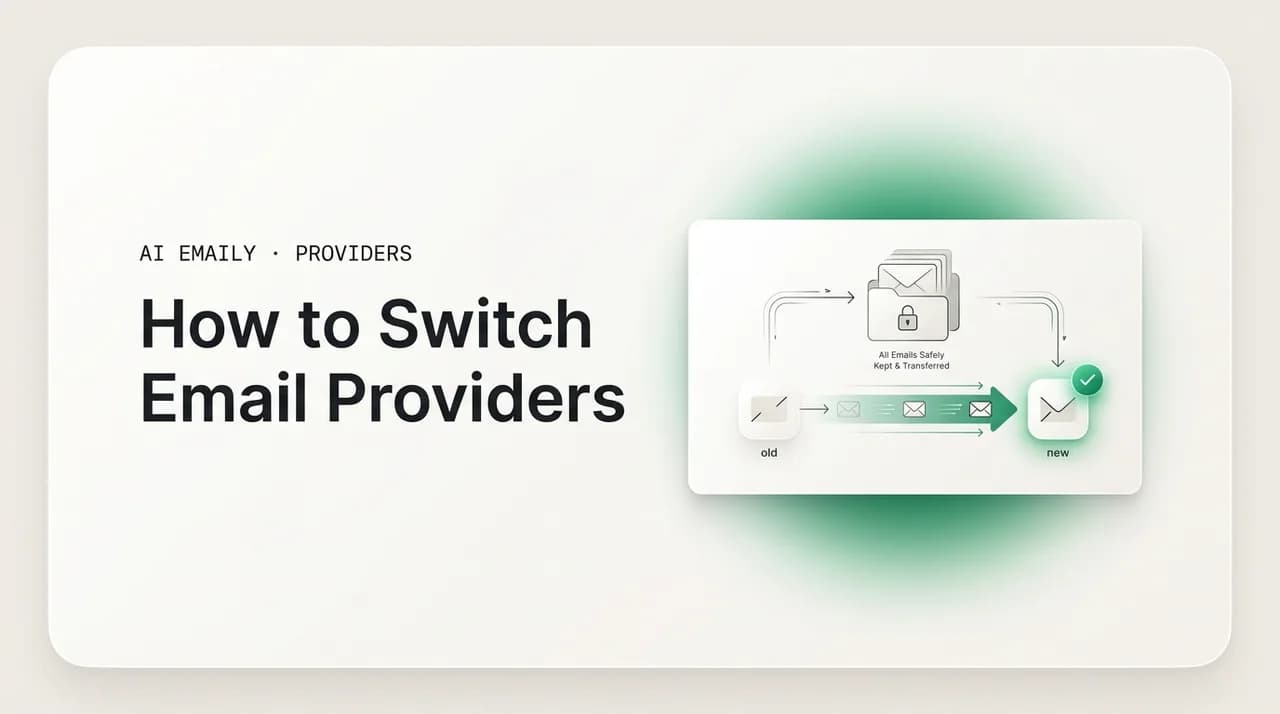
How to Switch Email Providers Without Losing Emails (2026)
How to switch email providers without losing emails: a step-by-step plan to export and migrate your mail, move contacts, set forwarding, update logins, and run a safe transition window — plus when you don't need to fully migrate at all.
Nafiul Hasan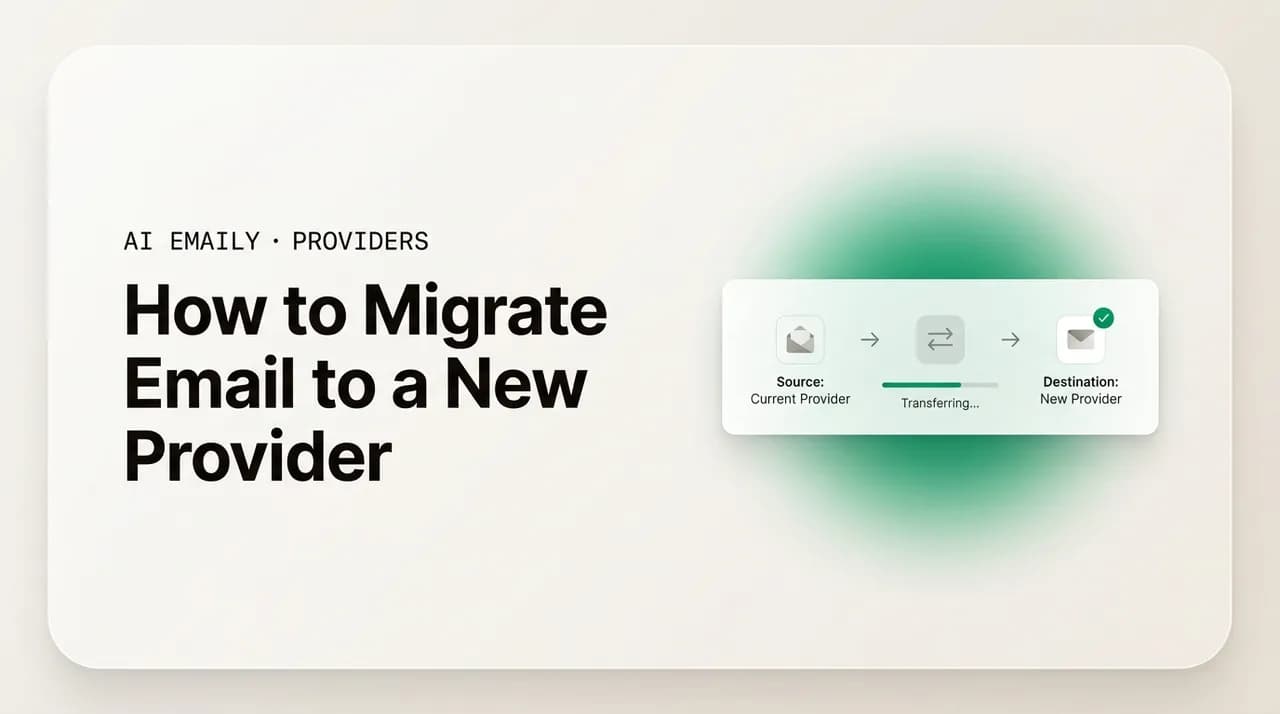
How to Migrate Email to a New Provider: Step-by-Step
How to migrate email to a new provider step-by-step: plan the move, copy mail with IMAP or a built-in importer, preserve folders and labels, bring over contacts and calendar, and verify nothing was lost — without downtime.
Nafiul Hasan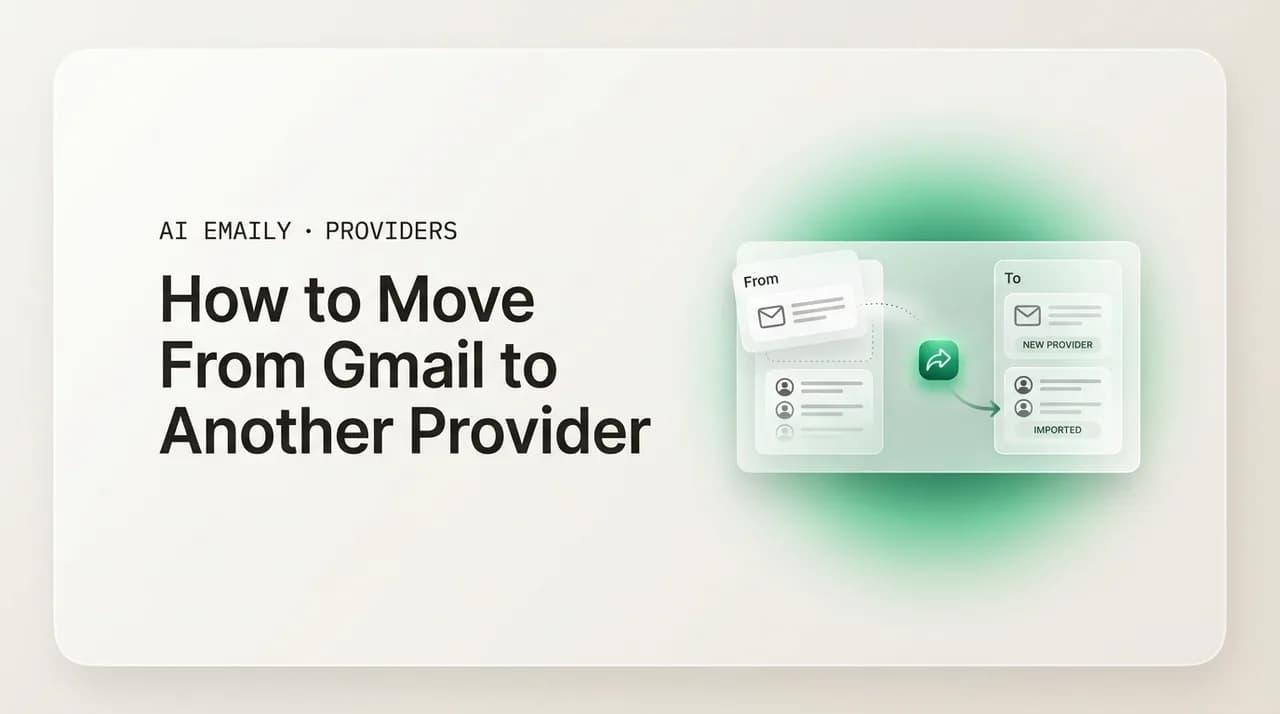
How to Migrate From Gmail to Another Email Provider (2026)
Move from Gmail to Outlook, iCloud, Proton or Fastmail: export mail, copy contacts and calendar, forward new mail. You can't keep a gmail.com address.
Nafiul Hasan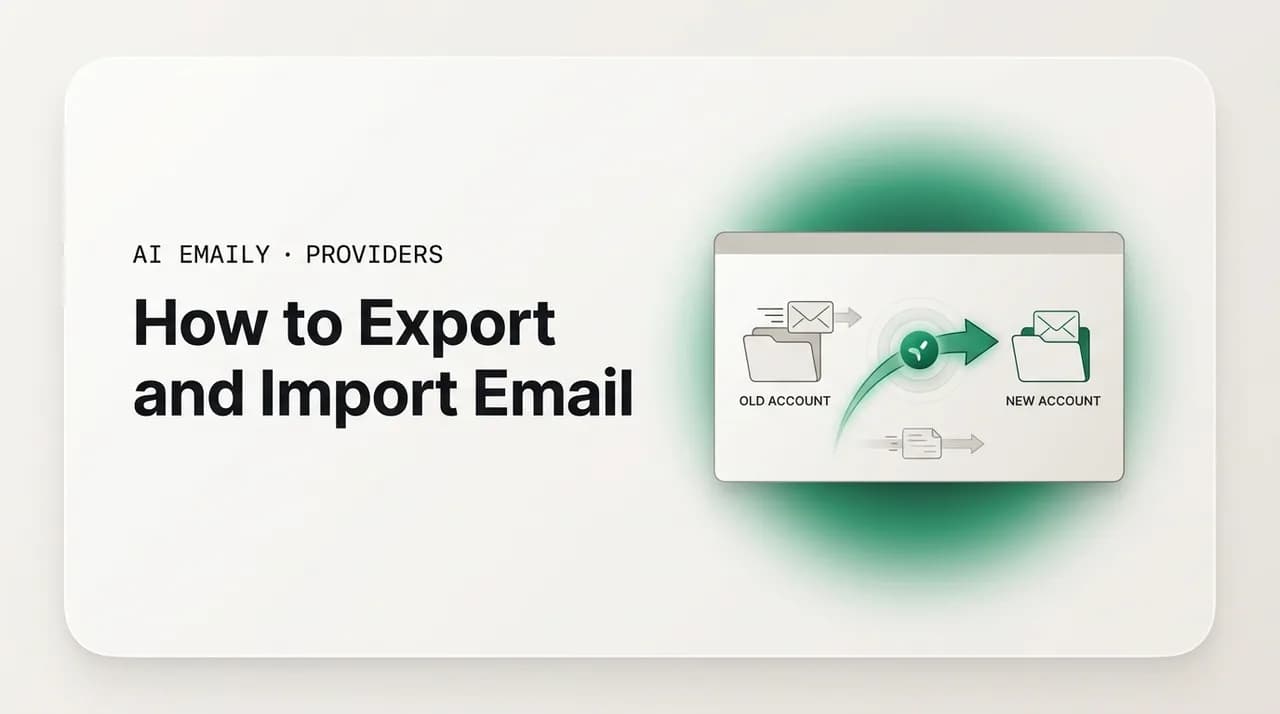
How to Export and Import Email Between Accounts
How to export and import email between accounts: the formats (MBOX, EML, PST), Google Takeout and Outlook steps, Thunderbird and IMAP copy methods, plus moving contacts (vCard) and calendars (ICS) without losing anything.
Nafiul Hasan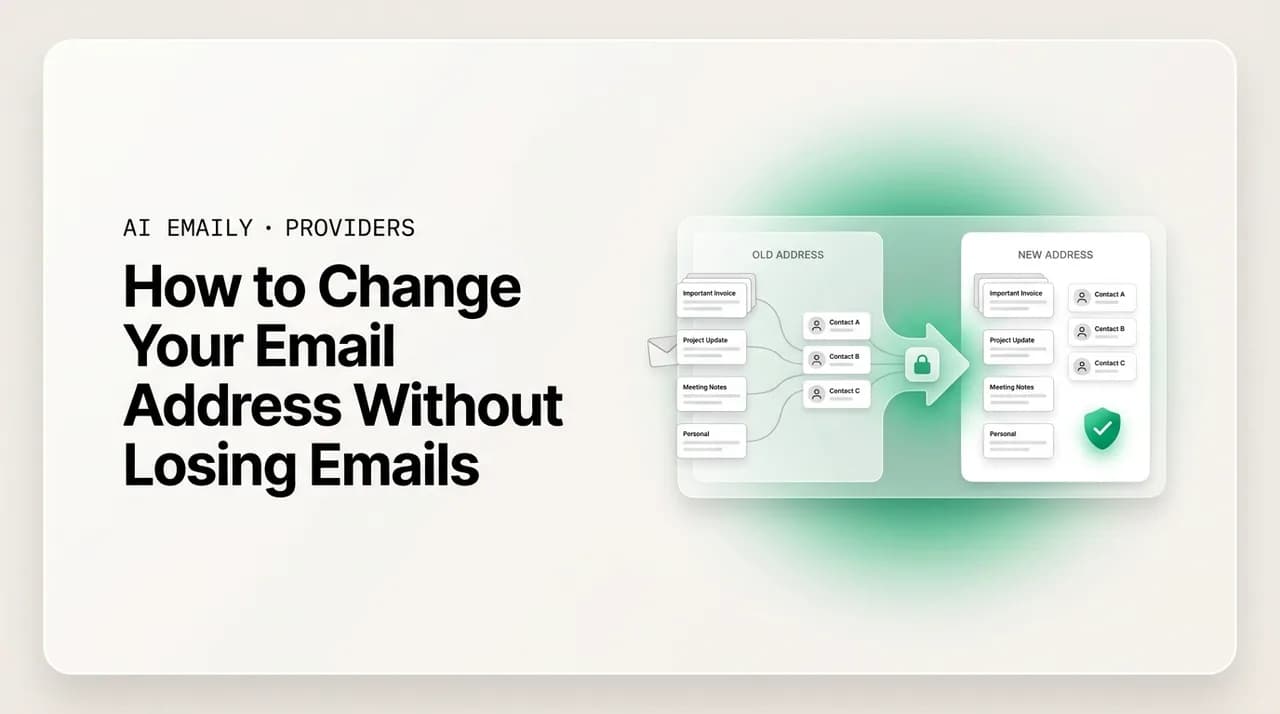
How to Change Your Email Address Without Losing Mail
Change your address in order: set up the new one, forward old mail to it, migrate your inbox and contacts, then update logins, subscriptions, and 2FA.
Nafiul Hasan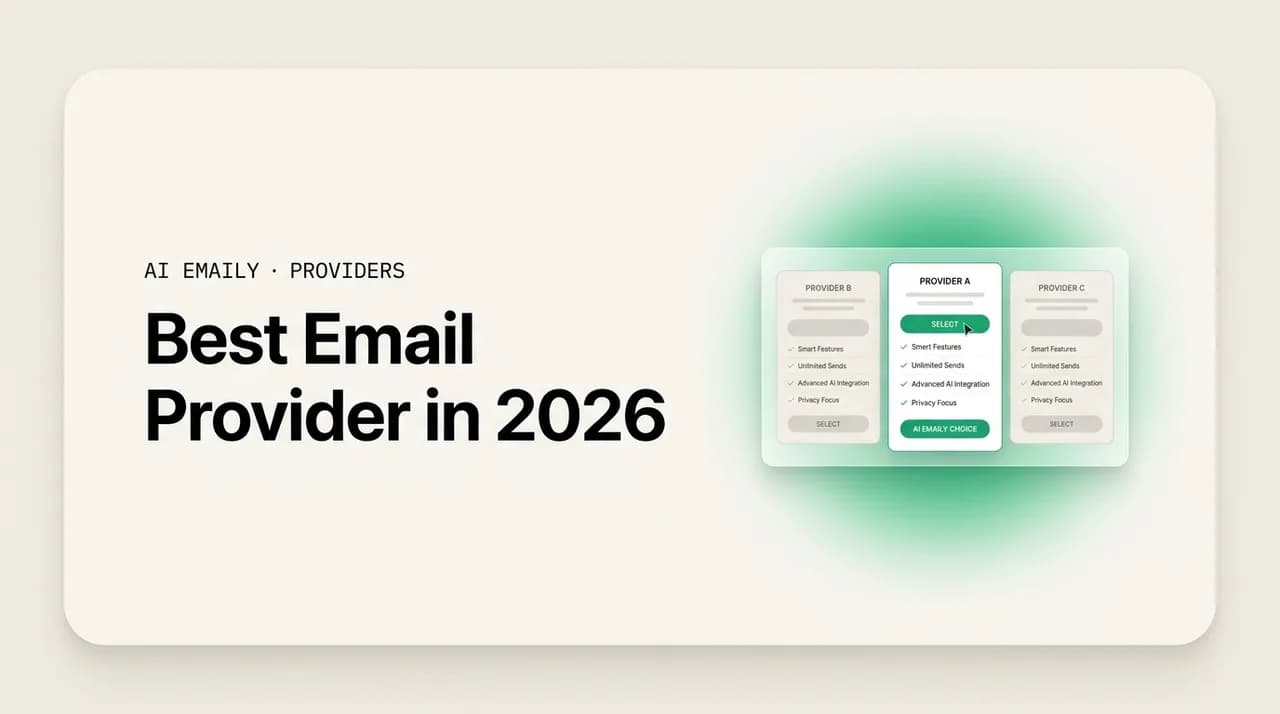
Best Email Provider in 2026: 8 Options Compared, With a Pick for Each Need
The best email provider in 2026: Gmail for most people, Proton for privacy, Fastmail for custom domains, iCloud for Apple, Zoho for cheap business email.
Nafiul Hasan
Gmail vs Outlook vs iCloud: Which Email Should You Use?
Gmail vs Outlook vs iCloud in 2026: Gmail for search and AI, Outlook for Microsoft 365, iCloud for Apple privacy. Verdicts, prices and a full table.
Nafiul Hasan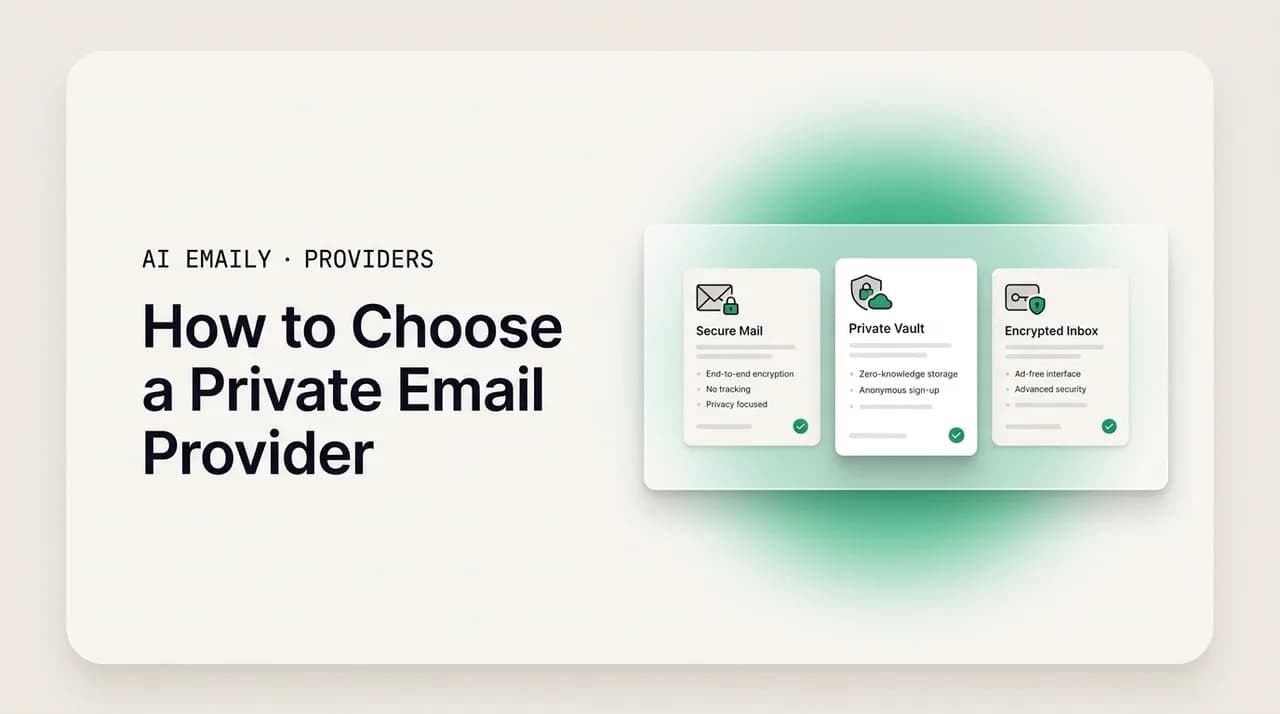
Proton vs iCloud vs Fastmail: How to Choose a Private Email
Proton vs iCloud vs Fastmail on encryption, IMAP, custom domains and price. Proton is end-to-end encrypted; Fastmail and iCloud hold the keys.
Nafiul HasanEverything else in providers & migration
Email, finally worthy of your attention.
Start your 7-day free trial. Cancel anytime.
- 7-day free trial
- Cancel anytime
- Every provider