← Blog

Topic

Unwanted email by app

The controls Gmail, Outlook, Apple Mail and Yahoo really give you.
Gmail inbox with the three-dot menu open showing block, unsubscribe, and report phishing options for stopping unwanted emails
Unwanted email by app

How to Stop Unwanted Emails in Gmail (Five Levels of Fix)

Learn how to stop unwanted emails in Gmail with five escalating controls: unsubscribe, block sender, filter, report spam, and protect your address.

Nafiul HasanNafiul Hasan
Outlook inbox showing blocked senders list, junk email filter level selector, sweep options, and rules dialog side by side
Unwanted email by app

How to Stop Unwanted Emails in Outlook: Every Control Explained

How to stop unwanted emails in Outlook: Block, Junk filter, Sweep, and Rules explained — with steps for Outlook.com, new Outlook, and classic Outlook.

Nafiul HasanNafiul Hasan
iPhone displaying the Apple Mail inbox with the Block Sender prompt and unsubscribe banner visible, illustrating the tools available to stop unwanted emails on iPhone
Unwanted email by app

How to Stop Unwanted Emails on iPhone: What Mail Can and Can't Do

How to stop unwanted emails on iPhone: Block Sender and unsubscribe are on the phone, but email filtering rules have to live on Gmail or Outlook.

Nafiul HasanNafiul Hasan
Gmail inbox showing the Promotions tab active, a filter creation dialog with category:promotions, and the Manage Subscriptions sidebar for stopping promotional emails
Unwanted email by app

How to Stop Promotional Emails in Gmail Without Unsubscribing

Stop promotional emails in Gmail: use the Promotions tab, a category:promotions filter, and Manage Subscriptions to clear the backlog fast.

Nafiul HasanNafiul Hasan
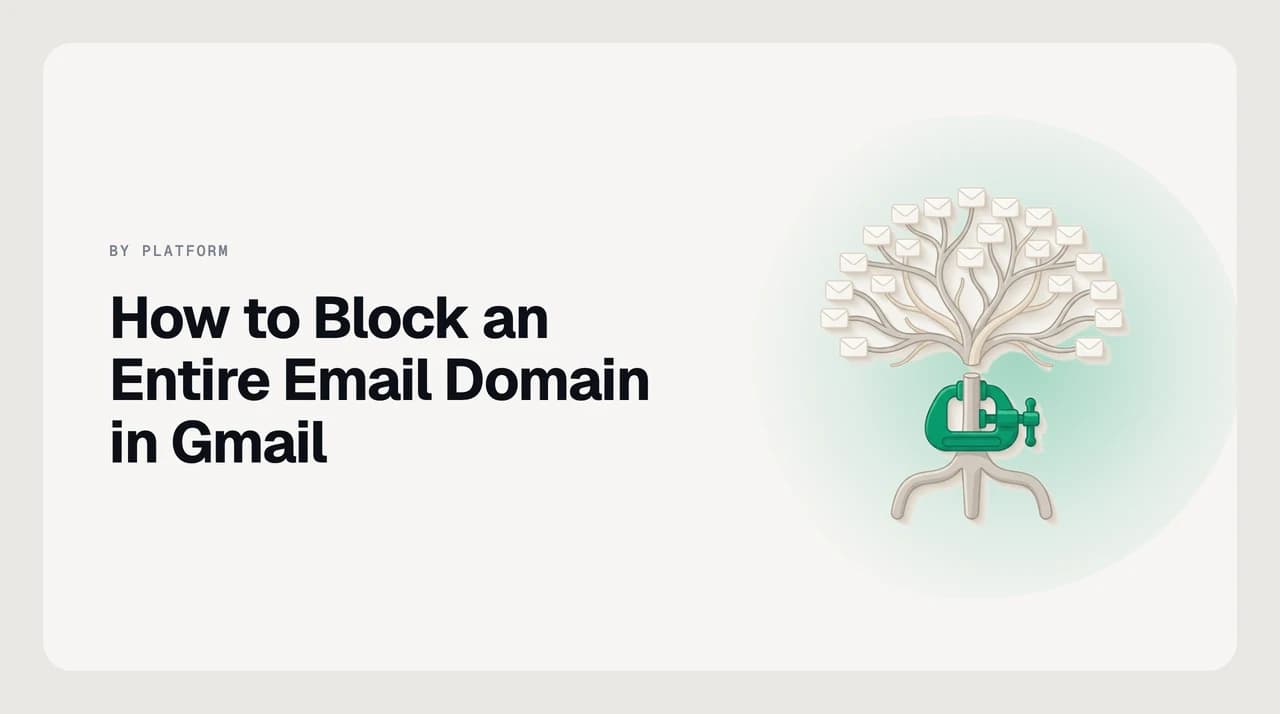
Illustration of the Gmail filter creator showing the From field set to a wildcard domain pattern and the Delete it action selected, representing the steps to block an entire email domain in Gmail
Unwanted email by app

How to Block an Entire Email Domain in Gmail

How to block an entire email domain in Gmail using filters: exact from:*@domain.com syntax, subdomain gaps explained, and the Workspace admin console route.

Nafiul HasanNafiul Hasan
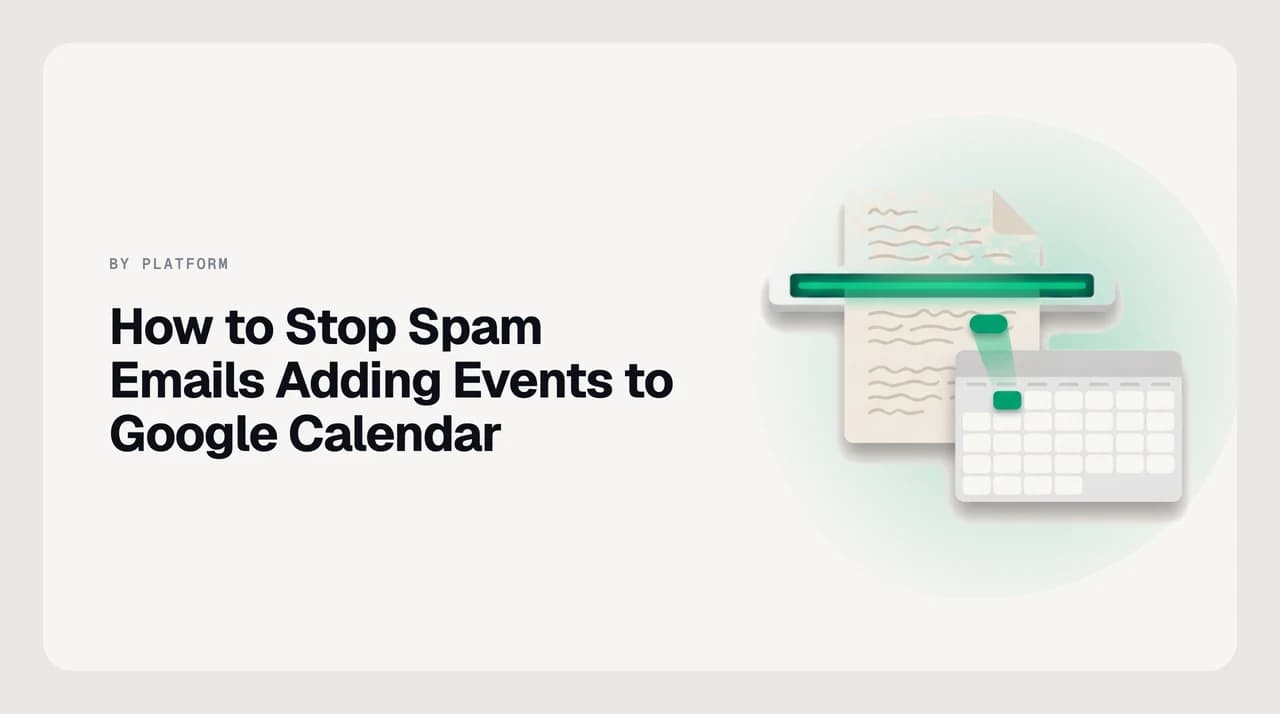
Google Calendar cluttered with spam events from unknown senders, illustrating the two settings that stop junk email calendar invites in Gmail
Unwanted email by app

How to Stop Spam Emails Adding Events to Google Calendar

Stop spam emails from adding events to Google Calendar by adjusting two settings: Add invitations to my calendar and Show events from Gmail.

Nafiul HasanNafiul Hasan
Gmail mobile app on a smartphone showing the three-dot More menu open with options to report spam and block a sender
Unwanted email by app

How to Stop Spam Emails in the Gmail App on Your Phone

Learn how to stop spam emails in the Gmail app on Android and iPhone—block, report, unsubscribe, and what only works on desktop.

Nafiul HasanNafiul Hasan
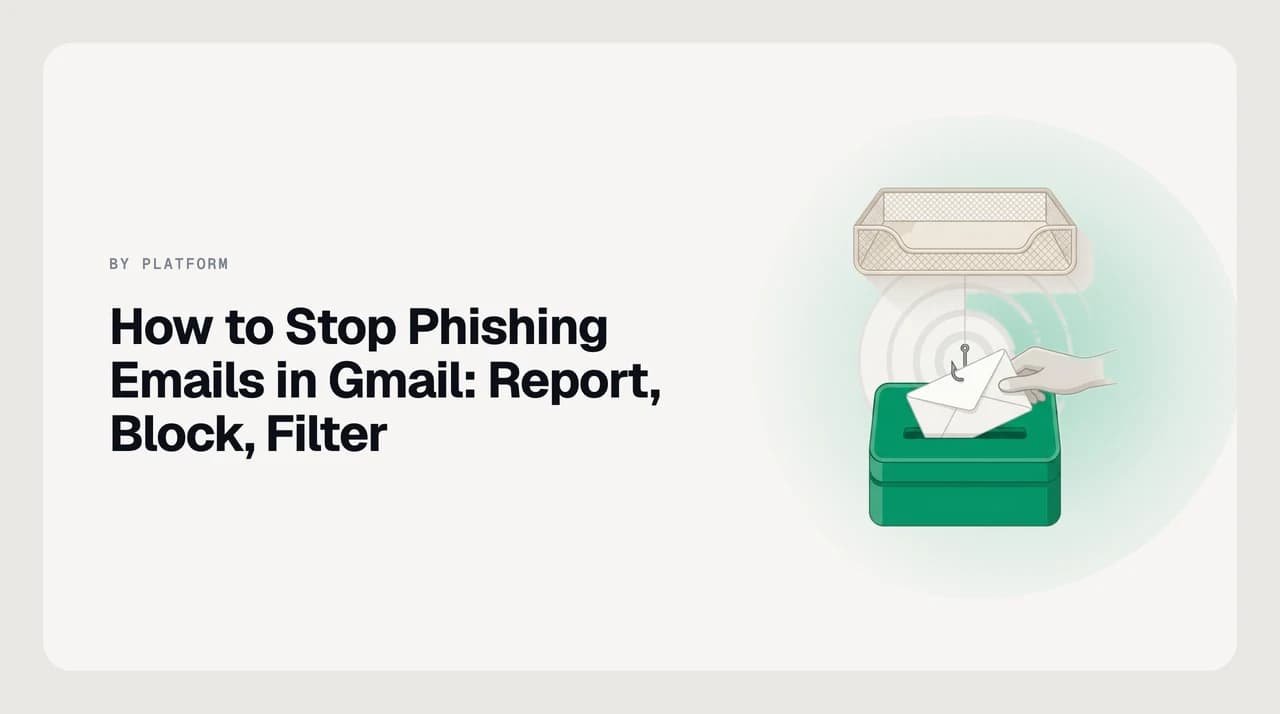
Gmail inbox showing a phishing warning banner alongside a step-by-step guide to reporting, blocking, and filtering phishing emails in Gmail
Unwanted email by app

How to Stop Phishing Emails in Gmail: Report, Block, Filter

How to stop phishing emails in Gmail: report them correctly, block the sender, filter the domain, and check your account for damage.

Nafiul HasanNafiul Hasan
Outlook.com junk email settings page showing the blocked senders and domains list with a domain entry being added
Unwanted email by app

How to Block an Entire Email Domain in Outlook.com

Block an entire email domain in Outlook.com in seconds. Learn the 10,000-entry cap, the 14-day junk deletion limit, and the subdomain rule fix.

Nafiul HasanNafiul Hasan
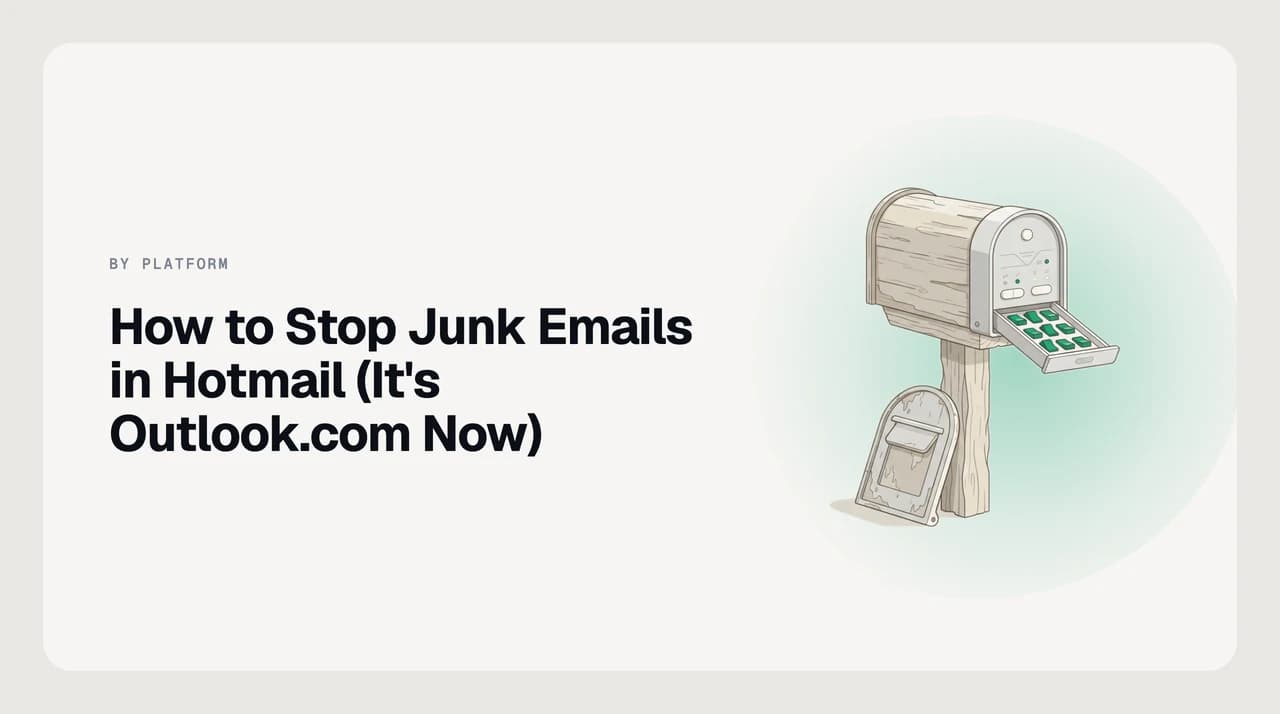
Outlook.com junk email settings panel showing blocked senders list and filter controls for a Hotmail account
Unwanted email by app

How to Stop Junk Emails in Hotmail (It's Outlook.com Now)

How to stop junk emails in Hotmail: your address still works, but the settings moved to Outlook.com. Here is exactly where to find them in 2026.

Nafiul HasanNafiul Hasan
Outlook mobile app on iPhone showing the three-dot menu with Report Junk and Block Sender options highlighted to stop junk email
Unwanted email by app

How to Stop Junk Email in the Outlook App on iPhone and Android

How to stop junk email in the Outlook mobile app on iPhone and Android — block senders, report junk, and fix the Focused Inbox confusion.

Nafiul HasanNafiul Hasan
Phishing email open in Microsoft Outlook with the Report Message panel and Block Sender option visible in the toolbar
Unwanted email by app

How to Stop Phishing Emails in Outlook and Microsoft 365

How to report and block phishing emails in Outlook and Microsoft 365, and why reporting alone does not stop future messages.

Nafiul HasanNafiul Hasan
Windows 11 laptop showing the new Outlook inbox with a block sender menu open to block unwanted emails
Unwanted email by app

How to Block Unwanted Emails on Windows 11

How to block unwanted emails on Windows 11 now that the Mail app is gone: use Outlook's Block, and block at the provider for Gmail or Yahoo.

Nafiul HasanNafiul Hasan
iPhone Calendar view showing unwanted spam events, illustrating how to stop junk emails adding events to your iPhone calendar
Unwanted email by app

How to Stop Junk Emails Adding Events to Your iPhone Calendar

Learn how to stop junk emails adding to calendar on iPhone. Fix iCloud invitations, disable Events Found in Mail, and remove subscribed spam calendars.

Nafiul HasanNafiul Hasan
iPhone showing Mail app settings for Blocked Sender Options and an iCloud.com Rules screen, illustrating the layered approach to blocking emails from unknown senders on iPhone
Unwanted email by app

How to Block Emails From Unknown Senders on iPhone

iOS Mail has no contacts-only filter. Learn how to block emails from unknown senders on iPhone using iCloud rules, Blocked Sender Options, and Hide My Email.

Nafiul HasanNafiul Hasan
iPhone Mail inbox showing a junk email from a sender that was already blocked, illustrating why iPhone blocking often fails to remove junk
Unwanted email by app

Why You Can't Stop Junk Email on Your iPhone (and What Fixes It)

Blocked senders still arrive on iPhone because of five fixable causes. Here's how to diagnose each one and actually stop the junk.

Nafiul HasanNafiul Hasan
Illustration showing how to stop unwanted emails on iPad, with Mail app blocking controls and iCloud server-side rule options highlighted
Unwanted email by app

How to Stop Unwanted Emails on iPad

How to stop unwanted emails on iPad: block senders in Mail, mark junk, and use iCloud rules that filter across every device.

Nafiul HasanNafiul Hasan
Apple Mail on a MacBook showing the Block Sender option in the message header — how to block unwanted emails on a Mac
Unwanted email by app

How to Block Unwanted Emails on a Mac

How to block unwanted emails on a Mac using Apple Mail's Block Sender, Junk Mail filter, and rules that catch senders who keep changing address.

Nafiul HasanNafiul Hasan
iCloud Mail settings screen at icloud.com showing blocked senders list and rules interface for stopping unwanted email
Unwanted email by app

How to Stop Unwanted Emails in iCloud Mail

Stop unwanted emails in iCloud Mail by blocking senders, creating server-side rules, and using Hide My Email — all controlled at icloud.com.

Nafiul HasanNafiul Hasan
Yahoo Mail inbox view with the block, filter, and unsubscribe controls highlighted — showing the three ways to stop unwanted emails in Yahoo Mail
Unwanted email by app

How to Stop Unwanted Emails in Yahoo Mail

How to stop unwanted emails in Yahoo Mail: block addresses, create filters, and unsubscribe — plus why blocked mail goes to Trash, not Spam.

Nafiul HasanNafiul Hasan
iPhone screen showing Yahoo Mail blocked senders settings, illustrating how to stop Yahoo spam emails by applying a server-side block rather than an iOS Mail block
Unwanted email by app

How to Stop Yahoo Spam Emails on iPhone

Block Yahoo spam on iPhone via Yahoo Mail, not iOS Mail. iOS blocks are Apple-only; Yahoo's server ignores them. Server-side blocks stop mail on every device.

Nafiul HasanNafiul Hasan
Yahoo Mail inbox with two types of advertising highlighted: Yahoo's own inline ad units labeled Ad and third-party marketing emails from real senders — showing how to stop advertising emails on Yahoo Mail
Unwanted email by app

How to Stop Advertising Emails on Yahoo Mail

How to stop advertising emails on Yahoo Mail: unsubscribe and filter third-party marketing; remove Yahoo's inbox ad units with Mail Plus.

Nafiul HasanNafiul Hasan
AOL Mail interface showing how to stop unwanted emails using block senders, spam filters, and SpamGuard controls
Unwanted email by app

How to Stop Unwanted Emails on AOL Mail

Learn how to block senders, set filters, and stop spam on AOL Mail. Steps covering blocked addresses list (1,000-address cap), filters, and SpamGuard.

Nafiul HasanNafiul Hasan
Android phone displaying the Gmail app with the three-dot overflow menu open on an unwanted email, showing the Block and Report spam options available to stop unwanted emails on Android
Unwanted email by app

How to Stop Unwanted Emails on Android

How to stop unwanted emails on Android depends on your app: Gmail, Samsung Email, and Outlook each have their own block and spam controls.

Nafiul HasanNafiul Hasan
Microsoft 365 junk email controls: Outlook Junk Email settings for users and Microsoft Defender anti-spam policies for admins
Unwanted email by app

How to Stop Junk Email in Microsoft 365: User vs Admin

Stop junk email in Microsoft 365: what you can do yourself in Outlook, and what needs an admin in Microsoft Defender.

Nafiul HasanNafiul Hasan
Ready when you are

Email, finally worthy of your attention.

Start your 7-day free trial. Cancel anytime.

  • 7-day free trial
  • Cancel anytime
  • Every provider