How Did Spammers Get My Email Address?

The short answer
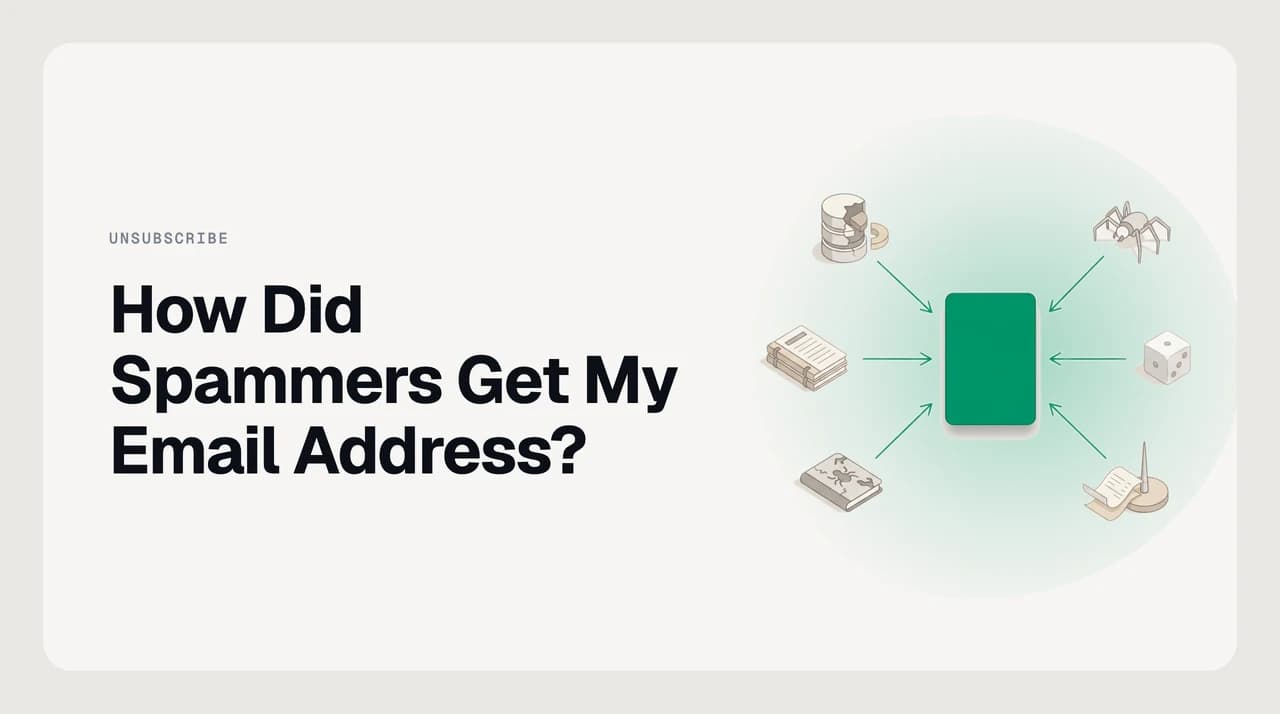
Your email most likely reached a spammer through one of six routes: a data breach, web scraping, a data broker list, address-pattern guessing, harvesting from an infected contact's address book, or a consent checkbox you missed. Have I Been Pwned shows breach exposure; a plus-address or unique alias reveals exactly which service leaked it.
Spammers get your email six ways: breaches, scraping, data brokers, address guessing, contact harvesting, or buried consent. Here's how to trace which.
On this page
How did spammers get your email address? Most likely one of six things — and narrowing it down is more achievable than the usual stop-spam guides admit. A breach at a service you used is the single most common culprit, but web scrapers, data brokers, dictionary attacks against your domain, harvested contact lists, and signup forms with buried consent checkboxes are all real and common routes.
The frustrating thing is that most of these required no active mistake on your part. The breach happened at a company that held your data; the scraper found a post you made years ago; the data broker bought a list you never consented to share. What you can control now is working out which route it was and making the next leak immediately attributable rather than mysterious.
The six ways spammers collect email addresses#
These are the realistic acquisition routes, in rough order of frequency. Any one of them can deliver your address to a list you never signed up for.
| Route | How it happens | Clue that points here |
|---|---|---|
| Data breach | A service you used suffered a credential leak. Your email — often with a hashed password — was included in the dump, then sold or published on the dark web. | Have I Been Pwned names the breach and the date. A surge of spam appearing shortly after a specific breach date is a strong signal. |
| Web and directory scraping | Bots crawl public pages for @domain patterns. Contact pages, forum profiles, GitHub commits, WHOIS records, conference attendee lists, and LinkedIn profiles all feed scrapers. | The address targeted is exactly as it appears publicly. Spam often starts within weeks of your first appearance in a new public index. |
| Data broker lists | Companies sell or share customer files, typically under a 'share with partners' clause buried in signup terms. You likely agreed without realising. | Senders operate in industries related to something you purchased. They often carry demographic details about you that only a buyer would have. |
| Address-pattern guessing | Spammers generate every common combination — first.last, f.last, first, firstlast — against known company domains. If your address fits a predictable pattern, it will be guessed. | Spam arrives at a work address that follows your company's standard format. Slight variants of your address receive the same campaign simultaneously. |
| Harvested from contacts | Someone in your network had their account hacked or device infected. The attacker exported the contact book, which included your address. | The sender references mutual connections or the message mimics someone you know. Your address may never have appeared in any public place. |
| Co-registration or buried consent | A signup form checked a 'share with partners' box by default. You signed up, legally consented, and the address was shared with an unknown list of third parties. | Spam is topically linked to a specific service you remember signing up for. A plus-address or alias used only on that form makes this immediately traceable. |
How to check which route found you#
Start with Have I Been Pwned (haveibeenpwned.com). Enter your email address and the service checks it against over 1,000 indexed breaches containing billions of records. If your address appears, HIBP names the breach and the specific data types that were exposed. A breach date that precedes your spam surge is a strong causal pointer, though not definitive proof — addresses often circulate for months before being used.
If HIBP shows nothing, look at timing and context. Did spam increase after you published something publicly, registered a domain, or attended a conference that posted an attendee list? Scraping is the likely route. Did it coincide with a purchase or new service signup? Data broker or co-registration.
The most precise diagnostic requires some setup in advance. If you used a tagged address when you signed up — [email protected] is the simplest version — spam arriving at that specific variant tells you exactly which service leaked. Without that setup in place, retrospective attribution is educated guesswork from the signals above rather than hard evidence.
What doesn't work — and what actually does#
Replying to ask for removal is the most common mistake people make. For a legitimate commercial sender — a company you recognise, with a physical address and a functioning unsubscribe link — clicking unsubscribe is correct and legally required to work. CAN-SPAM in the US and GDPR in the EU both mandate that commercial senders honour opt-out requests promptly.
The danger is applying the same logic to outright spam from unknown senders. Replying to those messages, or clicking an 'unsubscribe' link in a message from a spoofed or throwaway domain, tells the sender that a human read it. That information raises your address's value on resale lists. You are not getting removed — you are getting confirmed as an active target.
The practical rule: if you recognise the company and intentionally signed up for their email, use the footer unsubscribe link. If the sender is unknown or the message looks like outright spam, mark it as spam and don't engage. Most email providers use the spam signal to improve filtering for everyone.
Replying confirms your address is active
How to make the next leak traceable before it happens#
The most useful change you can make is signing up for services with tagged addresses, so that any future leak is immediately attributable rather than mysterious.
Gmail plus-addressing is the simplest approach. When you register on a site, use [email protected]. The part after the plus is discarded on delivery, so mail arrives normally — but if spam arrives at that variant, you know immediately which service leaked. The limitation is that the tag is visible to the sender, and some signup forms reject the plus character.
An alias service removes both limitations. Apple's Hide My Email and services such as SimpleLogin create a randomly generated address per signup that forwards to your real inbox. The vendor never sees your main address. When a specific alias starts receiving spam, you deactivate it — the sender loses access permanently without your real address ever being exposed. This is the most durable long-term approach for people managing many signups.
Combine either method with HIBP's notification feature. If a new breach containing one of your monitored addresses is discovered, you receive an alert — which is more useful than checking manually and faster than discovering it from the spam itself.

How AI Emaily handles what arrives once your address is out#
I should be upfront: we build AI Emaily, an AI email client. I'm mentioning it here because it is relevant to this topic, not as a substitute for the address hygiene steps above.
AI Emaily ships a spam-protection layer and a dedicated cold email filter. The spam layer identifies known spam patterns, phishing attempts, and tracking pixels before they reach your inbox. The cold email filter routes outreach from senders you've never corresponded with into a separate queue, so it doesn't compete with mail you actually need to see.
Neither feature stops your address from being collected in the first place — only breach response and address tagging does that. What the filters handle is the volume problem: once your address is in circulation, a client that actively categorises incoming mail reduces the daily noise without requiring you to touch each message manually.
AI Emaily's voice-matching feature, for drafting replies, draws on a user-set Context brain and per-client profiles. The spam and filter features work on sender signals and message patterns, not on the content of messages you write.
Frequently asked
See it in AI Emaily
Keep reading

Written by
Nafiul HasanNafiul Hasan is an entrepreneur and AI automation system builder with 10+ years of experience turning messy, manual workflows into reliable automated systems. He designs and ships AI enterprise solutions end-to-end — the agent logic, the data plumbing, and the product people actually use — and founded AI Emaily to give busy professionals their attention back. He writes here from the builder's seat: what works, what breaks, and how to put AI to work without giving up control.