Why Junk Mail Still Gets Through to Your Inbox

The short answer
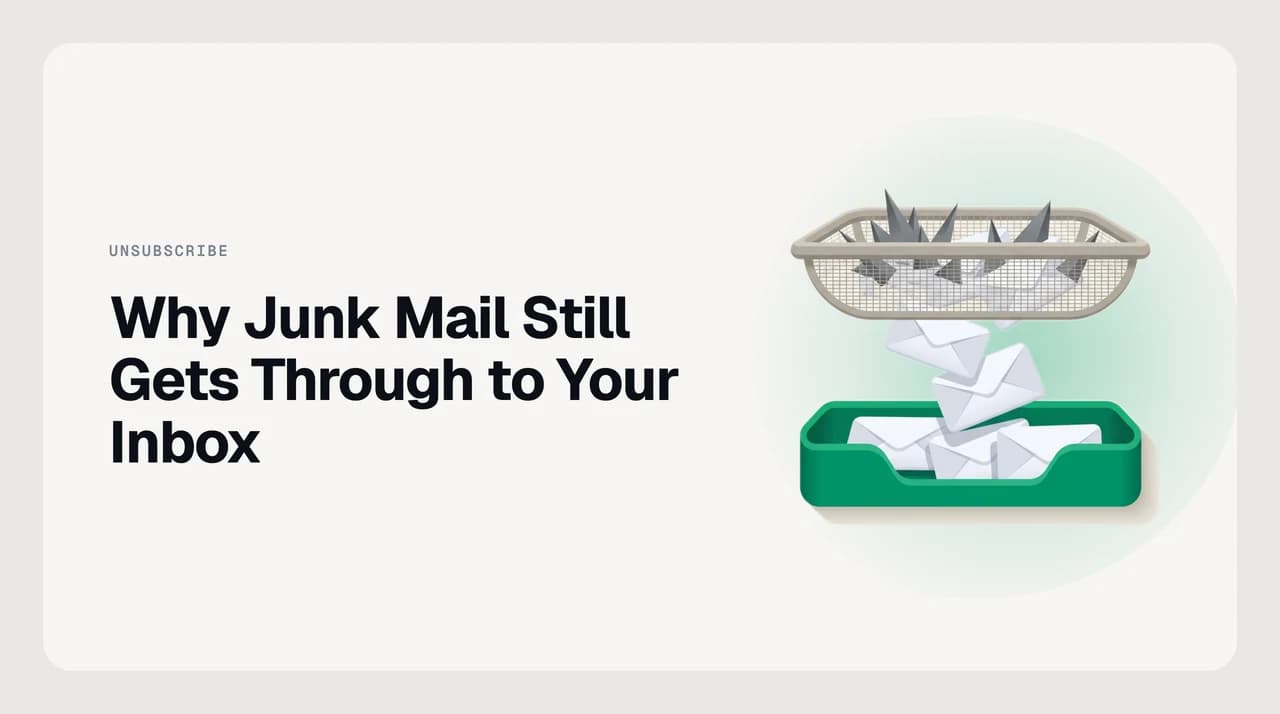
Spam filters block mail that looks illegitimate — forged, malicious, or from a bad reputation. A newsletter or store you once bought from is authenticated and legitimate, so it reaches the inbox by design. To stop mail that is merely unwanted, you need a rule about what you want, not a spam verdict.
Why is junk mail getting through to your inbox? Spam filters catch illegitimate mail, not mail that is merely unwanted. Here is how to stop it.
On this page
- 01What "junk mail in the inbox" actually means
- 02Why does my spam filter let this junk through?
- 03Fix 1: Unsubscribe from authenticated bulk mail
- 04Fix 2: Block the domain, not just the address
- 05Fix 3: Build a wanted / not-wanted rule
- 06How to tell which cause you have
- 07Preventing it going forward
- 08Where AI Emaily fits
If junk mail keeps getting through to your inbox, the frustrating part is that your spam filter is often working exactly as designed. A spam filter's job is to catch mail that is illegitimate — forged, malicious, or sent from an address with a bad reputation. It was never built to judge whether you, personally, want a given message.
So a newsletter you forgot you signed up for, or a store you bought from once, sails straight past it. That gap is what every "just unsubscribe" article steps around. Below is what the filter is actually deciding, why an authenticated bulk sender reaches you by design, and the fix that holds: a rule about what you want, not a verdict on what is abusive.
What "junk mail in the inbox" actually means#
When a message lands in your inbox instead of the spam folder, your provider has decided it is safe enough to deliver. "Safe" means three things: the sender is who they claim to be, the sending domain is not on a reputation blocklist, and few recipients have complained about it. None of those three checks asks whether the mail is useful to you.
Providers verify sender identity with three standards, and the large mailbox providers now require them from anyone sending in volume. SPF says which servers may send for a domain. DKIM signs the message so tampering shows. DMARC tells the receiver what to do when SPF or DKIM fails. Google's own guidance says an authenticated message is "less likely to be rejected or marked as spam" — likely, not never.
Authentication proves real, not wanted
Why does my spam filter let this junk through?#
There is rarely one reason. The mail slipping past your filter usually falls into one of a few patterns, and the confirmation and fix differ for each. Find the row that matches what you are seeing.
| Cause | How to confirm | The fix |
|---|---|---|
| Authenticated bulk sender (graymail) | It is a real company you have some past tie to, and it passes DKIM (Gmail: "Show original") | Unsubscribe, then set a personal rule to file or block the sender |
| Brand-new sending domain | The sender domain was registered recently and you have no history with it | Block the domain, not just one address; report it so its reputation builds |
| Rotating / snowshoe domains | Near-identical junk arrives from a stream of slightly different addresses or lookalike domains | Match on sender behaviour and domain pattern, not a single address |
| You once opted in | The message carries a working one-click unsubscribe and a physical mailing address | Use the one-click unsubscribe; it is required for marketing mail |
| Contact / reply loophole | The sender is in your contacts, or you emailed them once | Remove them from contacts — known contacts often skip filtering |
Fix 1: Unsubscribe from authenticated bulk mail#
For graymail from a real company, unsubscribing is the correct first move, not a trap. Google, Yahoo and Apple all require a working one-click unsubscribe on marketing mail from bulk senders, and Gmail surfaces it as an "Unsubscribe" link next to the sender name.
- 1
Confirm it is a real, authenticated sender
Open the message and check for a company name you recognise and a physical address in the footer. If both are present, this is graymail, and unsubscribing is safe.
- 2
Use the built-in unsubscribe, not the link in the body
Prefer the provider's own "Unsubscribe" control at the top of the message. It uses the standardised header, so the request goes back through your provider rather than a link you have to trust.
- 3
Give it a few days
Legitimate senders are allowed a short window to process the request. If mail keeps arriving after that, treat the sender as one that ignores opt-outs and move to Fix 2.
Fix 2: Block the domain, not just the address#
Blocking a single address does almost nothing against a sender that rotates. A brand-new domain has no reputation to fail on yet, and a snowshoe operation spreads volume across many addresses so no single one crosses a complaint threshold. Blocking the whole domain closes that door.
- 1
Read the full sender domain
In Gmail, open "Show original"; in Outlook, hover the sender. Note the part after the @ — that domain, not the display name, is what you are targeting.
- 2
Block or filter the domain
Create a filter that matches the whole domain (for example, anything from @that-domain.com) and sends it to spam or trash. This catches every address the sender spins up under it.
- 3
Report it as spam or phishing
Reporting feeds the provider's reputation system, which is what eventually gets a new domain filtered for everyone. One report is a data point; many reports are a blocklist entry.

Fix 3: Build a wanted / not-wanted rule#
The durable fix inverts what the filter does. Instead of asking "is this abusive?", you set a rule about what you want in the inbox and route everything else out. This is the only approach that holds against a legitimate sender the filter will never block for you.
- 1
Decide what belongs in the inbox
People you correspond with, receipts you need, alerts you act on. Everything else — promotions, digests, cold outreach — is a candidate for a separate view.
- 2
Route the rest to a folder, not to spam
Create a rule that files newsletters and promotions into a labelled folder. They are legitimate, so spam is the wrong place; a folder you check weekly is the right one.
- 3
Handle cold outreach separately
Unsolicited sales mail that authenticates cleanly will pass the spam filter every time. A dedicated rule that catches first-contact sales patterns keeps it out of the inbox without deleting it.
How to tell which cause you have#
Look at the sender and the pattern, not the subject line. If it is one recognisable company arriving repeatedly, it is graymail — Fix 1 then Fix 3. If it is a stream of unfamiliar, slightly different senders, it is a new-domain or snowshoe pattern — Fix 2.
If the mail comes from someone you emailed once, or who sits in your contacts, the filter is deliberately standing down for a known contact. Remove them from contacts and the normal filtering resumes. When several patterns overlap, work top-down through the causes table until the inbox quiets.
Preventing it going forward#
The habits that keep the inbox clean all reduce how much a sender can ever learn about you. Guarding your primary address is worth more than any single block, because a sender that never gets the address never sends to it.
- Use a secondary address, or a plus-alias, for signups and one-off purchases — keep your primary address for people.
- Unsubscribe from graymail as it arrives rather than letting it pile up; a smaller list of senders is easier to rule on.
- Report new-domain junk instead of only deleting it — reporting is what teaches the provider's reputation system.
- Review your contacts occasionally; a marketer added there bypasses the filter entirely.
- Keep one weekly folder for legitimate-but-optional mail, so "unwanted" never has to mean "in the inbox."
Where AI Emaily fits#
Every fix above is a rule you maintain by hand: unsubscribe, block a domain, build a filter, then repeat when the sender rotates. It never ends because mailbox filters judge legitimacy and reputation — so a legitimate bulk sender passes every check, and a brand-new domain has no reputation to fail on yet. AI Emaily's cold-email filter and rules brain apply the opposite test: a rule about what you want, matched on sender behaviour and domain rather than a single address, so a rotation does not reset it and an authenticated newsletter you never read still gets held. We build AI Emaily; you can see exactly how the filter works on our spam-protection and cold-email-filter pages before deciding it is worth it.
Frequently asked
See it in AI Emaily
Keep reading
Sources

Written by
Nafiul HasanNafiul Hasan is an entrepreneur and AI automation system builder with 10+ years of experience turning messy, manual workflows into reliable automated systems. He designs and ships AI enterprise solutions end-to-end — the agent logic, the data plumbing, and the product people actually use — and founded AI Emaily to give busy professionals their attention back. He writes here from the builder's seat: what works, what breaks, and how to put AI to work without giving up control.