Should I Unsubscribe, Mark as Spam, or Block the Sender?

The short answer
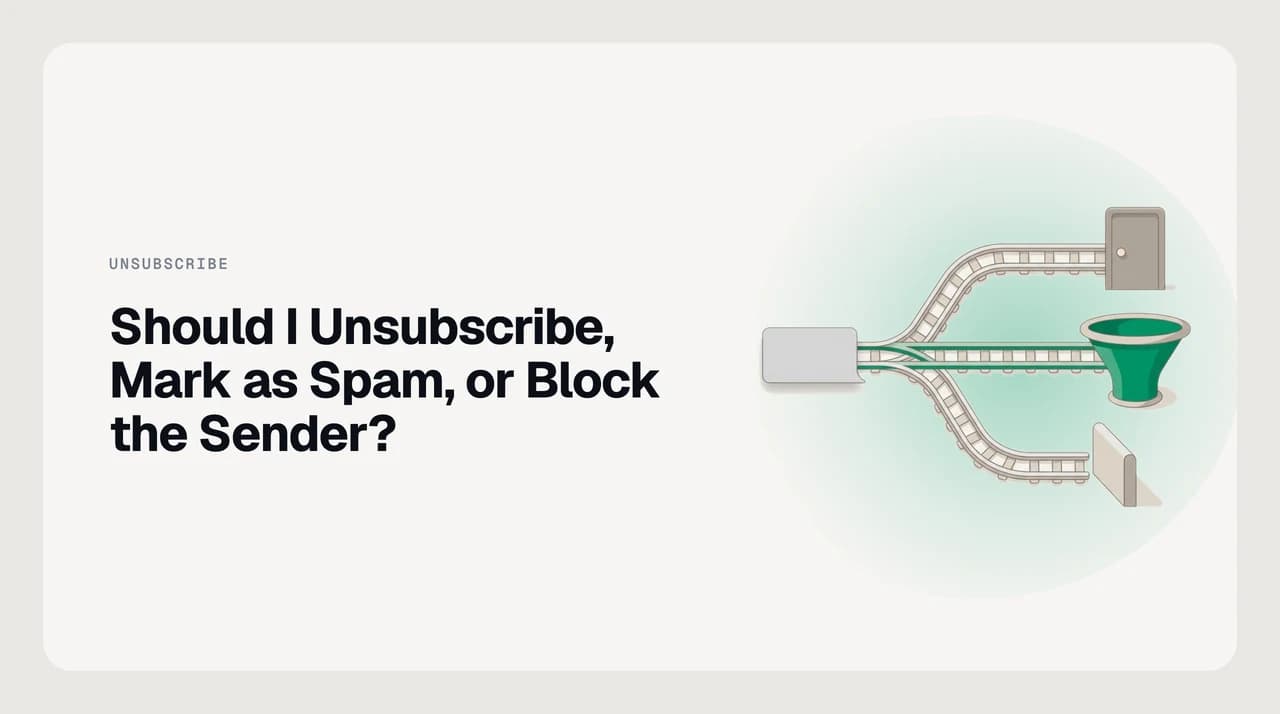
Unsubscribe asks a legitimate sender to stop mailing you, and reputable ones must honour it. Mark as spam trains your provider's filter and can hurt a sender's reputation, so use it for mail from senders you never opted into. Block a sender quietly diverts one address without touching the underlying list. Choose by sender legitimacy first.
Should I unsubscribe or mark as spam? It depends on whether the sender is legitimate. Here's how to tell, and what each action really does.
On this page
- 01At a glance: three actions, three different outcomes
- 02What unsubscribe actually does
- 03What mark as spam actually does
- 04What block sender actually does
- 05The "unsubscribing confirms your address" folk rule
- 06Which one to use in each situation
- 07When none of the three buttons is enough
- 08Where AI Emaily fits
You have a message open. It is unwanted. Your provider gives you three buttons — Unsubscribe, Mark as spam, Block sender — and the one you pick decides what happens to that sender, what your inbox looks like tomorrow, and, if enough people pick the wrong one, whether that sender can reach anyone at all.
The choice is not really between three actions. It is between two kinds of sender: one you can trust to honour a request to stop, and one you cannot. Sort by that first, and the right button becomes obvious.
Below: what each action actually does, how to tell which kind of sender you are looking at, and the folk rule about "unsubscribing confirms your address" — which is right about one case and wrong about the other.
At a glance: three actions, three different outcomes#
Read the table for the shape. Everything under it explains why the boundaries are drawn where they are and where each action fails.
| Action | What it does | Best when | What it does not do |
|---|---|---|---|
| Unsubscribe | Sends an opt-out request to the sender; on supporting providers this is a one-click header your client honours for you. | You once opted in, or the sender is a real business with a working unsubscribe link on their own domain. | Stop mail instantly, punish the sender, or work reliably against unknown senders using a fake link. |
| Mark as spam | Moves the message to your Spam or Junk folder and feeds your provider's classifier a labelled example. | You never opted in, the sender's domain is unfamiliar or suspicious, and there is no trustworthy way to opt out. | Distinguish itself from "report phishing" — which you should use for anything that impersonates a person or brand. |
| Block sender | Routes future mail from that specific address to Spam or Junk, without notifying the sender or opting you out of anything. | One person or automated address keeps mailing you and you want it out of sight, quietly. | Stop a sender that rotates through addresses, or unsubscribe you from a list you are actually on. |
What unsubscribe actually does#
Unsubscribe is a request. On a legitimate sender it is a request that has real effect; on an outright spammer it is often a link that does nothing, or something worse.
The good version is the List-Unsubscribe header. When a sender includes it, Gmail and Outlook render an "Unsubscribe" link next to the From address and can honour it in one click, without you visiting the sender's site. Gmail's own instructions describe the flow bluntly: open the message, click Unsubscribe next to the sender's name, and confirm — with the caveat that "it may take a few days for you to stop receiving emails from the mailing list."
The reason it works at all is regulation. In the United States, commercial email is covered by the CAN-SPAM Act, which requires senders to offer a working opt-out and to honour it within a defined window (the FTC publishes the current rule; verify the exact days on ftc.gov, because we could not fetch the page automatically at the time of writing). The EU's ePrivacy rules and Canada's CASL impose stricter versions. A legitimate business that ignores an unsubscribe is not just being rude — it is picking a fight with a regulator.
The bad version is a link inside an email from a sender you have never heard of, going to a domain that has nothing to do with the From address. That is not an unsubscribe form. Sometimes it is a tracker that confirms your address is monitored; sometimes it just leads to a page that installs something. If the sender is not a business you can find, do not click.
What mark as spam actually does#
Mark as spam is a label. It moves the message out of your inbox and it tells your provider's spam classifier: "more like this, less like that."
Gmail states this plainly in its help centre: "As you report more spam, Gmail identifies similar emails as spam more efficiently," and confirms that "Google receives a copy of the email and may analyze it to help protect users from spam and abuse." Outlook works the same way in principle — the Junk Email Filter learns from the messages you and other users tag, and mail from a sender you add to the Blocked Senders list goes straight to Junk from then on.
That is why the action matters beyond your own inbox. Providers do not just filter for you; they aggregate spam reports across millions of accounts to score senders and domains. Enough reports and a sender's mail starts landing in Spam for people who never complained.
Marking legitimate newsletters as spam has an externality
What block sender actually does#
Block sender is a personal filter. It affects your account and nobody else's. Outlook's own documentation is direct about the mechanic: adding an address to the blocked list will "move these messages directly to your Junk Email folder." Gmail's block behaves the same way — future mail from that address lands in Spam automatically.
That is all it does. It does not tell the sender you blocked them. It does not remove you from their list. It does not train the wider spam classifier. And critically, it works on the address you saw, not on the sender behind it — the moment a marketing tool switches from news@ to hello@ or rotates through a pool of subdomains, the block stops mattering.
So blocking is right for a narrow case: one address, one persistent person, and you just want the mail gone. For lists that rotate senders or bulk cold-outreach tools, a block is whack-a-mole and a filter rule or an AI-based cold-email filter will do more with less effort.
The "unsubscribing confirms your address" folk rule#
The rule is not wrong — it is misapplied. It is the single reason people mark legitimate newsletters as spam by reflex, and it is worth taking apart.
For a legitimate sender — a real company with a real domain, using a working List-Unsubscribe header, whose message includes a physical postal address — unsubscribing is the correct action, the sender must honour it, and clicking the link does not "confirm your address to spammers" because the sender is not a spammer. They already know your address is live; you are on their list.
For an outright spammer — a message from a nonsense domain, no working unsubscribe header, a link that goes somewhere unrelated — the "unsubscribe" is not an unsubscribe mechanism at all. It is a click-tracker, or a redirect to something worse. Do not click it. Report the message as spam and move on.
The way to tell them apart is the message itself, not intuition:
- Does the From domain match a company you can actually find on the web?
- Does your client render a native Unsubscribe link next to the sender's name (which only appears when the List-Unsubscribe header is present and well-formed)?
- Does the unsubscribe link, if you hover it, go to the sender's own domain — or to a URL you do not recognise?
- Does the message include a physical postal address? Legitimate US commercial senders are required to.
- Would you recognise the sender if you got a receipt from them tomorrow?
Which one to use in each situation#
Match the message to a row. The right column is the one to click.

| Situation | Use | Why |
|---|---|---|
| A newsletter you signed up for, and no longer want | Unsubscribe | You are on a real list. The sender must honour the request; marking it as spam trains the filter against a sender who did nothing wrong. |
| A promotional email from a store you bought from a year ago | Unsubscribe | You gave them your address at checkout. The unsubscribe link on their domain is the right lever. |
| A cold sales outreach from a real-looking company you never heard of | Unsubscribe if a working link exists; otherwise mark as spam | Real B2B senders in the US must include an opt-out and honour it. If the link is broken or missing, treat the mail like the spam it functionally is. |
| Bulk mail from an unfamiliar domain with no working unsubscribe | Mark as spam | You were never on their list; there is no lever to pull; a report trains the classifier and helps other people too. |
| A message pretending to be your bank, PayPal, a delivery service, or a coworker | Report as phishing (not spam) | Phishing is a separate report both Gmail and Outlook expose. It routes the message to security teams and pattern-matches for impersonation. |
| One specific person or address you want out of your life quietly | Block sender | Nobody is notified, and future mail from that address lands in Junk. |
| A sender that rotates addresses or subdomains | Rule or AI filter, not block | Blocking is address-scoped. A rule on the From-domain, subject pattern, or list-id header will hold up; an AI cold-email filter will hold up further. |
When none of the three buttons is enough#
The three actions handle a single message with a single decision. They start to strain when the problem is a pattern.
You unsubscribe from a promo list, and the same brand starts mailing from a different "news" domain a week later. You block a cold-outreach address, and the same tool cycles to a new one. You mark a newsletter as spam, and next week Gmail decides another one you actually want looks similar enough to hide.
At that point the right tool is not another button — it is a rule, a header-based filter, or a classifier that runs on more than the one message you happen to be looking at. A rule on the From-domain catches every subdomain a brand rotates through. A rule on the List-Id header catches every message from a specific mailing list even after the sending address changes. An AI cold-email filter catches the entire category — templated outreach from prospecting tools — without you naming a single sender.
Gmail's built-in unsubscribe rendering is genuinely well done for the case it covers: modern List-Unsubscribe-Post one-click on senders that implement it correctly. If you live entirely in Gmail, get a modest volume, and the mail you want stopped comes mostly from legitimate senders, the native buttons plus the occasional block will get you a long way and you may not need anything else. This post's other advice still applies; the extra tooling below is for people whose problem is a category of mail rather than a specific message.
Where AI Emaily fits#
Full disclosure: we build AI Emaily, so this section is us, not a neutral recommendation. It is here because a couple of the pattern cases above are exactly what we built for.
AI Emaily is an AI-native email client that connects to your Gmail, Outlook, iCloud and IMAP accounts and adds a layer above the provider's own filters: a dedicated cold-email filter that recognises templated outreach without you tagging examples one by one, an AI spam layer that catches lookalikes the provider missed, and a rules brain you can point at header patterns or sender-domain families instead of naming a single address at a time. It does not replace unsubscribe, spam-report or block — it means you reach for them less often, because fewer of these messages arrive in your inbox in the first place.
For the case where the three buttons are exactly right — one message, one clear decision — the provider's own tooling is fine and you should use it. For the case where you are clicking the same button on the tenth variant of the same problem, that is what our filter and rules layer is for.
Frequently asked
See it in AI Emaily
Keep reading
Sources

Written by
Nafiul HasanNafiul Hasan is an entrepreneur and AI automation system builder with 10+ years of experience turning messy, manual workflows into reliable automated systems. He designs and ships AI enterprise solutions end-to-end — the agent logic, the data plumbing, and the product people actually use — and founded AI Emaily to give busy professionals their attention back. He writes here from the builder's seat: what works, what breaks, and how to put AI to work without giving up control.