Subdomain Strategy for Email: Marketing, Transactional, Cold

The short answer
Yes. Send transactional mail, marketing mail and cold outreach from separate subdomains so a complaint spike on one never drags down the others. Each subdomain needs its own SPF and DKIM records and gets its own 10-lookup SPF budget. Cold outreach is safest on a wholly separate domain, not a subdomain of your brand.
Should you send marketing email from a subdomain? Yes — isolate marketing, transactional and cold mail so one complaint spike can't sink the rest.
On this page
Should you send marketing email from a subdomain? For any company sending real volume, yes — and the same logic applies to your transactional mail and your cold outreach. The idea is risk isolation: mail that draws complaints should never share a sending identity with mail you cannot afford to lose.
This is the highest-leverage architectural decision in email deliverability, and you make it once, at DNS-config time. Get it right and a bad campaign hurts one stream instead of all of them. Below is a concrete naming plan, the exact DNS records each subdomain needs, and where the separation stops being a firewall.
The short answer#
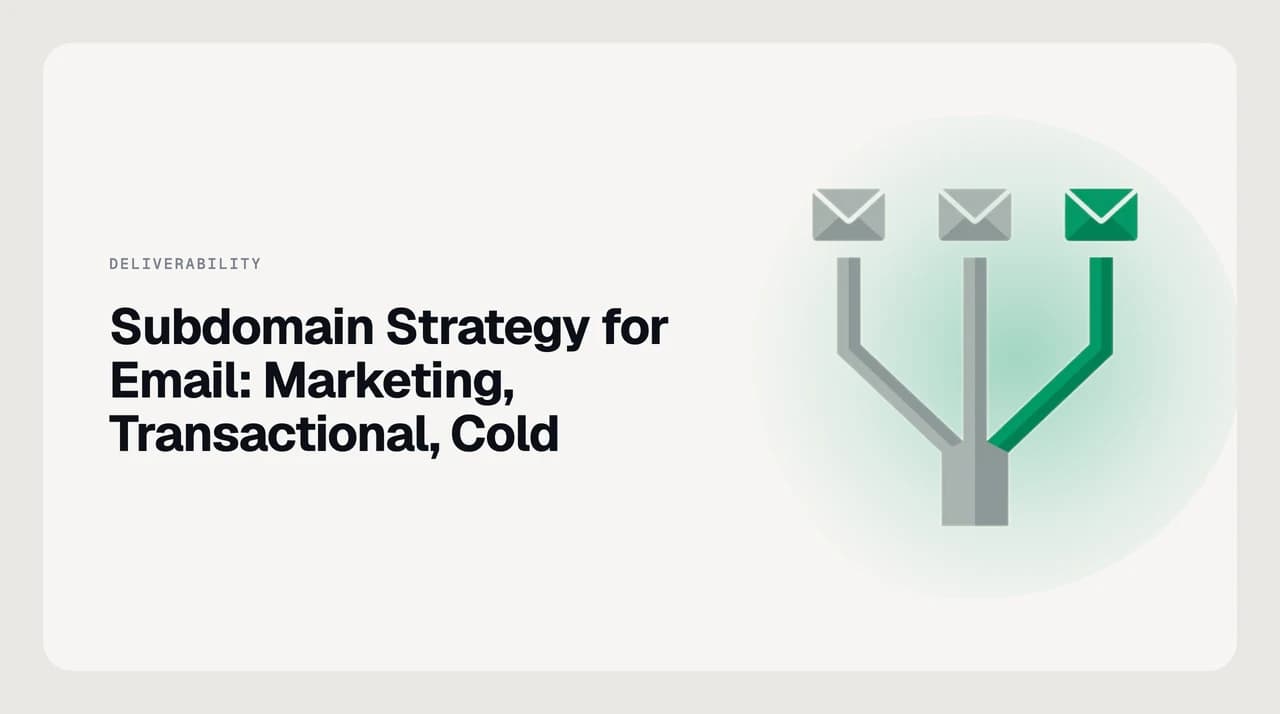
Split your outbound mail into streams by how risky each one is, and give each stream its own sending identity. A complaint spike, a blocklisting, or a spam-folder problem then lands on one subdomain instead of dragging down everything you send.
- Transactional — receipts, password resets, and alerts. This mail must arrive. Send it from a dedicated subdomain such as notify.yourdomain.com.
- Marketing — newsletters, promotions, and product news. This mail draws complaints and unsubscribes. Isolate it on something like news.yourdomain.com.
- Cold outreach — prospecting sequences. This is the riskiest mail you send, and it is safest on a wholly separate domain, not a subdomain of your brand.
- Person-to-person — your team's day-to-day replies. Keep this on your root domain and protect its reputation above all.
Does a subdomain have separate reputation?#
Mostly, with one caveat that trips people up. Mailbox providers build reputation around the domain in your DKIM signature, and a fresh subdomain starts with almost no history. That is exactly why marketers quarantine risk on one: a complaint spike lands on news.yourdomain.com, not on the bare domain your colleagues email from.
The caveat is that the separation is not absolute. Google classifies you as a bulk sender per primary domain, aggregating every subdomain. In Google's own example, 2,500 messages a day from solarmora.com plus 2,500 from promotions.solarmora.com counts as 5,000 from one primary domain, and the bulk-sender rules then apply to all of it.
That classification is permanent. Google states that bulk-sender status has no expiration date and that changing your sending practices later will not remove it. So subdomains isolate reputation for day-to-day deliverability, but they do not let you escape bulk-sender obligations once your combined volume crosses the line — as of August 2026, that line is 5,000 messages a day to personal Gmail accounts.
DMARC is now RFC 9989 (2026)
Before you start#
You cannot write a correct record for a subdomain until you know every service that will send from it. Do the inventory first.
- Access to your domain's DNS at your registrar or DNS host, so you can add TXT and CNAME records.
- A list of every service that sends on your behalf — ESP, CRM, billing system, support desk. Each one belongs to a stream.
- The include: value or sending IPs each service documents for SPF, and the DKIM keys or CNAMEs it asks you to publish.
- A DMARC record on your organizational domain, ideally already at p=none and collecting reports, before you tighten enforcement.
Audit before you publish
Mail subdomain naming conventions#
Naming conventions vary between teams, but the rule that matters is consistency: pick descriptive, lowercase subdomains, one per stream, and document them so nobody reuses one by accident. Below is a sane default most teams can adopt.
| Stream | Where to send it | What it carries | Priority |
|---|---|---|---|
| Transactional | notify.yourdomain.com | Receipts, password resets, alerts | Must arrive |
| Marketing | news.yourdomain.com | Newsletters, promotions, product news | Draws complaints — isolate |
| Cold outreach | A separate domain, e.g. yourbrand-mail.com | Prospecting sequences | Highest risk — keep off-brand |
| Person-to-person | yourdomain.com (root) | Staff replies and one-to-one mail | Protect above all |
Resist the urge to overload one subdomain with two streams to save setup time. The entire point is that a marketing complaint spike and a transactional failure never share an address.
Steps: set up your sending subdomains#
- 1
Inventory your streams
List every sending service and assign it to transactional, marketing, cold, or person-to-person. This decides how many subdomains you need before you touch DNS.
- 2
Create each subdomain at the sending service
Add the subdomain (for example news.yourdomain.com) in your ESP or platform. It will ask you to verify ownership with DNS records it generates for you.
- 3
Publish one SPF record per subdomain
Each subdomain needs its own SPF TXT record; the parent's does not cover it. Microsoft states plainly that the SPF record for contoso.com does not cover marketing.contoso.com. Keep each record under 10 DNS lookups — every subdomain has its own budget.
- 4
Publish DKIM keys under each subdomain
The service gives you a selector and a public key, usually as a CNAME. Publish it at selector._domainkey.<subdomain> so the DKIM d= value aligns with the subdomain that is actually sending.
- 5
Set DMARC and decide subdomain policy
Publish DMARC on the organizational domain. Use the sp tag to set a different policy for subdomains if you need one; otherwise existing subdomains inherit p. Start at p=none, read the reports, then move to quarantine or reject.
- 6
Add one-click unsubscribe to marketing streams
Google, Yahoo and Apple require one-click unsubscribe (RFC 8058 List-Unsubscribe-Post) on bulk marketing mail; Microsoft recommends it. Add it before you send a campaign, not after complaints arrive.
- 7
Warm up each subdomain separately
A new subdomain has no reputation. Ramp volume gradually over days to weeks so receivers learn each stream is legitimate rather than a sudden burst.
Platform differences#
The mechanics are similar across providers, but the enforcement details differ. Check each provider's own postmaster page before you launch, because these rules change and third-party summaries lag behind them.

| Platform | Subdomain SPF / DKIM rule | What to watch |
|---|---|---|
| Google Workspace / Gmail | Each sending subdomain needs its own SPF and DKIM; DMARC required for bulk senders | 5,000/day is counted across all subdomains of your primary domain, and bulk-sender status is permanent |
| Microsoft 365 / Outlook.com | Each subdomain needs its own SPF TXT record; the parent's does not cover it | Outlook.com's high-volume regime (SPF, DKIM, DMARC above 5,000/day to consumer inboxes) took effect 5 May 2025; non-compliant mail is rejected with 550 5.7.515 |
| Dedicated ESP (marketing) | The ESP gives you the include: value and DKIM CNAMEs to publish on your subdomain | Send from a subdomain, not the root, so campaign complaints stay off your primary reputation |
| Cold-email tools | Use a separate domain with its own SPF, DKIM and DMARC | A subdomain still ties reputation to your organizational domain via the DMARC tree walk — separate the domain, not just the label |
What to do when it doesn't work#
Most subdomain-sending problems trace back to one of four causes. Diagnose before you change records, because a wrong fix can turn a temporary delivery hiccup into a reputation problem.
- SPF permerror or too many DNS lookups: your record exceeds 10 lookups. Split services across subdomains — each gets its own 10-lookup budget — or replace an include: with the vendor's documented IP ranges.
- Mail fails DKIM after adding a subdomain: you published the key under the root but sign as the subdomain, or the CNAME has not propagated yet. Confirm the key resolves at selector._domainkey.<subdomain>.
- DMARC fails on otherwise-good mail: the From domain and the SPF or DKIM domain do not align. With relaxed alignment a subdomain aligns with its organizational domain; with strict alignment they must match exactly.
- Cold outreach is dragging down your brand: this is the sign you used a subdomain when you needed a separate domain. Move prospecting off any subdomain of your primary domain and onto a distinct one.
Read the DMARC reports before you enforce
A faster way to keep the streams clean#
Splitting your sending across subdomains is one-time DNS work, but keeping it healthy is continuous: you monitor DMARC reports, watch deliverability, and manage the mail that lands back in your own inbox. The sending side belongs to your ESP and a DMARC monitoring service. AI Emaily is a mail client, not an ESP, a DMARC monitor, or a deliverability tester, and it will not publish your SPF or DKIM records for you.
Where it helps is the receiving side of the same problem. The reason you isolate cold outreach on its own domain is that cold mail is high-risk — and everyone else's cold outreach lands in your inbox too. AI Emaily's cold email filter matches on sender behaviour and domain, so unsolicited outreach stays out of your primary inbox while your subdomain plan keeps your outbound clean. We build AI Emaily.
Frequently asked
See it in AI Emaily
Keep reading
Sources
- Microsoft Learn — Set up SPF (subdomain considerations)
- RFC 9989 — Domain-based Message Authentication, Reporting, and Conformance (DMARC), 2026
- Google — Email sender guidelines (bulk sender requirements)
- Google — Email sender guidelines FAQ (5,000-message threshold, permanent bulk status)
- Microsoft — Outlook's new requirements for high-volume senders
- RFC 8058 — One-click unsubscribe (List-Unsubscribe-Post)

Written by
Nafiul HasanNafiul Hasan is an entrepreneur and AI automation system builder with 10+ years of experience turning messy, manual workflows into reliable automated systems. He designs and ships AI enterprise solutions end-to-end — the agent logic, the data plumbing, and the product people actually use — and founded AI Emaily to give busy professionals their attention back. He writes here from the builder's seat: what works, what breaks, and how to put AI to work without giving up control.