What Is a Secondary MX Record? Backup MX Myths Debunked

The short answer
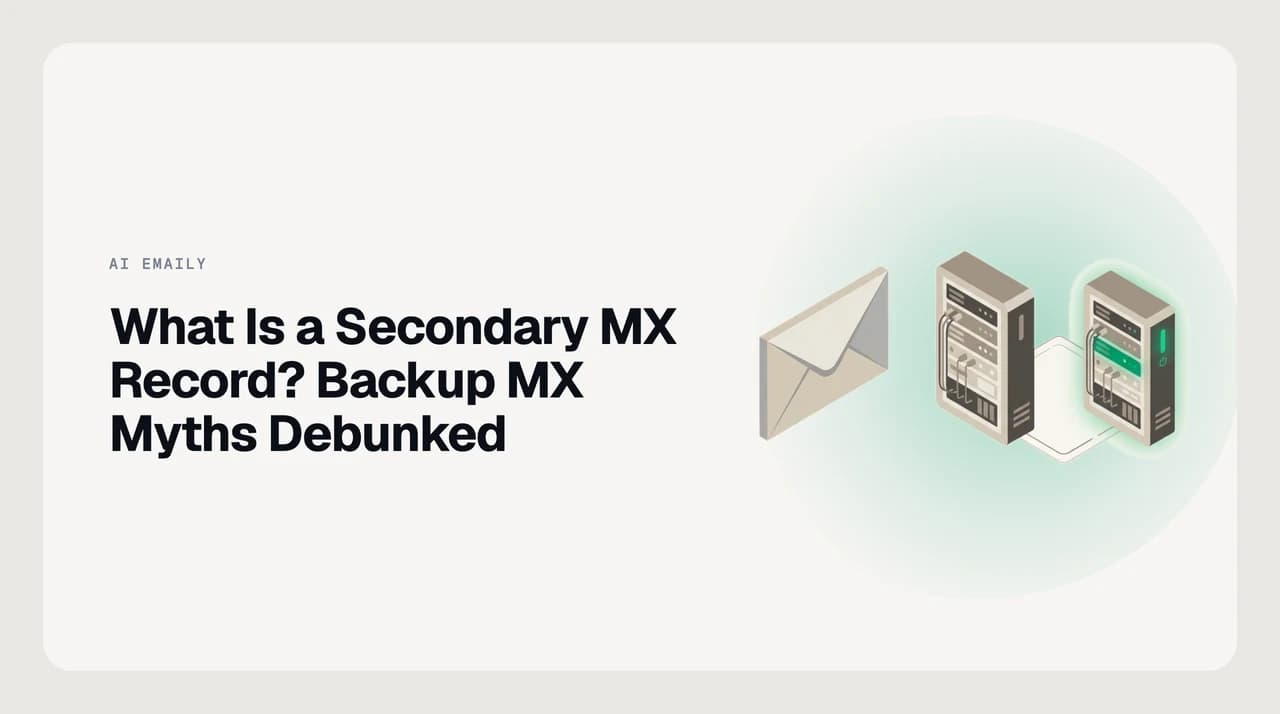
A secondary MX record is a backup mail server listed in your domain's DNS with a higher preference number than the primary. Senders try it only when the primary is unreachable, so it queues mail during an outage. Most people on Google Workspace or Microsoft 365 do not need one, because the provider runs redundant servers behind a single record.
A secondary MX record is a backup mail server in your DNS. Learn how MX priority numbers work, what a backup MX really does, and whether you need one.
On this page
- 01What a secondary MX record is
- 02How do MX priority numbers work?
- 03What a backup MX does, and what happens without one
- 04Backup MX vs. provider-managed redundancy
- 05What most providers actually publish now
- 06Common myths about backup MX records
- 07A related signal: the Null MX record
- 08Where AI Emaily fits (and where it does not)
If you have opened your domain's DNS settings, you may have seen more than one MX record and wondered whether you need a secondary MX record as a backup. A secondary MX record is a second mail server your domain lists in case the first one cannot be reached. It sounds like insurance, and sometimes it is, but for most people on a modern email provider it solves a problem the provider has already solved.
This guide covers what a secondary MX record is, how MX priority numbers decide which server gets your mail, what a backup MX genuinely does, and why adding one does not improve deliverability. It also covers a real security risk that most articles skip.
What a secondary MX record is#
An MX (Mail eXchanger) record is a DNS entry that tells the rest of the internet which server accepts email for your domain. A domain can list several MX records. Each one carries a preference number, also called a priority, and that number sets the order in which senders try them.
A secondary MX record is simply any MX record with a higher preference number than your primary. It is the fallback. Sending servers only reach for it when the record with the lowest number cannot be reached. That is the entire job: hold mail while the main server is down.
How do MX priority numbers work?#
The rule catches people out because it feels backwards: the lower the preference number, the higher the priority. A server listed at 10 is tried before one listed at 20, and a record at 0 is tried before everything else.
Sending servers sort your MX records from the lowest number up and deliver to the first one that answers. If two records share the same number, the sender picks one at random to spread the load between them. If a domain has no MX record at all, the SMTP standard says to treat the domain's address (A/AAAA) record as an implicit mail server with a preference of 0.
Lower number, higher priority
What a backup MX does, and what happens without one#
Picture your primary mail server going offline for an hour. Without a secondary MX, does your mail vanish? No. When a sending server cannot reach any of your listed mail servers, it does not bounce the message straight away. It queues the mail and keeps retrying for several days before it finally gives up.
So a short outage rarely loses mail even with a single MX record, because the sender's own queue is your safety net. A secondary MX mainly changes where the mail waits: on a server you control instead of on the sender's. That can matter if you run your own mail infrastructure and want copies held close, or you need mail flowing to a second site during a long outage.
The sender's queue is the real backup
Backup MX vs. provider-managed redundancy#
There are three common ways a domain handles mail-server redundancy. They are easy to confuse, and only one of them asks you to configure a separate backup.

| Setup | How senders use it | Redundancy you get | Who runs it |
|---|---|---|---|
| Single provider-managed MX (for example smtp.google.com at priority 1, or an Outlook record at priority 0) | One hostname; the provider load-balances many servers behind it | High, built into the provider's network | Your email provider |
| Multiple equal-preference MX (same number) | Senders pick one at random, spreading load across them | High, traffic splits across the listed servers | Whoever runs the servers |
| Secondary / backup MX (higher number) | Used only when the lower-numbered server is unreachable | Queues mail during an outage of the primary | Usually you, on self-managed setups |
What most providers actually publish now#
As of 2026, the large hosted providers lean on the first row of that table. Google Workspace tells admins to publish one record, smtp.google.com, at priority 1. Microsoft 365 publishes one record at priority 0. In both cases, redundancy lives inside the provider's network rather than in a second MX line you maintain.
This is a shift worth knowing. Older Google Workspace setups used five MX records with mixed priorities, so accounts created before 2023 may still show them, and plenty of old tutorials still teach that layout. Check your provider's current DNS page rather than a dated guide, because the record they recommend today may be a single line.
Common myths about backup MX records#
The biggest myth is that a secondary MX record helps your email reach the inbox. It does not. Deliverability is decided by authentication (SPF, DKIM, DMARC), your sending reputation and complaint rates, not by how many servers accept your mail. Adding a backup MX changes nothing a spam filter looks at.
A second myth is that more MX records always means more safety. In practice, a poorly run backup MX can add risk instead of removing it.
Why a lax backup MX is a target
A related signal: the Null MX record#
MX records are how a domain states its mail intentions, and a backup is only one of those statements. The opposite statement also exists. A domain that accepts no mail at all can publish a Null MX record, a single record with preference 0 and a dot (".") as the server, to tell senders plainly not to try (RFC 7505).
A sender that hits a Null MX rejects the message rather than queuing it, using a 556 or 550 reply. It is the clean way to say a domain is not for email, and it is a useful contrast: a secondary MX invites a retry, a Null MX declines mail outright.
Where AI Emaily fits (and where it does not)#
A secondary MX record is a DNS and mail-server decision, and it belongs to whoever hosts your domain's email: Google Workspace, Microsoft 365, Fastmail or your own server. AI Emaily does not run MX records, host your mailbox or manage your DNS, and it cannot set up a backup MX for you. If that is the job you came to do, your provider's admin console is the place.
What AI Emaily does starts once mail lands in the mailbox you already have. It is an AI email client that connects to your Gmail, Outlook and IMAP accounts, then triages, drafts and files for you, with every send held for your approval and a full audit trail. The backup MX keeps mail arriving during an outage; AI Emaily handles the mail once it arrives. We build AI Emaily, and there is a 7-day free trial on the Pro and Autopilot plans, card required, $0 if you cancel before day 7.
Frequently asked
See it in AI Emaily
Keep reading
Sources

Written by
Nafiul HasanNafiul Hasan is an entrepreneur and AI automation system builder with 10+ years of experience turning messy, manual workflows into reliable automated systems. He designs and ships AI enterprise solutions end-to-end — the agent logic, the data plumbing, and the product people actually use — and founded AI Emaily to give busy professionals their attention back. He writes here from the builder's seat: what works, what breaks, and how to put AI to work without giving up control.