Double Opt-In Introduction Email: 8 Templates

The short answer
A double opt-in introduction email is a two-step intro: you ask each person privately whether they want to meet the other, and only send the joint email after both say yes. Write a short permission ask with a forwardable blurb, make declining easy, then introduce them in one message.
A double opt in introduction email asks both people for a yes before you connect them. Eight copy-paste templates, from the permission ask to the polite no.
On this page
- 01When should you send a double opt-in introduction?
- 02Double opt-in vs single opt-in: which should you use?
- 03What does a good double opt-in email contain?
- 04What are the 8 double opt-in introduction templates?
- 05Template 1: Reply to the person asking for the intro
- 06Template 2: The forwardable blurb
- 07Template 3: The permission ask to the person being introduced to
- 08Template 4: The short version for a very senior or busy person
- 09Template 5: The actual introduction email
- 10Template 6: The graceful no, on behalf of one side
- 11Template 7: The nudge when the person has not replied
- 12Template 8: Closing the loop when there is no answer
- 13What is the hard version of this situation?
- 14What should you do if one person never replies?
- 15Where does AI Emaily fit?
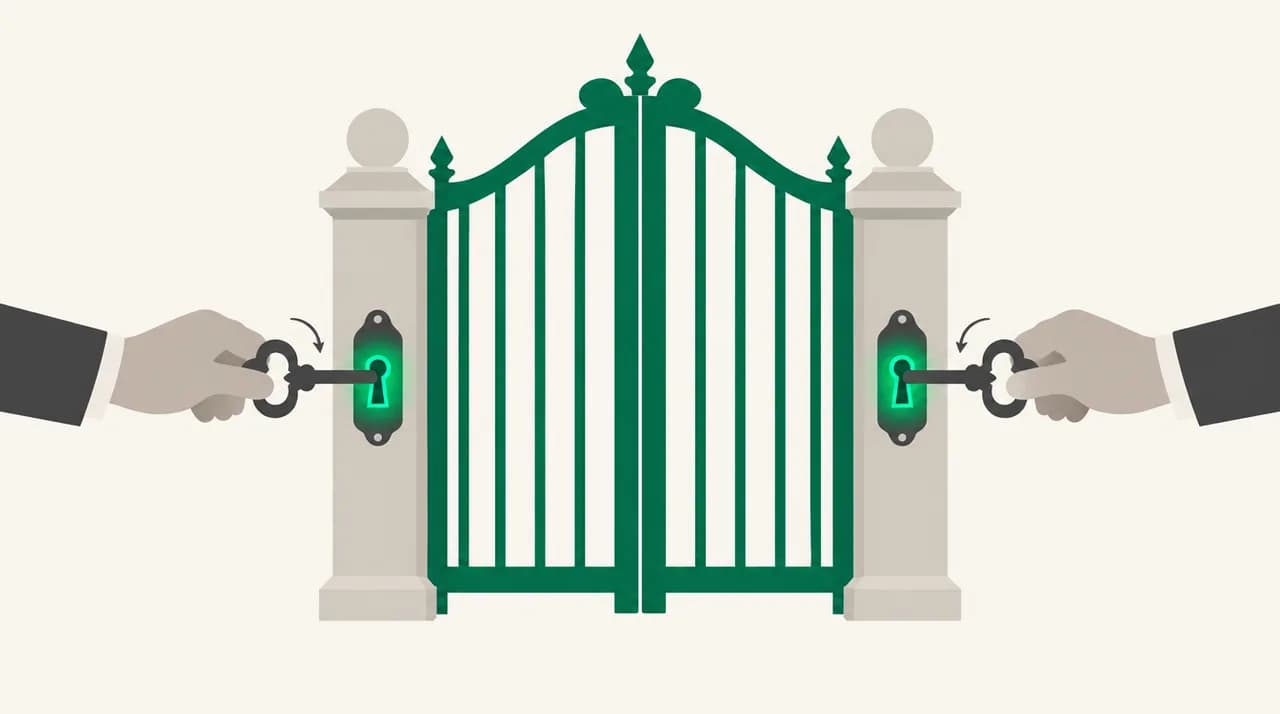
A double opt in introduction email is the polite way to connect two people. You do not copy both of them on a message and hope for the best. You ask each one first, in private, and you only make the introduction once both have said yes.
It takes a few extra emails and saves everyone an awkward moment. The people you are connecting never have to ignore a stranger, and you never burn a favour with someone busy. Below are eight templates covering the full flow: the ask, the blurb, the introduction, the no, and the nudge.
When should you send a double opt-in introduction?#
Use it whenever the introduction costs one side more than the other. A founder who wants ten minutes of an investor's time is asking for something. An investor is being handed a stranger's request. The double opt-in lets the busier person say no without anyone knowing there was a request to refuse.
It is also the right default when you do not know both people equally well. If you are close to one and only know the other by reputation, a private check protects the friendship and the reputation.
A single opt-in introduction, where you only ask one side, is fine when both people clearly want to meet and the stakes are low. Two colleagues who keep asking about each other's work do not need a protocol.
Double opt-in vs single opt-in: which should you use?#
| Situation | Single opt-in | Double opt-in |
|---|---|---|
| Both people already asked to meet each other | Fine. Just connect them. | Unnecessary |
| One person wants access to someone senior | Risky. The senior person gets an unasked request. | Best choice |
| You know one side well and the other barely | Risky for the relationship you do not know well. | Best choice |
| The ask could embarrass either side if declined | Not recommended | Best choice |
| Low-stakes, friendly, peer to peer | Fine | Optional, but never wrong |
| You are being paid or rewarded for the connection | Not recommended | Required, with the interest disclosed |
What does a good double opt-in email contain?#
Every message in the flow has the same four parts. Get these right and the exact wording matters much less.
- A clear ask in the first two lines: you want to introduce them, and you are checking first.
- The reason, stated in terms of the reader's interest, not yours. Why is this worth their time?
- An easy exit. Say plainly that no is a fine answer and that you will not mention it to the other person.
- A forwardable blurb, so the person can decide without a call or a thread of questions.
Notice what is not on the list: flattery, a long biography, or a deadline. Purdue OWL's guidance on tone in business writing is a good reminder that the tone should fit the audience and purpose. In practice that means short, warm and specific, and it means leaving out anything that pressures the reader.
One more rule. Ask the more senior or busier person second, not first, but with the requester's blurb already approved. Doing it in that order means you never go back to a senior person with a half-formed request.
What are the 8 double opt-in introduction templates?#
Each template uses brackets you can fill in. [PERSON A] is the person who wants the introduction. [PERSON B] is the person they want to meet. [WHY THIS IS WORTH THEIR TIME] is the one sentence you must write yourself, and it is the sentence that decides the answer.
The flow in order: reply to A, get A's blurb, ask B, introduce them, or decline gracefully, nudge if B is silent, and close the loop with A.
Template 1: Reply to the person asking for the intro#
Use this when [PERSON A] asks you to connect them with someone. It buys you time, sets expectations, and gets the blurb you need.
Template 2: The forwardable blurb#
This is the note [PERSON A] sends you, or you write and they approve. It must make sense to a stranger who has never heard of [PERSON A], and it must be safe to forward untouched.
Send this structure to [PERSON A] if they ask what to write. A blurb with a specific ask gets a faster answer than a blurb with a general wish to connect.
Template 3: The permission ask to the person being introduced to#
This is the core message of the whole protocol. Keep it short, make the no easy, and paste the blurb below your own note.
Template 4: The short version for a very senior or busy person#
When the person you are asking is a partner at a fund, an executive, or someone who gets a hundred messages a day, trim everything. The goal is that they can answer from a phone in ten seconds.
Template 5: The actual introduction email#
Send this only after [PERSON B] has said yes in writing. Put both people in the To line and hand the conversation over in the first paragraph.
Keep your own message short. They did not ask for your speech; they asked to meet each other.
Template 6: The graceful no, on behalf of one side#
Sometimes [PERSON B] says no, or you decide on [PERSON B]'s behalf that the request is not a fit and you will not forward it. Either way, [PERSON A] deserves a kind, clear answer, and [PERSON B] should not be blamed.
Do not share the reason if it is personal. Do not say 'they were too busy' if it is not true. Say what you can honestly say.
Template 7: The nudge when the person has not replied#
Wait about a week, then send one polite reminder. Anything sooner reads as pressure. The nudge repeats the ask in a single line and restates that no is fine.
Template 8: Closing the loop when there is no answer#
If the nudge also goes unanswered, stop. Silence is an answer, and a second chase puts your own standing at risk. Write to [PERSON A] so they are not left waiting.
What is the hard version of this situation?#
The hard version is when one side is far more senior than the other, you owe the junior person a favour, and you cannot afford to waste the senior person's goodwill. A double opt-in is the only version that protects both.
Three changes make it work. First, vet the request before you send anything. If you would not say yes to the blurb yourself, do not forward it. Second, use Template 4 rather than Template 3, and put the single most compelling reason in the subject line. Third, be ready to say no to the requester before the senior person ever sees it.
That third point is the part people avoid, and it is the part that protects your reputation. If you forward every request, your senior contact learns to ignore your emails. If you forward only the ones you would vouch for, a message from you gets read.
When you do decline to forward, use Template 6 and be honest that you have decided not to pass it on. You can offer to help the requester sharpen the ask. You should not blame the senior person for a decision they never made.
Never promise an intro before asking
What should you do if one person never replies?#
Send one nudge after about a week, using Template 7. Then wait a few more days. If there is still nothing, close the loop with Template 8 and let it go.
Do not forward the blurb a second time, do not copy a new contact on the thread, and do not introduce the two people anyway. The whole point of the protocol is that silence means no.
| Day | What you do | Template |
|---|---|---|
| 0 | Ask [PERSON B] for permission | Template 3 or 4 |
| 7 | Send one polite reminder | Template 7 |
| 12 to 14 | Tell [PERSON A] you are stopping | Template 8 |
| Any time | If B says yes, introduce them the same day | Template 5 |
| Any time | If B says no, tell A kindly and quickly | Template 6 |
Where does AI Emaily fit?#
Everything above works in any email client, and none of it needs software. The part that gets tedious is the volume: if you make several introductions a month, you are writing the same ask, the same nudge and the same graceful no again and again, and keeping track of who has answered.
We build AI Emaily, and this is the job we do. You write your own intro templates and rules once, and AI Emaily drafts each message in the right shape for you to review. In Copilot mode nothing sends until you approve it, so the judgment calls stay yours: whether to forward, how to word the no, when to stop. It will not decide whether an introduction is worth making.
There is a 7-day free trial that requires a card, and you can see the details on the pricing page at /pricing. You can also start from the homepage at /.
Frequently asked
See it in AI Emaily
Keep reading

Written by
Nafiul HasanNafiul Hasan is an entrepreneur and AI automation system builder with 10+ years of experience turning messy, manual workflows into reliable automated systems. He designs and ships AI enterprise solutions end-to-end — the agent logic, the data plumbing, and the product people actually use — and founded AI Emaily to give busy professionals their attention back. He writes here from the builder's seat: what works, what breaks, and how to put AI to work without giving up control.