iPhone Cannot Get Mail: The Connection to the Server Failed

The short answer
Your iPhone says the connection to the server failed when Mail cannot complete a connection to your provider's incoming server. The usual causes, most likely first: a VPN, DNS profile or bad network path; an expired sign-in; changed server settings; or a provider outage. Test on cellular without a VPN first, then re-sign in.
iPhone cannot get mail, the connection to the server failed? Ranked fixes for VPN, expired sign-in, server settings and outages, with how to confirm each.
On this page
- 01What does "the connection to the server failed" actually mean?
- 02What causes this error, and how do you confirm each one?
- 03Fix 1: How do you rule out a VPN, DNS profile or bad network?
- 04Fix 2: How do you fix an expired sign-in?
- 05Fix 3: How do you check incoming-server settings?
- 06How do you tell which cause you actually have?
- 07Why did it start after an iOS update?
- 08How do you stop it happening again?
- 09What if you want a second way to read the same mailbox?
You open Mail and a banner says Cannot Get Mail: The connection to the server failed. Sometimes it appears as a pop-up with a Retry button, sometimes as a line under the account name. Either way, new messages stop arriving and the cause is rarely obvious.
Most guides answer this with a pile of resets in random order. That wastes your time, because each reset fixes a different cause and none of them tell you which cause you had. This post ranks the checks by how often they explain the error, and tells you what result confirms or rules out each one before you move on.
What does "the connection to the server failed" actually mean?#
It means Mail tried to open a connection to your provider's incoming mail server and did not get a usable answer. The phone could not reach the server, or reached it and could not finish signing in over that connection.
That is different from a wrong-password error. A wrong password usually produces a prompt asking you to re-enter it, because the server replied and refused you. This error is vaguer on purpose: the failure happened before or during the handshake, so Mail cannot tell you whether the network, the credentials or the server was at fault.
So the fix is a process of elimination, not a single setting. If every account fails, suspect the phone or the network. If only one fails, suspect that account's sign-in, settings or provider.
What causes this error, and how do you confirm each one?#
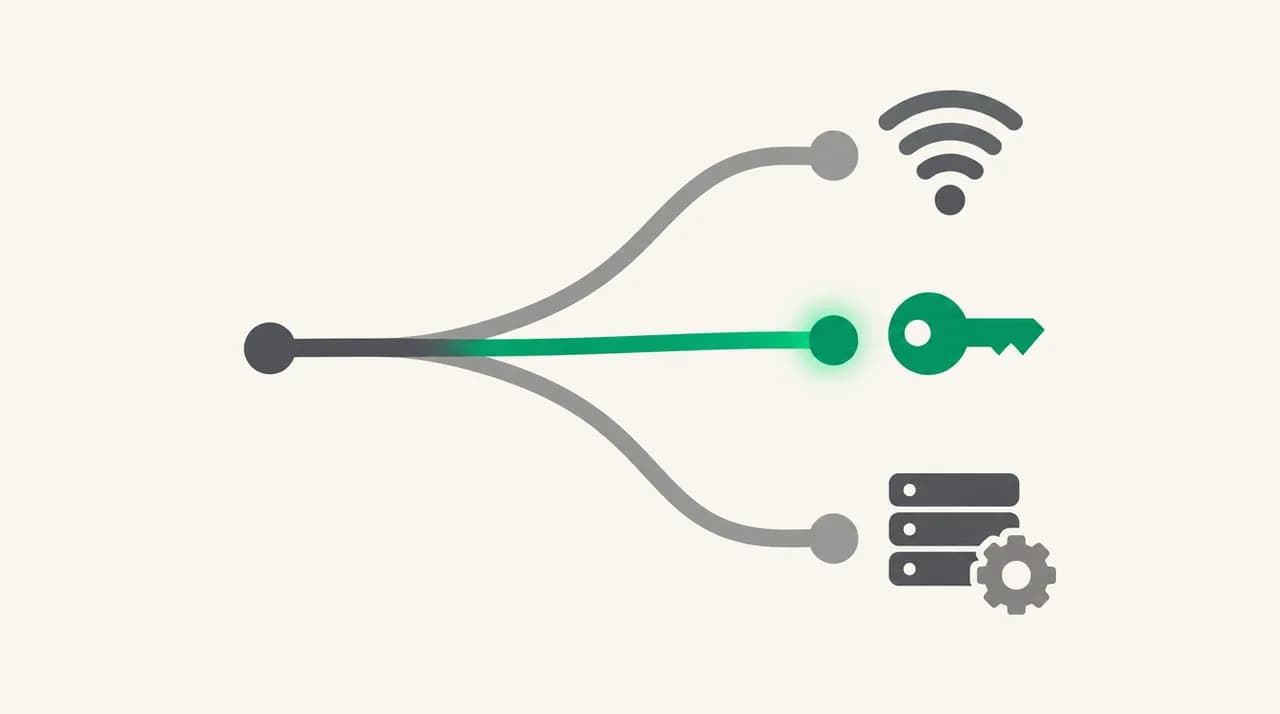
Four causes account for nearly every case. The table puts them in the order worth checking, with the test that confirms each and the fix to apply.
| Likely cause | How to confirm it | Fix |
|---|---|---|
| VPN, DNS profile, content filter or a bad network path | Mail works on cellular with Wi-Fi off, or on a different Wi-Fi, but fails on the usual network | Turn off the VPN, remove filtering profiles, then reset network settings if it persists |
| Expired or revoked sign-in (OAuth grant or app-specific password) | Only one account fails; the provider's website still opens fine in Safari on the same network | Remove and re-add the account, or sign in again from the account screen |
| Incoming-server settings drift (host, port, SSL, username) | Account is a manual IMAP setup, or it broke after an iOS update or a provider-side change | Compare each field with the provider's current published settings and correct them |
| Provider-side outage or rate limit | Several unrelated devices fail at once, or the provider's status page reports a problem | Wait, then retry; do not reset anything that is working |
Fix 1: How do you rule out a VPN, DNS profile or bad network?#
Start here because it is the most common cause and the cheapest to test. A VPN can route mail traffic through a server that blocks the IMAP port, and a DNS or content-filtering profile can silently fail to resolve your mail host. Hotel, school and office networks also block mail ports outright.
The confirming test is a single comparison. Turn Wi-Fi off, leave cellular on, disconnect any VPN, and open Mail. If new mail appears, your usual network or VPN was the problem, and you can stop looking at the account.
- 1
Switch networks with the VPN off
Disable the VPN from its own app or from Settings, then turn Wi-Fi off and use cellular. Pull down in Mail to refresh. A successful refresh proves the account and credentials are fine.
- 2
Check that Mail may use cellular data
In Settings, open Cellular (or Mobile Data) and scroll to the app list. Make sure Mail is switched on. Also check that Low Data Mode and Airplane Mode are off, since both can stop background mail fetching.
- 3
Look for filtering profiles
Open Settings, then General, then VPN & Device Management. A work, school or ad-blocking profile can include a DNS or content-filter setting that interferes with mail hosts. If you installed one, disable it and test again.
- 4
Reset network settings as a last step
Go to Settings, then General, then Transfer or Reset iPhone, then Reset, and choose Reset Network Settings. This clears saved Wi-Fi networks, passwords, cellular settings and VPN configurations, so expect to rejoin Wi-Fi and set up your VPN again. Only do this if the cellular test still fails or Wi-Fi is the only network that fails.
Reset Network Settings is not free
Fix 2: How do you fix an expired sign-in?#
If the cellular test did not help and only one account fails, the grant that lets Mail sign in has probably expired or been revoked. Gmail and Outlook accounts sign in through the provider's own authorization screen, and that permission can lapse after a password change, a security review, a long period of inactivity or an admin policy change. Accounts that use an app-specific password fail the same way when that password is revoked.
Mail does not always say "sign in again" when this happens. Sometimes it shows the generic connection error instead, which is why this cause is easy to misdiagnose as a network fault.
The confirming sign is that the provider's website opens normally in Safari on the same network, so the network and the server are clearly fine. If you can log in on the web but Mail fails, the problem sits between Mail and the account's stored permission.
- 1
Open the account and try to re-authenticate
On current iOS versions, open Settings, then Apps, then Mail, then Mail Accounts, and tap the failing account. On older versions the path is Settings, then Mail, then Accounts. If a sign-in prompt appears, complete it.
- 2
Remove the account and add it again
Tap Sign Out or Delete Account on that screen (the label varies by account type), then add the account fresh. For Gmail and Outlook, choose the provider's own option so you get the proper sign-in page. Mail on the provider's server is not deleted; the copy on your phone is re-downloaded.
- 3
Use an app-specific password where required
iCloud Mail and some other providers need a generated app-specific password for third-party sign-in. If yours was revoked, create a new one in the provider's security settings and enter it when prompted.
Fix 3: How do you check incoming-server settings?#
Server settings drift is the least common cause on mainstream accounts, because Mail configures Gmail, iCloud and Outlook automatically. It matters mostly for accounts you set up by hand as IMAP, such as a business domain, and for accounts where a provider changed its requirements after the last time you looked.
Open the failing account, tap Account, then Advanced, and compare each field with what your provider currently publishes. The usual faults are a wrong host name, SSL turned off, or the wrong port. For IMAP over SSL the standard port is 993, and outgoing mail normally uses 587 with STARTTLS or 465 with SSL. Treat those as typical defaults, and use the numbers your provider documents when they differ.
- Incoming host name: copy it from the provider's help page rather than guessing imap.yourdomain.com.
- Use SSL: it should be on for the incoming server unless your provider says otherwise.
- Server port: the provider's documented value, typically 993 for IMAP over SSL.
- Username: some providers want the full email address, others only the part before the at sign.
- Authentication: password or the provider's own sign-in, matching what the account type requires.
Edit one thing at a time
How do you tell which cause you actually have?#
You rarely need all three fixes. Two quick observations narrow it down before you touch any setting.
First, count the accounts that fail. One account failing points to its sign-in, its settings or its provider. Every account failing, including iCloud, points to the phone's connection, a VPN or a profile. Second, test the provider outside Mail. If the web interface also fails or loads slowly, the provider is the likely culprit. If the web works and Mail does not, the fault is between your phone and the account.
For outages, check the provider's own status page. For iCloud Mail, Apple publishes System Status at apple.com/support/systemstatus. When the provider reports a problem, resetting your phone cannot help, and doing it only adds work.
| What you observe | Most likely cause | Next step |
|---|---|---|
| All accounts fail on Wi-Fi, work on cellular | Network, router or DNS filtering | Test another Wi-Fi, restart the router, review profiles |
| All accounts fail, VPN is on | VPN blocking mail ports | Disconnect the VPN or switch its protocol or server |
| One account fails, web login works | Expired sign-in or revoked password | Re-authenticate or re-add that account |
| One manual IMAP account fails, others fine | Server settings drift | Compare host, port and SSL with the provider |
| Web login also fails or other devices fail too | Provider outage | Check the status page and wait |
Why did it start after an iOS update?#
Updates can trigger this in two ways. An update can reset a network setting or disable a VPN configuration that used to carry your mail traffic. It can also invalidate a stored sign-in token that was fine under the old version.
If Mail broke right after updating, run the cellular test first, then re-authenticate the account. Those two steps cover most post-update cases without a full network reset.
How do you stop it happening again?#
Most repeat failures come from the same few habits. Keep a note of where each manual account's settings came from, so you can compare them against the provider's page in two minutes. When you change a mail password or approve a security prompt on the provider's site, expect the phone to need a fresh sign-in the same day.
If you use a VPN, check whether it has a split-tunnelling or allow-list option that lets mail traffic bypass it. Review any filtering profile you installed, because those are easy to forget about. And when the error appears, run the cellular test before you delete anything: a minute of testing is cheaper than re-adding an account.
What if you want a second way to read the same mailbox?#
The mechanism above is that a mail app holds one permission per account and one network path per session, and either can fail on its own. We build AI Emaily, a mail client that connects Gmail, Outlook, iCloud and generic IMAP accounts, with a native iOS app on the App Store. Each account signs in through its provider's own authorization, so when a grant expires you re-authorize that single account.
To be plain about the limit: a second app does not repair a blocked network or a provider outage, because it talks to the same servers over the same connection. What it does give you is a quick way to find out which side failed. If mail loads in another client on the same phone, the account is healthy and the fault sits in Mail's stored settings. The 7-day free trial needs a card and costs nothing if you cancel before day 7.
Frequently asked
See it in AI Emaily

Written by
Nafiul HasanNafiul Hasan is an entrepreneur and AI automation system builder with 10+ years of experience turning messy, manual workflows into reliable automated systems. He designs and ships AI enterprise solutions end-to-end — the agent logic, the data plumbing, and the product people actually use — and founded AI Emaily to give busy professionals their attention back. He writes here from the builder's seat: what works, what breaks, and how to put AI to work without giving up control.