What Is RAG for Email? Retrieval-Augmented Generation Explained

The short answer
RAG — retrieval-augmented generation — for email means the AI pulls relevant messages from your inbox before generating a reply or summary, grounding output in real context rather than training data alone. It retrieves specific threads, not your entire mailbox. Which messages are eligible to be retrieved, and who controls that scope, is the key privacy decision.
What is RAG for email? The AI retrieves relevant threads before generating a reply. How retrieval works and why scope is the privacy decision that matters.
On this page
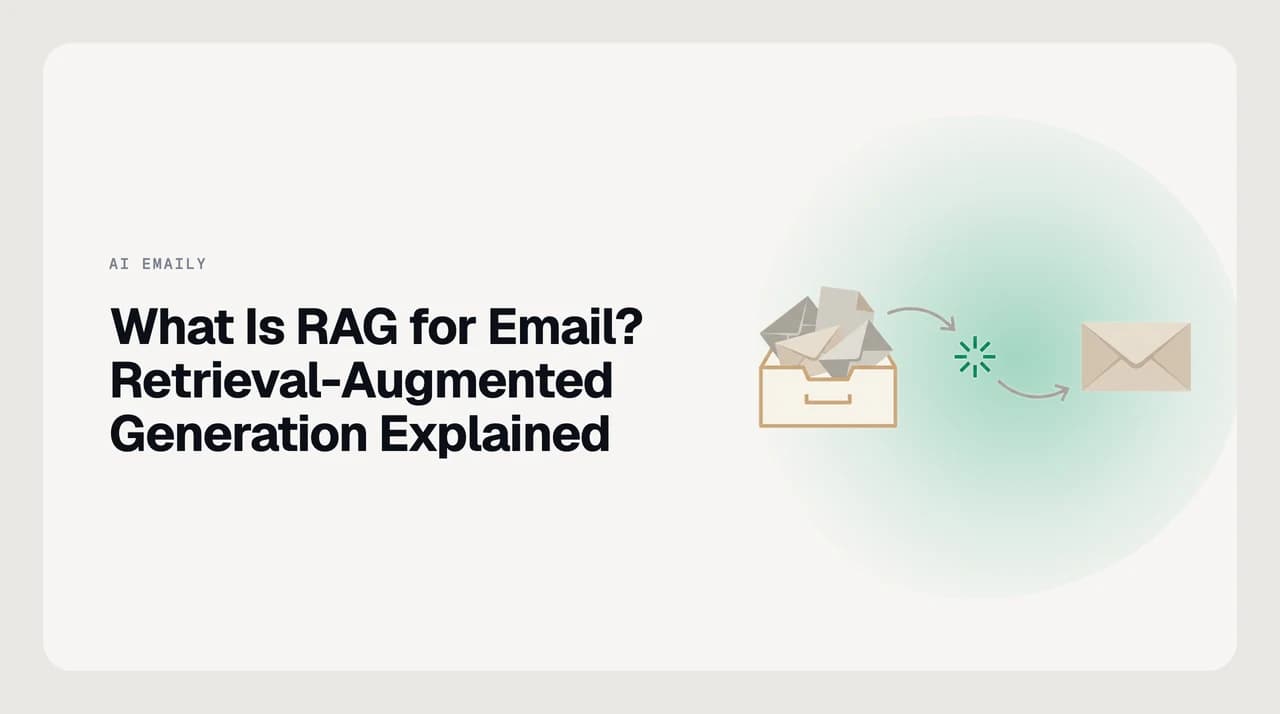
What is RAG for email? Retrieval-augmented generation is how an AI assistant fetches relevant messages from your inbox before generating a reply, summary, or search result — grounding output in real context rather than training data alone. Retrieve first, generate second. That is the mechanism behind every AI email feature that knows what you actually sent last week.
A language model knows a great deal about email as a category — the conventions, the formats, the things people generally mean — but it knows nothing about your inbox. It was not trained on your threads. It has never seen your contacts, your commitments, or the context behind the message you are trying to answer. Without a way to retrieve that specific context at the moment it is needed, an AI email assistant generates into a void: plausible-sounding text, ungrounded in your actual situation.
This guide explains how retrieval-augmented generation works, why an inbox is a harder corpus to retrieve from than it looks, how RAG differs from fine-tuning, and what the common misconceptions get wrong — including the most important one: that RAG means the AI reads everything in your mailbox. It does not. Retrieval scope is a design decision, and it is the decision that matters most.
How does retrieval-augmented generation work?#
RAG runs a three-stage process every time the AI needs context to generate a response. The first stage is indexing: at setup time, the system converts your mail into a searchable index. The second stage is retrieval: when you trigger a feature, the system searches the index for the most relevant material. The third stage is generation: the model receives that retrieved context alongside your request and produces a response grounded in it.
The retrieval step is why these systems can answer questions about messages from months ago without loading your entire inbox into memory on every query. They find what matters, not everything. That selectivity is both the performance optimization and the privacy posture: the model only sees what the retrieval system surfaces, which means the retrieval scope decision is more consequential than the model choice.
- 1
Indexing
Your messages are converted into numerical vectors — called embeddings — that capture semantic meaning. These vectors are stored in an index so that messages with similar meaning can be found even when the exact wording differs. The raw email text stays separate; the index holds the mathematical representation, not a readable copy of your prose.
- 2
Retrieval
When you ask a question or trigger a drafting feature, the system encodes your query the same way and searches the index for the closest matches. It returns the specific threads, snippets, or contact details that are semantically relevant to that query — not everything, just what matters for this request.
- 3
Generation
The retrieved context is inserted into the model's prompt alongside your query. The model generates a response grounded in that material — anchored to what your inbox actually says, not improvised from training data. The retrieved text is the bridge between the model's general knowledge and your specific situation.
Why is an inbox a hard corpus to retrieve from?#
Most RAG tutorials use tidy document collections: PDFs, support articles, wiki pages. An inbox is messier in ways that matter for retrieval quality and privacy.
The first complication is threads. An email conversation is not a single document — it is a sequence of turns, each containing quoted text from the previous one. If the system indexes message-by-message, it picks up the same sentences repeatedly, distorting relevance scores and potentially surfacing a fragment stripped of its original context. Good inbox retrieval indexes at the thread level and strips quoted text before embedding.
The second complication is recency and drift. The message from three years ago where you agreed to a price is retrievable, but it may be stale. The message from last month that amended that agreement matters more. A retrieval system that ranks purely by semantic similarity — without weighting for recency or distinguishing between an original agreement and its revision — can surface the wrong version confidently.
The third complication is scope and permission. Not every message is appropriate to retrieve for every query. A reply about a personal matter should not surface when you are drafting a business proposal to the same contact. Who controls which messages are eligible for retrieval, and for which features, is the privacy question RAG raises that most vendor pages do not address.
Retrieval scope is the privacy decision, not model choice
RAG vs fine-tuning: what is the difference?#
Retrieval-augmented generation and fine-tuning are often named in the same breath, but they work on different parts of the system. Fine-tuning adjusts the model's weights on a curated dataset so it responds differently in a domain — useful for adapting vocabulary or tone. RAG leaves the model unchanged and changes what context it receives at query time by retrieving relevant documents. They are not mutually exclusive, but for email, RAG delivers something fine-tuning cannot: current, inbox-specific context on demand.
| Dimension | RAG | Fine-tuning |
|---|---|---|
| What changes | The context retrieved at query time | The model's weights |
| Knowledge freshness | Always current — retrieves from your live inbox on demand | Frozen at training time; stale until retrained |
| Update cost | Near-zero — new messages enter the index continuously | A new training or fine-tuning run is required |
| Privacy posture | You define which messages are in the retrieval pool | Your text is baked into model weights during training |
| Typical email use | Drafting grounded replies, semantic search, ask-your-inbox | Adapting tone and vocabulary to a domain style |
| Handles novel senders | Yes — retrieves what you know about them from your inbox | No — the model cannot learn new contacts from weights alone |
Common misconceptions about RAG and email#
The most common concern is that enabling RAG means the AI has read everything in your inbox. It has not. RAG retrieves relevant fragments when a specific feature fires — when you search, draft, or ask a question. It does not ingest your entire mailbox into the model at once, and it does not run continuous background reading. The model sees only the snippets the retrieval system surfaces for that specific query.
A related concern is that RAG stores your emails in a database the vendor controls. The indexing step does produce an embeddings store — numerical vectors, not readable prose — but where that index lives is a system design choice, not an inherent property of RAG. A system that builds and keeps the index on infrastructure you control is in a different privacy posture from one that sends your embeddings to a third-party server. Ask where the index resides before you trust the tool.
A third misconception is that RAG will become unnecessary as context windows grow. Even models that can technically hold very large amounts of text in context do not perform better when flooded with irrelevant material — focused retrieval consistently outperforms context-stuffing on tasks that require attending to specific information. Retrieval is also orders of magnitude cheaper and faster than loading a full inbox on every query. And the retrieval scope decision gives you a privacy lever that a raw context-dump does not.
OWASP flags prompt injection as a top risk when RAG retrieves from external sources
How AI Emaily uses retrieval in your inbox#
The retrieve-then-generate pattern described above is what makes AI Emaily's drafting and search grounded in your real mail rather than generic. When you ask your inbox a question or start a reply, the system retrieves the threads and signals that actually bear on that message — so the result is anchored to your actual history, not a general guess. The retrieval pool is scoped to what is relevant for the task: drafting for a client pulls from that client's threads, not your full mailbox. We build AI Emaily, and the design goal is that the model sees only what you would want it to see — user-defined context, not an open window onto everything you have ever sent.
Frequently asked
See it in AI Emaily
Keep reading

Written by
Nafiul HasanNafiul Hasan is an entrepreneur and AI automation system builder with 10+ years of experience turning messy, manual workflows into reliable automated systems. He designs and ships AI enterprise solutions end-to-end — the agent logic, the data plumbing, and the product people actually use — and founded AI Emaily to give busy professionals their attention back. He writes here from the builder's seat: what works, what breaks, and how to put AI to work without giving up control.