Email Sender Software vs Email Client: Which Do You Actually Need?

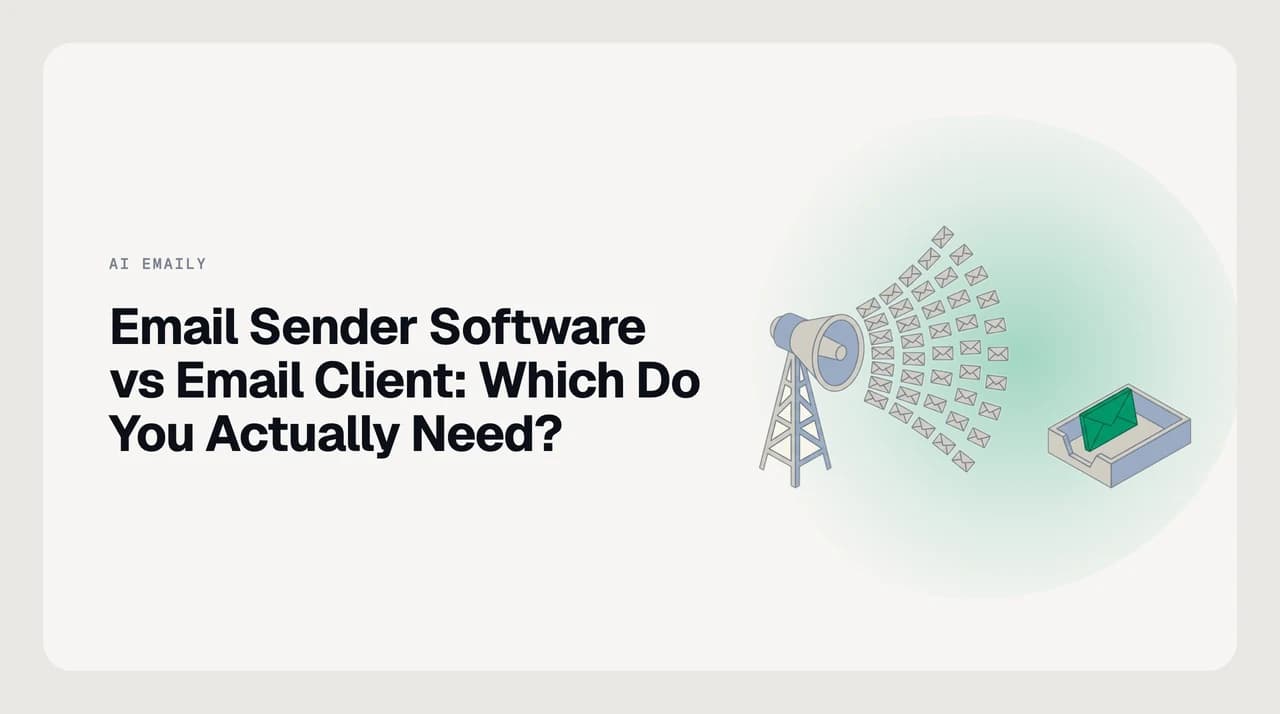
The short answer
Email sender software (like Mailchimp or Brevo) sends one message to a large list at once and manages campaigns, subscribers, and deliverability. An email client is the app you read and reply to daily mail in. Choose sender software for marketing and newsletters, a client for everyday correspondence — and if you do both, run both.
Email sender software vs email client for business: what each does, when you need which, and why blasting bulk mail from an inbox app backfires.
On this page
If you are weighing email sender software vs email client for business, the fastest way to decide is to name the job. One tool sends the same message to thousands of people at once. The other is where you live in your inbox, reading and replying one message at a time. They look similar and overlap almost nowhere.
Confusing the two is expensive. Send a 5,000-person campaign from your normal mailbox and you can trip Gmail's bulk-sender rules, hurt your deliverability, and get your domain flagged. Try to run day-to-day replies from a marketing platform and you fight the tool the whole way. This guide draws the line clearly, then tells you which side you are on.
What is email sender software, and what is an email client?#
Email sender software — often called an email service provider, or ESP — is built to send one message to a list of many recipients at the same time. Think newsletters, product announcements, receipts, and marketing campaigns. Mailchimp and Brevo are common examples.
The job is scale and measurement. You import a contact list, design a template once, and the platform sends thousands of copies through its own sending infrastructure — then reports who opened, clicked, bounced, or unsubscribed, and suppresses the people who opted out.
An email client is the app you open to read, write, and reply to individual mail. Apple Mail, Outlook, the Gmail web app, and AI Emaily are all email clients. The job is your own correspondence: one thread, one person, one reply at a time.
A client connects to a mailbox you already have — over IMAP and SMTP, or a provider API such as Gmail's or Microsoft Graph — and shows you the mail already sitting on that account. It does not own a subscriber list or blast campaigns.
AI Emaily sits firmly on the client side of that line. It is an AI email client that triages what arrives and drafts replies in your voice for the mail already in your Gmail, Outlook, or IMAP account — it is not a bulk sender, and we will not pretend otherwise. We build AI Emaily. If your job is sending one campaign to ten thousand subscribers, you want an ESP, not us; if it is getting through the mail those campaigns generate, that is the work a client does.
How each one actually works#
Email sender software works like a printing press. You build one master message, attach it to a segment of your contact list, and the platform prints and mails a copy to every address — through its own pool of sending servers, authenticated with your domain's SPF, DKIM, and DMARC records. Afterward it tracks opens, clicks, bounces, and unsubscribes, and suppresses anyone who has opted out.
Most of an ESP's value is the machinery around that send. It stores and segments your contacts, honors unsubscribes and suppression lists automatically, throttles how fast mail goes out to protect its sending reputation, and gives you deliverability reporting so you can see when a domain or a campaign is in trouble. None of that exists to help you answer a colleague — it exists to move volume without getting blocked.
An email client works like your desk. It connects to a mailbox you already have and shows you the mail sitting there. When you reply, it sends that single message from your own address. There is no list, no campaign, and no master template being copied thousands of times — just your own conversations, organized so you can act on them.
The two share the same plumbing at the very bottom, then diverge completely. Both eventually hand a message to a mail server using SMTP, the Simple Mail Transfer Protocol standardized in RFC 5321. What differs is the layer on top: a sender platform wraps that hand-off in list management and deliverability tooling, while a client wraps it in a place to read and write.
Same pipe, very different faucet
Why picking the wrong tool breaks things#
The two categories fail in opposite directions when you swap them, and one of those failures is now enforced by the mailbox providers themselves.
Send bulk from a client, and you cross a line providers treat as law. Since February 1, 2024, Google's sender guidelines classify anyone sending more than 5,000 messages a day to Gmail addresses as a bulk sender. Bulk senders must set up SPF, DKIM, and DMARC authentication, include a working one-click unsubscribe on marketing mail, and keep their spam-complaint rate below 0.30% (Google recommends staying under 0.10%). Miss those and your mail is throttled or rejected outright, not merely filed as spam. These thresholds change, so verify Google's current guidelines before you rely on any number.
A normal mailbox is not built for that. It has no list hygiene, no unsubscribe handling, no complaint monitoring, and no warmed sending reputation. A sudden spike of identical messages from an account that usually sends a few dozen a day looks exactly like a compromised inbox — which is why it gets blocked.
Run daily mail through an ESP, and you hit the opposite wall. Marketing platforms are built around campaigns and lists, not threads. Conversation view, snoozing, reply drafting, and searching across years of mail are either missing or awkward, because none of that was ever the job. You would be doing your most frequent task in the tool worst suited to it.
Blasting a campaign from your inbox can burn your whole domain
Email sender software vs email client: side by side#
Here is the same distinction as a table. The pattern to notice is that almost every row points in opposite directions — which is the clearest sign these are two categories, not two brands of the same thing.

| Dimension | Email sender software (ESP) | Email client |
|---|---|---|
| Core job | Send one message to many recipients | Read and reply to your own mail |
| Typical examples | Mailchimp, Brevo | AI Emaily, Gmail, Outlook, Apple Mail |
| Who it sends to | A list of subscribers or contacts | Individual people and threads |
| Sending model | Bulk, from the platform's own servers | One at a time, from your mailbox |
| What it stores | Contact lists, campaigns, templates | Your inbox, folders, and threads |
| Unsubscribe handling | Built in and legally required | Not applicable — there is no list |
| Deliverability tooling | IP pools, warmup, complaint monitoring | Inherits your mailbox's reputation |
| Best for | Newsletters, campaigns, receipts, announcements | Daily correspondence and inbox work |
| Packaging shape | Free tier plus paid plans, priced by list size or send volume | Free provider apps; paid clients by subscription. AI Emaily: 7-day free trial |
Common misconceptions#
- “I can just BCC everyone.” A BCC blast has no list hygiene, no unsubscribe link, and no reputation management — the three things that keep bulk mail out of spam. It also exposes you to the bulk-sender penalties above.
- “An AI email client can send my newsletter for me.” AI inside a client drafts and triages your own mail; it does not manage subscriber lists or campaigns. That is a different product category with a different job.
- “Sender software can be my daily inbox.” ESPs are built for campaigns, not conversations. Reading threads, replying, and searching years of mail are clumsy or absent, because the tool was never designed for them.
- “Transactional email is the same as marketing email.” Receipts and password resets are transactional and usually run through a sending platform's separate stream; newsletters are marketing. Providers score them differently, and mixing them hurts deliverability.
- “More features means one tool can do both.” A few platforms bundle an inbox and a sender, but the two jobs pull design in opposite directions, so most teams still run a dedicated client and a dedicated ESP side by side.
How AI Emaily fits — and where it doesn't#
AI Emaily is the client, not the sender. It connects to your Gmail, Outlook, or any IMAP account and runs the inbox you already have: it triages what arrives, surfaces what matters, and drafts replies in your voice from a Personal Context brain and per-client profiles you set — not by scraping your old sent mail. We build AI Emaily.
You choose how much it does on its own. In Copilot mode it proposes and waits for your approval before anything sends; in Autopilot it handles defined tasks within limits, always with undo and a full audit trail. Approve-before-send is the point: the agent never sends behind your back, which is exactly the control a daily correspondence tool should give you and a bulk sender never has to.
What AI Emaily does not do is run marketing campaigns. There is no subscriber list, no template blast, and no open-rate report. For a newsletter or a ten-thousand-person announcement, use an ESP such as Mailchimp or Brevo — then let AI Emaily handle the replies those campaigns bring back in. The two sit side by side; they do not replace each other.
It runs where you already work: any modern browser, real downloadable desktop apps for macOS (Apple Silicon) and Windows, a native iOS app, and an Android install as a home-screen app. There is no Linux build today. Because every surface shares one codebase, the triage and drafting behave the same wherever you open it — but none of that changes the boundary above: it is a client, and campaigns belong in a sender.
AI Emaily is a paid product with a 7-day free trial on its Pro plans — a card is required, and nothing is charged if you cancel before day seven. Use the table below to place your own job first, then pick the right category for it.
| Your job | What you need | Where to start |
|---|---|---|
| Run your daily inbox and reply faster | An email client | AI Emaily, or Gmail, Outlook, Apple Mail |
| Send a newsletter or marketing campaign | Email sender software (ESP) | Mailchimp, Brevo |
| Send receipts, resets, and other transactional mail | A transactional email service | Your ESP's transactional stream or a sending API |
| Cold outreach sequences to prospects | A sales-engagement tool | A dedicated outbound platform, not a client |
| Triage the replies your campaigns generate | An email client with AI triage | AI Emaily |
Frequently asked
See it in AI Emaily
Keep reading
Sources

Written by
Nafiul HasanNafiul Hasan is an entrepreneur and AI automation system builder with 10+ years of experience turning messy, manual workflows into reliable automated systems. He designs and ships AI enterprise solutions end-to-end — the agent logic, the data plumbing, and the product people actually use — and founded AI Emaily to give busy professionals their attention back. He writes here from the builder's seat: what works, what breaks, and how to put AI to work without giving up control.