552 5.3.4 Message Size Exceeds Limit: What to Do Instead

The short answer
552 5.3.4 means a mail server on the delivery path refused your message because its total size, after attachment encoding, passed that server's fixed limit. Resending the same message will fail again. Shrink the file, send it as a cloud link, or ask whoever runs the rejecting server to raise the limit.
552 5.3.4 message size exceeds fixed maximum means a server refused your email as too big. Why encoding inflates attachments, and three fixes that work.
On this page
- 01What does 552 5.3.4 literally mean?
- 02What causes it? (causes table)
- 03Why does my file get bigger? The limit is the smallest on the path
- 04Fix 1: Send a link instead of the file
- 05Fix 2: Shrink the attachment under the budget
- 06Fix 3: Raise the limit, if you control it
- 07How do I tell which cause I have?
- 08Preventing it
- 09Where a mail client helps with this
You attached a file, hit send, and a bounce came back reading 552 5.3.4 message size exceeds fixed maximum message size. The file looked well under the limit you expected. It was still too big for at least one server on the route.
Here is what the code means, why a 20 MB file can become a 27 MB message, and the three fixes that clear the bounce.
What does 552 5.3.4 literally mean?#
The code has two parts. 552 is the SMTP reply: a permanent rejection of the mail transaction because of size or storage. 5.3.4 is the enhanced status code from RFC 3463, where class 5 is a permanent failure, subject 3 is the mail system, and detail 4 is defined as "Message too big for system." The RFC says this code is useful only as a permanent error.
Permanent means the server will not retry, and neither should you with the same message. The wording after the code varies by server: "message size exceeds fixed maximum message size", "message size exceeds fixed limit", or a longer message from a gateway. The code is what matters.
One more point. The limit is a property of a server, not of your file. Your message passes through your own provider, possibly a security gateway, and the recipient's server. The smallest limit along that path is the one that rejects you.
A 552 5.3.4 that is not about attachments
What causes it? (causes table)#
Almost every case is one of the rows below. The third column is the fix, and each fix is covered step by step later on.
| Cause | How to confirm | Fix |
|---|---|---|
| Attachment plus base64 overhead passes the recipient server's limit | File is under the limit on paper but the encoded size is not. The bounce comes from the recipient's domain. | Fix 1 (link) or Fix 2 (shrink) |
| Your own provider or admin limit is lower than you assumed | The bounce comes from your own domain and names your own server as the rejecting host. | Fix 3 (raise the limit) or Fix 1 |
| Several attachments or inline images add up | No single file is large, but the total is. Pasted screenshots and signature images count too. | Fix 2 (shrink and trim) |
| A gateway or mail relay between you and the recipient has a stricter cap | The bounce names a relay or security-gateway hostname that is neither yours nor theirs. | Fix 1, or ask the recipient's admin (Fix 3) |
| Forwarding stacks a big message inside a new one | You forwarded a thread that already carried large files, so the new message is bigger than the original. | Fix 1 or Fix 2 |
| Oversized headers (rare) | Bounce text says header size, not message size. | Remove looping forwards and oversized custom headers |
Why does my file get bigger? The limit is the smallest on the path#
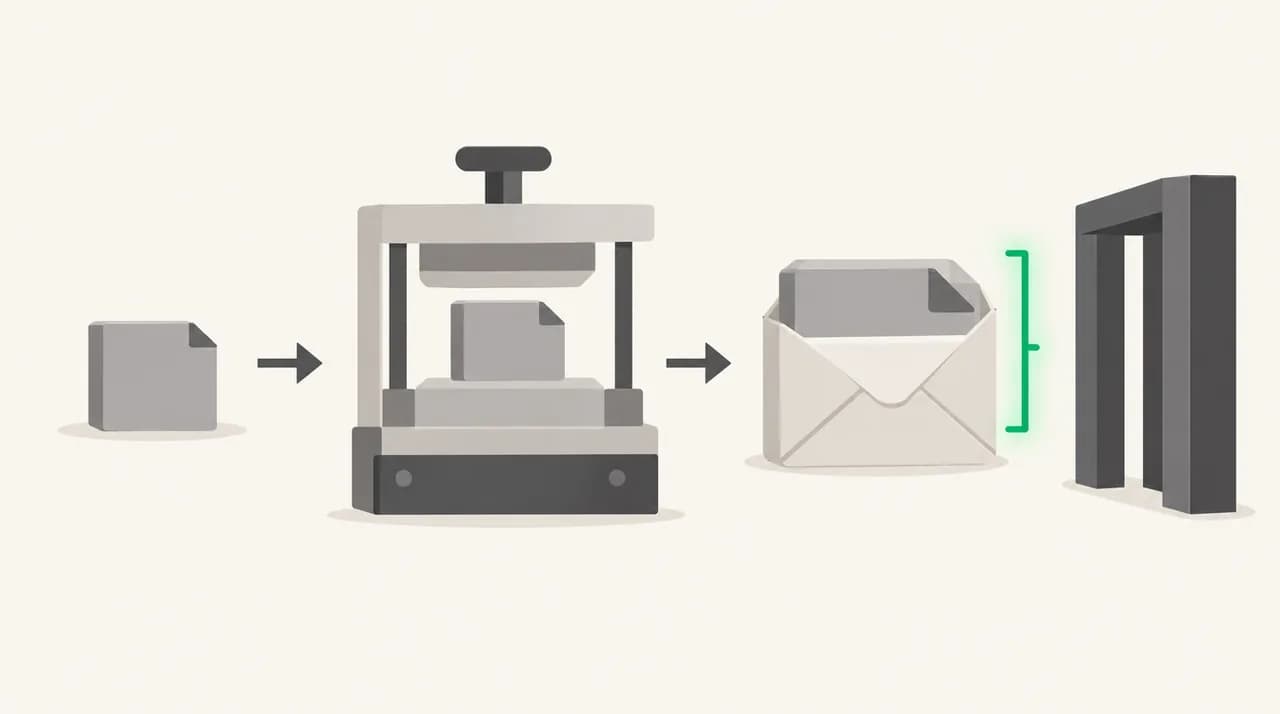
Email is a text protocol. To carry a binary attachment, mail clients encode it, usually with base64, which turns every 3 bytes of file into 4 characters of text. That makes the attachment about one third larger, and line breaks in the encoded text add a little more. Microsoft documents the same effect: messages routed outside its datacenters get a 33% encoding increase, which is why its 150 MB internal ceiling drops to 112 MB for external mail.
Work backwards from the limit. If the lowest limit on the path is 25 MB, a raw attachment above roughly 18 MB is at risk once encoding and the message body are counted. A 20 MB file becomes about 26.7 MB on the wire, which is over a 25 MB limit even though 20 is less than 25.
The table shows what the vendors publish as of October 2026. Limits change and administrators can customise them, so treat these as starting points and check the vendor page for your plan.
| Server or client | Documented limit | Notes |
|---|---|---|
| Personal Gmail | 25 MB attachment limit | Gmail Help says it replaces oversized attachments with a Google Drive link when you compose in Gmail. |
| Google Workspace | Set by your administrator | Gmail Help says admins control both sending and receiving attachment limits for work and school accounts. |
| Exchange Online (Microsoft 365) | 35 MB send, 36 MB receive by default | Admins can set a custom limit from 1 MB to 150 MB. Mail routed outside Microsoft's datacenters is capped at 112 MB after the 33% encoding increase. |
| Outlook for iOS and Android | 33 MB message size | Lower than Outlook on Windows or Mac, which Microsoft lists at 150 MB. |
| Self-hosted Postfix | message_size_limit, default 10,240,000 bytes | Roughly 10 MB, including envelope information. Admins change it in main.cf. |
Fix 1: Send a link instead of the file#
This is the fix that works regardless of whose limit you hit, because a link is a few hundred bytes. It is also the only fix that works when you do not control the recipient's server.
- 1
Upload the file to a cloud drive
Use Google Drive, OneDrive, Dropbox or your company's file store. Microsoft notes that OneDrive file attachments can be up to 2 GB, far above its classic attachment cap.
- 2
Set the sharing permission deliberately
Choose "anyone with the link" only for non-sensitive files. For contracts or personal data, share with the recipient's address so the link works only for them.
- 3
Paste the link into the message and delete the attachment
Remove the original attachment so the message is small, then open the link in a private window. If it asks you to sign in, the recipient will hit the same wall.
Fix 2: Shrink the attachment under the budget#
Use this when the recipient needs the file in the email itself, for example a signed PDF going into a case system. The budget is the lowest limit on the path, divided by about 1.37 to allow for encoding.
- 1
Find the target size
If the lowest limit you know of is 25 MB, aim for a combined attachment size of about 15 to 18 MB so the encoded message stays safely under it.
- 2
Reduce the heavy files first
Export PDFs with a smaller file size option, resize photos before attaching, and avoid pasting full-resolution screenshots. Images are usually the largest part of a message.
- 3
Compress only what compresses
A zip archive helps with text, spreadsheets and uncompressed documents. It does almost nothing for JPEG, MP4 or already-compressed PDFs, so do not rely on it for those.
- 4
Split across messages if the content allows
Send several smaller messages, each under budget, and number them in the subject (1 of 3). Do not split a single archive into parts; recipients rarely reassemble them correctly.
Fix 3: Raise the limit, if you control it#
If the bounce came from your own domain, or you can reach the recipient's administrator, the limit itself can change. Only do this for a real recurring need, since a higher limit also raises the load on every mailbox.
- 1
Identify whose server rejected the message
The bounce names the reporting server. Raising a limit on your side does nothing if the recipient's server is the one that refused you.
- 2
On Exchange Online, change the limit in the right place
Microsoft says administrators can configure message size per organization or per mailbox, from 1 MB to 150 MB. Read Microsoft's "larger email messages" guidance first, because clients such as Outlook on the web apply their own lower ceilings.
- 3
On self-hosted servers, edit the server setting
In Postfix this is message_size_limit in main.cf, followed by a reload. Check mailbox size limits and any relay in front of the server as well, since the smallest limit still wins.
- 4
Ask the recipient's admin
Give them the sender domain, the time and the bounce text. Many will prefer you send a link, which is a reasonable answer.
How do I tell which cause I have?#
Read the bounce before you change anything. Three lines in it decide the fix. A real bounce from a Microsoft 365 recipient looks like this, trimmed:
- If the rejecting server is the recipient's, you need Fix 1 or Fix 2, or a request to their admin.
- If the rejecting server is yours, the limit is under your control, so check your provider's documented limit or ask your admin.
- If the text says header size, none of the attachment fixes apply. Look at forwarding loops and custom headers.
- Send a smaller test file to the same recipient. If it arrives, size was the only problem.
Preventing it#
Treat anything above about 15 MB as a link by default. It removes the guesswork about the recipient's limit and avoids filling their mailbox with a copy they already store elsewhere.
For recurring senders such as agencies and finance teams, agree the delivery method once with each client, and keep a short template for link-based sends.
A quick size check
Where a mail client helps with this#
The mechanism behind this bounce is that the number you see in a file manager is not the number the server measures, and the server that rejects you may not be yours. A mail client cannot change another server's limit, and AI Emaily does not look up a recipient's limit before you send. We build AI Emaily, and what it handles is the work around the fix.
The composer shows attachments as named chips so you can review what is going out, and in Copilot mode a draft waits for your approval before it sends. Ask the assistant to draft the "here is the link" note using your Personal Context settings, then check the link opens before approving. Try it with the 7-day free trial on the pricing page, or see the homepage for what the app does.
Frequently asked
See it in AI Emaily
Keep reading
Sources

Written by
Nafiul HasanNafiul Hasan is an entrepreneur and AI automation system builder with 10+ years of experience turning messy, manual workflows into reliable automated systems. He designs and ships AI enterprise solutions end-to-end — the agent logic, the data plumbing, and the product people actually use — and founded AI Emaily to give busy professionals their attention back. He writes here from the builder's seat: what works, what breaks, and how to put AI to work without giving up control.