Security Incident Email to Customers: 9 Templates

The short answer
Write a security incident disclosure email in five parts: what happened, what you know, what you do not know yet, what you are doing, and what the customer must do, plus the time of your next update. Send it when customers could act on it, state uncertainty plainly, and never guess at scope.
Nine copy-paste templates for a security incident notification email to customers, covering vendor compromise, credential stuffing and open investigations.
On this page
- 01When should you tell customers about a security incident?
- 02What is the difference between an incident and a breach?
- 03What does the law say about timing?
- 04What does a good security disclosure email contain?
- 05Which template should you send?
- 06Template 1: Suspicious access under investigation
- 07Template 2: Third-party vendor compromise
- 08Template 3: Credential-stuffing wave
- 09Template 4: Vulnerability disclosed and patched
- 10Template 5: Customer action required
- 11Template 6: Investigation update
- 12Template 7: Confirmed access to limited data
- 13Template 8: All-clear, no customer impact
- 14Template 9: Replying to one customer who asks if they were affected
- 15What is the hard version of this situation?
- 16What should you do if customers don't reply?
- 17Where AI Emaily fits
A security incident notification email to customers is hard to write for one reason: you have to say something true while you still do not know the full story. Most vendors either wait until they know everything, which leaves customers exposed, or send a vague note that protects the company and tells the reader nothing.
This post gives you nine copy-paste templates for the situations a product vendor actually faces: suspicious access, a compromised supplier, a credential-stuffing wave, a patched vulnerability, and the version where the customer has to act. It is written for a company emailing its own users, not for an agency writing to clients. If the event is already a confirmed breach of personal data, start with our breach notification post instead.
When should you tell customers about a security incident?#
Tell customers when they could do something useful with the information, or when your silence would let them keep taking a risk you already know about. That is a better test than waiting for a legal threshold, because the law sets a floor and customers judge you on the ceiling.
The cost of waiting is real. A customer who reuses a password on your product and elsewhere is exposed from the moment the credentials leak, not from the moment you finish your forensics.
- Send now if customers need to change a password, rotate a key, revoke a token or watch for a specific scam.
- Send now if a contract, data processing agreement or regulation sets a clock, and the clock has started.
- Send a short holding note if an outside party (a researcher, a journalist, a supplier) is about to say something first.
- Hold off, briefly, if you are not yet sure an incident is real. Hours for triage is reasonable. Days is not.
What is the difference between an incident and a breach?#
A security incident is any event that threatens the confidentiality, integrity or availability of your systems or data. A breach is the narrower case where protected data was actually accessed, disclosed, altered, lost or destroyed without authorisation (the GDPR definition in Article 4(12) covers all of these). Every breach is an incident, but most incidents never become breaches.
The distinction matters because the words carry legal weight. Calling something a breach in an email can start obligations, and calling a breach an incident to soften it can look like concealment later. Use the word that matches what you have confirmed, and say what you have not.
| Term | What it means | Example | Wording to use |
|---|---|---|---|
| Security event | Something unusual was logged | A burst of failed logins | Not usually customer-facing |
| Security incident | A real threat to systems or data, impact unconfirmed | An unknown account reached an internal tool | We are investigating |
| Confirmed breach | Protected data was accessed or disclosed without authorisation | A database export left your network | Data was accessed |
| Vulnerability | A flaw, with no known misuse | A bug that could expose records | We fixed an issue and found no evidence of misuse |
What does the law say about timing?#
Treat this as general information, not legal advice, and as accurate as of October 2026. Under the EU General Data Protection Regulation, a controller must notify its supervisory authority of a personal data breach without undue delay and, where feasible, within 72 hours of becoming aware of it, unless the breach is unlikely to result in a risk to people. Article 33 also lets you give information in phases if you cannot provide it all at once.
Two other points in the same text matter for a vendor. A processor must tell the controller (usually your customer) without undue delay after becoming aware of a breach. And where a breach is likely to result in a high risk to individuals, the controller must communicate it to those people without undue delay, in clear and plain language. The 72 hours is the regulator clock, not a customer-email deadline.
Outside the EU, rules vary by country, by US state and by industry, and your own customer contracts often set shorter windows than the law. Read your agreements, then ask counsel before you send anything that names a cause or a number.
What does a good security disclosure email contain?#
Every template below is built on the same five brackets. Keep them in this order, because a worried reader scans for the action first and the explanation second, and the brackets let you serve both.
- [WHAT HAPPENED]: one or two plain sentences with a date and a time zone. No adjectives.
- [WHAT WE KNOW]: only facts you have confirmed. If you cannot prove it, it goes in the next bracket.
- [WHAT WE DO NOT KNOW YET]: the open questions, stated as open. This is the bracket most vendors delete, and it is the one that makes the rest believable.
- [ACTION REQUIRED]: exact steps, in order, or the words none at this time.
- [NEXT UPDATE]: a specific time you will write again, and then you write again, even if the update is that nothing has changed.
Do not guess at scope
Which template should you send?#
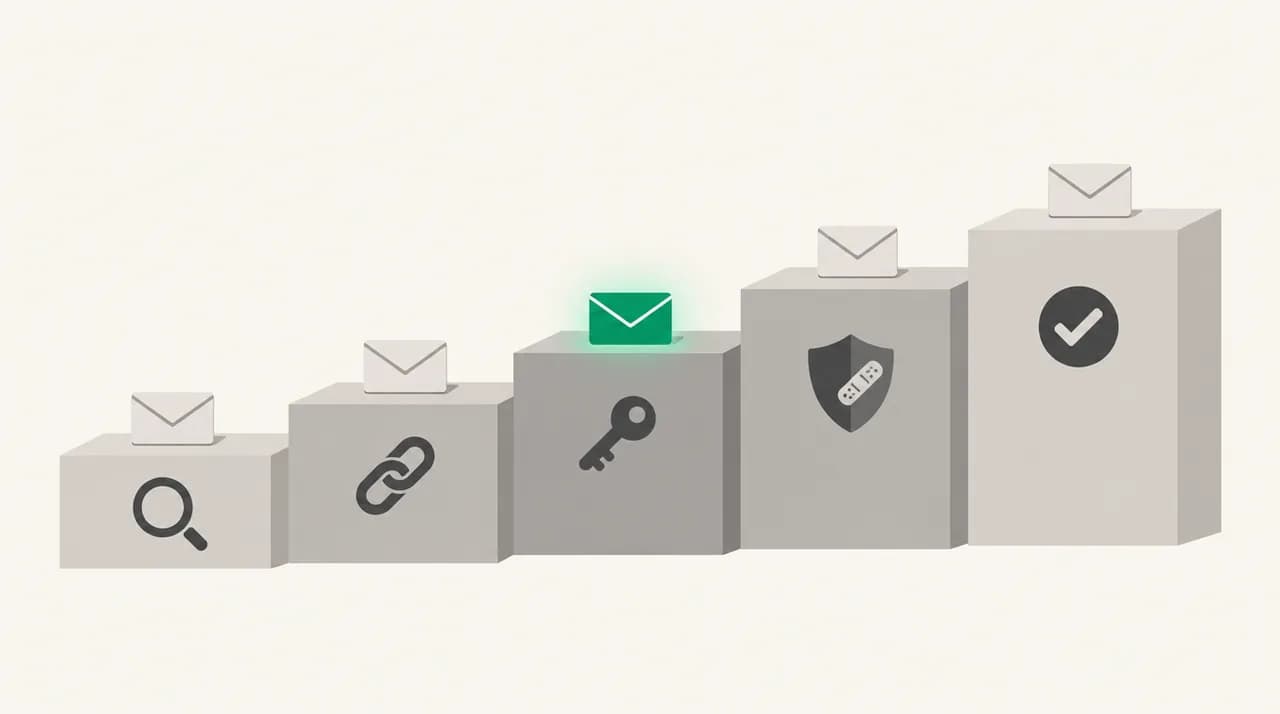
Match the template to what you have confirmed today, not to what you fear. You can move from one to the next as the investigation matures, and each template links naturally to the one after it.
| Situation | Template | Customer action | Tone |
|---|---|---|---|
| Unknown access, scope unclear | 1. Suspicious access under investigation | Usually none | Calm, short |
| A supplier of yours was compromised | 2. Vendor compromise | Depends on the data shared | Factual |
| Leaked passwords tried against your login | 3. Credential-stuffing wave | Reset password, enable MFA | Direct |
| Flaw fixed, no sign of misuse | 4. Vulnerability patched | Often none, sometimes update | Matter-of-fact |
| Customers must rotate secrets | 5. Action required | Specific, ordered steps | Urgent but clear |
| Investigation still open after a first note | 6. Investigation update | As before | Steady |
| Confirmed access to limited data | 7. Confirmed limited access | Case by case | Accountable |
| Investigation closed, no customer impact | 8. All-clear | None | Brief |
| One customer asks if they were affected | 9. Individual reply | Case by case | Personal |
Template 1: Suspicious access under investigation#
Use this when monitoring found something odd, you have contained it, and you do not yet know whether customer data was touched. It is the most common first email, and the easiest to over-promise in.
Template 2: Third-party vendor compromise#
Use this when a supplier you rely on tells you they were compromised. Name the supplier only if they have already said so publicly or you have their consent, and say plainly which of your customers' data they hold.
Template 3: Credential-stuffing wave#
Credential stuffing means attackers try username and password pairs leaked from other sites against your login. Your systems were not breached, but real accounts can still be taken over, and that distinction has to be clear without sounding defensive.
Template 4: Vulnerability disclosed and patched#
Use this when a researcher or your own team found a flaw, you fixed it, and you have no evidence it was used. Resist the urge to bury it. Customers with security teams will see the fix in your changelog anyway.
Template 5: Customer action required#
Use this when the customer must rotate an API key, revoke a token or change a setting. Put the steps first, number them, and do not make people read your explanation to find them.
Template 6: Investigation update#
This is the email you promised in the first one. It is the one vendors skip, and skipping it is what turns a handled incident into a story about silence.
Template 7: Confirmed access to limited data#
Use this when the investigation has confirmed that some data was accessed. This is where an incident becomes a breach, so check the wording with counsel and the regulator rules that apply to you. For the full affected-user notice, use the breach notification post.
Template 8: All-clear, no customer impact#
Close the loop, even when the news is good. A short note that says what you checked and what you found is the proof that your earlier uncertainty was honest.
Template 9: Replying to one customer who asks if they were affected#
Your support inbox will fill within minutes of the first email. Keep a short, approved reply that answers the real question and does not invent certainty. Personalise the first line and the action, and leave the rest alone.
What is the hard version of this situation?#
The hard version is the one every template above is built for: you must disclose before the investigation is complete. Waiting feels more professional, but a half-finished investigation can run for weeks, and customers can only protect themselves from facts they have.
The way through is to separate the claims you can prove from the claims you cannot, and to label them. Confirmed facts go under what we know. Everything else goes under what we do not know yet, written as an open question rather than a hedge. Readers forgive a gap far more readily than a correction.
Do not name a cause, an attacker or a number until it is verified. A wrong root cause is the most common retraction in vendor incident emails, and it is usually offered to sound in control. Offer a time for the next update instead.
Never ask for secrets by email
What should you do if customers don't reply?#
Most customers will not reply to a security email, and that is normal. Silence does not mean they read it. For the emails with an action, track the action rather than the reply: how many accounts reset a password, how many keys were rotated.
If the action is not done after a few days, send one follow-up that says only what is still outstanding and the date it takes effect. Reach admins and billing contacts as well as the account owner, because the person who signed up is often not the person who watches the inbox. For customers with a security contact on file, call or message them directly.
Keep a record of what you sent, to whom and when. Under the GDPR text, a controller must document breaches and the remedial action taken, and a clear send log is the evidence that you did what you said. For general incident-response practice, the NIST Cybersecurity Framework and the CISA reporting page are good primary references.
Where AI Emaily fits#
We build AI Emaily, so weigh this accordingly. An email client does not investigate anything or decide what you know: the facts, the legal review and the send decision stay with your people. What it can help with is the volume that follows, when hundreds of replies arrive and your team has to answer each one carefully.
In Copilot mode, AI Emaily drafts replies from instructions and Personal Context notes you write yourself, such as the approved wording from Template 9, and nothing is sent without your approval. Send can be undone for a short window, and an audit trail records what ran. It does not write the incident facts and it is not a security tool. You can try it on a 7-day free trial (card required, $0 if you cancel before day 7). See aiemaily.com and the pricing page for details.
Frequently asked
See it in AI Emaily
Keep reading
Sources

Written by
Nafiul HasanNafiul Hasan is an entrepreneur and AI automation system builder with 10+ years of experience turning messy, manual workflows into reliable automated systems. He designs and ships AI enterprise solutions end-to-end — the agent logic, the data plumbing, and the product people actually use — and founded AI Emaily to give busy professionals their attention back. He writes here from the builder's seat: what works, what breaks, and how to put AI to work without giving up control.