ChatGPT vs Claude for Writing Work Emails: Which Sounds Like You?

The short answer
For work emails, Claude is the better default: its Styles feature gives finer tone control and it handles long pasted threads well. ChatGPT wins on reusable setups, memory and Gmail-triggered tasks. Pasting mail is safe only after you switch off model training or use a temporary or incognito chat — or use a business plan.
ChatGPT vs Claude for writing work emails: who wins on tone, length and long threads, and what to switch off before you paste work mail into either.
On this page
- 01Which one should you use for work emails? The verdict up front
- 02How do ChatGPT and Claude compare for email, at a glance?
- 03Where does ChatGPT win for work emails?
- 04Where does Claude win for work emails?
- 05Which one follows instructions better, and which needs less editing?
- 06Is it safe to paste work emails into ChatGPT or Claude?
- 07How do you make AI email drafts sound less robotic?
- 08What do ChatGPT and Claude plans look like for email writing?
- 09Who is each one genuinely for?
- 10Is there a third option that drafts inside your inbox?
If you are choosing between ChatGPT vs Claude for writing work emails, the short answer is Claude for the writing itself and ChatGPT for the workflow around it. Claude gives you more direct control over voice, and it copes well when you paste in a long, messy thread. ChatGPT is better at remembering how you like things done and turning that into a reusable tool.
Both are general assistants, not email clients. Neither reads your mailbox unless you paste mail into the chat or connect your account through a connector. That copy-paste step is the real constraint on this whole comparison, and it is also where the privacy risk lives.
This page compares the two on the job of producing a sendable work email: tone, length, thread handling, instruction-following and how much editing the output needs. Product and plan details were checked against each vendor's own pages in October 2026. We did not run a lab test, so where a point is a tendency rather than a documented feature, we say so and tell you how to check it yourself.
Which one should you use for work emails? The verdict up front#
Pick Claude if the email itself is the hard part. Delicate replies, pushback to a client, a note to a senior stakeholder, a reply to a forty-message thread — these reward tone control and careful reading, which is where Claude is stronger.
Pick ChatGPT if you write the same kinds of email over and over and want a setup that remembers your rules. Custom instructions, memory, Projects and custom GPTs let you build an email-writer once and reuse it. Its Work tasks can also run when a new Gmail message arrives, on eligible plans.
Whichever you choose, change one privacy setting before you paste a single client email. The section on safety below explains which one.
How do ChatGPT and Claude compare for email, at a glance?#
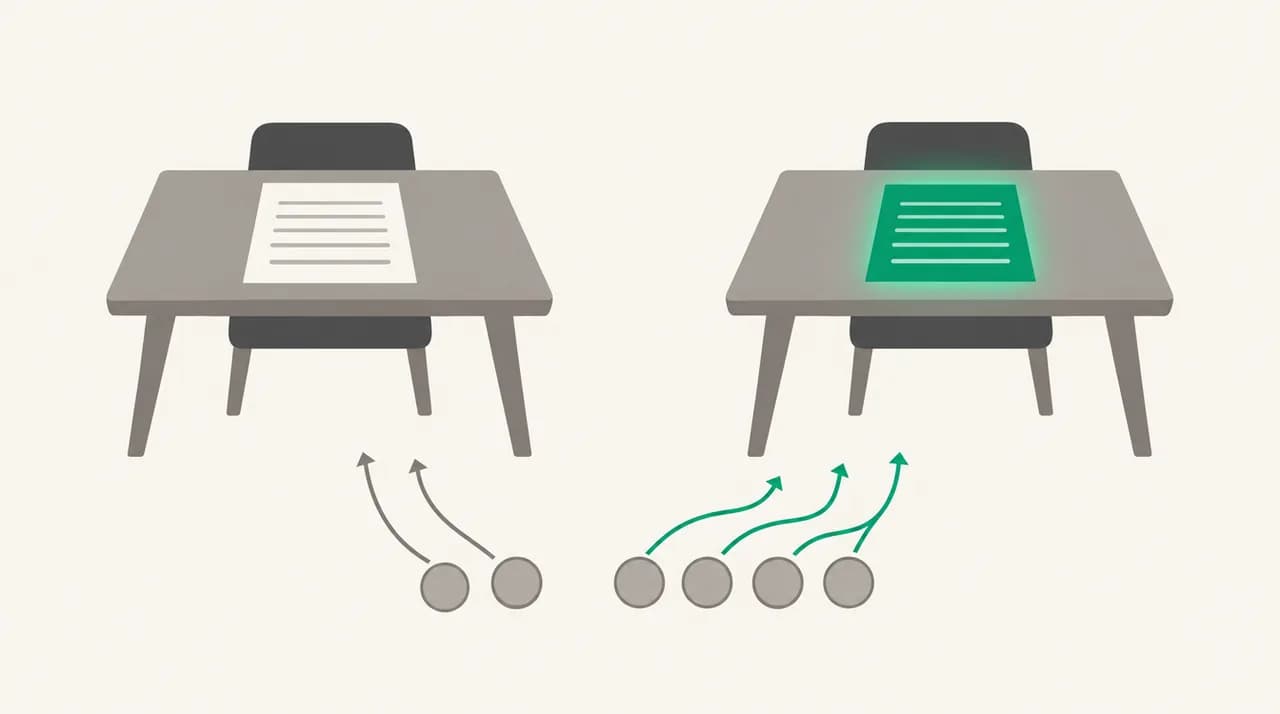
Each row names one winner. Where the call rests on a tendency rather than a published feature, the cell says so.
| Dimension | ChatGPT | Claude | Winner |
|---|---|---|---|
| Tone control | Custom instructions and memory shape every reply | Styles: presets plus custom styles built from your own writing samples | Claude |
| Length discipline | Follows word limits when told; defaults lean toward headings and bullets | Follows word limits when told; defaults lean toward plain prose | Claude (tendency — test it) |
| Long pasted threads | Context limits vary by plan; Free lists limited memory and context | Context window listed at up to 1M tokens, varying by model | Claude |
| Stacked instructions | Custom instructions and memory keep your rules loaded in every chat | Rules hold well once saved in a Project or custom style | ChatGPT |
| Reusable email setups | Projects, custom GPTs and scheduled tasks on Plus and above | Projects (up to 5 on Free), Skills, user preferences | ChatGPT |
| Remembering your preferences | Memory across chats, expanded on paid plans | Memory across conversations on all plans | ChatGPT |
| Mailbox connection | Connected apps; Work tasks can trigger on new Gmail messages | Connectors on all plans; Claude for Microsoft Outlook on Pro and above | Split: ChatGPT for Gmail automation, Claude for Outlook |
| Editing needed before send | Often needs formatting stripped out | Usually closer to plain email prose | Claude (tendency — test it) |
| Privacy on personal plans | Training on by default for Free, Plus and Pro; switch off or use Temporary chat | Training is a setting you control; Incognito chats are never used | Neither by default — both need a setting |
Where does ChatGPT win for work emails?#
ChatGPT's advantage is everything around the draft. Custom instructions apply to every chat, so you can tell it once that you sign off with your first name, never use exclamation marks and keep replies under 120 words. Memory then carries details forward — your role, your clients, the phrasing you keep correcting.
On Plus and above, Projects and custom GPTs turn that into a tool. A custom GPT called something like Client Reply Writer, loaded with your rules and a few example emails, is faster than re-explaining yourself each morning. It is the closest a chatbot gets to a template system, and Claude's equivalents are less shareable on personal plans.
- Gmail-triggered tasks: OpenAI's help centre lists new Gmail messages as a supported event for Work tasks on eligible plans, so a task can run when mail arrives.
- Temporary chat: not saved to history, does not update memory, not used for training, and may be kept for up to 30 days for safety.
- A wider plan ladder: Free, Go, Plus and Pro for individuals, plus Business and Enterprise. Go adds usage and may include ads.
- Voice and mobile: useful for dictating a rough reply on the move and tidying it later.
Where does Claude win for work emails?#
Claude's advantage is the writing. Styles let you pick a preset or build a custom style, and Anthropic's privacy documentation treats custom styles as part of your conversation data, which tells you they are a first-class feature rather than a buried setting. Give it three or four emails you actually sent and it has a concrete model of your voice, not just a list of adjectives.
Long threads are the other win. Claude's plan page lists a context window of up to 1M tokens depending on the model, so pasting a long back-and-forth with quoted replies is less likely to get truncated. The reply then reflects what was agreed in message nine, not just the last message.
The softer win is default register. Claude's drafts tend to come back as plain prose, while ChatGPT's often arrive with bold headings and bullets that look wrong in an email. That is a tendency, not a spec, and both follow a clear instruction. If you live in Outlook, Claude for Microsoft Outlook is listed on Pro and Max, which removes some of the copy-paste step.
Run your own five-minute test
Which one follows instructions better, and which needs less editing?#
On a single clear instruction, both are reliable. Ask for under 100 words and you will get roughly that from either. The difference shows up when you stack constraints: a word limit, a banned phrase list, a required date, a sign-off, and a rule about not apologising. The more rules you add, the more each draft is worth checking line by line.
Here we give the edge to ChatGPT for one practical reason: its custom instructions and memory mean the rules are already loaded before you type. You stop forgetting to say no exclamation marks, so fewer drafts break the rule in the first place. Claude can do the same through a Project or a custom style, but you have to set that up deliberately.
Editing effort runs the other way. Claude's drafts usually need less surgery to read like a person wrote them, mainly because they arrive as plain paragraphs. ChatGPT's drafts more often need headings, bold text or bullet lists removed before they look like an email. Both points are tendencies that shift with every model update, which is why the five-minute test above is worth more than any review, including this one.
Is it safe to paste work emails into ChatGPT or Claude?#
It can be, but not on default settings for every plan. On personal ChatGPT Free, Plus and Pro, OpenAI says data sharing for model training is on by default. You switch it off under Settings, Data controls, Improve the model for everyone. Your chat history stays; new chats are no longer used for training.
On Claude's consumer plans, Anthropic says it uses chats for training only if you choose to allow it, if a chat is flagged for safety review, or if you opt into a programme. Incognito chats are not used for training even if you have allowed it elsewhere. Claude's pricing page lists model training as opt-out on Free, Pro and Max (as of October 2026), so check the setting rather than assuming which way it is set on your account.
Business plans are different on both sides. OpenAI says it does not train on ChatGPT Business or Enterprise data by default, and Anthropic says the same for Claude for Work and its API.
Training settings are not the whole risk
How do you make AI email drafts sound less robotic?#
Most robotic drafts come from vague prompts, not from the model. The fixes are the same in both tools.
- 1
Give it your real emails, not adjectives
Professional but warm means nothing to a model. Two or three emails you actually sent mean a lot. In Claude, save them as a custom style; in ChatGPT, put them in a Project or custom GPT.
- 2
Set a hard length
Ask for a maximum word count and a maximum number of paragraphs. Most work replies should be under 120 words.
- 3
Ban the tells
List the phrases you never use: I hope this email finds you well, I wanted to reach out, Please don't hesitate. Ask for no headings, no bullets and no bold.
- 4
State the outcome
Say what the reader should do after reading: approve, reply with a date, or stop expecting a refund. A clear ask removes most of the padding.
- 5
Edit the first and last line yourself
Openings and sign-offs are where generic phrasing hides. Rewriting those two lines does more for your voice than any prompt.
What do ChatGPT and Claude plans look like for email writing?#
We do not print prices on this page because both vendors change them. The shapes, as listed on each vendor's pricing page in October 2026, are below. Check the current numbers at openai.com/chatgpt/pricing and claude.com/pricing before you buy.
| ChatGPT | Claude | |
|---|---|---|
| Free tier | Yes, with limits on uploads, memory and context | Yes, including memory, connectors and up to 5 Projects |
| Individual paid tiers | Go, Plus, Pro (Pro has three usage tiers) | Pro, Max (two usage multiples) |
| Team and business tiers | Business, Enterprise | Team (2 to 150 people), Enterprise |
| Billing shape | Flat monthly per individual; per-seat for business | Monthly or annual for Pro; monthly for Max; per-seat for Team |
| Trains on business data by default | No, per OpenAI's business data page | No, per Anthropic's commercial privacy article |
Who is each one genuinely for?#
Claude suits people whose emails carry weight: account managers handling unhappy clients, founders writing to investors, managers giving hard feedback, anyone answering long threads where one missed detail costs a week. Outlook users on Pro also get the add-in.
ChatGPT suits people who write high volumes of similar email and want consistency more than nuance: support leads, recruiters, assistants and operators. If you already pay for ChatGPT for other work, building a custom GPT for email is a better use of that subscription than switching.
Neither is right if your employer has not approved it for client data. In that case, the honest answer is whichever tool your company has a business agreement with, or an assistant built into your approved mail client.
Is there a third option that drafts inside your inbox?#
Both chatbots share one cost: you copy the thread out, write a prompt, copy the draft back, and fix the formatting. For a single hard email that is fine, and for that job either chatbot is genuinely better than an inbox assistant. You can argue with it for twenty turns, try three angles and throw two away.
If the copy-paste loop is the problem, an assistant that sits inside your mail client is the other route. We build AI Emaily, so weigh this paragraph with that in mind. It drafts replies inside the inbox for Gmail, Outlook and IMAP accounts, so there is nothing to paste. Your voice is set in your Personal Context, and facts come from context folders and per-client profiles you set up, not from a prompt you rewrite each time.
Drafts wait for your approval before anything sends, and agent actions are logged and can be cancelled within an undo window. We do not train models on your mail. Where it is weaker: it is not a general assistant, so it will not help you think through a strategy or rewrite a document the way ChatGPT or Claude will. There is no permanent free tier; Pro and Autopilot come with a 7-day free trial, and current plans are on our pricing page.
Frequently asked
See it in AI Emaily
Keep reading
Sources
- OpenAI — ChatGPT product page
- OpenAI — ChatGPT pricing
- OpenAI Help Center — Data controls in ChatGPT
- OpenAI Help Center — Connected apps in ChatGPT
- OpenAI — Business data privacy
- Anthropic — Claude product page
- Anthropic — Claude pricing
- Anthropic Privacy Center — Consumer model training
- Anthropic Privacy Center — Commercial model training
- AI Emaily
- AI Emaily — pricing

Written by
Nafiul HasanNafiul Hasan is an entrepreneur and AI automation system builder with 10+ years of experience turning messy, manual workflows into reliable automated systems. He designs and ships AI enterprise solutions end-to-end — the agent logic, the data plumbing, and the product people actually use — and founded AI Emaily to give busy professionals their attention back. He writes here from the builder's seat: what works, what breaks, and how to put AI to work without giving up control.