530 5.7.0 Authentication Required: What the Server Wants

The short answer
SMTP 530 5.7.0 authentication required means the server refused your message because your session is not logged in, or has not started TLS first. Turn on SMTP authentication in your client, use port 587 with STARTTLS or port 465 with SSL/TLS, and send your full address plus an app password.
530 5.7.0 authentication required means the SMTP server wants a login, or STARTTLS first, before it takes your mail. Read the EHLO reply to pick the fix.
On this page
- 01What does 530 5.7.0 actually mean?
- 02What causes the error, and how do you confirm it?
- 03Fix 1: turn on SMTP authentication in your client
- 04Fix 2: match the port and the encryption mode
- 05Fix 3: check what the provider or the app is doing
- 06How do I tell which cause I have?
- 07How do I prevent it from coming back?
- 08Where AI Emaily fits
You hit send, and the client answers with 530 5.7.0 authentication required. Nothing was delivered. The message sits in the outbox, and the error text rarely says what to change.
The fix is almost never in the message. It is in how your client opens the connection: which port, which encryption mode, and whether it logs in. This post shows you how to read the server's own reply so you can see what it expects, instead of guessing at settings.
What does 530 5.7.0 actually mean?#
530 is the SMTP reply code for 'authentication needed'. The 5.7.0 part is the enhanced status code, which files the problem under security or policy. Together they say: this server will not do what you asked until you prove who you are.
RFC 4954 defines the reply as 530 5.7.0 Authentication required, to be returned for any command other than AUTH, EHLO, HELO, NOOP, RSET or QUIT when server policy demands authentication and none is in force. In practice that means your client got as far as MAIL FROM or RCPT TO and was turned away.
There is a second flavour. RFC 3207 lets a server demand TLS before accepting commands, and when it does it replies 530 Must issue a STARTTLS command first, with 5.7.0 as the enhanced code if the server supports enhanced codes. Same number, different cause.
530 is not 535
What causes the error, and how do you confirm it?#
Five causes account for nearly every case. The table shows how to confirm each one and what to change.
| Cause | How to confirm | Fix |
|---|---|---|
| Outgoing server set to no login | Client's SMTP settings show authentication off or 'none' | Turn on authentication with your full address and password (Fix 1) |
| STARTTLS skipped | Reply says 'Must issue a STARTTLS command first', or EHLO shows no AUTH line before TLS | Set encryption to STARTTLS on 587, or SSL/TLS on 465 (Fix 2) |
| Wrong port | Client is on port 25, or on 587 with encryption off | Match port and mode: 587 plus STARTTLS, or 465 plus SSL/TLS (Fix 2) |
| Provider turned SMTP AUTH off | Login works in the webmail but SMTP is refused; admin or account setting disables it | Enable SMTP AUTH for the mailbox, or use OAuth or an app password (Fix 3) |
| App or device sends with no credentials | Script, printer or plugin has a host and port but no username field filled in | Add credentials, or use a relay that trusts your IP address (Fix 3) |
Fix 1: turn on SMTP authentication in your client#
This is the most common cause, and the quickest to rule out. Many clients keep incoming and outgoing settings separate. You can sign in perfectly to receive mail and still have the outgoing server set to anonymous.
- 1
Open the outgoing (SMTP) server settings
In your mail client or app, find the account's outgoing server section. It is often labelled SMTP, Outgoing mail or Send settings.
- 2
Switch authentication on
Tick the box that says the outgoing server requires authentication, or choose a login method such as Password or Normal password. Leaving it at None is what triggers 530.
- 3
Enter the right username
Most providers want your full email address, not just the part before the @. Copy it exactly as it appears in your provider's account settings.
- 4
Use the right kind of password
If your account has two-step verification, your normal password usually will not work for SMTP. Generate an app password in the provider's security settings and paste that instead.
- 5
Send a test message
Send to yourself. If the error changes to 535, authentication is now on and the credentials are what remain to fix.
Fix 2: match the port and the encryption mode#
Ports and encryption modes come in pairs, and mixing them up produces confusing errors. On port 587, the connection starts in plain text and the client upgrades it with the STARTTLS command. On port 465, TLS is in place from the first byte, usually called SSL/TLS or implicit TLS.
Port 25 is the problem child. It is the port servers use to hand mail to each other, and many servers do not offer authentication on it at all, while many home and cloud networks block it outright. If your client is on 25, that alone can explain why the server never offers a login. Move to 587 or 465.
- 1
Pick one pair
Choose either 587 with STARTTLS or 465 with SSL/TLS. Check your provider's help page to see which they support; most support both.
- 2
Never choose 'None' for encryption
If the server insists on TLS first, it returns 'Must issue a STARTTLS command first'. Setting encryption to None cannot satisfy it.
- 3
Watch the label names
Clients disagree on wording. 'TLS' in one app means STARTTLS, while 'SSL' elsewhere means implicit TLS. If a pair fails, try the other label with the same port before changing anything else.
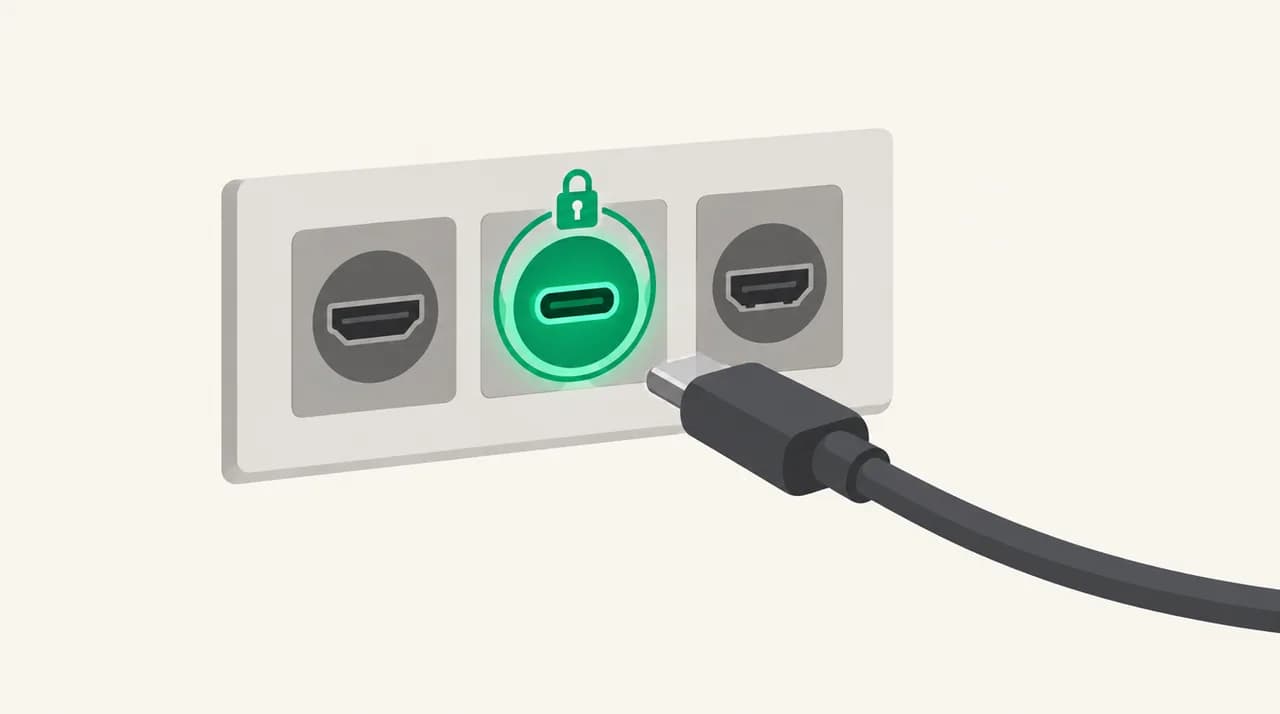
| Port | Encryption setting in the client | Typical use |
|---|---|---|
| 587 | STARTTLS (sometimes labelled TLS) | Mail submission from clients; the usual choice |
| 465 | SSL/TLS (implicit TLS) | Mail submission where the provider supports it |
| 25 | Usually none or opportunistic | Server-to-server delivery; avoid it for client sending |
Fix 3: check what the provider or the app is doing#
If the client settings are right and 530 persists, the cause may sit on the server side or in an app that sends mail without a login.
Microsoft is the common example. Microsoft's Exchange Online documentation, last updated September 2026 and checked in October 2026, says SMTP AUTH can be disabled for a whole organisation or per mailbox, that the mailbox setting overrides the organisation one, and that it is already off if security defaults are enabled. It also says clients cannot use SMTP AUTH if an authentication policy disables basic authentication for SMTP. So on a Microsoft 365 account, a 530 can mean your admin turned the protocol off, or that the account needs OAuth rather than a password.
The same applies to anything that sends on your behalf. A website contact form, a printer's scan-to-email feature or a server script usually talks to a host and port. If nobody typed a username into it, it connects anonymously and gets 530. Either add credentials, or ask your provider for an SMTP relay that trusts specific IP addresses.
- Microsoft 365: ask your admin to enable authenticated SMTP for the mailbox, or switch the app to OAuth. Personal Outlook.com accounts have no admin, so use an app that supports Microsoft's OAuth sign-in.
- Accounts with two-step verification: create an app password where the provider supports one.
- Apps and devices: store the credentials in the app's mail settings, not in the message.
How do I tell which cause I have?#
Stop guessing at settings and ask the server. The EHLO command makes it list its capabilities, including which login mechanisms it offers. You can run it from a terminal with openssl, using openssl s_client -starttls smtp -connect smtp.example.com:587 for port 587, or openssl s_client -connect smtp.example.com:465 for port 465. Then type EHLO followed by any hostname.
RFC 4954 notes that the list of mechanisms on the AUTH line may change after STARTTLS succeeds. That is exactly why a server can show no AUTH at first and then offer it a moment later. The example below shows what a healthy 587 conversation looks like.
| What EHLO shows | What it means | What to do |
|---|---|---|
| STARTTLS listed, no AUTH line yet | The server wants TLS before it will offer a login | Set the client to STARTTLS on 587, or use 465 with SSL/TLS |
| AUTH line present after TLS | Login is available; your client is not using it | Turn on authentication and enter credentials (Fix 1) |
| No AUTH line even after TLS | SMTP AUTH is disabled or this port does not offer it | Try another port, or check the provider setting (Fix 3) |
| AUTH lists only mechanisms your client lacks | Method mismatch, often OAuth-only accounts | Use the provider's OAuth sign-in or an app password |
Do not weaken security to make the error go away
How do I prevent it from coming back?#
Most repeat 530 errors come from settings drifting after a change: a password reset, a new device, or a provider tightening its policy. A few habits keep that from happening.
- Record the working set of host, port, encryption mode and username once, so a rebuild does not rely on memory.
- Prefer 587 with STARTTLS or 465 with SSL/TLS for every client and script, and retire anything still on port 25.
- Use app passwords or OAuth rather than your main password, so a password change does not break sending.
- After a provider announces an authentication change, re-run the EHLO check on a test account before your whole team hits it.
Where AI Emaily fits#
The reason 530 is so common is that the outgoing server is a separate setting from the incoming one, and every provider names its options differently. We build AI Emaily, and for Gmail and Outlook accounts it uses one-click sign-in, so there is no port, encryption mode or SMTP login for you to get wrong.
For other providers you connect over IMAP and SMTP with an app password, so the host, port and mode still have to match what the server expects. The connect-imap guide lists the fields, and the checks in this post apply to it unchanged. Our 7-day free trial is on the pricing page if you want to try it; it does not replace fixing a provider that has SMTP AUTH switched off.
Frequently asked
See it in AI Emaily
Keep reading
Sources

Written by
Nafiul HasanNafiul Hasan is an entrepreneur and AI automation system builder with 10+ years of experience turning messy, manual workflows into reliable automated systems. He designs and ships AI enterprise solutions end-to-end — the agent logic, the data plumbing, and the product people actually use — and founded AI Emaily to give busy professionals their attention back. He writes here from the builder's seat: what works, what breaks, and how to put AI to work without giving up control.