Emails Disappear and Reappear: IMAP Sync Explained

The short answer
Emails that disappear and reappear in an IMAP inbox are usually still on the server. Common causes are a half-finished sync, the client rebuilding its local cache after a folder's UIDVALIDITY changed, messages flagged deleted but not purged, or a rule moving mail. Check webmail first, then rebuild the client cache.
Why emails disappear and reappear in IMAP: half-finished syncs, UIDVALIDITY resets, rules and cache rebuilds. Check the server copy first, then fix the cache.
On this page
- 01What does it mean when emails disappear and reappear in IMAP?
- 02How does IMAP sync decide what is in a folder?
- 03Why do emails vanish and then come back?
- 04How do you check whether an email is deleted or just not synced?
- 05How do you rebuild the client cache without deleting the account?
- 06Is it hidden, moved or really deleted?
- 07What are the common misconceptions about vanishing IMAP mail?
- 08How does this show up in AI Emaily?
If emails disappear and reappear in your IMAP inbox, the likeliest explanation is that nothing was deleted. Your mail client keeps a local copy of what the server holds, and for a while the two disagreed.
This post explains how IMAP sync produces that flicker, how to prove from the server that your mail is intact, and how to rebuild a client cache without deleting your account. It is deliberately the opposite of the panic move: removing the account and adding it again before you know what happened.
What does it mean when emails disappear and reappear in IMAP?#
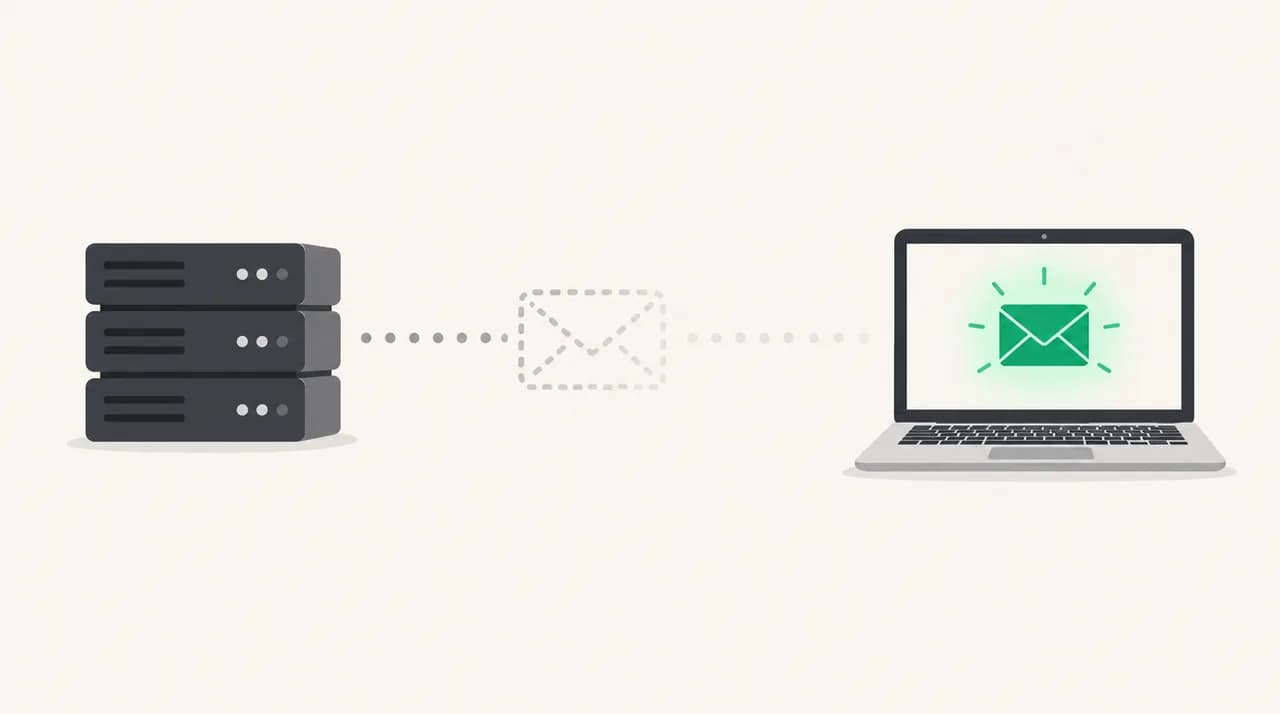
An IMAP account keeps the master copy of your mail on the server. Each device runs a client with its own cache: a local list of messages, and often the message bodies too. When the cache and the server disagree, the client shows whichever view it currently trusts.
Messages seem to vanish when the cache drops or hides them. They come back when a later sync reconciles the two. The mail itself was never gone, which is why the first job is to look at the server and not at the client.
Definition: client cache vs server copy
How does IMAP sync decide what is in a folder?#
Every message in an IMAP folder has a UID, an unsigned 32-bit number assigned in ascending order. Paired with the folder's UIDVALIDITY value, it forms an identifier that, under RFC 9051, must never refer to any other message in that mailbox. Clients cache by UID, so the cache is only valid while UIDVALIDITY stays the same.
If a server cannot keep UIDs stable, the RFC requires it to give the folder a greater UIDVALIDITY value. A client that sees the new value can no longer trust what it cached for that folder. In practice it discards that folder's cache and fetches everything again, so the folder looks empty or short, then refills.
The RFC names situations that force this: a folder deleted or renamed and then recreated, a message store reordered by something other than IMAP, and a store with no way to keep UIDs, which the RFC notes can be very disruptive to client message caching. RFC 4315 adds a UIDNOTSTICKY response for mailboxes that cannot keep persistent UIDs at all.
Deletion is a second source of flicker. In IMAP, deleting is two steps: the message gets a \Deleted flag, and a later EXPUNGE removes every flagged message permanently. Until the expunge runs, the message is still on the server, and different clients may show or hide it.
Moves matter too. Under RFC 9051, MOVE creates a new message with a new UID in the target folder and removes the original. The server must leave each message in at least one of the two folders, and should not leave it in both, but a partial failure is the classic way a message ends up listed twice.
Why do emails vanish and then come back?#
Six causes account for most reports. The table lists what each one does, how to recognise it, and the first thing to try. As of October 2026 the client-specific details below match the vendor pages listed under sources, but menu wording changes between versions.
| Cause | What happens | Clue | First fix |
|---|---|---|---|
| Interrupted or partial sync | The client lists part of a folder, the connection drops or stalls, and the rest arrives on a later sync | Message count climbs while the client is open; webmail shows the full folder | Leave the client open until it finishes. Gmail lets one account connect to up to 15 clients, and beyond that you may see a Too many simultaneous connections error |
| UIDVALIDITY changed | The server reports that its UIDs for the folder are no longer valid, so the client drops the folder cache and downloads it again | One folder looks empty or short, then refills, while other folders are fine | Wait for the re-download. If it stalls, rebuild only that folder |
| Flagged deleted, not purged | A message carries the \Deleted flag but has not been expunged, so one client hides it and another shows it | It is gone in one app, but struck through, dimmed or present in another | Check the second client. Purge the flagged messages, or clear the flag to restore them |
| A rule moved it | A server-side or client-side rule files the message elsewhere, such as Junk, Archive or another folder | Search finds the message in a different folder | Disable rules one at a time and re-check. Apple notes that Mail rules, the Junk mailbox and blocked senders can all change what a mailbox shows |
| A view filter or category | The client hides read mail, or shows only one category such as Primary | A filter or category button is active above the message list | Turn the filter off. In Apple Mail the path is View, Filter, Disable Message Filter |
| A folder size cap | Gmail has an IMAP setting called Folder size limits that caps how many messages a folder syncs to clients | A big folder shows fewer messages than webmail does | Check the setting under Forwarding and POP/IMAP in Gmail settings. Workspace accounts may not have access to that tab |
How do you check whether an email is deleted or just not synced?#
Work from the server outward. The goal is to prove the message exists before you change anything on the client.
- 1
Open the provider's webmail
Sign in through a browser and look at the same folder. Webmail reads the server copy, so a message you can see there is not lost.
- 2
Search every folder
Search by sender or subject across all folders, including Archive or All Mail, Trash and Junk. A message that left the inbox usually went somewhere you can name.
- 3
Look at a second client
Open the account on your phone or another app. If the message shows there but not on your main client, the problem is that client's cache or view.
- 4
Let the sync finish
If the client is still downloading, wait. Close extra clients if the provider limits connections, then reopen one.
- 5
Check rules, filters and categories
Turn off any message filter or category view, then disable rules one by one. These change what is displayed without touching the server.
How do you rebuild the client cache without deleting the account?#
If the server copy is intact and the client still disagrees, rebuild the cache for the affected folder only. Most IMAP clients have a command for it, though the name and location vary by client and version.
In Apple Mail, select the mailbox and choose Mailbox, then Rebuild. Apple's current guide recommends it when messages appear to be missing. Earlier versions of the guide said that for IMAP and Exchange accounts, messages and attachments stored on your Mac are discarded and downloaded again from the server, so expect the mailbox to look empty until the download finishes.
In Thunderbird, the equivalent is Repair Folder in the folder's properties. For an IMAP folder it re-fetches data from the server. Thunderbird's bug tracker records that this can take a long time for large folders with offline storage, and a warning before repairing such folders landed in Thunderbird's development builds in October 2026, so most released versions will not show one yet. Check your version before you click it.
Removing the account and adding it again is the last step, not the first. Google lists it as a fix when a client crashes or downloads too slowly, but anything that exists only on your device, such as a local archive folder, is not on the server. Export that first.
A rebuild discards your local copy first
Is it hidden, moved or really deleted?#
This table separates the cases that look identical on screen but need different fixes.
| Case | Still on the server? | What webmail shows | What to do |
|---|---|---|---|
| Not synced yet | Yes | The message in its folder | Wait, or refresh the folder |
| Hidden by a flag or filter | Yes | The message, possibly marked deleted | Clear the filter, or purge or unflag it |
| Moved by a rule | Yes, in another folder | The message in the destination folder | Find and fix the rule |
| Cache reset after a UIDVALIDITY change | Yes | The full folder | Wait for re-download, or rebuild that folder |
| Deleted and expunged | Not in that folder | Possibly in Trash, depending on the provider | Check Trash, then ask the provider about recovery |
What are the common misconceptions about vanishing IMAP mail?#
- Delete and re-add the account straight away. That throws away the evidence of what your client saw and discards local-only data. Check webmail first.
- The provider lost my mail. A client cache that resets after a UIDVALIDITY change looks identical to data loss, but the server copy is intact.
- If it comes back, I will get duplicates. Returning mail is a resync. Duplicates come from a different problem, such as a partial failure during a move.
- A rebuild takes a minute. The mailbox can look empty until the download completes, and large offline folders can take far longer.
- IMAP is a backup. It is a sync. An expunge from any client removes the message for all of them, so keep a real backup if the mail matters.
How does this show up in AI Emaily?#
The mechanism this post covered is that several actors flag and move the same server mail: you, a rule, a second device. An AI agent is one more actor, so the useful question to ask any assistant that touches your inbox is what it did. We build AI Emaily, a mail client that connects Gmail, Outlook and IMAP accounts, with approve-before-send, an undo window on autonomous sends and an audit trail of what its agent did, so a question like who moved this has an answer.
AI Emaily does not change how your provider's IMAP server assigns UIDs. If a server resets UIDVALIDITY on a folder, any client, ours included, has to resync that folder. Use the checks above first. If you want to try the agent on your own mail, there is a 7-day free trial on Pro and Autopilot with a card required, and the plans are on the pricing page.
Frequently asked
See it in AI Emaily
Keep reading
Sources
- RFC 9051: Internet Message Access Protocol (IMAP) Version 4rev2
- RFC 4315: IMAP UIDPLUS extension
- Gmail Help: Add Gmail to another email client
- Apple Support: Create or delete mailboxes in Mail on Mac (Rebuild mailboxes)
- Apple Support: If you can't see email messages in Mail on Mac
- Mozilla Bugzilla 1099275: Warn before running Repair Folder on IMAP folders

Written by
Nafiul HasanNafiul Hasan is an entrepreneur and AI automation system builder with 10+ years of experience turning messy, manual workflows into reliable automated systems. He designs and ships AI enterprise solutions end-to-end — the agent logic, the data plumbing, and the product people actually use — and founded AI Emaily to give busy professionals their attention back. He writes here from the builder's seat: what works, what breaks, and how to put AI to work without giving up control.