Gmelius vs Drag for Gmail Teams: Boards, Sequences and Cost

The short answer
For most small Gmail teams, Drag. It ships collision detection on every plan, native iOS and Android apps, and a browser web app that needs no extension. Choose Gmelius instead if your team runs on Slack or a CRM, because Gmelius publishes native two-way Slack sync and native Salesforce and HubSpot integrations.
Gmelius vs Drag for Gmail teams: shared inbox mechanics, boards, sequences, mobile and scaling, compared on each vendor's own published pages.
On this page
- 01The verdict up front
- 02Gmelius vs Drag at a glance
- 03Where Gmelius wins
- 04Where Drag wins
- 05The axis most comparisons skip: where the product actually exists
- 06Sequences and automation: the labels are backwards
- 07Pricing model, and why the numbers are not here
- 08Who each is genuinely for
- 09A third option, honestly
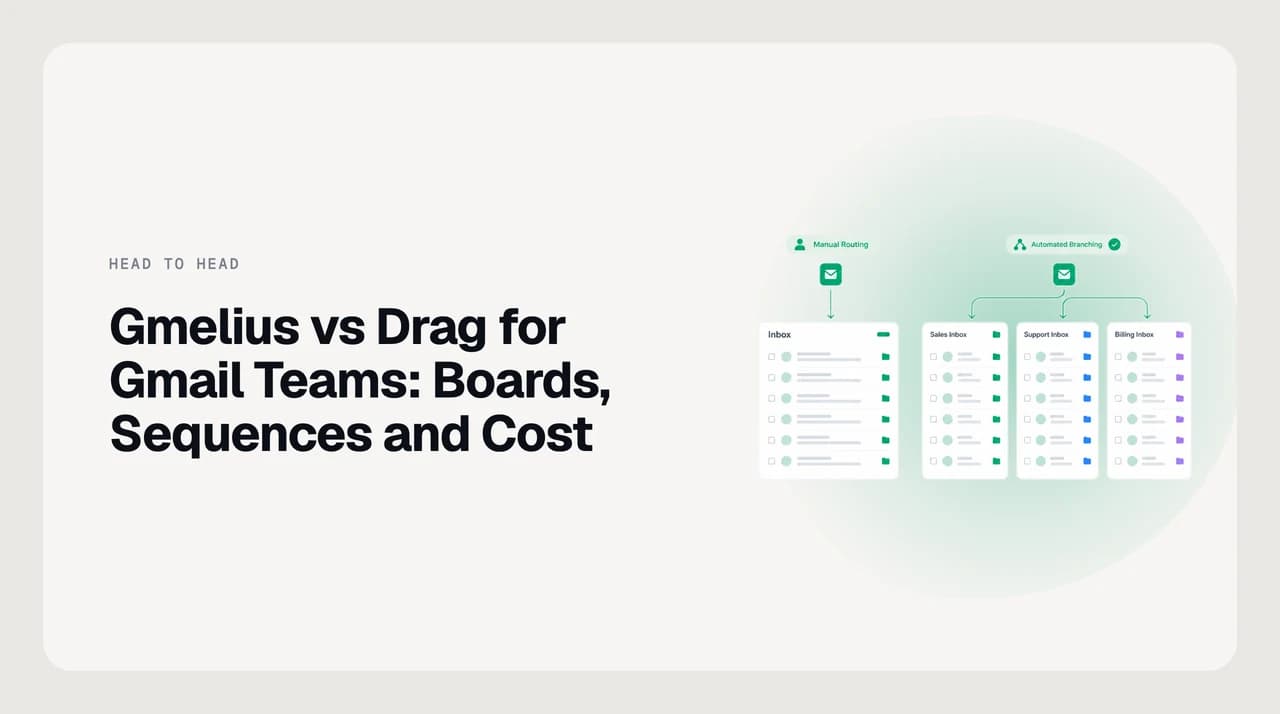
Gmelius vs Drag for Gmail teams usually gets written as a feature checklist between two Chrome extensions that put Kanban boards in the inbox. That framing hides the decision. Both do turn a shared address into boards with assignment and internal notes, and both keep the mail in Gmail rather than migrating it into a help desk.
The thing that actually separates them for a small team is where the product exists when you are not sitting in Chrome, and what the entry tier includes before you have grown into the expensive one. On those two axes the two products are not close, and they point in opposite directions from what most comparison pages claim.
Everything below is taken from each vendor's own live pages, checked in September 2026. No prices appear here on purpose. Both vendors change packaging, and a number copied into a blog post is wrong within a quarter.
The verdict up front#
For a small Gmail team, roughly two to fifteen seats, Drag is the better default. Three published facts drive that: collision detection is on every Drag plan including the entry tier, Drag ships native iOS and Android apps, and Drag publishes a browser web app that works in Chrome, Firefox, Safari and Edge with no extension installed.
Gmelius gates more of its collaboration behind its second tier. On the Gmelius pricing comparison table, collision detection, Kanban board views and the Slack integration are all absent from the entry tier and appear from the next one up. A small team buying the cheapest Gmelius plan is buying an AI assistant rather than a shared inbox.
Gmelius wins clearly on integration depth and on governance at larger sizes, and I will concede that by name below rather than burying it. If your team lives in Slack, or routes on CRM data, Gmelius publishes native two-way connections where Drag publishes Zapier ones. That is a real difference in reliability and latency, not a marketing distinction.
The size threshold matters too. Gmelius publishes a fifty-user minimum on its Enterprise tier, which is where custom sharing policies and user provisioning live. A ten-person team will never reach that, so the comparison for a small team is really Drag against the middle of the Gmelius ladder.
Drag publishes its own comparison pages
Gmelius vs Drag at a glance#
Every row below reflects what the vendor publishes on its own site as of September 2026. Where a capability is not documented anywhere on the vendor's pages, the cell says so rather than guessing, because an undocumented feature and an absent feature look identical from outside and only one of them is safe to assert.

| Dimension | Gmelius | Drag |
|---|---|---|
| Shared inbox model | Shared inboxes from Google Groups, Gmail accounts or aliases, plus shared Gmail labels and email delegation | Boards over a connected mailbox or Google Group; emails stay in Gmail |
| Collision detection | Listed as a feature, absent from the entry tier | On every plan, with presence indicator and compose locking |
| Kanban boards | Board views listed in the pricing table from the second tier; no feature page published | Core product, with Kanban, list and preview views, drag and drop, board templates |
| Outbound email sequences | Not published anywhere on the site | Dedicated feature page with multi-step cadences and stop-on-reply, from the second tier |
| Automation rules | Round-robin, load balancing, auto-tagging, auto-response, workspace routing | Rule builder with triggers and actions, capped on the entry tier, unlimited above it |
| Slack | Native two-way sync; reply, assign and note from Slack | Listed under Zapier integrations, not native |
| CRM | Native Salesforce and HubSpot | HubSpot and Zendesk listed under Zapier |
| Mobile | Progressive web app; no native app store listing published | Native iPhone app on the App Store plus an Android app |
| Works without the extension | Not published; a web app and a Workspace Marketplace app exist | Published explicitly: web app in Chrome, Firefox, Safari and Edge, no install |
| Email providers | Gmail and Google Workspace; Outlook is a waitlist | Gmail and Google Workspace only |
| Seat structure | Per user per month; fifty-user minimum on Enterprise; usage caps are a tier axis | Per user per month; unlimited users and no seat minimums on every tier |
| Free tier | None; 7-day trial | None; 7-day trial with full access to the top tier |
| Enterprise governance | Organisation units, custom user permissions, custom sharing policies, user provisioning, HIPAA BAA | Admin roles on all tiers, custom user roles on the top tier; no SAML or SCIM published |
| Reporting window | Tiered, up to twelve months | Tiered, up to twelve months, with CSV export on every plan |
Where Gmelius wins#
Gmelius has three genuine advantages, and none of them are about boards.
The first is integration depth. Gmelius publishes a native two-way Slack sync between a Gmelius workspace and a Slack channel, and documents that from inside Slack a teammate can add internal notes, change email statuses, assign emails and reply to the email itself. Drag's own integrations directory lists Slack under Zapier. A Zapier hop is fine for notifications and poor for a reply path, because you inherit Zapier's task limits, its latency and one more account that can break.
The second is the shared inbox plumbing itself. Gmelius publishes three distinct mechanics rather than one: shared inboxes built from Google Groups, Gmail accounts or aliases; shared Gmail labels and sub-labels that sync across the team; and email delegation as a first-class feature. If your team already organises around Google Groups or a label taxonomy, that maps onto your existing setup rather than asking you to rebuild it as boards.
The third is governance past a handful of seats. Gmelius publishes organisation units and teams, custom user permissions, custom sharing policies, user provisioning through a two-way Google Workspace Admin sync, and a HIPAA BAA in its legal hub. Drag publishes admin roles, default user roles and custom user roles, but no SAML, no SCIM and no enterprise SSO beyond Google sign-in.
- Native Slack: reply, assign, note and change status from a Slack channel, with two-way sync.
- Native Salesforce and HubSpot, with routing that can act on CRM data.
- Shared Gmail labels and delegation, not only boards, so an existing label taxonomy survives.
- Organisation units, custom sharing policies and Workspace Admin provisioning for larger rollouts.
- Google Groups, plain Gmail accounts and aliases all accepted as a shared inbox source.
Where Drag wins#
Drag's advantages are concentrated in what a small team touches on day one.
Collision detection is the clearest. Drag documents a presence indicator showing who is viewing or typing on a card, and compose locking, where the reply box locks for everyone else while one person types and the others can see the draft without editing it. It is on every Drag plan. On the Gmelius pricing table, collision detection is absent from the entry tier. For a three-person support rota, duplicate replies are the first pain that makes you buy a shared inbox at all, so paying for a tier that does not prevent them is an odd place to start.
Boards are the second. Drag publishes an actual product page for them: Kanban, list and preview views, drag and drop between columns, custom fields, board and card templates, merge, due dates and saved filtered views. Gmelius lists board views in its pricing table and in a founder timeline, but the URL where a Kanban feature page would live serves the homepage instead. That is a documentation gap rather than proof of a weak feature, and I am not going to claim Gmelius boards are bad because a page is missing. It does mean you cannot evaluate them before you buy.
Third is the entry-tier deal. Drag publishes unlimited users and no seat minimums on every tier, and a seven-day trial with full access to the top plan and no card required. Gmelius runs a seven-day trial too, but its top tier is a request rather than a self-serve button, and its Enterprise tier carries a fifty-user minimum. A small team can test all of Drag before deciding; it cannot test all of Gmelius.
- Collision detection with compose locking, on every plan rather than from tier two.
- Documented board mechanics: three views, custom fields, templates, merge, due dates.
- Unlimited users and no seat minimums on every tier.
- A seven-day trial that includes the top tier's features, no card required.
- Published multi-step outbound sequences with stop-on-reply.
The axis most comparisons skip: where the product actually exists#
Both products are usually described as Gmail extensions, and that description has quietly stopped being true of one of them.
Drag publishes an extension-free web app in plain language: it works in Chrome, Firefox, Safari and Edge with nothing installed. It also publishes a desktop app for macOS and Windows, a native iPhone app with an App Store listing, an Android app, a REST API and an MCP server. The Chrome extension is one surface out of several.
Gmelius publishes a Chrome extension, a Google Workspace Marketplace app, a web app and a progressive web app for phones. Its mobile page is titled as a download page but describes a PWA: access Gmelius from any mobile device or tablet with our Progressive Web App. There is no App Store or Play Store listing linked from the pages I checked, and nothing published states that Gmelius works with the extension uninstalled.
This is the row that decides it for most small teams, because the question is not whether the product has features. It is whether the person covering the shared inbox on a Sunday can reassign a conversation from a phone. A PWA can do a great deal, and it is not a native app, and the vendor describing its own mobile offering as a PWA is the most honest signal available.
| Surface | Gmelius | Drag |
|---|---|---|
| Chrome extension | Yes | Yes |
| Other desktop browsers | Chrome, Edge, Brave, Opera listed | Chrome, Firefox, Safari, Edge, explicitly with no install |
| Desktop app | Not published | macOS and Windows |
| iOS | Progressive web app | Native app on the App Store |
| Android | Progressive web app | Native app published |
| Programmatic access | API and webhooks, webhooks on higher tiers | REST API and an MCP server, on the top tier |
Sequences and automation: the labels are backwards#
The common framing is Gmelius sequences versus Drag automation. On the vendors' own sites it is the other way round.
Drag publishes a dedicated email sequences page describing multi-step outbound follow-ups: a day-zero send, a day-three follow-up, a day-five check-in, as many steps as you need, with per-step templates, dynamic fields, weekday-only sending and business hours. If the recipient replies at any step, the sequence stops. It is gated above the entry tier.
Gmelius does not publish outbound sequences at all. There is no sequences page, and no mention of drips, cadences or campaigns on the pages I checked. What Gmelius does publish is an automatic responder and an AI assistant that tracks threads and drafts follow-ups, which is a different job: reacting inside a conversation rather than running a planned outbound cadence.
Where Gmelius is genuinely strong is routing. Round-robin assignment, load-balanced assignment, workload distribution, workspace routing, automatic tagging, SLA rules with business hours, a notification engine and webhooks on the higher tiers. Drag publishes the same shape of rule builder, caps it on the entry tier, and puts round-robin, the load balancer and SLA rules on its top tier. So both route well; only one of them sends sequences.
If sequences are the requirement, check the tier before the product
Pricing model, and why the numbers are not here#
Neither vendor offers a permanent free plan. Both run a seven-day free trial, both bill per user per month, and both discount annual billing against monthly. That is the shape, and the shape is stable even when the numbers are not.
The differences worth knowing are structural. Gmelius uses usage caps as a packaging axis, with higher caps on its upper tier and no caps on Enterprise, and it publishes a fifty-user minimum on that Enterprise tier. Its reporting window and its collaboration features step up by tier, so the cost of a feature is often the cost of a whole tier for the whole team.
Drag publishes unlimited users and no seat minimums on every tier, and puts most of the ladder into features rather than caps, with one exception: its AI agents are billed on usage rather than included in the seat. So Drag's predictable-cost claim holds for everything except the agent, and that is the line item to model before you commit.
Is Drag cheaper than Gmelius? For a small team, the answer usually depends less on the headline rate than on which tier each vendor puts your must-have feature in. Price the tier that actually contains what you need, for the number of seats you actually have, on both vendors' own pricing pages.
Verify pricing on each vendor's own page
Who each is genuinely for#
Neither product is a bad choice. They are optimised for different team shapes, and the mismatch only shows up months in.
Drag suits a small Gmail team that answers a shared address and wants the shared inbox to work everywhere on day one, without a tier upgrade to stop duplicate replies and without a phone browser as the mobile story. It suits teams that want boards as the primary organising idea, and teams that need outbound follow-up sequences alongside inbound triage.
Gmelius suits a Gmail team whose real problem is routing and reporting rather than visual workflow, whose work is genuinely half in Slack, or whose assignment logic depends on CRM data. It suits organisations with an existing Google Groups and label structure they do not want to rebuild, and it suits anyone who will eventually need organisation units, custom sharing policies, provisioning or a HIPAA BAA.
One constraint applies to both, and it is the one that ends the shortlist for some teams: both are Gmail and Google Workspace only. Gmelius lists Outlook as a waitlist rather than a shipped product, and Drag publishes no Microsoft 365 support at all. A team with mailboxes on both sides of that line is not choosing between these two, it is choosing a different category.

A third option, honestly#
We build AI Emaily, so treat this section as us describing our own product rather than as a neutral third entry. It belongs at the end rather than at the top of the table because on the question this post asks, which shared inbox extension should a small Gmail team buy, we are not a direct competitor and pretending otherwise would be easy to catch.
AI Emaily is a mail client, not a shared inbox layer. We do not ship Kanban boards, conversation assignment, collision detection, SLA rules or team analytics. If the job is three people covering support@ without stepping on each other, Gmelius and Drag are the products built for it and we are not.
Where a client-side layer does something neither of them does: AI Emaily runs across Gmail, Outlook and IMAP rather than Google Workspace only, so a team split across providers is not two tools. Triage, filing and drafting run from a Personal Context brain and per-client profiles that you set, rather than by inferring a voice from your past mail. And every agent action is approval-first in Copilot mode, with undo and an audit trail, which matters if you are letting software touch replies to customers.
Both of those are individual-inbox jobs, not shared-inbox jobs. Plenty of teams run a shared inbox tool on support@ and a triage client on the personal mailboxes, because they solve different problems. If that is your shape, there is a 7-day free trial on aiemaily.com, card required and nothing charged if you cancel before day seven, and the plan breakdown is at /pricing.
Frequently asked
See it in AI Emaily
Keep reading
Sources

Written by
Nafiul HasanNafiul Hasan is an entrepreneur and AI automation system builder with 10+ years of experience turning messy, manual workflows into reliable automated systems. He designs and ships AI enterprise solutions end-to-end — the agent logic, the data plumbing, and the product people actually use — and founded AI Emaily to give busy professionals their attention back. He writes here from the builder's seat: what works, what breaks, and how to put AI to work without giving up control.