Emails From One Sender Not Arriving: How to Trace It

The short answer
When only one sender's mail never arrives, your mailbox is usually dropping it on purpose. The four usual causes are a blocked address, a filter or rule matching their domain, spam or quarantine placement, and failed authentication on their side. Check your blocks and filters first, then ask the sender for their bounce message.
Emails from one sender not arriving in Gmail or Outlook? Check blocks, filters, spam and quarantine, then ask the sender for a bounce or header trace.
On this page
- 01What does it mean when mail from one sender never arrives?
- 02What are the usual causes, and how do you confirm each?
- 03What should you check first?
- 04Fix 1: Is the sender blocked or caught by a filter?
- 05Fix 2: Is it sitting in Spam, Trash or quarantine?
- 06Fix 3: What should you ask the sender for?
- 07How do you read the header trace they send back?
- 08How do you tell which cause you have?
- 09How do you stop it happening again?
- 10Where does AI Emaily fit?
Everything else lands fine. Newsletters arrive, colleagues reply, receipts show up. Then one person says they emailed you three times and you have seen nothing.
That pattern is the clue. A provider outage or full mailbox would hit everyone, so a single missing sender points to a rule that applies only to them. This post walks through the causes in the order that is cheapest to check, and covers what to ask the sender for when the evidence is on their side.
What does it mean when mail from one sender never arrives?#
It means the message was either rejected before it reached your mailbox, accepted and then filed somewhere you are not looking, or never sent properly at all. Those are three different problems with three different fixes.
The important distinction is whether the sender got a bounce. A rejection produces a bounce message with a status code starting with 5, such as 5.7.1 or 5.1.1, and the sender can read it. Silent filing produces nothing: the sender sees a sent message, and you see no message.
That difference tells you where to look. If the sender got a bounce, the answer is in the bounce text. If they got nothing, the message was almost certainly accepted by your mail provider and then moved, hidden or quarantined by a rule on your side.
What are the usual causes, and how do you confirm each?#
| Cause | How to confirm | Fix |
|---|---|---|
| You blocked the address (or someone with access did) | Gmail: Settings, See all settings, Filters and Blocked Addresses. Outlook: Junk email settings, Blocked senders. | Unblock the address, then ask the sender to resend. |
| A filter or rule matches their address or domain | Search your mail for their address with all folders included, and check where the match lives. Review every filter or rule for their name or domain. | Edit or delete the rule. Gmail filters set to Delete it send mail to Trash. |
| Mail is in Spam, Junk or quarantine | Search Spam and Trash. In Microsoft 365, open the quarantine page in the Defender portal or check the quarantine notification. | Release the message and mark the sender as not spam or as safe. |
| Their mail fails authentication (SPF, DKIM, DMARC) | The sender's bounce or a header trace shows a fail result. Mail that still arrives will show it in the Authentication-Results header. | The sender fixes their domain's DNS records or sends through their authorised service. |
| Typo or wrong address on their side | The sender's bounce says the user is unknown (a 5.1.1 style code), or the address in their Sent folder differs from yours. | Sender corrects the address. Check your own address for an alias or old domain. |
What should you check first?#
Check the free, five-minute causes before involving the sender: blocks, filters, spam folders. Those cover most cases where one person's mail disappears and nobody else's does.
Only move to the sender-side evidence once you have ruled out your own mailbox. Asking someone to dig through headers and then discovering you blocked them in 2023 is a bad look.
Fix 1: Is the sender blocked or caught by a filter?#
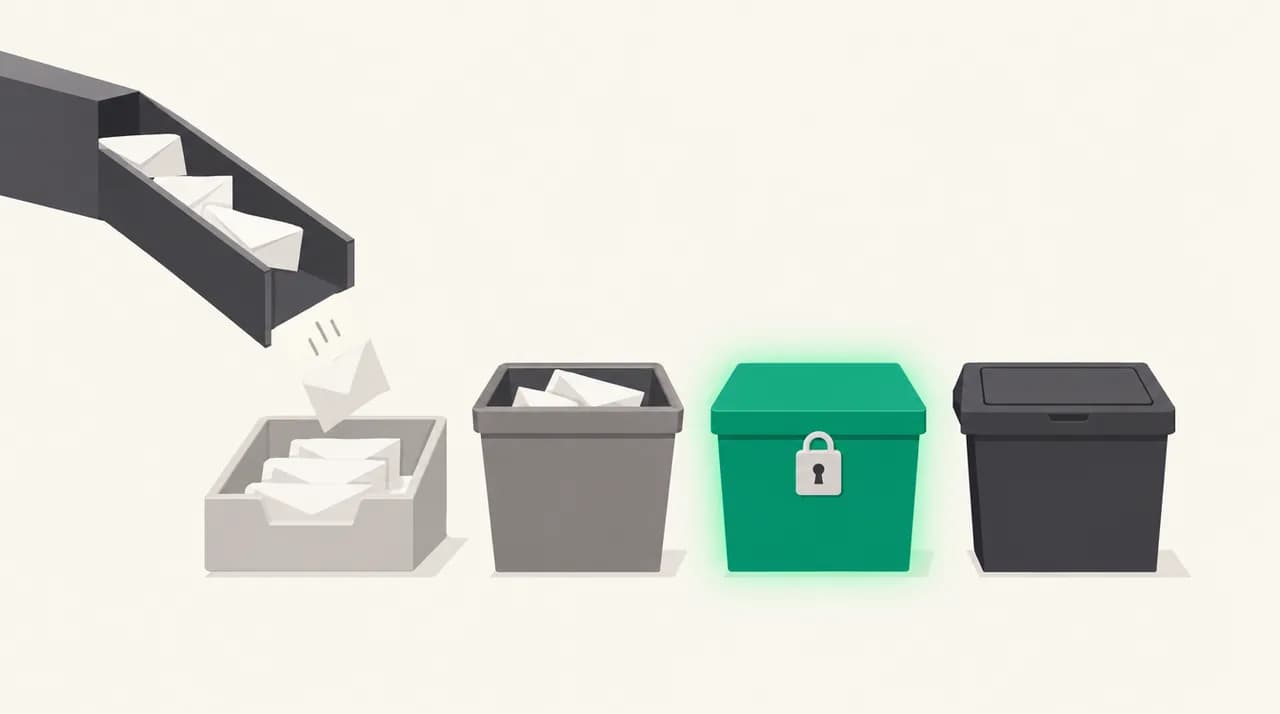
Start in your mail client's own lists. Gmail says that after you block a sender, all future emails from them go to Spam, and that unblocking sends future mail to the inbox (Gmail Help, checked October 2026). Note that unblocking does not retrieve what already went to Spam.
- 1
Check the blocked list
In Gmail, open Settings, click See all settings, then Filters and Blocked Addresses. Look for the sender's exact address. In Outlook, open Junk email settings and check the Blocked senders and domains list.
- 2
Look for a whole-domain block
A block on a domain, such as a line starting with the at sign and the company name, silences every person at that company. This is the usual reason a colleague of someone you already hear from is also missing.
- 3
Read every filter, not just the recent ones
Open each Gmail filter or Outlook rule and look at the criteria and the action. A filter for a project name or a shared phrase can catch one sender's mail without mentioning them. Actions to look for: Delete it, Skip the Inbox, Mark as read, and move to folder.
- 4
Remove or narrow the rule, then test
Delete the rule or narrow its criteria, then ask the sender to send one fresh message with a distinctive subject line so you can find it easily.
Fix 2: Is it sitting in Spam, Trash or quarantine?#
A rule that skips the inbox does not delete anything. The message is usually somewhere, just not where you look. Search for the sender's address with every folder included, then check the places below.
- 1
Search all folders for the address
In Gmail, search for from:[email protected] in:anywhere, which also covers Spam and Trash that a normal search skips. In Outlook, search the sender's name across all folders instead of only the inbox.
- 2
Check Junk or Spam, and mark it as safe
If you find it, mark it as not spam (Gmail) or not junk (Outlook). That teaches the filter for next time, but it will not always override an explicit rule, so do Fix 1 as well.
- 3
Check Microsoft 365 quarantine
If your mail runs on Microsoft 365, open the quarantine page in the Microsoft Defender portal and filter by sender. Microsoft documents that malware and high-confidence phishing are always quarantined, and that you cannot completely turn quarantine off. Spam-class messages are held for 15 days by default under the default anti-spam policy (Microsoft Learn, checked October 2026), after which they are permanently deleted, so act quickly.
- 4
Ask an admin if you cannot see it
Recipients cannot release messages quarantined as malware or high-confidence phishing; at most they can request a release, if the quarantine policy allows it. An admin can release them and report the false positive to Microsoft.
Quarantine has an expiry date
Fix 3: What should you ask the sender for?#
If your own mailbox is clean, the evidence is on the sender's side. They are the only person who can see whether your server accepted or refused the message. Ask for these things in order.
- 1
Ask for the bounce message, if there was one
Ask them to copy the entire automatic reply, including the status code and the line that names the rejecting server. A 5.1.1 style code usually means the address does not exist. A 5.7.x code is a policy rejection, often for authentication or reputation.
- 2
Ask them to confirm the exact address
Have them paste the To line from their Sent folder. One transposed letter or an old company domain explains a surprising share of cases.
- 3
Ask them to send a plain test message
Short text, no attachments, no links, distinctive subject. If the plain test arrives and their usual mail does not, content or an attachment is triggering a filter.
- 4
Ask for the headers of a message that reached you
If any message from them has ever arrived, even in Spam, open it and view the original source. Find the Authentication-Results header, which lists spf, dkim and dmarc outcomes. In Gmail the Show original view shows these as PASS or FAIL.
How do you read the header trace they send back?#
You are looking for failures, not for the whole wall of text. Three lines matter: the SPF result, the DKIM result and the DMARC result. They tell you whether the sending domain proved it was allowed to send that message.
| What you see | What it usually means | Who fixes it |
|---|---|---|
| spf=pass, dkim=pass, dmarc=pass | Authentication is fine. Look at your own filters, blocks and spam placement. | You |
| spf=fail or softfail | The server that sent the mail is not listed in the sender domain's SPF record. | The sender's IT or mail provider |
| dkim=fail or none | The message was not signed, or was altered in transit, for example by a mailing list or a forwarding rule. | The sender's IT, or whoever runs the forwarder |
| dmarc=fail | Neither SPF nor DKIM lined up with the visible From domain, and the domain's policy may tell receivers to junk or reject it. | The sender's IT |
| No header found, no bounce | The message probably never left their system, or a rule on your side removed it entirely. | Both: confirm it in their Sent folder, then re-check your rules |
How do you tell which cause you have?#
Match what you found against the evidence rather than guessing. The first row that fits is usually your answer.
- The sender got a bounce with a 5.1.1 style code: wrong or non-existent address. Fix the address.
- The sender got a bounce with a 5.7.x code: your server refused the message on policy. Read the bounce text for the reason, and check authentication.
- The sender got no bounce and the message sits in Spam, Trash or quarantine: a filter, rule or reputation decision on your side.
- The sender got no bounce and the message is nowhere in your mailbox: look for a Delete it rule, a whole-domain block, or a forwarding rule on another account.
- Only mail with attachments or links disappears: content scanning. Compare with the plain test message from Fix 3.
Do not assume it is the sender's fault
How do you stop it happening again?#
Add the sender to your contacts. Gmail and Outlook both treat known contacts more kindly in spam decisions, though neither guarantees delivery.
Audit your filters twice a year and delete the ones you cannot explain. A filter written for a one-off project is the classic source of a mystery. Prefer rules that move or label mail over rules that delete it, so a mistake costs you a search rather than a lost message.
If you run a Microsoft 365 organisation, have an admin check that important external partners are not being caught by an overly strict anti-spam or impersonation policy, and consider that the Strict preset quarantines more than Standard. For anything business-critical, ask the sender to send a short confirmation by a second channel whenever they are waiting on you.
Where does AI Emaily fit?#
The reason this problem is hard is that every layer, from your provider's spam filter to your own rules, can drop a message without telling anyone. AI Emaily connects to Gmail, Outlook and IMAP accounts, and when our agent acts on a message, whether that is filing, labelling or archiving it, the action is recorded in an audit log and can be reversed, so a filed message is findable. We build AI Emaily, so weigh that accordingly.
The limit matters: AI Emaily cannot see mail that your provider rejects or quarantines before it reaches your mailbox, so the sender-side steps above still apply. There is a 7-day free trial on Pro and Autopilot (card required, nothing charged if you cancel before day 7), and the details are on the pricing page.
Frequently asked
See it in AI Emaily
Sources

Written by
Nafiul HasanNafiul Hasan is an entrepreneur and AI automation system builder with 10+ years of experience turning messy, manual workflows into reliable automated systems. He designs and ships AI enterprise solutions end-to-end — the agent logic, the data plumbing, and the product people actually use — and founded AI Emaily to give busy professionals their attention back. He writes here from the builder's seat: what works, what breaks, and how to put AI to work without giving up control.