How to Move a Public Complaint to Email: 8 Templates

The short answer
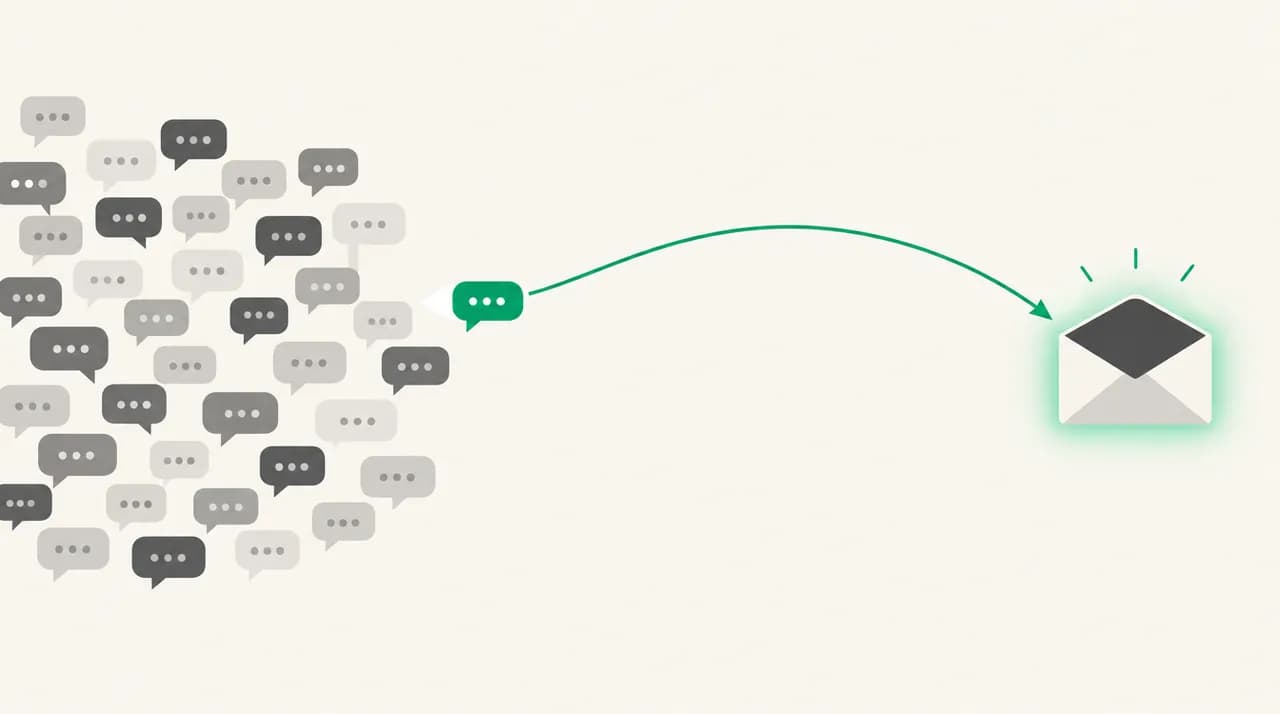
To move a public complaint to email, reply once in public with a short acknowledgement and a way to reach you, then email the customer privately. Name the post, offer to fix the problem, and ask for nothing in return. Never make help conditional on the post being deleted or edited.
How to move a public complaint to email without pressure: 8 copy-paste templates, from first outreach to a polite close when you can't resolve it.
On this page
- 01When should you take a public complaint to email?
- 02What does a good move-to-email message contain?
- 03What should the public reply say?
- 04How do the wording choices compare?
- 05The templates: first outreach to review update
- 06Template 1: the first outreach
- 07Template 2: the identity-match request
- 08Template 3: the resolution offer
- 09Template 4: asking the customer to update the review
- 10What is the hard version: a complaint that is factually wrong?
- 11Template 5: correcting the facts without calling anyone a liar
- 12Template 6: no record of the poster
- 13Template 7: the we-cannot-resolve-this close
- 14What should you do if there's no reply?
- 15Template 8: the single follow-up
- 16Where does a drafting tool fit?
A customer complains in public. You can see the post, the replies and the screenshots, and you know the useful conversation, the one with order numbers and an actual fix, cannot happen in a comment thread. This guide covers how to move a public complaint to email: when to try, what the first message must contain, and eight copy-paste templates for every stage.
Two rules run through all of it. Help is never conditional on the post coming down, and you never offer a reward for changing it. Those are not just manners. Platform policy and US regulator guidance both draw the line there, and we cite both below.
When should you take a public complaint to email?#
Move it when the fix needs information you should not ask for in public: an order number, an account email, an invoice, a delivery address. Move it too when the thread has turned into five strangers piling on while nobody solves anything.
Do not move it just because the post is embarrassing. If your only motive is making it disappear, the customer will sense that, and so will everyone reading your public reply. Always reply in public first, briefly. That reply tells other readers you are responsive and tells the customer an email is coming.
| Situation | Email the customer? | Why |
|---|---|---|
| The customer needs account-specific help | Yes, after a short public reply | The fix needs details you should not request in a comment |
| The complaint is accurate and the customer is angry | Yes, and lead with the apology | A private fix is faster and the public record shows you responded |
| The complaint is factually wrong | Yes, but correct the record gently | See templates 5 to 7 below. Never accuse the poster of lying |
| The poster is anonymous and you find no customer record | Only if they give you a contact route | Do not hunt for an email address they never gave you |
| The post alleges a safety or legal problem | Not with a template | Escalate internally first and get advice before writing anything |
| The customer said they want to stay public | No. Reply publicly | Respect the choice and offer the same help in the thread |
What does a good move-to-email message contain?#
A good first email is short and specific. It proves you read the post, takes the problem seriously, and makes replying easy. It does not argue the case, quote policy, or hint at what you would like the customer to do with their post.
- The exact reference: the platform, the date of the post and one phrase from it, so the customer knows you are not sending a form letter.
- One sentence of acknowledgement that does not admit or deny anything you have not checked yet.
- A concrete next step, such as the one detail you need or a phone number to call.
- A statement that the post can stay up. Saying this removes the suspicion that the email is a takedown attempt.
- A named human sender with a role, not a support alias that nobody owns.
- Nothing offered in exchange for deleting, editing or softening the post.
What should the public reply say?#
The email only lands well if the public reply came first. Keep it to two or three sentences, avoid details of the customer's account, and do not argue. Post it on the platform itself, not by email.
How do the wording choices compare?#
The same intention can read as help or as pressure depending on a few words. This table covers the lines writers get wrong most often.
| Say this | Not this | Why it matters |
|---|---|---|
| I saw your post on [PLATFORM] from [PUBLIC POST DATE] | We noticed some negative feedback about us | Specific wording shows a person read it |
| Your post can stay up either way | Once this is resolved we'd appreciate you taking it down | Any link between help and removal reads as a condition |
| Here is what our records show | That is simply not true | Evidence persuades. Contradiction escalates |
| Reply here or call me on [PHONE] | Please contact support | A named route gets answered more often than a generic one |
| If you'd like, add an update to your post | Please remove or change your review | Invite an update, never a removal |
The templates: first outreach to review update#
Every template uses bracketed placeholders. [PLATFORM] is where the complaint was posted, [PUBLIC POST DATE] is when, and [WHAT WE OFFER] is the specific remedy you can honestly deliver. Replace every bracket before sending, and use your own company name where it says [Your Company].
Templates 1 to 4 cover the normal path. Templates 5 to 7 cover the hard cases and template 8 covers silence.
Template 1: the first outreach#
Use this when you have the customer's contact details from your own records, or they gave you a route in a direct message. Send it within a working day if you can.
Template 2: the identity-match request#
Often the poster uses a handle and you cannot tell which customer they are. This email asks for just enough to find the record, and it says what you will never ask for.
Template 3: the resolution offer#
Send this once you have checked the facts. It states the cause plainly, makes one concrete offer, and separates the offer from the post in the same breath.
Never tie the offer to the post
Template 4: asking the customer to update the review#
Send this only after the problem is solved and the customer has said so. FTC staff guidance states the reviews rule does not stop a business from simply asking satisfied customers to update their reviews. The word to hold onto is asking: no deadline, no discount, no hint that the resolution depended on it.
What is the hard version: a complaint that is factually wrong?#
Sometimes the post says you charged someone twice and your records show one charge and one pending authorization, or it describes a product you do not sell. The pull is to correct it hard and fast. Resist it.
FTC staff guidance on its reviews rule says you may respond publicly, but you must not make a false accusation about the reviewer if you know it is false or make it with reckless disregard for the truth. It also says you may threaten legal action only if you have a legitimate basis, and that an unfounded or groundless legal threat is off limits. So the safe pattern is evidence, humility and an open door.
Not legal advice
Template 5: correcting the facts without calling anyone a liar#
Lead with the evidence you have and admit that you could be missing something. If the customer agrees after seeing it, they may correct their own post. You are not asking them to.
Template 6: no record of the poster#
Use this once, and only when the poster gave you a route to reach them. It does not accuse them of anything. It says what you checked, invites them to help you look again and tells them what you will say in public.
Template 7: the we-cannot-resolve-this close#
Sometimes the honest answer is no. The customer wants a refund outside your terms, or a feature you do not build. Say so in one clear paragraph, offer what you can and point them to the next step. Then stop.
Say no once and do not reopen it
What should you do if there's no reply?#
Silence is normal. The customer may have wanted a public response and nothing more, or may not check that inbox. Send one follow-up after a few working days, then stop. Repeated emails after that turn outreach into pressure and give the customer a better story than the one they started with.
| Step | When | Channel | What to do |
|---|---|---|---|
| Public reply | Same day if possible | The platform | Acknowledge briefly and say you are following up privately |
| First email | Within a working day | Email (template 1) | Name the post, offer help, say the post can stay up |
| One follow-up | A few working days later | Email (template 8) | Short, no new arguments, no deadline |
| Stop | After the follow-up | None | Add one neutral public line if useful, then leave it |
Template 8: the single follow-up#
This is the only follow-up you send. It repeats the offer, gives the customer a way out and ends cleanly.
Where does a drafting tool fit?#
The hard part of these emails is not the structure. It is that each one needs the real order number, the real date and a tone that matches how you write, and that is easy to botch at the end of a long day. We build AI Emaily, so weigh this accordingly.
AI Emaily drafts replies from the Personal Context you set and per-client profiles, and in Copilot mode nothing sends until you approve it, with undo send and an audit log if you change your mind. It does not watch social platforms or review sites, and it cannot post replies there. It helps with the email thread once you decide to open one. There is a 7-day free trial on Pro and Autopilot with a card required, and you can read about AI Emaily on the homepage (aiemaily.com) and the pricing page (aiemaily.com/pricing).
Frequently asked
See it in AI Emaily
Keep reading
Sources

Written by
Nafiul HasanNafiul Hasan is an entrepreneur and AI automation system builder with 10+ years of experience turning messy, manual workflows into reliable automated systems. He designs and ships AI enterprise solutions end-to-end — the agent logic, the data plumbing, and the product people actually use — and founded AI Emaily to give busy professionals their attention back. He writes here from the builder's seat: what works, what breaks, and how to put AI to work without giving up control.