Email AI Copilot Mode Explained: Approve Before You Send

The short answer
Email AI Copilot mode is a human-in-the-loop workflow: the AI drafts replies, triages your inbox, and queues actions — but every message waits for your explicit approval before it sends. You get the speed of AI-written drafts with full, per-message control over what leaves your inbox.
What is email AI Copilot mode? It drafts replies and queues sends for your approval — you review every message before it goes out.
On this page
Email AI Copilot mode is a human-in-the-loop setting for AI-assisted email: the AI reads your inbox, drafts replies, and queues actions proactively — but every outgoing message waits for your explicit approval before it sends. That single approval step is what makes it Copilot mode rather than autonomous automation, and understanding why it exists explains most of what the mode does.
Before going further, two points of disambiguation. First, the word 'Copilot' also names a Microsoft 365 AI product built into Outlook. This article covers a category of AI email behavior — the approve-before-send workflow found in AI-native email clients — not that product. The naming overlap is coincidental. Second, Copilot mode sits between fully manual operation and fully autonomous Autopilot on a deliberate autonomy scale, and where it sits explains what it is for.
This article defines the concept for a reader encountering it for the first time, explains the three-stage approve-before-send workflow, shows where Copilot sits relative to Manual and Autopilot, addresses the misconceptions that lead to misconfigured expectations, and covers how the mode is implemented in AI Emaily.
What is email AI Copilot mode?#
Email AI Copilot mode is an autonomy level in AI-native email clients. The AI reads incoming messages continuously, reasons about what each one needs, and handles triage and drafting without waiting for you to invoke it per message. Where Copilot draws a firm line is at the send step: no message leaves your inbox until you explicitly approve a draft. Every composed reply sits in a review queue until you act on it — approve, edit, or discard.
This separates Copilot mode from its two neighbors on the autonomy scale. Manual mode is where the AI helps only when you ask: you open the composer, request a draft, and use or ignore it. The AI takes no proactive action on incoming messages in Manual mode. Copilot mode is proactive on reading and drafting, supervised on sending — a meaningful difference from passive assistance.
Autopilot mode removes the per-send approval requirement for specific categories the user has explicitly delegated. The AI acts end to end on those messages and logs everything to an audit trail for after-the-fact review. The approval step is gone for the delegated category, not for everything. Copilot mode is where most professionals operate day to day — the oversight the approval step provides remains valuable even when the AI drafts accurately.
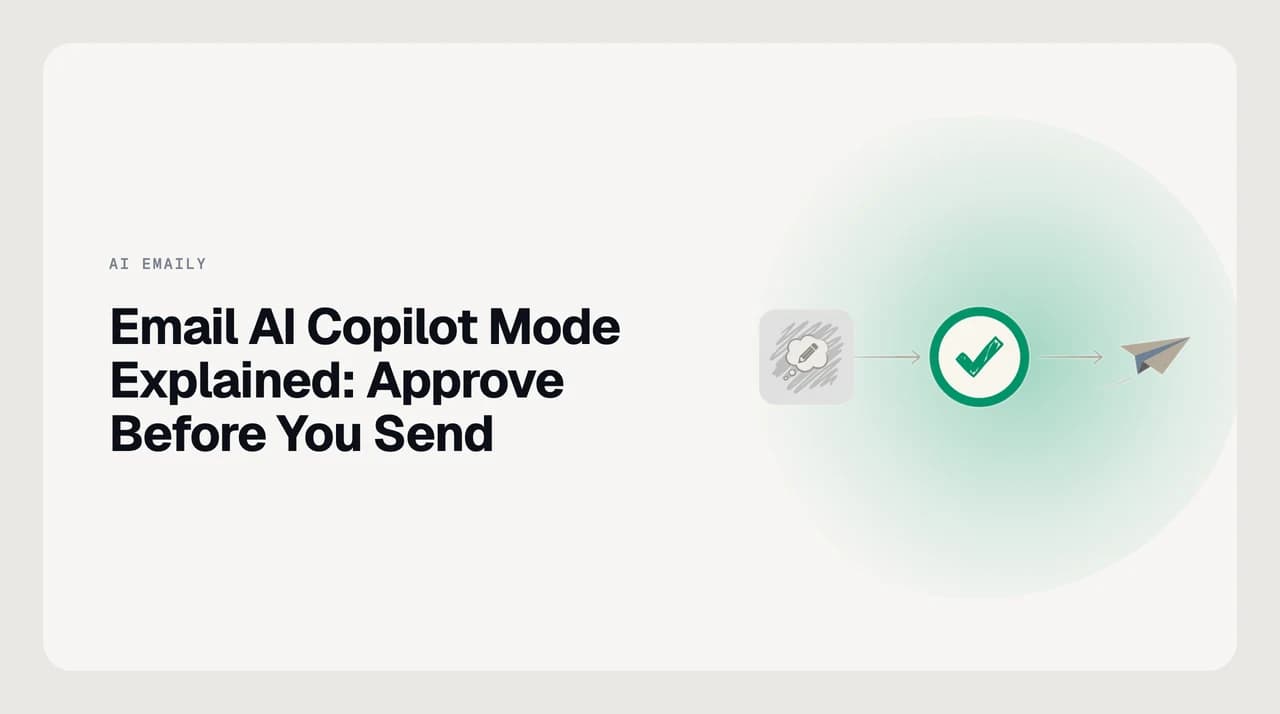
Copilot mode: AI drafts, you approve, then it sends
How the approve-before-send workflow works#
The workflow runs in three stages. In the first, the AI reads each incoming message, reasons about what it needs — is this a thread that requires a reply, a newsletter to file, a follow-up that has gone quiet — and acts on the triage portion. Sorting, labeling, surfacing urgent items, and archiving the routine happen here, without you needing to invoke anything per message.
In the second stage, for messages that need a reply, the AI composes a response grounded in the thread history and queues it. You see the draft in a review panel alongside the original thread. You can approve it as written, edit any part of it, or discard it entirely. Nothing sends until one of those three actions is taken.
- 1
AI reads and triages
The AI reads each incoming message, reasons about its priority and what it needs, and handles sorting and filing without prompting. Newsletters get archived, urgent threads get surfaced, routine mail gets categorized.
- 2
AI drafts, you review
For messages that need a reply, the AI composes a response grounded in the thread and queues it for review alongside the original thread. Approve, edit, or discard — no send happens until you act.
- 3
Approved reply sends normally
Once you approve, the message sends from your existing email address through your existing provider. The recipient sees a message from you — because it is. The AI is not visible to them in any way.
Why the approval step matters: what breaks without it#
The approve-before-send checkpoint is not a comfort feature. It is the structural property that makes AI-assisted email trustworthy in professional settings. Without it, three failure modes can occur, ranging from recoverable to damaging.
The first is drafting error. An AI's reply can misread tone, propose a commitment you did not authorize, or use language that does not fit the relationship. These errors happen at a low rate when the system is well-calibrated — but a low rate is not zero, and the cost of a misfire that sent without your review is different from one you caught before it went. The approval step is that catch.
The second is prompt injection. An AI that reads incoming mail and can send autonomously has a specific vulnerability: a malicious sender can craft a message body to look like content but function as a covert instruction to the AI. The human approval step is one of the primary defenses — you see every draft before it goes, so a manipulated response is caught at review rather than delivered to a third party.
The third is accountability. Email that goes out under your name is yours — professionally and, in many industries, legally. An AI that sends without your per-message sign-off creates an authorship question: did you write that, or did the AI? The approval step preserves clear authorship. You reviewed it, you approved it, and the message is unambiguously yours. That clarity is load-bearing for compliance-sensitive roles and any correspondence that could later be examined.
Prompt injection: the risk when an AI reads and sends without you
Copilot, Manual, and Autopilot: the autonomy scale#
Copilot mode sits between Manual and Autopilot on a deliberate autonomy scale. Understanding all three together makes the Copilot position clear and shows when each is the right choice.
Most users settle into Copilot mode as their permanent operating posture. The per-message approval step takes seconds — less time than composing from a blank page — and the visibility into what the AI would send is useful enough to keep even once accuracy is high. Moving a specific high-volume, low-variance task category to Autopilot is an available option, not a required next step.
| Mode | When the AI acts | Sends without approval | Best for |
|---|---|---|---|
| Manual | Only when you explicitly request help | No — you write the send yourself | Getting comfortable with AI writing; full explicit control over every step |
| Copilot | When messages arrive, proactively — triage and draft | No — every draft queued for your approval | Most professionals; daily inbox management with per-message oversight |
| Autopilot | When a message matches a category you delegated | Yes, within that defined category only | High-volume routine tasks after validating accuracy in Copilot for several weeks |
Common misconceptions about email AI Copilot mode#
Several misreadings of Copilot mode lead to wrong expectations. Clearing them before you configure anything prevents the mistakes that produce frustration.
Misconception one: Copilot mode still sends automatically, just with a warning first. It does not. The send gate is hard — a draft sits in the approval queue and nothing happens until you take action. There is no timer. There is no notification that sends automatically on inaction. The gate does not move without you.
Misconception two: the AI learns your voice from your past sent mail. A responsibly built AI-native email client does not do this. The voice used for drafting should come from a Context brain you set yourself — a description of your writing style, communication norms, and priorities — plus per-client profiles for specific correspondents you configure explicitly. Your outbox is not training data. You define the voice; the AI uses it.
Misconception three: Copilot mode is a temporary phase before graduating to Autopilot. For many professionals, Copilot is the permanent setting. Moving a task category to Autopilot makes sense when you have watched the AI handle it accurately across many varied examples. It is never assumed. The approval step earns its place indefinitely for correspondence that carries professional stakes.
Misconception four: Copilot mode means the AI has unrestricted access to your full inbox history. Access scope is an implementation detail, not an inherent property of the mode. In a well-built system, the AI's access is scoped to what it needs for the current task, and an audit log records what it touched and did. Before connecting an account, verify what the access model actually covers.
How AI Emaily implements Copilot mode#
Copilot is one of three autonomy modes in AI Emaily, the AI-native email client we build. In Copilot mode, the AI reads messages across your connected accounts, triages them, and composes replies using a Personal Context brain and per-client profiles you configure — not by analyzing your outbox — then queues every draft for your review before anything sends. We recommend Copilot as the default for most users: it delivers the time savings of proactive AI drafting while keeping you accountable for every message that leaves your name on it. AI Emaily connects to the inbox you already use — Gmail, Outlook, or any IMAP provider — and offers a 7-day free trial on Pro; start at app.aiemaily.com/signup.
Frequently asked
See it in AI Emaily
Keep reading

Written by
Nafiul HasanNafiul Hasan is an entrepreneur and AI automation system builder with 10+ years of experience turning messy, manual workflows into reliable automated systems. He designs and ships AI enterprise solutions end-to-end — the agent logic, the data plumbing, and the product people actually use — and founded AI Emaily to give busy professionals their attention back. He writes here from the builder's seat: what works, what breaks, and how to put AI to work without giving up control.