Do You Need a Mailbox or an Alias for Every Employee?

The short answer
Give a full mailbox to anyone who sends mail, needs their own login, or must keep records after leaving. Use a free alias for role addresses or redirects that just forward to an existing inbox. Aliases don't count toward per-seat licensing on Google Workspace, Microsoft 365, or Zoho — full mailboxes do.
Do I need a mailbox or an alias for each employee? Only pay for a mailbox when someone sends mail as themselves — a free alias covers the rest.
On this page
- 01Before you start: know what you're actually deciding
- 02Steps: deciding mailbox vs. alias for each address
- 03Platform differences: how mailboxes and aliases actually work
- 04What to do when it doesn't work
- 05What happens to a mailbox when an employee leaves
- 06Shared mailbox vs. distribution group: the other decision hiding in this one
- 07A naming convention that keeps the mailbox-or-alias decision from repeating itself
- 08A faster way to get this right without babysitting every address
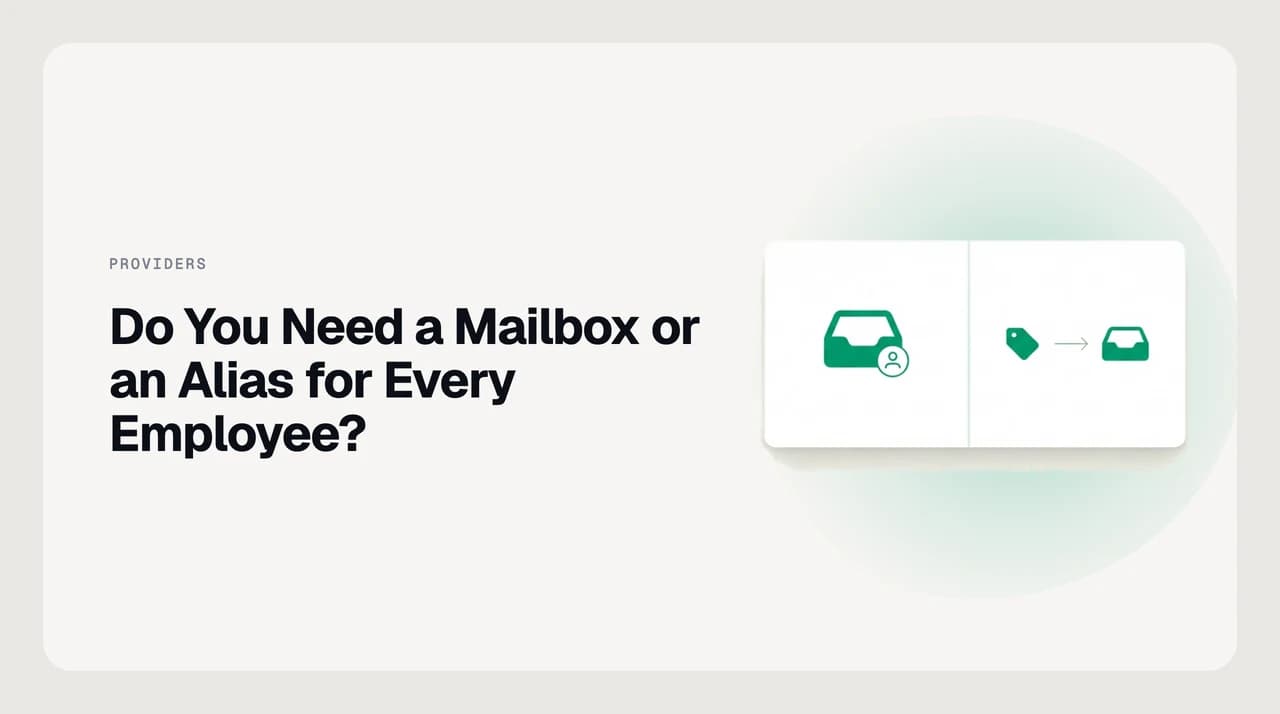
A mailbox has its own storage, its own login, and its own place in your provider's per-seat bill. An alias is just an address that forwards — it has no storage and no login of its own, and on every major provider it's free and effectively unlimited.
The question that actually costs money is which one each person, team, or department address needs. Get it wrong in one direction and you're paying for licences nobody logs into. Get it wrong in the other and a departing employee's replies vanish into an address no one can read.
Before you start: know what you're actually deciding#
This isn't a technical distinction for its own sake — it maps directly to two different problems. A mailbox answers "who needs to read and send mail as themselves." An alias answers "who just needs mail routed somewhere that already has a mailbox."
Get your headcount and role-address list in front of you before you touch the admin console. You're about to sort every address on your domain into one of two buckets, and doing it in the console without a plan is how you end up with orphaned aliases nobody remembers creating.
Most of the overspend in this area isn't a bad decision made once — it's a good decision that never got revisited. A contractor hired for a three-month project gets a full licence because that's the default in the admin console, and eighteen months later the licence is still billing while the contract ended long ago.
- List every person who sends or receives mail under your domain
- List every role address (info@, sales@, support@) you currently use or plan to use
- Note who currently shares access to any of those role addresses
- Check your current provider's per-seat price and confirm what an alias costs on your plan (usually $0)
- Flag anyone whose employment is temporary or contract-based — they're the licences most likely to outlive their reason for existing
Steps: deciding mailbox vs. alias for each address#
- 1
Does this address need to send mail as itself?
If yes, it needs a mailbox with its own SMTP identity, not an alias. Aliases can be set as a "send as" address from an existing mailbox, but the mail still goes out authenticated as the underlying account. That distinction matters for anyone who needs a verifiable audit trail on outgoing mail, not just an inbox to check.
- 2
Does more than one person need to read incoming mail here?
If several people need visibility into the same inbox — support@, sales@ — you want a shared mailbox or a distribution group forwarding into each person's own mailbox, not a single alias pointed at one person. A single alias only ever routes to one destination at a time.
- 3
Is this a real employee who needs their own calendar, drafts, and sent mail?
Give them a full mailbox. An alias has no calendar, no drafts folder, and no independent sent history — it only forwards. If the role changes later, the mailbox and its history move with the person, not the address.
- 4
Is this a role, a redirect, or a former employee's forwarding address?
Use an alias. It costs nothing extra on Google Workspace, Microsoft 365, or Zoho, and it forwards cleanly to whichever mailbox should actually receive the mail. Repointing it later — a new hire takes over the role — is a one-line change in the admin console, not a mailbox migration.
- 5
Count what's left
Every address that needed a mailbox in steps 1–3 is a licence. Everything routed by step 4 is free. That final count is your real per-seat bill, and it's usually smaller than the headcount you started with.
Platform differences: how mailboxes and aliases actually work#
The concept is the same everywhere, but what counts as a "free alias" versus a billable extra varies by provider, and getting this wrong is the single most common overspend on a per-seat plan.
On Google Workspace, an alias (Google calls it a "nickname") rides entirely on the owning user's licence — it isn't a separate object with its own settings, just another address that lands in the same mailbox. Microsoft 365 draws a sharper line: a shared mailbox is free only while it has no licence assigned and nobody signs into it interactively.
That's why Microsoft 365 admins sometimes get billed retroactively — someone was given direct sign-in access to what was supposed to be a forwarding-only address, and it silently stopped qualifying as free. Zoho ties routing to groups rather than to a single owning mailbox, which makes it the easiest of the three to hand off to a new person without touching the address itself.
| Provider | Alias cost | Alias limit | Shared mailbox billing |
|---|---|---|---|
| Google Workspace | Free | 30 per user (Nickname/alias) | Requires a licensed user as owner; the shared address itself isn't separately billed |
| Microsoft 365 | Free | Up to 400 per mailbox, provider-dependent on plan | Free up to 50 GB if it has no assigned licence and isn't used interactively |
| Zoho Mail | Free | Set per organization in the admin console | Group-based; a shared address can forward to a group without its own seat |
| cPanel / hosting-provider email | Free (forwarder) | Effectively unlimited, provider-dependent | A "forwarder" and an "alias" are the same free mechanism in cPanel |
What to do when it doesn't work#
Two failure modes account for almost every support ticket in this area, and both are fixable without adding a licence.
"Reply-to" mismatches
What happens to a mailbox when an employee leaves#
This is where the mailbox-vs-alias decision has real consequences, not just a billing line. A full mailbox holds sent history, drafts, and — depending on your provider — a legal record you may need to retain.
The common pattern: convert the departing employee's mailbox to a shared mailbox (Microsoft 365) or a delegated/forwarding account (Google Workspace, Zoho) rather than deleting it outright. That preserves the mail history and frees the paid licence, since a shared mailbox with no active login typically doesn't consume a seat.
If the address was only ever an alias — say, a redirect that pointed at their mailbox — the fix is simpler: repoint the alias at whoever now owns that responsibility. Nothing is lost because an alias never held its own mail history in the first place.
Do this before you revoke the person's account access, not after. Converting a mailbox to shared usually requires an admin action taken while the mailbox still exists in its normal state; deleting the account first can take the mail history with it, depending on your provider's retention window.
If you have a legal hold, an e-discovery obligation, or an industry retention rule on record, check it before converting or deleting anything. A converted shared mailbox still counts as retained data for most compliance purposes, but the retention clock and export options vary by provider and plan — this is a policy question your provider's admin console won't answer for you.
Shared mailbox vs. distribution group: the other decision hiding in this one#
Once you've decided support@ needs multiple people to see incoming mail, there's a second choice: a shared mailbox, where everyone reads and replies from one inbox with a shared sent history, or a distribution group, which just copies incoming mail into each member's own separate inbox.
A shared mailbox is right when the team needs to see who already answered a message, so nobody double-replies. A distribution group is right when each person just needs a copy and will handle it independently — no shared state, no coordination needed.
A naming convention that keeps the mailbox-or-alias decision from repeating itself#
Once you've sorted existing addresses into mailboxes and aliases, the fastest way to keep the split clean is a naming rule new addresses follow automatically, instead of a decision someone has to remember to make every time a person joins or a new team address gets requested.
Personal mailboxes typically follow a fixed pattern — firstname.lastname@, firstname@ with a fallback for collisions, or first-initial-lastname@ — set once at the domain level so nobody has to choose a format per hire. Role addresses follow a separate, deliberately generic pattern: info@, sales@, support@, billing@. The genericness is the point — it's what makes a role address safe to repoint to a new owner without reissuing business cards or updating a signature.
Keep the two namespaces visually distinct. A role address that looks like a person's name (say, contactteam@ instead of contact@) invites someone to treat it like a personal mailbox and request their own login for it, which is how a free alias quietly turns into a paid seat nobody meant to add.
- Personal addresses: one fixed pattern per domain, decided once (e.g. firstname.lastname@)
- Role addresses: short, generic nouns tied to a function, not a person or a team name
- Never mix the two patterns on the same address — it signals the wrong bucket to whoever provisions it next
- Document the convention somewhere new hires and IT both check, not just in one admin's memory
A faster way to get this right without babysitting every address#
Everything above is a one-time setup decision, but the mistakes that cost money happen later — a new hire gets a full licence for a role that only needed forwarding, or a departing employee's mailbox sits paid-for and unread for months because no one converted it. AI Emaily connects to your existing Gmail, Outlook, or IMAP mailboxes and surfaces exactly this kind of drift: which addresses are seeing real two-way traffic versus which ones are quietly idle, so the licensing question doesn't require someone to audit the admin console every quarter.
It doesn't create or manage mailboxes and aliases for you — that's still your provider's admin console — but once the structure is set, AI Emaily's shared-inbox view and Copilot approval flow make a team address like support@ usable by everyone with one shared draft queue instead of a free-for-all inbox. We build AI Emaily.

Frequently asked
See it in AI Emaily
Keep reading

Written by
Nafiul HasanNafiul Hasan is an entrepreneur and AI automation system builder with 10+ years of experience turning messy, manual workflows into reliable automated systems. He designs and ships AI enterprise solutions end-to-end — the agent logic, the data plumbing, and the product people actually use — and founded AI Emaily to give busy professionals their attention back. He writes here from the builder's seat: what works, what breaks, and how to put AI to work without giving up control.