Shared Inbox vs CRM for Client Email: Which System of Record?

The short answer
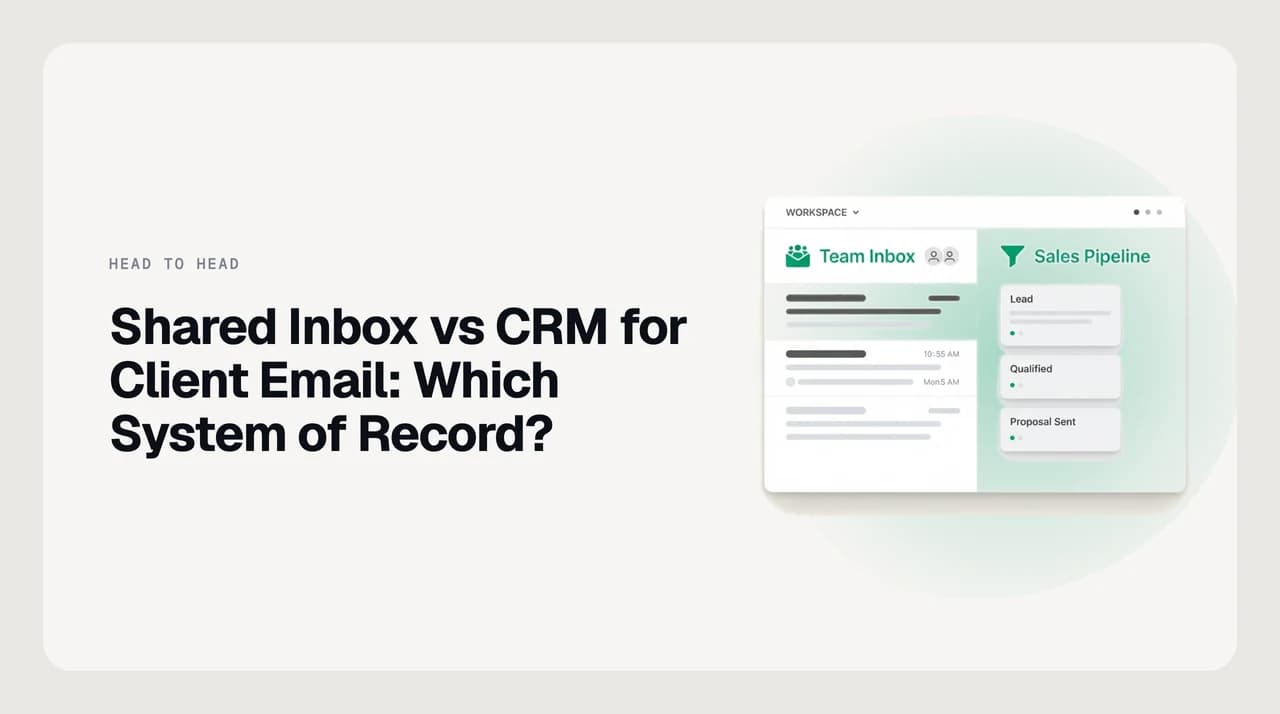
Client email should live in a shared inbox — it owns the conversation, the assignee and the reply. A CRM should own the relationship record: contacts, deals, stages and revenue. Most teams past a handful of clients need both, with the inbox as the source of truth for threads and the CRM logging only what the pipeline needs.
Shared inbox vs CRM for client email: which owns the thread, which owns the relationship, when you need both, and how to split the record cleanly.
On this page
- 01The verdict up front
- 02Shared inbox vs CRM at a glance
- 03Where the shared inbox wins
- 04Where the CRM wins, and I am not going to hedge this
- 05Which system should be the record for which data?
- 06CRM email logging vs shared inbox threads
- 07Pricing models, and what you have to verify yourself
- 08Who each is genuinely for
- 09Shared inbox and CRM together: a setup that does not create busywork
- 10A third option, honestly
The shared inbox vs CRM for client email question is almost never a feature question. Both categories can store an email. The real decision is which one is the system of record — the place where the truthful, current version of something lives, and which other systems are allowed to hold copies.
The short answer: a shared inbox owns the conversation, and a CRM owns the relationship. The thread, its assignee, its status and the reply you are about to send belong in the inbox. The company, the contact, the deal, the stage and the renewal date belong in the CRM.
Teams end up with duplicate tooling because both products advertise the other one's job. CRMs sell email logging. Shared inboxes sell contact profiles. Each is a thin version of the other's core competency, and choosing based on those thin versions is how a team ends up paying twice and trusting neither.
The verdict up front#
If your team answers client email together and nobody is tracking a deal through stages, a shared inbox is the only system you need. Adding a CRM at that point creates a second place to look and a data-entry chore nobody does consistently.
If your team is forecasting revenue, reporting on pipeline, or handing an account between a salesperson and a delivery team, you need a CRM. A shared inbox will not get you there, and no amount of labels and folders substitutes for a deal record with a stage and an amount.
Most service businesses past roughly five to ten active clients end up running both. That is fine, and it is not duplication, as long as you decide which one is authoritative for which data before you connect them.
- Shared inbox only — client work is conversational, no pipeline, no forecast, no handoffs between teams.
- CRM only — email volume is low and mostly one-to-one, but deals, stages and revenue reporting matter.
- Both — email volume is high enough to need assignment and coverage, and the business also needs a pipeline.
- Neither, yet — a solo operator with a personal inbox and a spreadsheet. Buy software when the spreadsheet breaks, not before.
Shared inbox vs CRM at a glance#
This table compares the categories, not specific vendors. Individual products blur these lines — some CRMs ship a decent team inbox, some shared inboxes ship contact fields — so treat it as the default shape and verify any specific vendor's capabilities on their own product pages.
| Dimension | Shared inbox | CRM |
|---|---|---|
| Primary object | The thread | The contact, company and deal |
| Answers the question | Who is handling this, and has it been replied to? | Where does this relationship stand, and what is it worth? |
| Assignment | Native and central — every thread has an owner and a status | Usually a record owner, not a per-message owner |
| Collision handling | Typing indicators, assignment locks, internal comments on the thread | Rarely handled — two people can email the same contact |
| Reply experience | A real mail composer with threading, attachments and signatures | Often a simplified composer or a Gmail/Outlook side panel |
| Email storage | Full thread, headers and attachments, as the record | Logged copies of individual messages against a contact |
| Pipeline and stages | None, or a lightweight status label | Core — stages, amounts, probability, close dates |
| Reporting | Volume, response time, workload per person | Revenue, conversion by stage, forecast, activity per rep |
| Automation shape | Routing, assignment rules, canned replies, snooze and follow-up nudges | Sequences, tasks, lifecycle stages, workflow on record changes |
| Fails when | The business needs a forecast | The team needs to answer 200 emails a day together |
Where the shared inbox wins#
The shared inbox wins on everything that happens inside a conversation. Its unit of work is the thread, so assignment, status and coverage are first-class rather than bolted on — which is exactly what a team answering client mail together needs from hour one.
It also wins on fidelity. A shared inbox stores the actual message: full headers, the whole quoted chain, attachments, the signature, the forwarded thread three replies deep. When a client disputes what was agreed, that is the artifact you want.
- Ownership without ambiguity — every thread has an assignee, so nobody double-replies and nothing sits unclaimed.
- Internal discussion in place — comments and mentions sit on the thread instead of in a separate chat where they lose context.
- Real composing — drafts, attachments, signatures, scheduling and undo behave the way email is supposed to behave.
- Coverage when someone is out — reassign a queue rather than asking IT for delegated access to a personal mailbox.
- Response-time visibility — the metric a client actually feels, measured on the thread rather than on logged activity.
Where the CRM wins, and I am not going to hedge this#
A CRM wins outright on the pipeline. Deal stages, amounts, close dates, weighted forecast, conversion by stage, revenue attribution by source — a shared inbox has none of this and is not trying to. If your next board meeting or bank conversation needs a number for what is in flight, a CRM is the tool and a shared inbox is not a substitute.
It also wins on the durable relationship record. A CRM remembers a contact across job changes, links them to a company, tracks renewal dates and contract values, and keeps the history when the person who owned the account leaves. Email threads are episodic; a CRM record is continuous.
The third thing a CRM genuinely does better is cross-functional handoff. When sales closes and delivery starts, the CRM is the object both teams point at. A thread assigned to a specific person is a poor container for an account that four departments touch over three years.
The honest concession
Which system should be the record for which data?#
This is the table that prevents duplicate tooling from becoming duplicate truth. Pick one authoritative home per data type, allow the other system to hold a copy, and never let two systems both claim to be current.
The rule of thumb: if it changes when someone replies, the inbox owns it. If it changes when the business relationship changes, the CRM owns it.

| Data | System of record | The other system holds |
|---|---|---|
| Email threads and attachments | Shared inbox | A logged copy or a link, for context |
| Who is handling this reply | Shared inbox | Nothing — do not mirror it |
| Response-time and workload metrics | Shared inbox | Nothing |
| Contact name, role, company | CRM | A display name on the thread |
| Deal stage, amount, close date | CRM | Nothing — do not encode stages as labels |
| Contract, renewal and billing dates | CRM | Nothing |
| Meeting and call notes | CRM | Nothing |
| Internal discussion about a thread | Shared inbox | Nothing |
CRM email logging vs shared inbox threads#
CRM email logging works by capturing a copy of individual messages and attaching them to a contact or deal. That is genuinely useful for context — a rep opening an account sees what was said — but it is a log, not a mailbox.
Three things commonly go wrong with logged email. Messages get attached to the wrong record when a contact writes from a second address. Long threads log as a series of disconnected messages rather than one conversation. And internal forwards get logged too, so client-facing history is mixed with internal chatter.
A shared inbox keeps the thread whole and treats it as the artifact. That is why the split above puts threads in the inbox and only a copy or a link in the CRM: the copy exists so a salesperson has context, not so anyone works out of it.
Check what logging actually captures
Pricing models, and what you have to verify yourself#
We do not publish competitor prices here, because they change and a stale number on a comparison page is worse than no number. What is stable enough to plan around is the packaging shape, which is different between the two categories and drives very different bills at the same headcount.
CRMs commonly use a free-or-low entry tier with per-seat paid tiers above it, and the features teams actually want — automation, reporting, custom fields, integrations — tend to sit two tiers up rather than one. The entry tier is often genuinely usable for a small team, which is why CRM-first is a cheap way to start.
Shared inbox platforms are usually per-seat from the first paid seat, sometimes with seat caps that force a tier change, and add-ons priced separately from the base plan. That makes them predictable but front-loaded: every person who answers client mail is a seat, including the part-timer who answers on Fridays.
As of September 2026, both categories are also repricing around AI features, which are frequently sold as add-ons or usage-metered credits rather than being included. Check the vendor's own pricing page for the current tier names, seat caps and which features are add-ons before you budget. Third-party comparison pages, including this one, go stale.
Who each is genuinely for#
Scoping matters more than scoring here, because the same feature set is right for one team and wasted on another.
- Shared inbox, no CRM: agencies, studios, bookkeepers, property managers, support-shaped teams — anyone whose work arrives as email and is finished by replying to it. Two to twenty people sharing hello@ or support@. No forecast, no stages.
- CRM, no shared inbox: founder-led sales, consultancies with a long sales cycle and low email volume, anyone whose problem is remembering to follow up rather than dividing the replies. One or two people emailing from their own addresses.
- Both: professional services past about ten active clients, agencies with a new-business function, anything where one team sells and another delivers. The inbox handles the day; the CRM handles the quarter.
- Neither yet: a solo operator. A personal inbox, filters and a spreadsheet will carry you further than most software vendors would like you to believe.
Shared inbox and CRM together: a setup that does not create busywork#
Running both fails when the integration is configured as 'sync everything'. It works when each system does its own job and the connection is deliberately thin.
- 1
Write the split down first
Use the record table above, adapted to your business, as a one-page rule. Threads and assignment in the inbox, contacts and deals in the CRM. Do it before you enable any integration, because the integration will otherwise decide for you.
- 2
Log to the CRM in one direction only
Let client-facing email flow into the CRM as context on the contact or deal. Do not sync CRM notes back into the inbox, and do not log internal forwards. One-way keeps the inbox clean and the CRM readable.
- 3
Never encode pipeline in labels
Labels like 'proposal sent' or 'negotiating' in the inbox are how a second, disagreeing pipeline gets born. Stages live in the CRM. The inbox gets operational statuses only: open, assigned, waiting, done.
- 4
Pick the link direction
Decide whether people open a thread and jump to the CRM record, or open the record and jump to the thread. Pick one, make it a single click, and train the team on it. Both directions at once means neither is reliable.
- 5
Review after 30 days and delete a field
Look at what nobody filled in. Custom fields and statuses that go blank are not a discipline problem, they are a sign the data has no owner. Remove them rather than nagging people.
A third option, honestly#
There is a third position in this comparison that is neither column: the mail client itself. Most of the pain that pushes teams toward a CRM is not pipeline pain at all — it is that the mailbox is unsorted, unassigned and unreadable, and a CRM looks like the tool that will impose order on it. It will not. It will add a second place to look.
AI Emaily sits on the shared-inbox side of this comparison, not the CRM side. We build it, so treat this as our pitch and check it against what you actually need. It is an AI-native email client with a shared inbox: threads get an owner, the agent triages and drafts, and per-client context comes from a Personal Context brain and client profiles you set — not from scraping what you have sent before. Every agent action is approve-before-send in Copilot, reversible with undo, and written to an audit log, which is the part that matters when the agent is touching client mail. It works across Gmail, Outlook and IMAP, and we do not train models on user mail.
What it is not: a CRM. There are no deal stages, no pipeline, no forecast and no revenue reporting, and we are not going to pretend a label is a stage. If you need those, buy a CRM and run AI Emaily as the inbox beside it, with the split from the table above. Pricing is a 7-day free trial on Pro and Autopilot, card required and nothing charged if you cancel before day 7 — there is no permanent free tier.
The reason to consider it in this comparison specifically: if your honest diagnosis is 'our client email is chaos', that is an inbox problem, and the cheapest correct fix is an inbox that triages itself rather than a pipeline tool wrapped around a mess.
A cheap diagnostic
Frequently asked
See it in AI Emaily
Keep reading

Written by
Nafiul HasanNafiul Hasan is an entrepreneur and AI automation system builder with 10+ years of experience turning messy, manual workflows into reliable automated systems. He designs and ships AI enterprise solutions end-to-end — the agent logic, the data plumbing, and the product people actually use — and founded AI Emaily to give busy professionals their attention back. He writes here from the builder's seat: what works, what breaks, and how to put AI to work without giving up control.