How to Stop Political Campaign Emails Flooding Your Inbox

The short answer
Political campaigns keep emailing you because one donation or petition signature lands your address on a shared supporter file rented to dozens of committees. Federal anti-spam law does not cover political email, so opt-outs are optional for senders. Unsubscribe from each individually and filter the rest.
How to stop political campaign emails: why unsubscribing rarely works, how shared supporter lists fuel the volume, and how to filter the rest.
On this page
If you want to know how to stop political campaign emails, the most important thing to understand first is that one donation, one petition signature, or one event registration can land your address on a shared supporter file that gets rented to dozens of separate committees. Unsubscribing from any single sender rarely changes the overall volume, because each committee on the list is a different entity running its own email programme. The solution has two tracks: opt out of every sender that will honour your request, and filter the rest into a folder you do not have to open.
This guide covers both tracks, explains why political email sits outside the rules that govern commercial email and why that matters for how you approach opt-outs, and shows where each major email platform keeps the filter controls.
Why Does Unsubscribing From One Campaign Change Almost Nothing?#
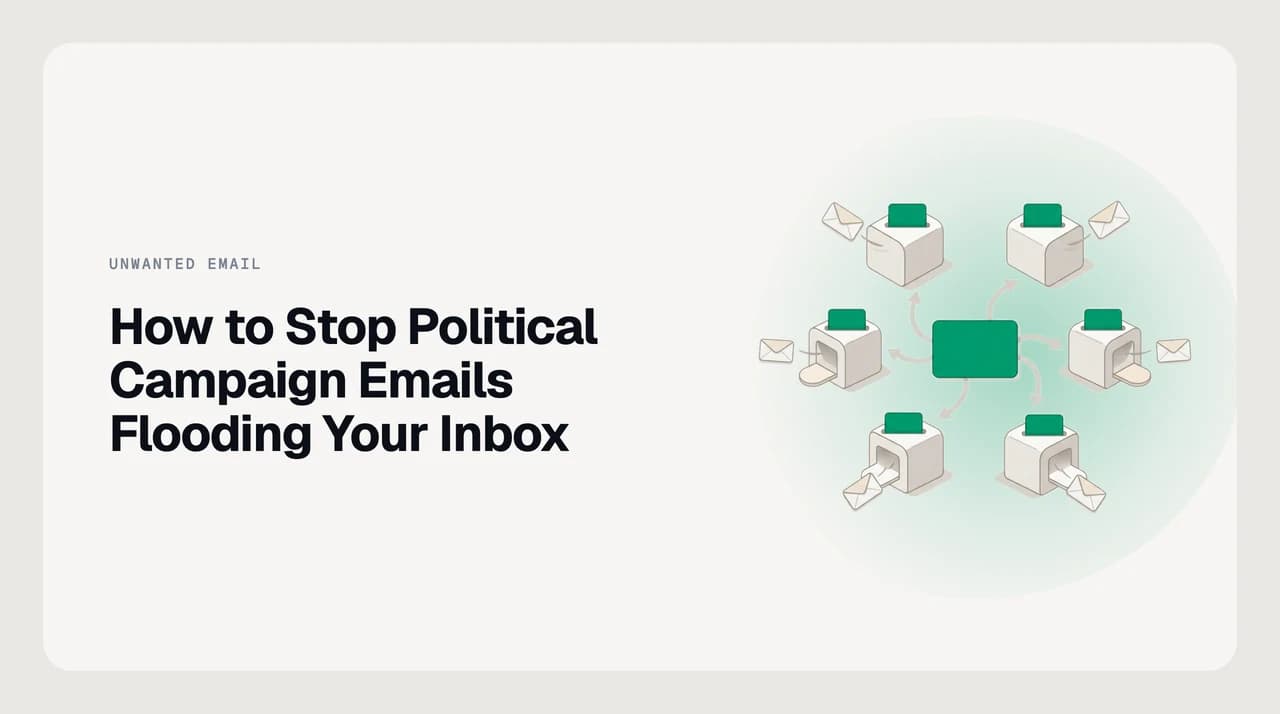
Campaigns and political committees build contact databases the same way commercial mailers do: they collect addresses from donors, volunteers, and petition signers, then trade or rent those lists with allied committees. A single data transaction can put your address in front of ten or more separate senders at once. Unsubscribing from one removes you from that committee's list only. The other nine are unaffected.
Federal law does not close this gap. The CAN-SPAM Act defines a commercial electronic mail message as one whose primary purpose is the commercial advertisement or promotion of a commercial product or service (15 U.S.C. § 7702). Political advocacy is not commercial advertising. The law's opt-out requirements therefore do not apply to political fundraising email. A committee that keeps mailing you after you click unsubscribe is not breaking federal anti-spam law, though it may be violating its own stated privacy policy.
Charitable giving can trigger the same effect when an organisation has electoral affiliations. A contribution to a cause with links to political committees can move your address into a shared political list even if your intent was purely charitable. The list-sharing mechanics are identical.
CAN-SPAM does not cover political email
How to Get Off Political Mailing Lists: Step by Step#
- 1
Unsubscribe from each sender individually
Every political email that arrived in your inbox represents a separate sender relationship. Open each one, scroll to the footer, and click the unsubscribe or opt-out link. Some will confirm immediately; others will load a preference page. Work through the backlog in batches — twenty minutes per day is more realistic than attempting to clear everything at once.
- 2
Use the preference centre if one is offered
Larger fundraising organisations include a preference centre linked from the footer. This lets you opt out of all email from that organisation rather than only the most recent send. Selecting that option can cover subsidiary committees and affiliated funds that share the same list management system.
- 3
Locate the sender's privacy policy for a data removal route
Because CAN-SPAM does not require political senders to honour opt-outs, some footer unsubscribe links fail silently or return an error. Find the organisation's privacy policy — usually linked in the site footer — and use the contact or data-request form to ask for removal. State that you want your email address deleted from all lists, not only the most recent one. Keep a copy of your request and the date you sent it.
- 4
Set a keyword filter to catch new senders before they reach your inbox
Sender-by-sender opt-out takes weeks to produce results. In parallel, create a rule in your email client that moves messages containing common political fundraising phrases — such as 'chip in', 'match your gift', 'deadline tonight', or 'end of quarter' — from senders you have never replied to, into a dedicated Political folder. You check it once per week and let it fill silently rather than in your main inbox.
Political Email Filter Settings by Platform#
| Platform | Where to set it up | Recommended approach | Key limitation |
|---|---|---|---|
| Gmail | Settings > See all settings > Filters and Blocked Addresses > Create a new filter | Filter by subject keywords (chip in, donate now, match your gift), skip inbox, apply a Political label | Keyword-only matching; each new phrase a campaign uses requires a manual addition to the filter |
| Outlook (web) | Settings > Rules > Add new rule | Condition: subject contains fundraising phrases; action: move to a Politics folder | Rules trigger on arrival only; rotating from-addresses and new subject-line phrases require periodic updates |
| Apple Mail | Mail > Settings > Rules > Add Rule | Condition: message is not from a known contact AND subject contains keyword; action: move to mailbox Political | Rules run on macOS only; iOS Mail has no native rules and relies on server-side filters instead |
| Yahoo Mail | Settings > More Settings > Filters > Add | Filter by subject keyword, route to a dedicated Political folder | Keyword-only matching; Yahoo caps the account at 500 filters |
What to Do When Opt-Out and Filters Both Fall Short#
Sender-level opt-outs and keyword filters handle the majority of cases. The gap is senders who use a new from-address for every batch, making address-level blocks useless, and who vary their subject lines to avoid keyword rules.
For these, a more durable filter target is the presence of a bulk unsubscribe header rather than a specific phrase. Gmail lets you search 'has:unsubscribe' to surface every message delivered through a bulk-email platform. You can combine that with a subject keyword — 'has:unsubscribe chip in' — and create a filter directly from the search result. This catches new sender addresses automatically as long as they are still using bulk delivery infrastructure.
Domain-level blocking is more persistent than address-level blocking. Rather than blocking a single from-address, block the entire sending domain. In Gmail, create a filter where the From field matches the sending domain to cover every address that sender rotates through. Check the email headers to find the actual sending domain, which is often different from the display name.
What reliably does not work: marking these messages as spam. Most political fundraising email arrives with valid SPF and DKIM authentication. Spam classifiers treat correctly authenticated bulk mail as legitimate regardless of content. This is a categorisation problem, not a deliverability one — folder routing is the right tool.

Do not report political fundraising email as phishing
A Faster Way to Keep Political Email Out of Your Inbox#
The manual steps above work. The friction is that political email volume rises during campaign cycles and quiets between them, which means the filter you set today may need six new keyword additions in three months. Running that update manually across every account you check is exactly the kind of maintenance that falls behind schedule.
AI Emaily's rules-brain does that update continuously. You describe the pattern once — move to a Political folder any message containing urgency-fundraising language from a sender I have never replied to — and the rule applies across every account you have connected, including Gmail, Outlook, and any IMAP mailbox. When a sender's phrases change, you add one line. The opt-out steps above are still worth doing; this is what keeping the filter current looks like without the per-account, per-cycle maintenance.
We build AI Emaily.
Frequently asked
See it in AI Emaily
Keep reading

Written by
Nafiul HasanNafiul Hasan is an entrepreneur and AI automation system builder with 10+ years of experience turning messy, manual workflows into reliable automated systems. He designs and ships AI enterprise solutions end-to-end — the agent logic, the data plumbing, and the product people actually use — and founded AI Emaily to give busy professionals their attention back. He writes here from the builder's seat: what works, what breaks, and how to put AI to work without giving up control.