Email Labels vs Folders vs AI Tags: Which Organisation Works Best?

The short answer
AI tags apply automatically on arrival and demand the least ongoing work, but they live inside the tool that made them. Folders (Outlook, IMAP) stay portable and countable; labels (Gmail) express many things at once. For most 2026 inboxes AI tags on top of a small folder or label backbone is the least-maintenance answer.
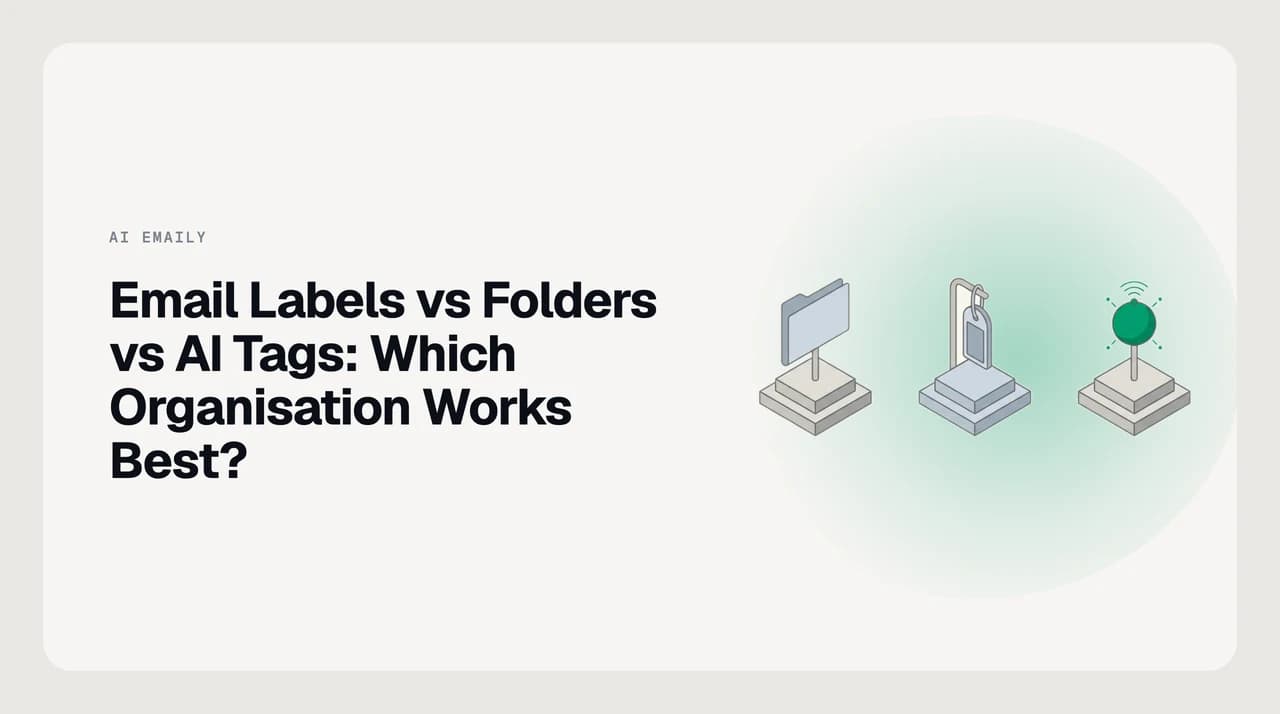
Email labels vs folders vs AI tags for inbox organisation: how the three compare on setup, upkeep, search and portability — and which asks least of you.
On this page
There are three ways to organise an inbox today, and the loud debate is only about two of them. Folders put each message in one place. Labels tag a message with as many things as it belongs to. AI tags do the tagging for you, on arrival, without asking. The first two are old and well-understood; the third is the one that changes the maths, because the cost of any organisation system is not the setup, it is what you do every day for the next three years to keep it working.
This post compares the three on the four dimensions that actually decide the answer for a real reader: what it costs to set up, what it costs to maintain, how well you can find things later, and whether any of it survives when you switch client or provider. We build AI Emaily, so we have a horse in this race — the honest answer is still that no single approach wins on every dimension, and the right choice depends on how your mail actually behaves.
The short answer#
If you want the least maintenance, use AI tags on top of a small folder or label backbone. AI tags require no ongoing filing decisions from you, which is the only reason any organisation system ever fails — every folder tree and label scheme in history has died the same way, from the person in charge of it getting tired of applying it. Automating that step is the difference between a system that works in week one and a system that still works in month twelve.
If you want the most portability, use folders. Folders map cleanly to IMAP, they travel with the account when you switch clients, and any other mail app can open them the same day. AI tags almost never survive a tool switch — they live inside the app that applied them and disappear when you leave. That trade-off is the honest reason to keep some folders even if you also run AI tags on top.
If your mail is genuinely multi-dimensional — client crossed with project crossed with status — labels beat folders on flexibility because one message can wear four labels at once and appear under every one of them. The catch is that doing labels well by hand asks for several decisions per message forever, and most people abandon that inside a fortnight. AI-applied labels solve that catch, which is why the winning shape in 2026 is usually AI tags plus a light manual backbone rather than any of the three alone.
The criteria that actually matter#
Every comparison in this space defaults to a features list, and the features list is the wrong axis. The question is not whether an approach supports nested categories or coloured markers, it is what each one asks of you today, tomorrow, and two years from now when you no longer remember why you set it up that way. Four dimensions cover the ground.
- Setup cost. The one-time work to build the taxonomy, wire up rules or filters, and get to a state where new mail lands somewhere sensible. Folders are cheapest; labels are next; AI tags either need almost no setup or a lot, depending on whether you write the rules yourself or trust a default categoriser.
- Ongoing maintenance. What you do every day, and whether you keep doing it. This is where hand-built systems collapse and where AI tags earn their place. A rule that runs on arrival costs you nothing on message 4,000; a hand-filed folder costs you one decision per message forever.
- Search and retrieval quality. Whether you can find the message you want when you want it. Modern search is good enough that heavy filing is mostly wasted for retrieval, but organisation still does the other job — surfacing what needs you now, which pure search cannot do because you cannot search for a message you have forgotten you need to act on.
- Portability across clients and providers. Whether your organisation survives a client switch or a new job. Folders are the most portable because IMAP speaks folders. Labels are portable inside Gmail. AI tags are usually not portable at all — they live in the tool that made them, and moving means retyping the taxonomy.
The dimension we don't test on
Scoring the three approaches#
Read the table as a description of trade-offs, not a scoreboard. The right answer depends on which dimensions matter most for your mail, and the interesting result is that no column wins outright — each approach concedes something real to at least one of the others.
| Dimension | AI tags (AI Emaily, Fyxer, Shortwave) | Labels (Gmail, Categories in Outlook) | Folders (Outlook, Apple Mail, IMAP) |
|---|---|---|---|
| Setup cost | Low to medium — accept defaults or write rules in plain language | Medium — build the taxonomy, teach yourself the shortcuts | Low — a shallow tree covers most of it |
| Ongoing maintenance | Very low — rules fire on arrival, no filing decision per message | High — several tags per message forever, or the scheme rots | Medium — one decision per message; abandoned when volume spikes |
| Multi-dimensional mail | Handled natively — tags stack, and the system applies them all | Handled natively, if you keep applying them | Poorly — you pick one folder and lose the other dimensions |
| Search and retrieval | Search plus AI-applied tags; findable under any dimension | Strong — same message findable under every tag it carries | Weak when you filed under the wrong single drawer |
| Surfacing what needs you | Handled by design — priority is part of the tagging | Only if you added a needs-reply label and kept applying it | Not addressed by folders at all |
| Portability across clients | Poor — tags rarely survive a tool switch | Good inside Gmail; muddled over IMAP | Best — IMAP speaks folders; any client opens them |
| What happens when you stop maintaining it | Keeps working; you supervise and correct | Degrades quickly — half-applied labels are worse than none | Degrades gracefully — un-filed mail sits in the inbox |
A worked example: one invoice, three inboxes#
Take a single message and watch it land in each of the three systems, because the difference between them is easier to feel on one email than to argue in the abstract. The message is an invoice from Client A, tied to Project Atlas, that you will need again at tax time.

Red flags to watch for#
Every one of the three approaches has a failure mode that shows up months in rather than on day one, which is why comparison articles that never mention them read as marketing. The list below is what to watch for before you commit.
- A deep folder hierarchy. Research on folder use consistently finds that people with deep nested trees are slower at retrieval than people with a flat handful, because remembering a path costs more than the tidiness buys. Keep folders shallow.
- Labels that half-work. A label scheme where only two of five relevant tags actually get applied to each message is worse than no labels, because search results become misleading. If you cannot apply the full set, drop back to fewer labels or move to AI tags.
- AI tags with no readable log. A system that files mail for you without a record of what it moved and why turns a mislabelled thread into a search party. Ask any AI-tag tool where the audit log is, and whether one action undoes a batch.
- AI tags with no undo. Same problem, sharper edge. A bad rule that has re-tagged 400 messages should reverse in one click, not require you to walk each thread.
- A trained-on-your-mail default. Some AI email tools use your inbox to train their models unless you disable it. Read the retention line in the terms before you connect an account, and prefer tools that state plainly that your mail is not used for training.
- A vendor with no export. If the AI tags you rely on cannot be exported as a spec you could rebuild elsewhere, you are one shutdown or price change away from starting over. Ask how the taxonomy leaves the tool before you build inside it.
The confidence-floor question
What we'd pick, and who should stop reading#
Our recommendation is AI tags on top of a small folder or label backbone, and specifically AI Emaily for the AI-tag layer. We build AI Emaily, so weigh that; the reasoning is on the record and the concessions are named below.
The reason to lead with AI tags is the maintenance dimension. Every hand-built system in this comparison dies the same way, from the person in charge of it getting tired of applying it, and the only lasting fix is to remove the per-message decision from the human. AI Emaily reads each incoming message by sender, content, apparent intent and how you have treated similar mail, and applies the category, stacks the relevant tags, and sets priority — on arrival, across Gmail, Outlook, iCloud, Fastmail, Proton and IMAP in one inbox. Rules you write in plain language compile into structured conditions you can open and edit, every action is logged, one action reverses a batch, and drafting voice comes from a Context brain and client profiles you set yourself, not from a model studying your old mail. In Copilot mode nothing sends without your approval, and your mail is not used to train our models.
The reason to keep a small folder backbone underneath is portability. AI tags live inside the tool that applied them, and if you switch clients — or if we go the way of every product that has ever shut down — the tags do not travel with you. A shallow folder set (Clients, Personal, Archive, roughly) that maps to IMAP is your insurance, and it costs you almost nothing to keep in parallel because the AI is doing the categorising above it.
Here is the honest concession: if you might change email tools again in the next two years, native Gmail filters and Outlook rules beat any AI-tag system, ours included, on portability. Those rules travel with the account, any client can read them, and the specification is a two-line filter anyone else could rebuild. AI tags are more powerful on multi-dimensional mail and vastly cheaper to maintain, but that power is rented from the vendor for as long as you use them. If your first requirement is that no vendor decision can take your organisation away from you, build on native filters and skip the AI layer entirely — we would rather you land on the right approach than the wrong one on our page. If that is you, start with how to create rules in Gmail and the Outlook equivalent, and keep the tagging manual.
This post is also the wrong page for two other readers. If your inbox is small, mostly personal, and the same three senders every week, a five-folder tree in Apple Mail is a fine answer and adding AI is over-engineering. And if you are on Linux with no plan to change, AI Emaily does not ship a native Linux build — web only — so a native Thunderbird folder setup will feel better day to day than any of the AI-tag options here. Pricing details for AI Emaily (7-day free trial on Pro, no free tier) live on our pricing page.
Frequently asked
See it in AI Emaily
Keep reading
Sources

Written by
Nafiul HasanNafiul Hasan is an entrepreneur and AI automation system builder with 10+ years of experience turning messy, manual workflows into reliable automated systems. He designs and ships AI enterprise solutions end-to-end — the agent logic, the data plumbing, and the product people actually use — and founded AI Emaily to give busy professionals their attention back. He writes here from the builder's seat: what works, what breaks, and how to put AI to work without giving up control.