What Is Plus Addressing? Email Subaddressing Explained

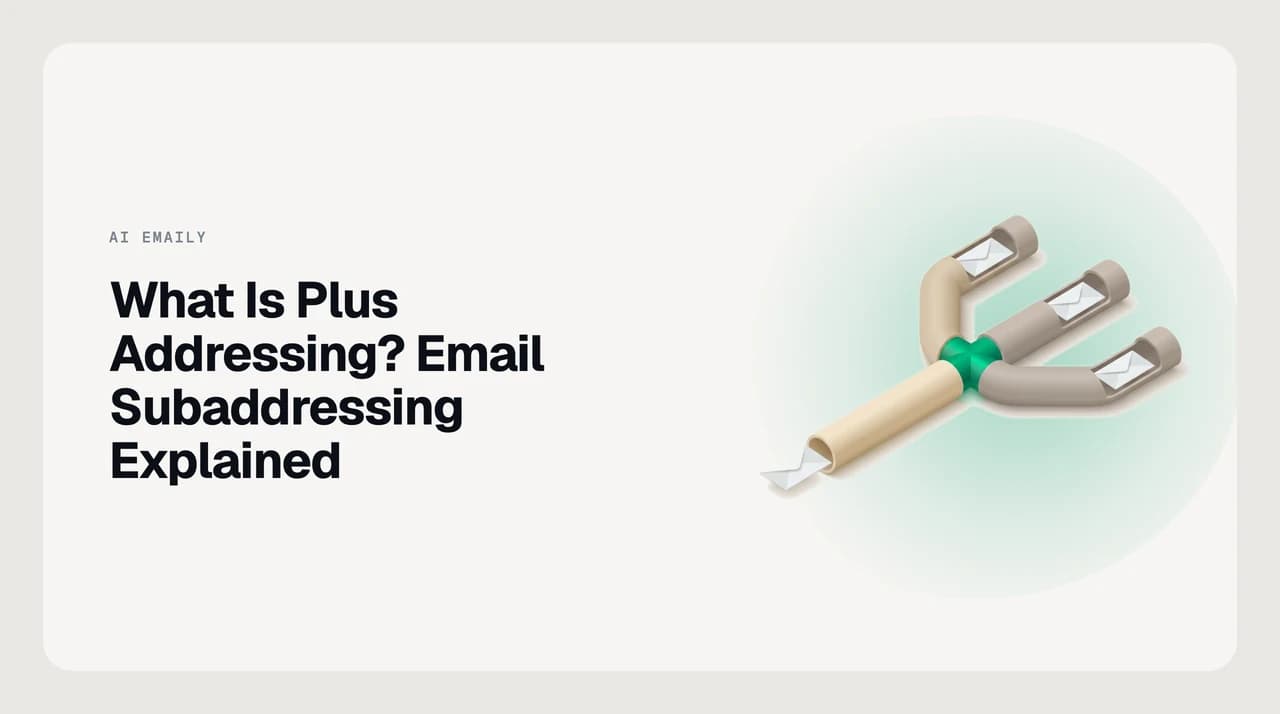
The short answer
Plus addressing, or subaddressing, lets you add a plus sign and a tag to your email — [email protected] — so mail still reaches [email protected] while carrying a filterable label. It works without setup on Gmail, Microsoft 365 and Outlook, Proton Mail and Fastmail, though some signup forms reject the plus character.
What is plus addressing in email? A plus tag like [email protected] reaches one mailbox, so you can filter mail and trace which sites leak your address.
On this page
Plus addressing is one of email's most useful built-in features, and once you notice it you start using it everywhere. So what is plus addressing in email? It is a way to add a tag to your existing address — [email protected] — so the mail still lands in your normal inbox while carrying a label you can filter, sort, or trace back to whoever you gave it to.
The plus sign and everything after it are the tag; the part before the plus is your real mailbox. The technique is also called subaddressing or detailed addressing, and it was formalised for the Sieve filtering language in RFC 5233 back in 2008. This guide covers how it works, which providers support it, how it differs from an alias, and why some websites still refuse the plus character.
How does plus addressing work?#
When you hand out [email protected], the mail server looks only at the part before the plus to decide where to deliver the message. The +tag is ignored for routing but kept in the message headers, so you can filter on it after it arrives. Nothing has to be created in advance — the tagged address works the instant you type it.
How does Gmail plus addressing work specifically?#
Gmail takes it one step further. Gmail also treats dots in the local part as meaningless, so [email protected], [email protected] and [email protected] all reach the same inbox. The plus tag is the label you add on purpose; the dots are just spellings Gmail forgives.
The idea is older than any one provider. RFC 5233, published in 2008, formalised subaddressing for the Sieve filtering language and defined the :user and :detail parts of an address. It notes that using + as the separator is a common convention rather than a hard rule — the exact way the tag is encoded is left to each mail system, which is why a few servers use a different character.
Which email providers support plus addressing?#
Most major providers support plus addressing with no setup, though the details differ and consumer accounts sometimes behave differently from business ones. The table below reflects each provider's own documentation as of August 2026 — always confirm in your account before you depend on a tag.
| Provider | Plus addressing | Notes |
|---|---|---|
| Gmail / Google Workspace | Yes | [email protected] reaches [email protected]; Gmail also ignores dots in the local part. |
| Microsoft 365 / Outlook (Exchange Online) | Yes, on by default | Receive-only. An admin can turn it off for the whole organisation. |
| Proton Mail | Yes, all plans | You can reply from a plus address but not start new mail from it. |
| Fastmail | Yes | Also supports subdomain addressing: [email protected]. |
| Self-hosted / Sieve | If configured | The RFC 5233 :detail extension; the separator is usually + but is set by the server. |
Plus addresses receive, they don't send
Why plus addressing matters#
The point of a tag is that it survives into your inbox, where you can act on it. Two jobs make plus addressing worth the effort: filtering and leak-tracing.
For filtering, you route each kind of mail to its own tag and write one rule per tag — everything sent to you+receipts@ goes to a Receipts folder, everything to you+news@ skips the inbox. For leak-tracing, you give every signup a different tag, so the address itself records where the mail came from.
Without tagging, incoming mail is one undifferentiated stream and you are left filtering on sender names that change. A legitimate sender keeps mailing the exact address you gave it — tag and all — so the label stays a reliable handle for your rules. A bad actor can strip the +tag, which is precisely why plus addressing is good at tracing leaks but does not stop them.

Trace which site leaked your address
Plus address vs alias: what's the difference?#
People often use the terms plus address and alias interchangeably, but they are different objects. A plus address is your one mailbox wearing a filterable label. An alias is a separate address that your provider maps to a mailbox — a distinct thing you create, and often one you can also send from.
| Question | Plus address | Alias |
|---|---|---|
| Separate address object? | No — same mailbox, a label | Yes — a distinct address |
| Setup needed? | None; works instantly | Create it in your account settings |
| Hides your real address? | No — anyone can strip +tag | Yes — the base isn't derivable |
| Can you send from it? | Usually no (receive-only) | Often yes |
| How many can you make? | Unlimited, instantly | Limited by your provider or plan |
| Best for | Filtering and tracing signups | A durable separate identity |
The exposure difference#
The practical gap between the two is exposure. Anyone who receives [email protected] can delete the +shop and reach [email protected], so a plus tag never hides your real address. A well-configured alias — or a masked-email service — does not reveal the mailbox behind it.
That makes the choice simple. Use a plus tag when you want to sort and trace mail you are happy to receive. Reach for an alias, or a disposable address, when the goal is to keep your real mailbox out of a stranger's hands.
Common misconceptions#
A few beliefs about plus addressing cause real trouble:
- “It hides my address.” No. The base address is right there — strip the +tag and you have it. Plus addressing traces leaks; it does not anonymise you.
- “It creates a new mailbox.” No. There is one mailbox. The tag is a routing label, not a separate account, which is why you usually cannot send from it.
- “Every site accepts it.” No. Some signup forms reject the + as invalid, and a few sites strip the tag on purpose to block disposable signups.
- “It is the same as an alias.” No. An alias is a distinct address object; a plus tag is your one address wearing a label.
Why some sites reject the plus sign
How AI Emaily uses this#
Plus addressing gives inbound mail a label, but the filtering still has to happen somewhere, and it only works while the tag survives. A sender who buys a leaked list can strip the +tag, and a signup form can refuse the plus outright — so a rule that keys only on the tag quietly stops matching. AI Emaily is an AI email client that triages the mail reaching your inbox by sender and content, not only by a plus tag, so your sorting keeps working when the tag is gone.
The plus address itself is created at your provider, not in AI Emaily — we file and act on what arrives, we don't mint the address. We build AI Emaily; its Rules and Context Brain turn “mail tagged +acme” into a standing instruction that files, labels, or archives it automatically, and layer content-based triage on top so a stripped tag doesn't break the rule.
Frequently asked
See it in AI Emaily
Keep reading
Sources

Written by
Nafiul HasanNafiul Hasan is an entrepreneur and AI automation system builder with 10+ years of experience turning messy, manual workflows into reliable automated systems. He designs and ships AI enterprise solutions end-to-end — the agent logic, the data plumbing, and the product people actually use — and founded AI Emaily to give busy professionals their attention back. He writes here from the builder's seat: what works, what breaks, and how to put AI to work without giving up control.