What Happens When You Mark an Email as Spam?

The short answer
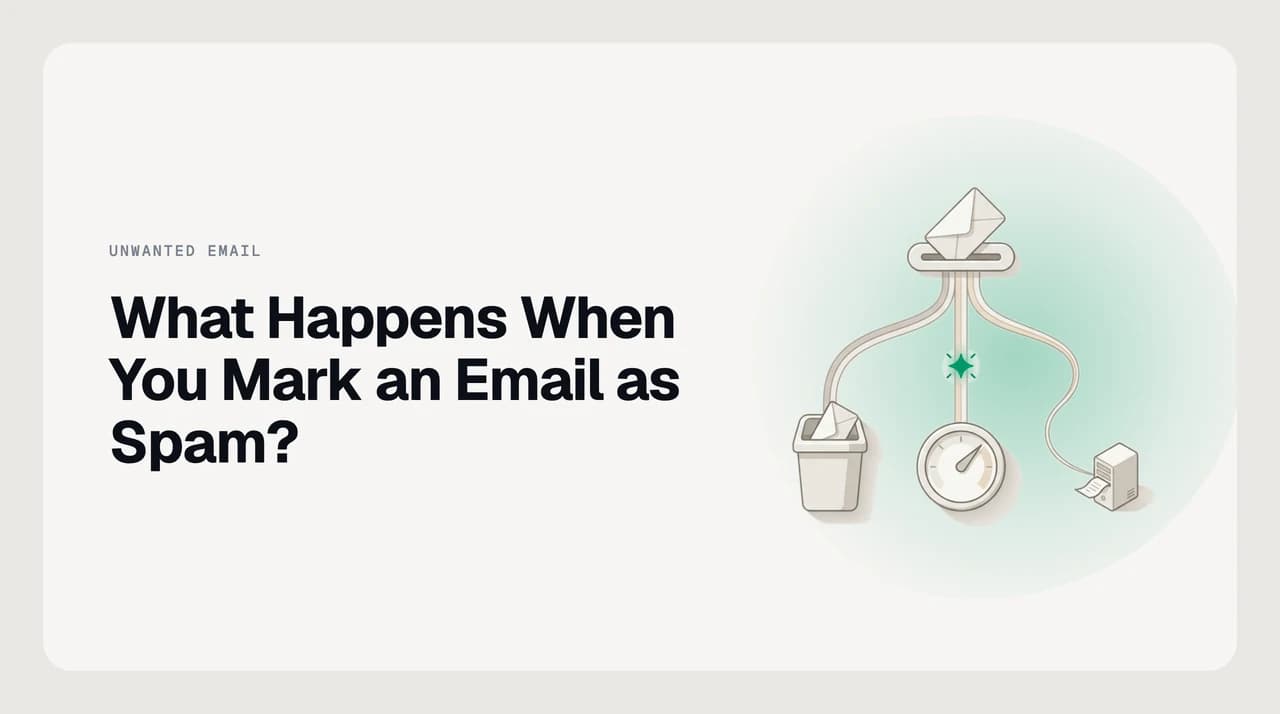
Marking an email as spam moves it to your spam folder, tells your provider's filter that the message is unwanted, and — for some providers — sends an aggregate complaint signal to the sender's network. The sender is not notified individually. Gmail deletes spam after 30 days; Outlook.com deletes it after 10.
What really happens when you mark an email as spam — the message moves, your filter trains, a complaint may reach the sender. Retention: 30 days.
On this page
When you click Report spam in Gmail or Junk in Outlook, three things happen in sequence: the message moves out of your inbox, your mail provider records a personal filter signal against your account, and — depending on the provider — an aggregate complaint report may travel back toward the sender's network. None of those steps notify the sender directly. None of them cancel a subscription or reject mail at the sender's server.
Whether marking spam reliably stops that sender from reaching you again is a different, efficacy-focused question — answered in the companion piece on whether marking email as spam actually does anything. This post covers the mechanics: what the button literally does, step by step, from your click through to the provider's filter and on toward the sender's reputation.
What the Spam Button Does, Step by Step#
Each step in the chain is distinct. Understanding them explains why some effects are immediate and personal, while others are slow and collective.
- 1
The message is moved to your spam or junk folder
The email is immediately cut from your inbox and placed in a dedicated spam or junk folder. It is not deleted yet — you can still find it there. Nothing in this step contacts the sender or changes what they can send you.
- 2
Your personal filter is updated
Your mail provider records the report against your account. Future emails from the same sender — and in some cases, emails with similar content patterns — become more likely to be routed to spam automatically. This is account-level learning. It does not affect how other users receive mail from the same sender.
- 3
A copy of the email may be shared with your provider
Gmail's help documentation states that when you report spam, Google receives a copy of the email and may analyse it to help protect users from spam and abuse. This lets the provider identify patterns across many accounts, not just yours. The extent of this analysis varies by provider and is not publicly detailed.
- 4
A feedback-loop complaint may be sent upstream
Some providers run email feedback loops (FBLs): structured complaint reports forwarded to the sender's email service provider so they can suppress recipients who complained. Gmail does not forward individual complaints — it provides aggregate spam-rate data to senders through its Postmaster Tools dashboard. Outlook.com forwards individual reports in ARF format through its Junk Email Reporting Program. Other major providers vary in whether and how they operate an FBL.
- 5
The message is automatically purged after a retention window
Spam and junk folders are not permanent archives. Providers delete their contents after a fixed period to limit storage and reduce ongoing exposure to held content. The window differs by provider, and once it closes the message is gone without further warning.
How Long Does the Spam Folder Keep Messages?#
The retention period is the window you have to recover a message you marked by mistake. After it closes, the message is deleted automatically.
| Provider | Folder name | Auto-deletes after | How to undo a mistaken report |
|---|---|---|---|
| Gmail | Spam | 30 days | Open Spam, select the message, click Not spam at the top |
| Outlook.com (personal account) | Junk Email | 10 days | Open Junk Email, right-click the message, select Not junk |
| Microsoft 365 (work or school account) | Junk Email | 30 days by default (administrators may override this) | Select the message, then use Home > Report > Not Junk, or drag it to the inbox |
Outlook.com gives you only 10 days
What Is an Email Feedback Loop, and Does Your Report Reach the Sender?#
A feedback loop (FBL) is a channel between a mailbox provider and the party sending mail — usually the sender's email service provider — through which complaint data is shared. It exists because senders cannot otherwise see who marked their mail as spam. FBLs let responsible senders remove complainers from their lists and catch deliverability problems early, before complaints accumulate into a reputation penalty.
Providers implement them differently. Gmail does not forward individual complaints to senders. Instead, it surfaces aggregate complaint-rate data in its Postmaster Tools dashboard: a sender can see that a campaign generated an unusually high complaint rate from Gmail users during a given window, but cannot identify which addresses complained. Outlook.com uses ARF, the Abuse Reporting Format, to forward individual complaint emails to senders registered with Microsoft's Junk Email Reporting Program; these reports include the original message. The Spamhaus Project maintains reputation blocklists that draw on abuse reports and affect delivery at the network level, independently of any per-user action.
The practical picture: your individual report updates your personal filter immediately. Its contribution to a sender's broader reputation is slow and proportional to how many other users do the same. One report rarely changes anything for anyone else. Thousands of reports from different users, arriving in a short window, can trigger provider-level action against that sender.

Spam Report vs Block vs Unsubscribe: What Each One Actually Does#
These three actions feel interchangeable but operate through different mechanisms. Marking spam when you intended to unsubscribe keeps you on the list. Blocking when a spam report would have helped the provider's filter misses the point. A bulk sender who rotates sending addresses defeats a block tied to a single address; a spam report is more robust there because filter patterns can match on sender behaviour and domain, not just a specific address.
| Action | Immediate effect | Stops sender reaching you? | Notifies sender? | Helps others? |
|---|---|---|---|---|
| Mark as spam | Message moves to spam; personal filter updated | Probably, via filter — not guaranteed | No (aggregate FBL signal only, not individual) | Weakly — contributes to collective complaint signals over time |
| Block sender | Future mail from that address is moved to spam or rejected | Yes, for that specific sending address | No | No |
| Unsubscribe | A removal request is sent to the sender's mailing list | Only if the sender honours the request | Yes — the request is visible to the sender | No |
What Marking Spam Does Not Do#
Several common beliefs about the spam button are wrong, and acting on them produces frustration rather than results.
The sender does not receive a notification. No message goes to the sender saying you marked their email as spam. High-volume senders can access aggregate complaint-rate data from providers like Gmail and Microsoft, but they cannot identify you from it.
Mail is not blocked at the sender's server. Your provider's filter will try to intercept future mail from that sender before it reaches your inbox, but the sender's server continues operating normally. The sender has no technical sign that anything changed. A very high complaint rate across many users can eventually damage the sender's deliverability reputation, but that is a slow, cumulative process with no reliable single-user trigger.
Your subscription is not cancelled. A mailing list keeps sending until you use its unsubscribe mechanism — either the link in the email footer or the one-click List-Unsubscribe option that Gmail and Outlook surface in their UI. Marking a newsletter as spam does not remove your address from that list. It trains your filter to catch future sends, but if the sender switches infrastructure or if your filter lets one through, you will see it again.
How This Shows Up in AI Emaily#
The spam button trains a reactive filter — it reports what already reached you. AI Emaily's spam-protection layer applies a proactive filter before mail arrives in your inbox at all, scoring each incoming message on sender behaviour and content signals rather than waiting for you to flag messages one at a time. A sender who rotates addresses to escape a block tied to a single address does not reset our domain-level and behaviour-level scoring. We build AI Emaily.
Frequently asked
See it in AI Emaily
Keep reading
Sources

Written by
Nafiul HasanNafiul Hasan is an entrepreneur and AI automation system builder with 10+ years of experience turning messy, manual workflows into reliable automated systems. He designs and ships AI enterprise solutions end-to-end — the agent logic, the data plumbing, and the product people actually use — and founded AI Emaily to give busy professionals their attention back. He writes here from the builder's seat: what works, what breaks, and how to put AI to work without giving up control.